プロンプト ライブラリ
How does the prompt library work?
Start with the image you need to make, not with a blank prompt. Search by style, scene, mood, or production constraint, then open a prompt that already contains the framing, lighting, identity, and output-format rules you want to reuse.
The best prompts here are meant to be adapted. Keep the core visual rule intact, swap the campaign-specific details, generate a small test batch, and save the strongest version as your production baseline.
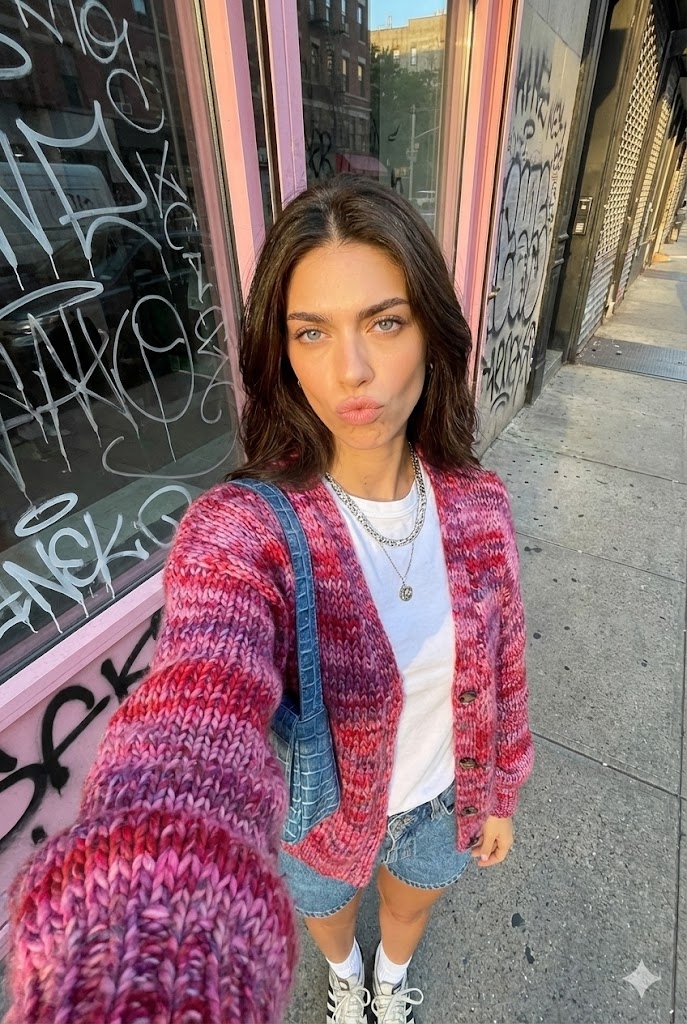
ゴールデンアワー 都市 セルフィー
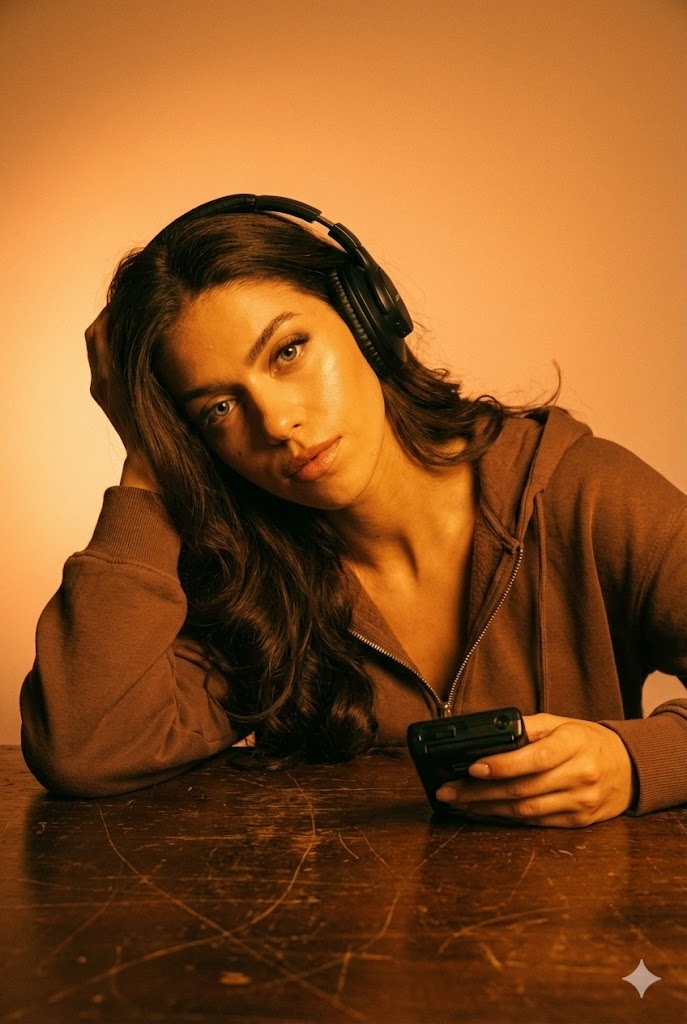
琥珀色の光 オーディオ
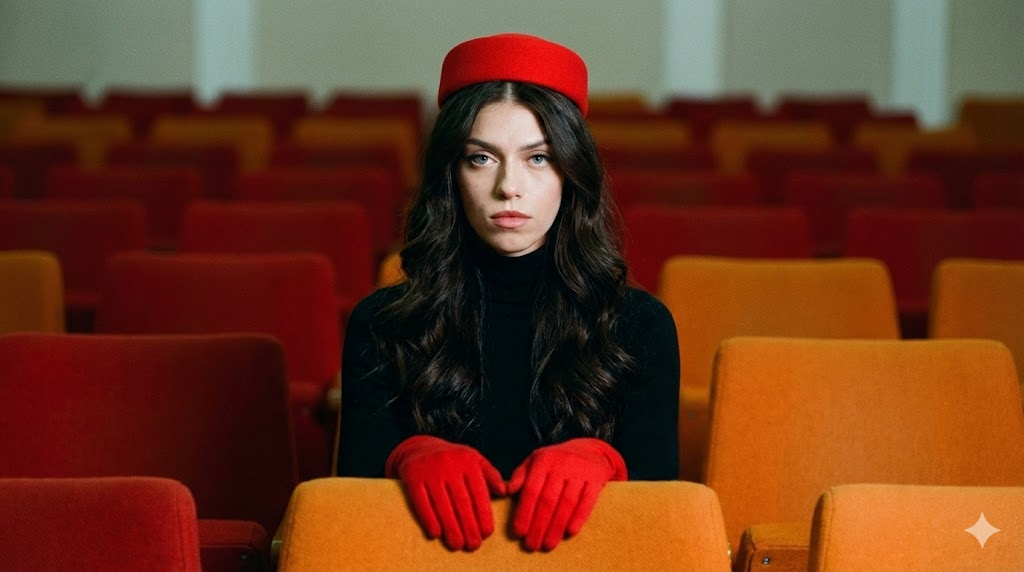
シンメトリー レトロ ポートレート
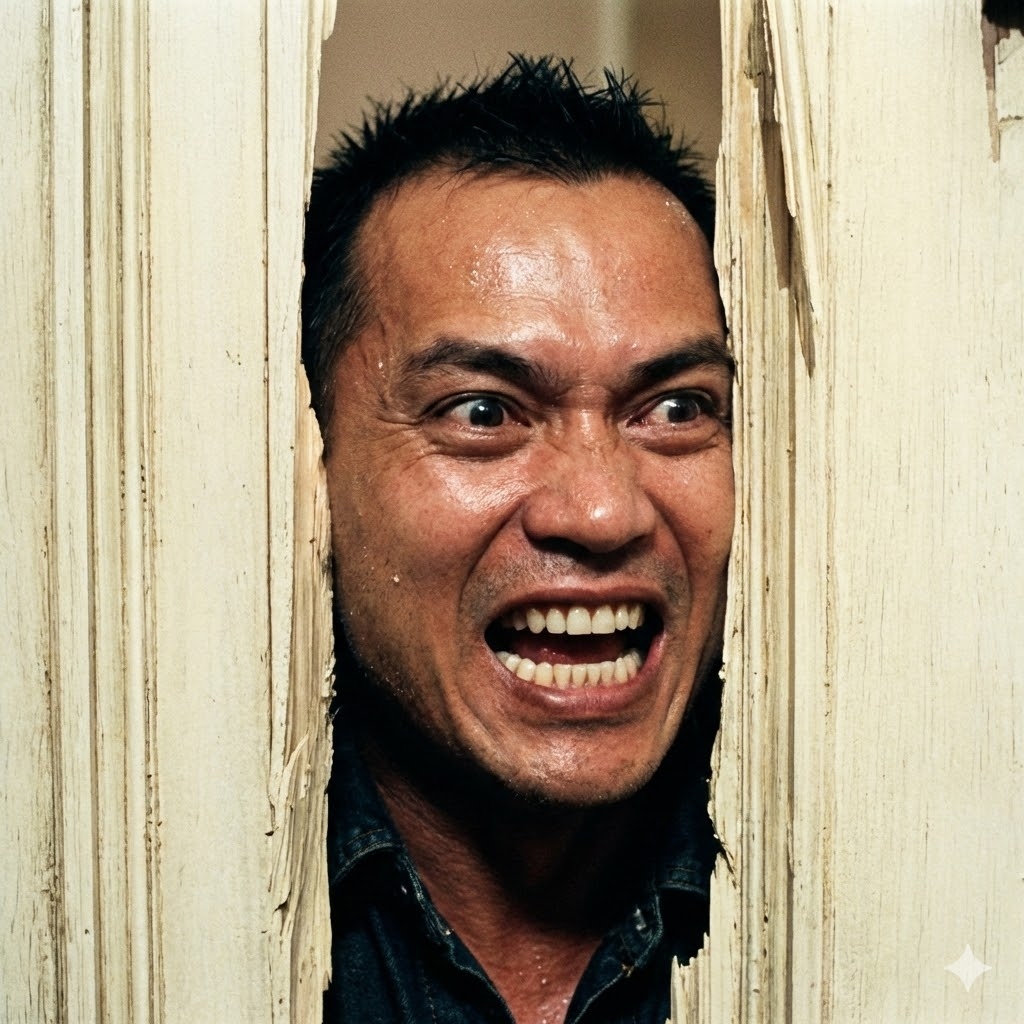
シャイニング ドア破壊
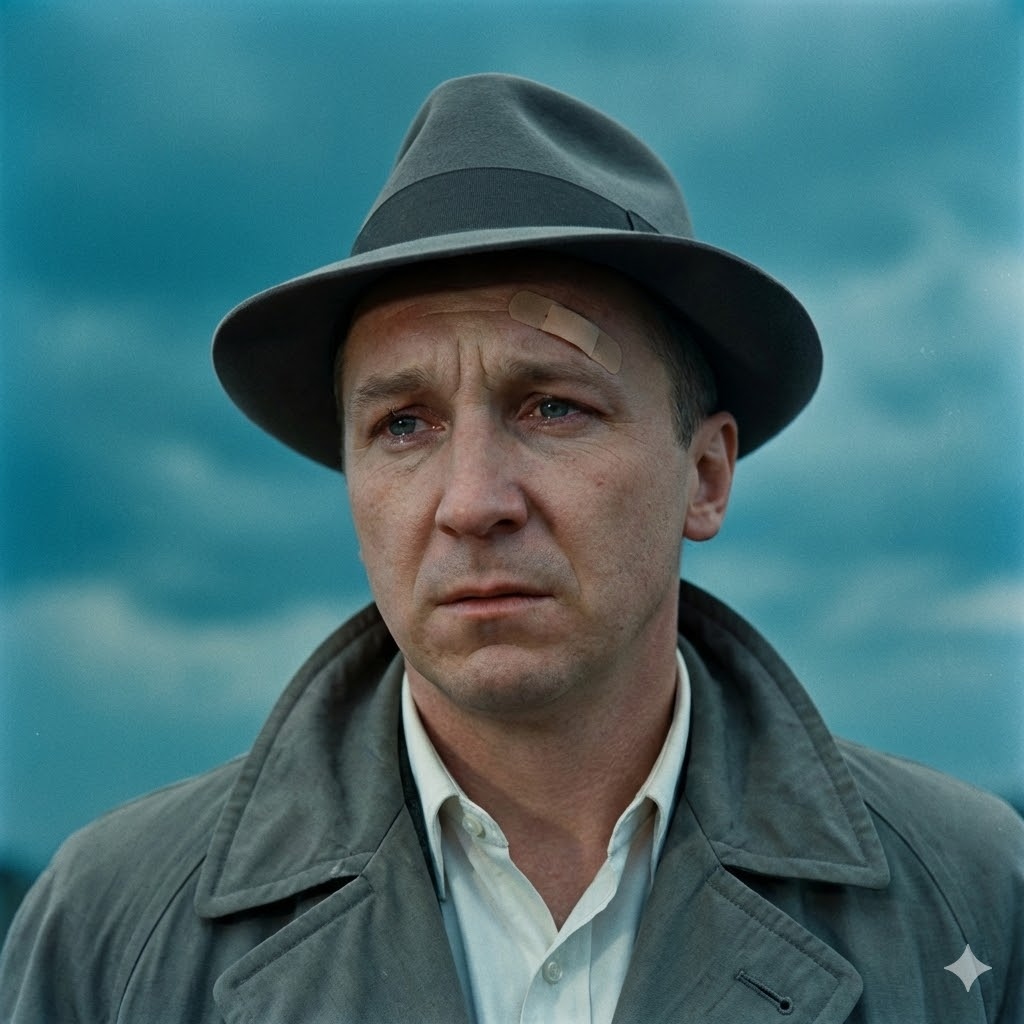
ヴィンテージ フィルムノワール

Die Hard 空調ダクト
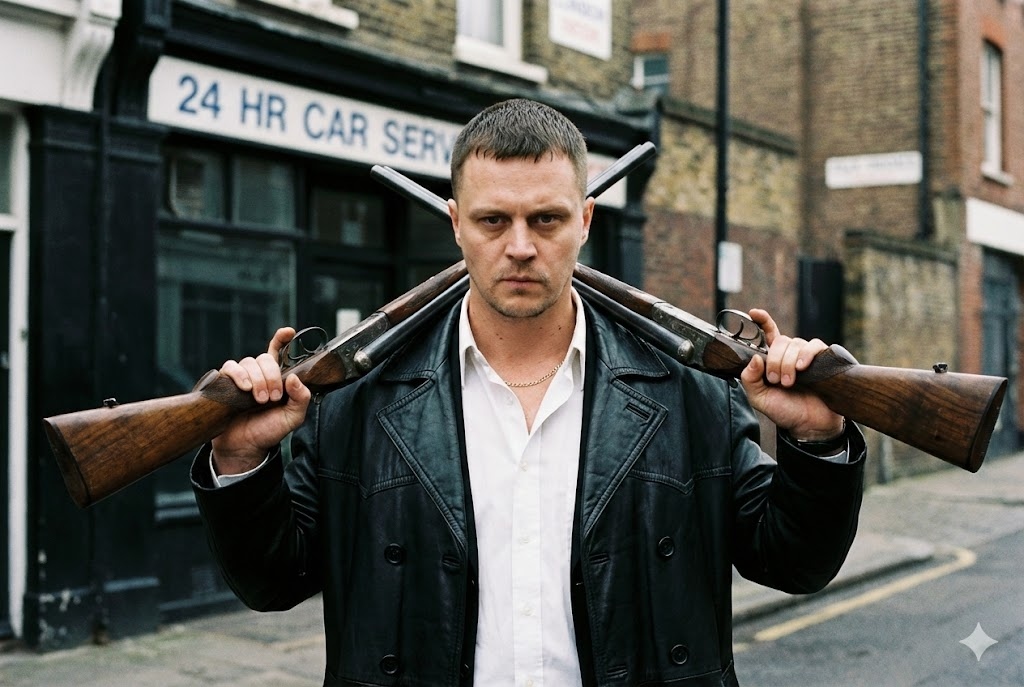
英国風 Crime ギャングスター

岩場の階段 勝利

クライムドラマ トラックスーツ
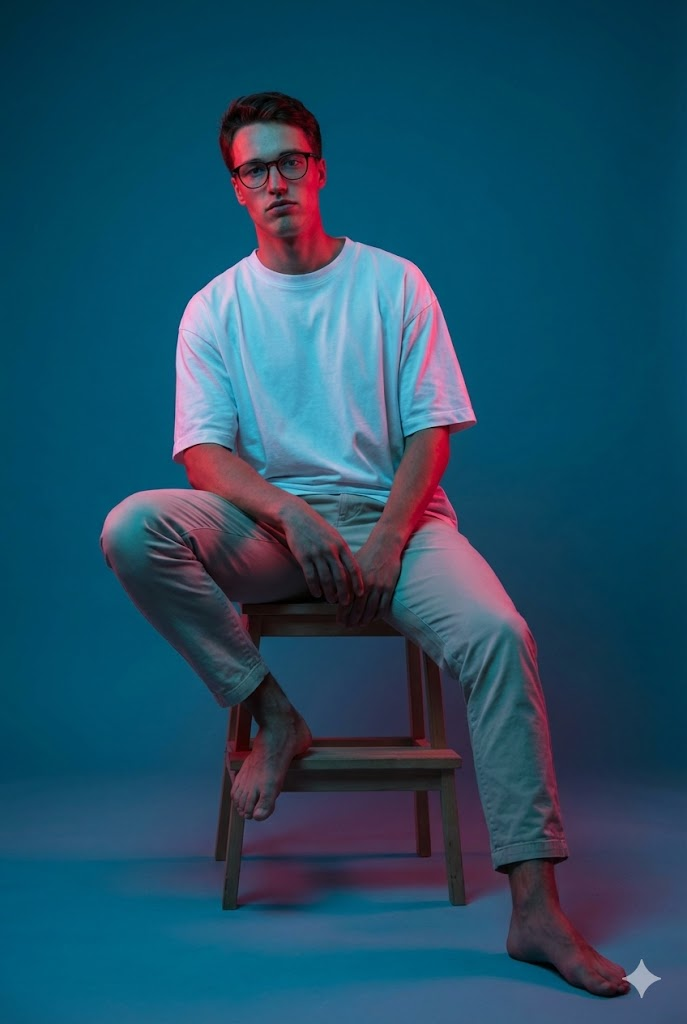
Gel ライティング 座り

単色 オレンジ

ストロボスコープ 瞑想
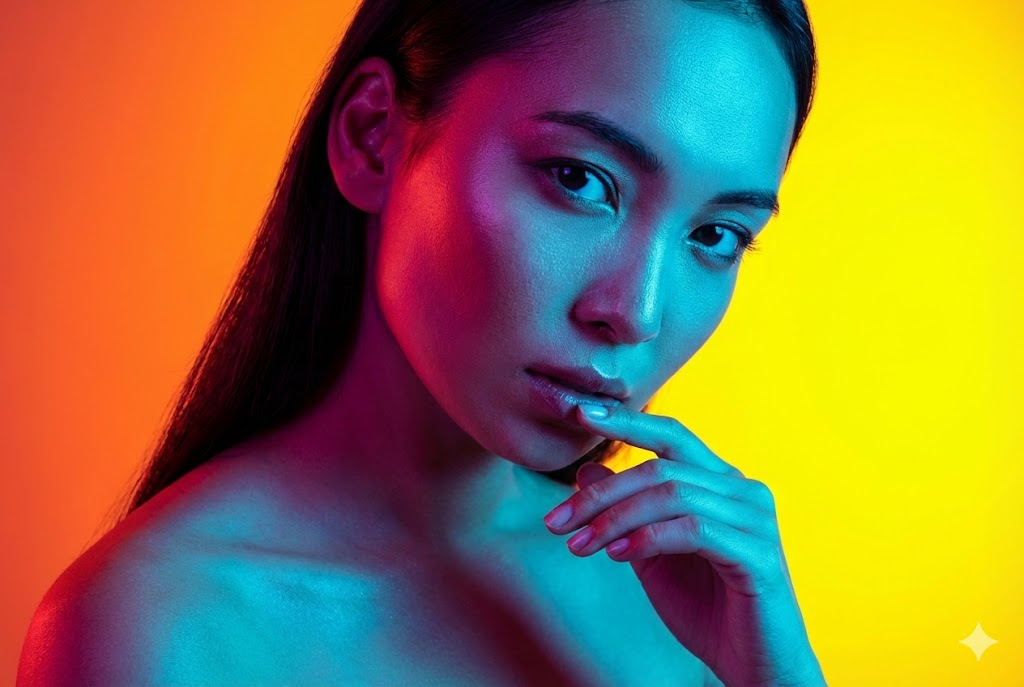
二灯ライティング ビューティー

ポップアート ファッション
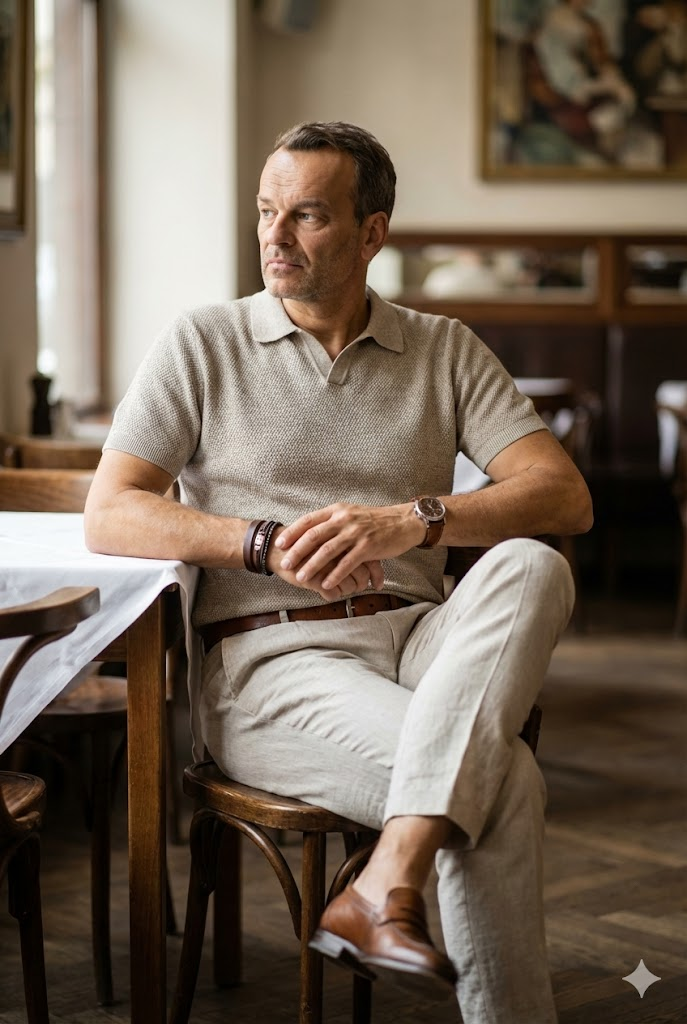
カフェ Lifestyle ポートレート
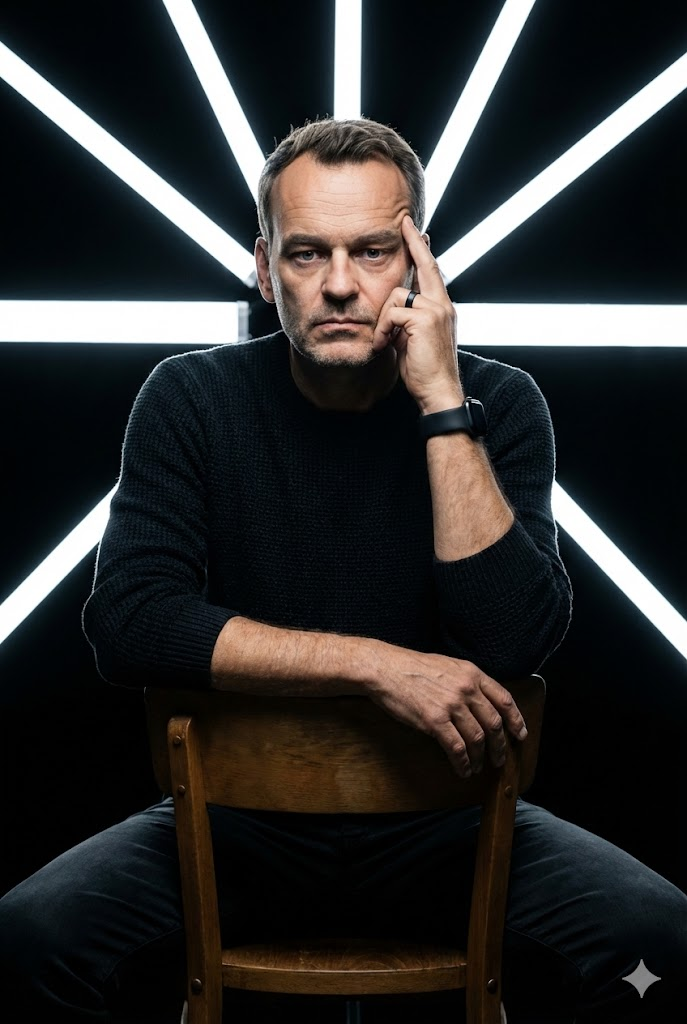
幾何学的な LED Studio

ネオン Cyan ファッション

Vibrant 夏 ファッション
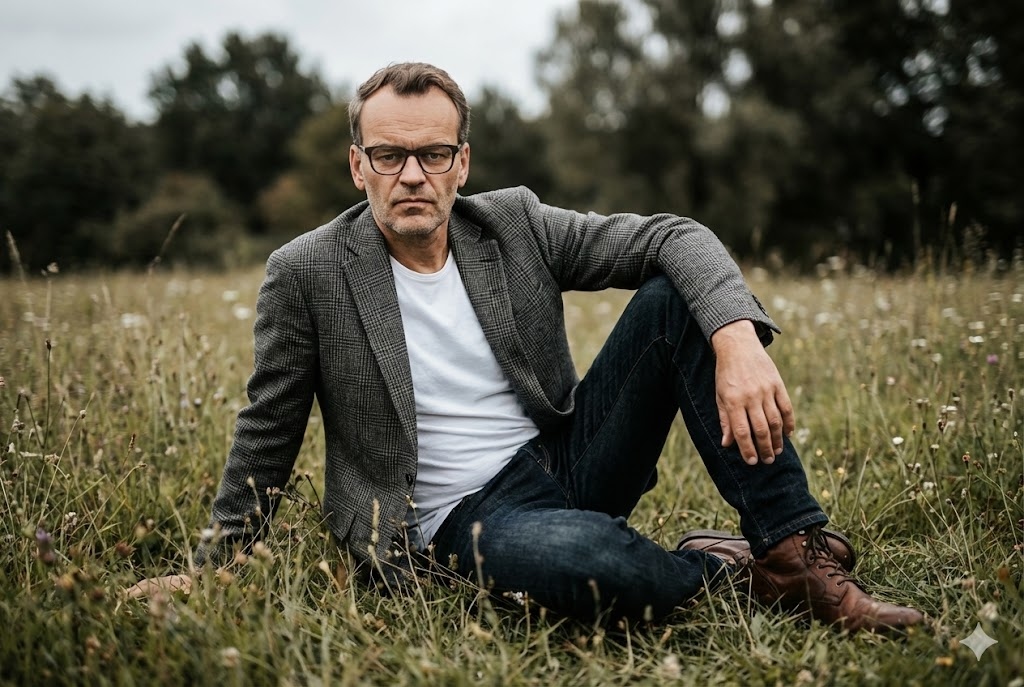
映画的な 屋外 フィールド
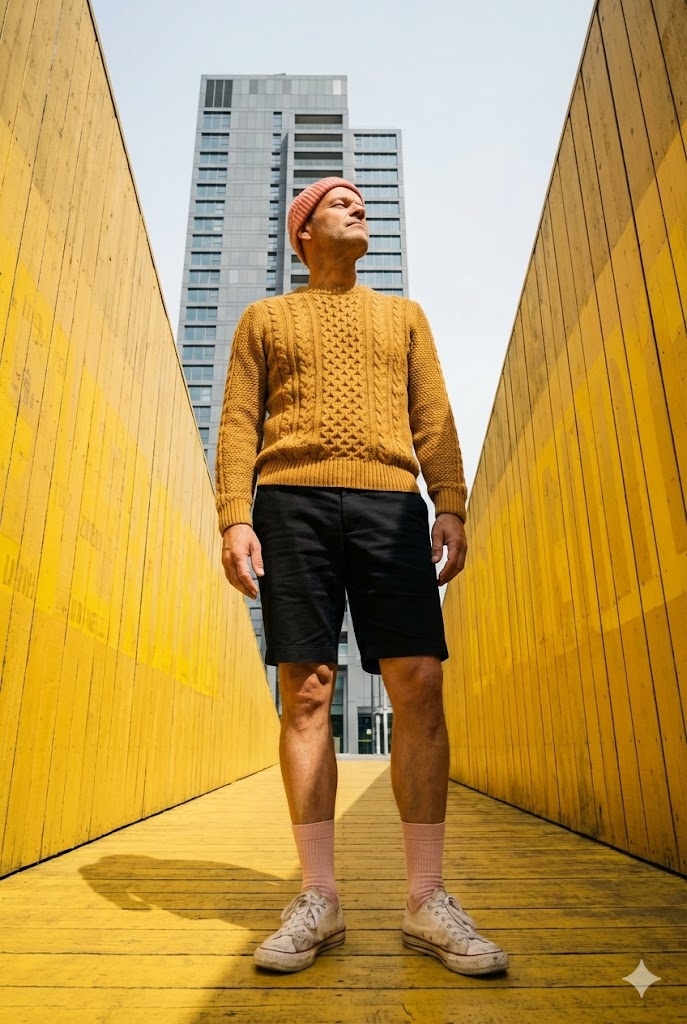
Yellow 都市 Architect
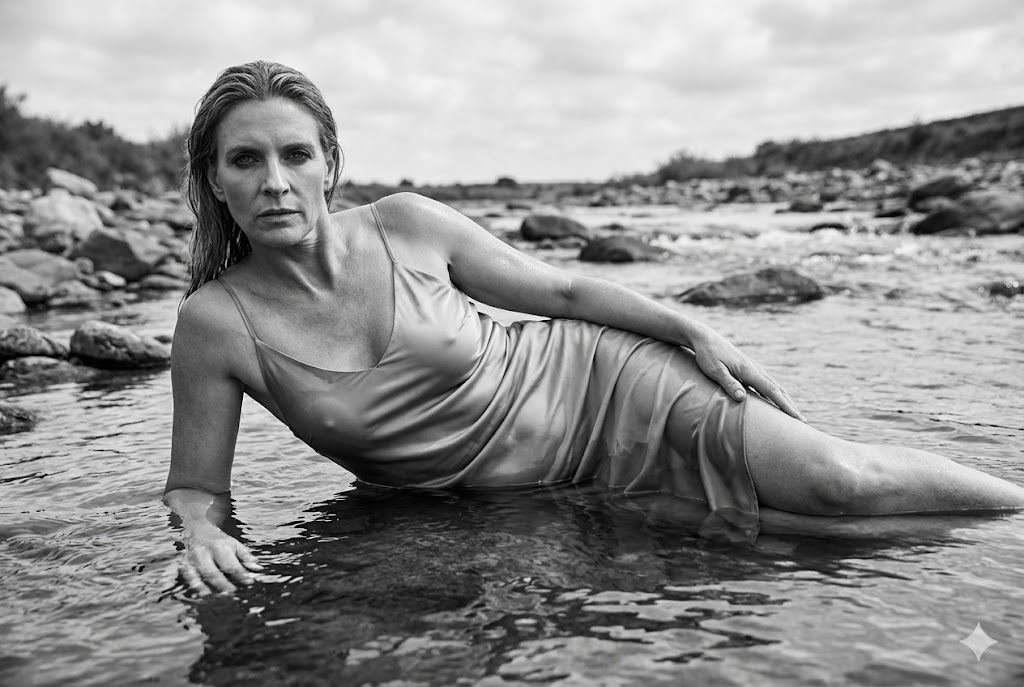
映画的な モノクロ 川床
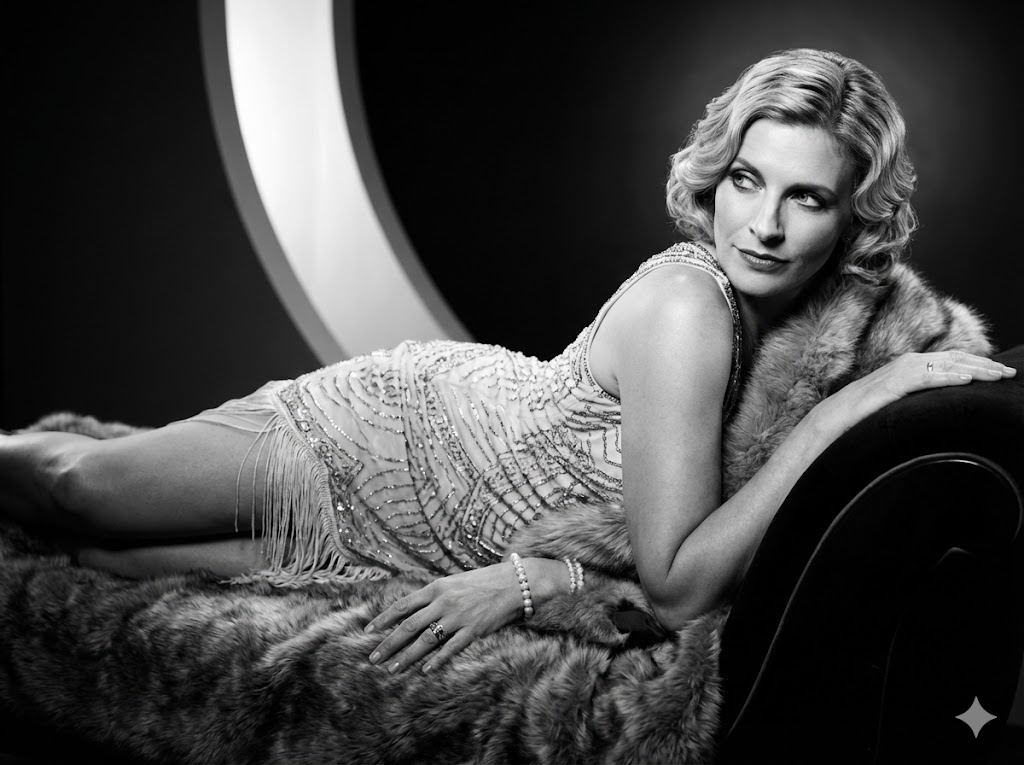
モノクロ Glam 1920s
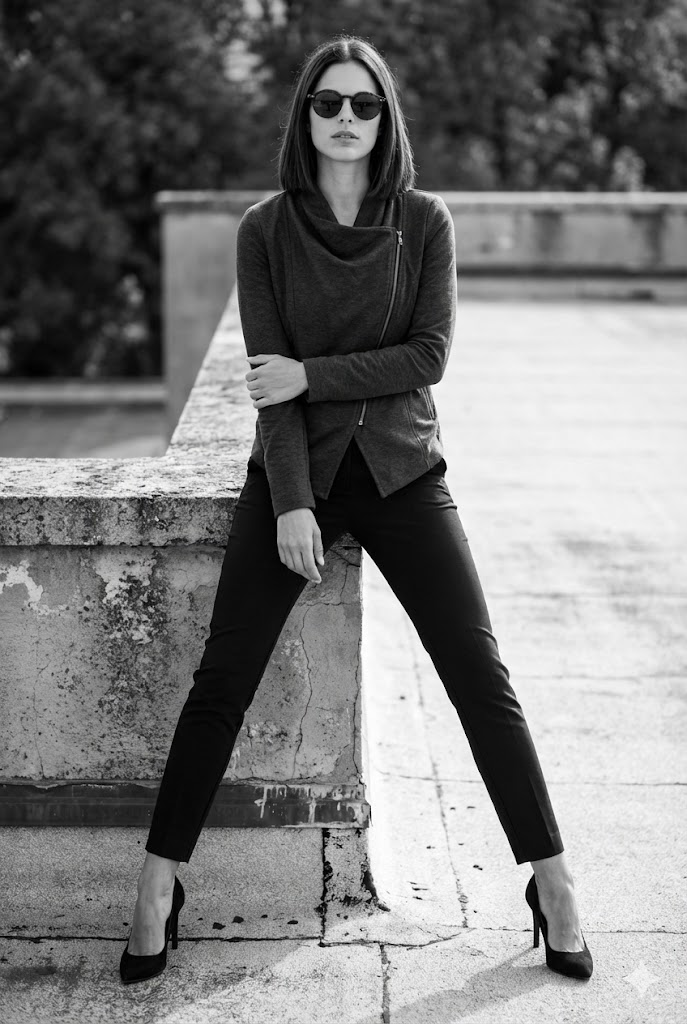
都市 屋上 モノクロ

Sunlit 影 ポートレート
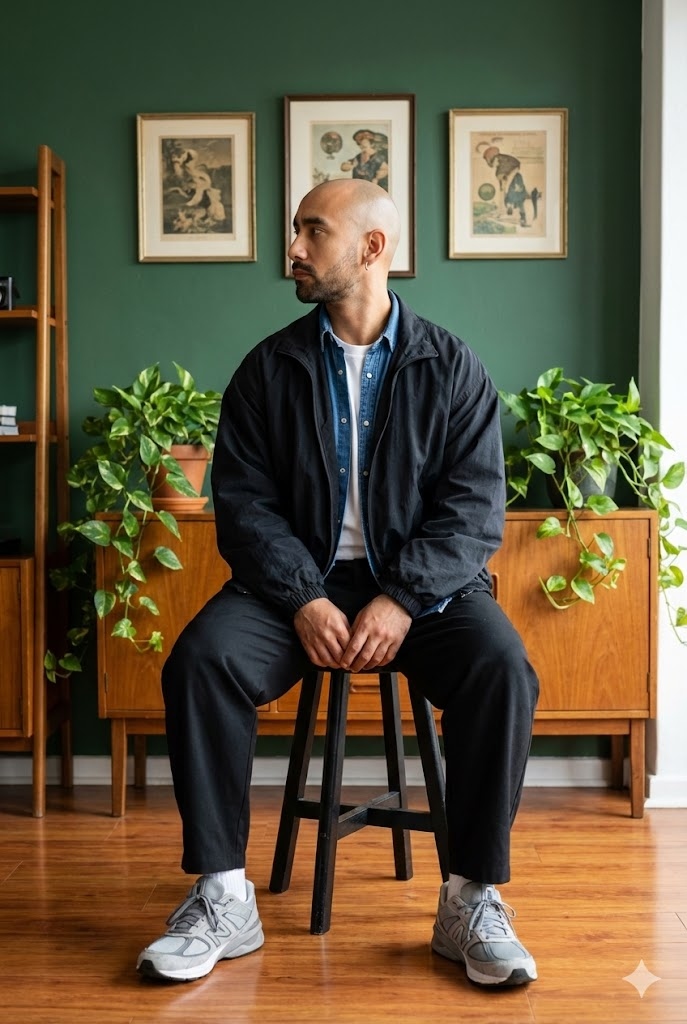
Lifestyle ポートレート Stool
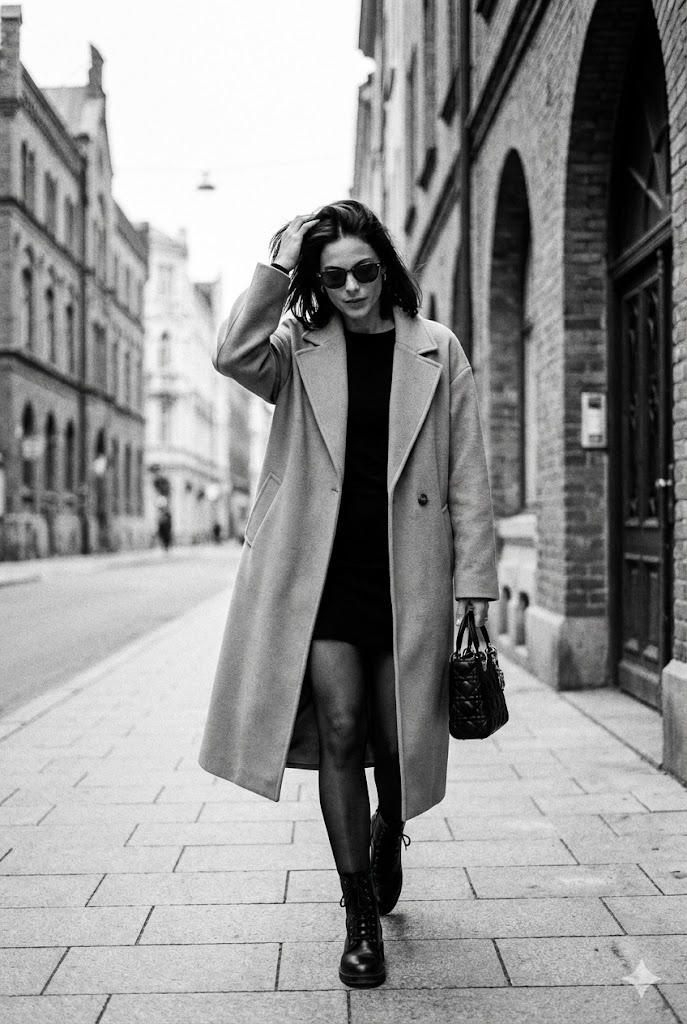
自然な モノクロ ストリート 写真

ミニマル Studio 手元フォーカス

映画的な 屋外 ファッション Reeds

都市 ストリート カメラ

エディトリアル 座り on Sculpture
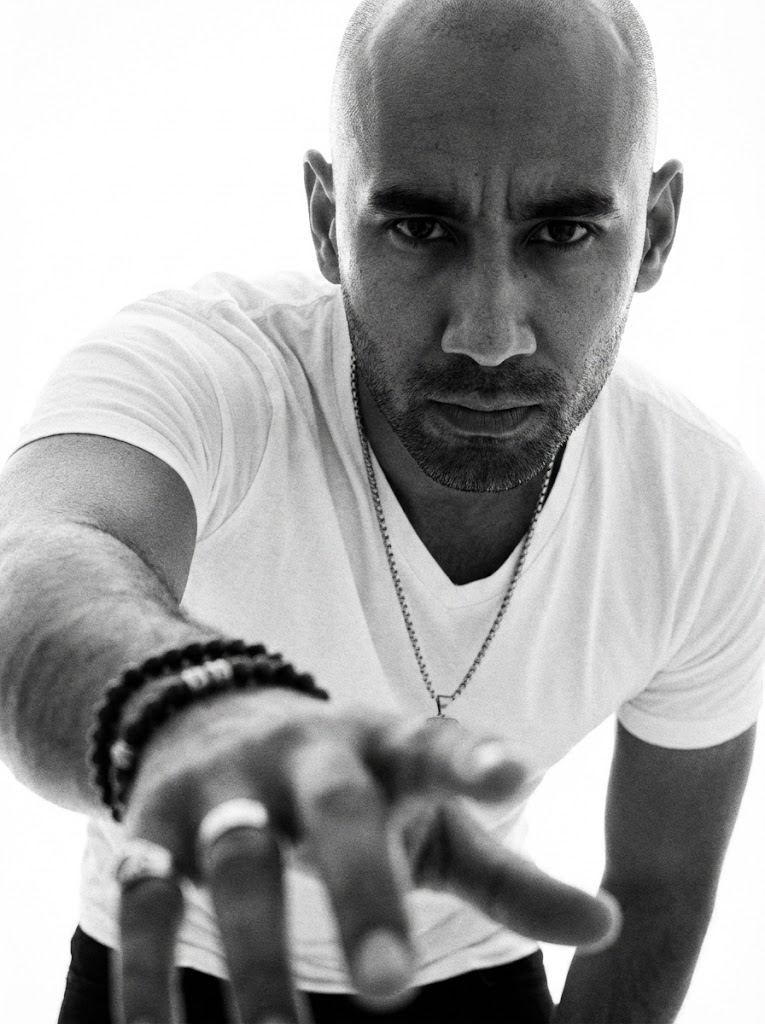
モノクロ ドラマチックな 手元フォーカス
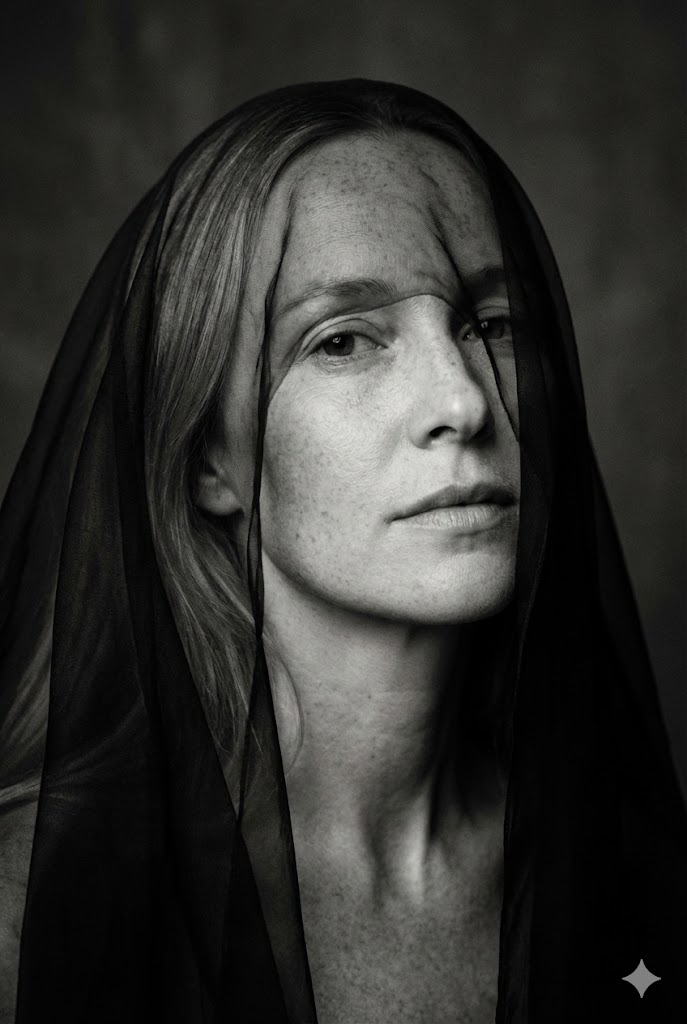
ミニマル モノクロ ファインアート Veil over Eyes
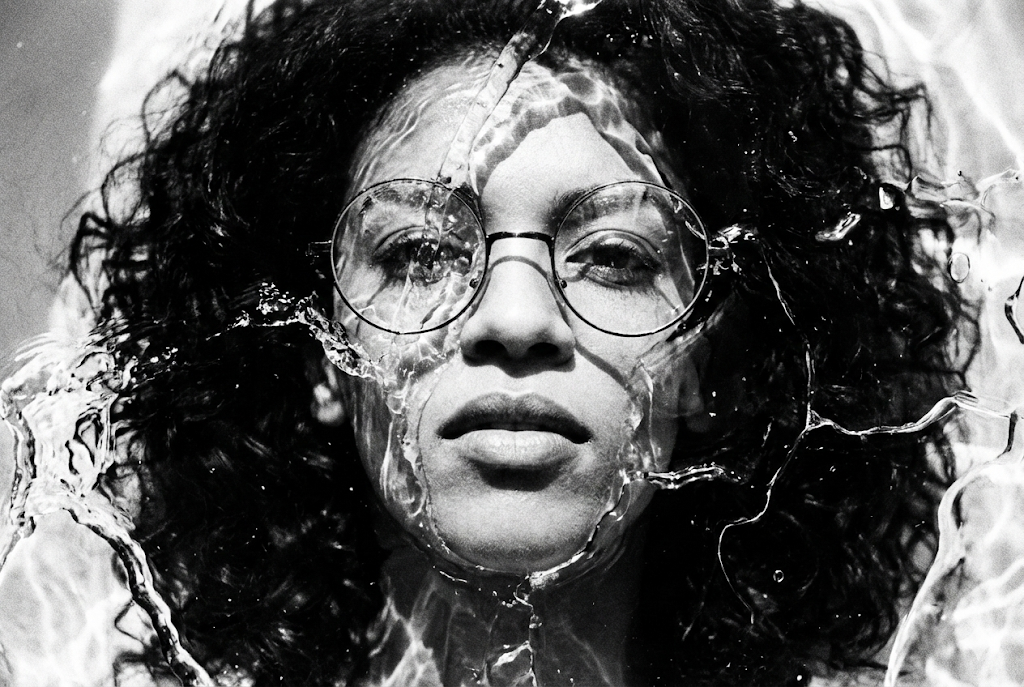
高コントラスト モノクロ ファインアート Liquid Ice Texture
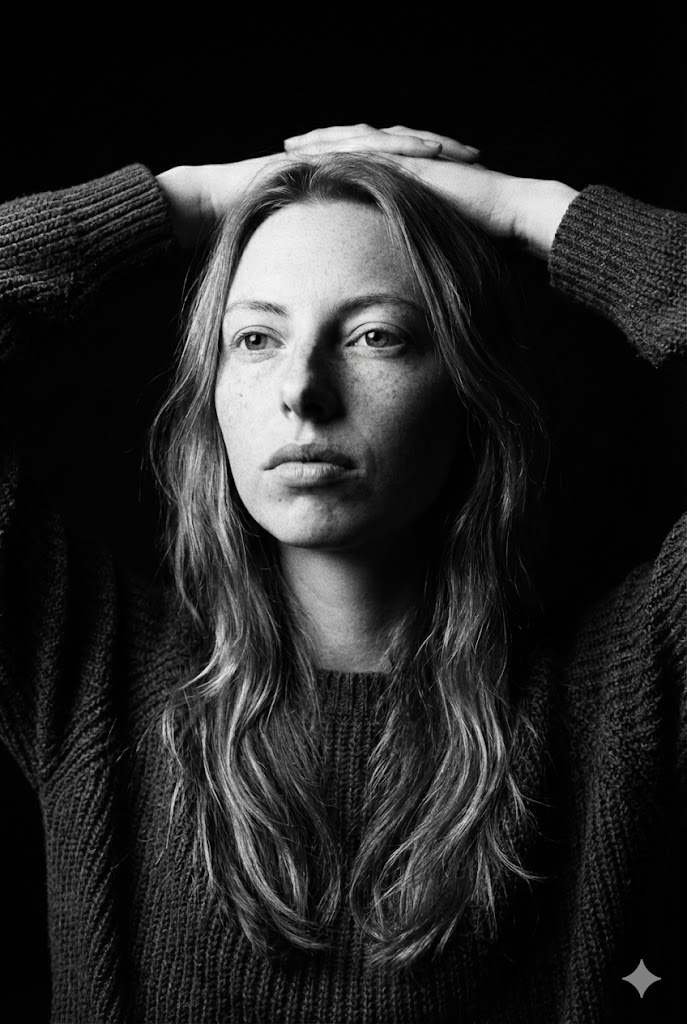
Dark ファインアート モノクロ Hands Behind Head
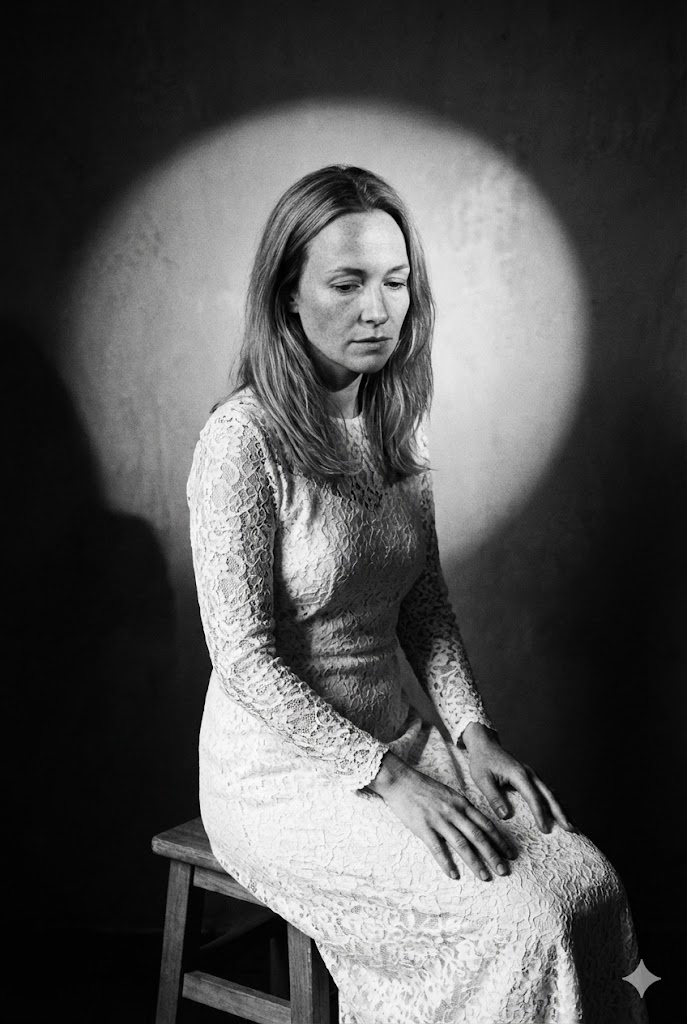
ファインアート ポートレート 座り on Stool
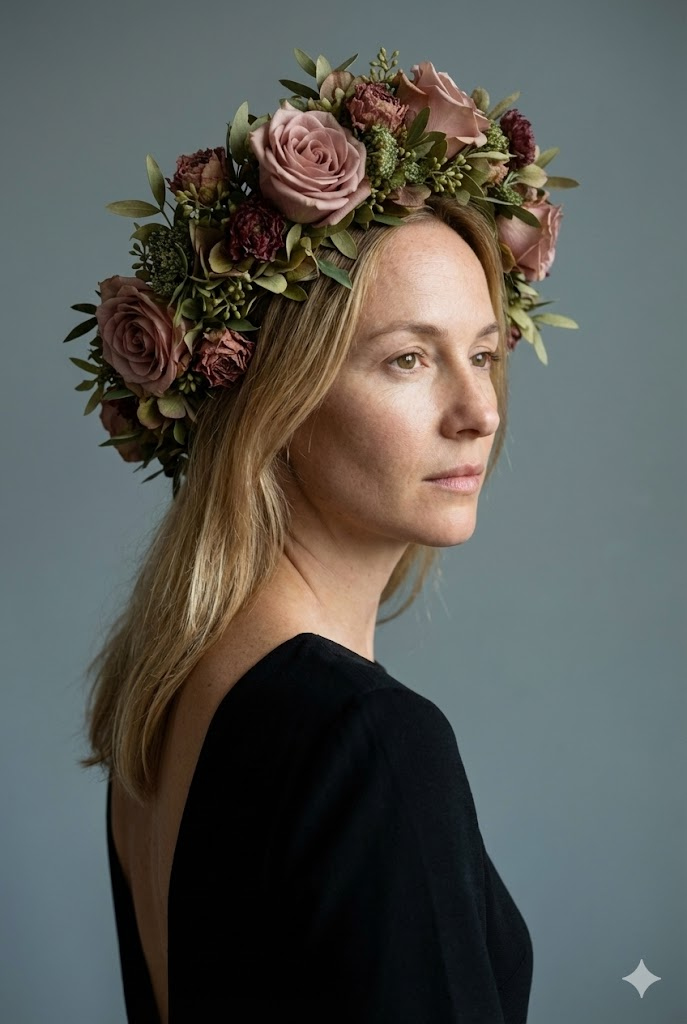
ファインアート スタジオポートレート Floral Headpiece
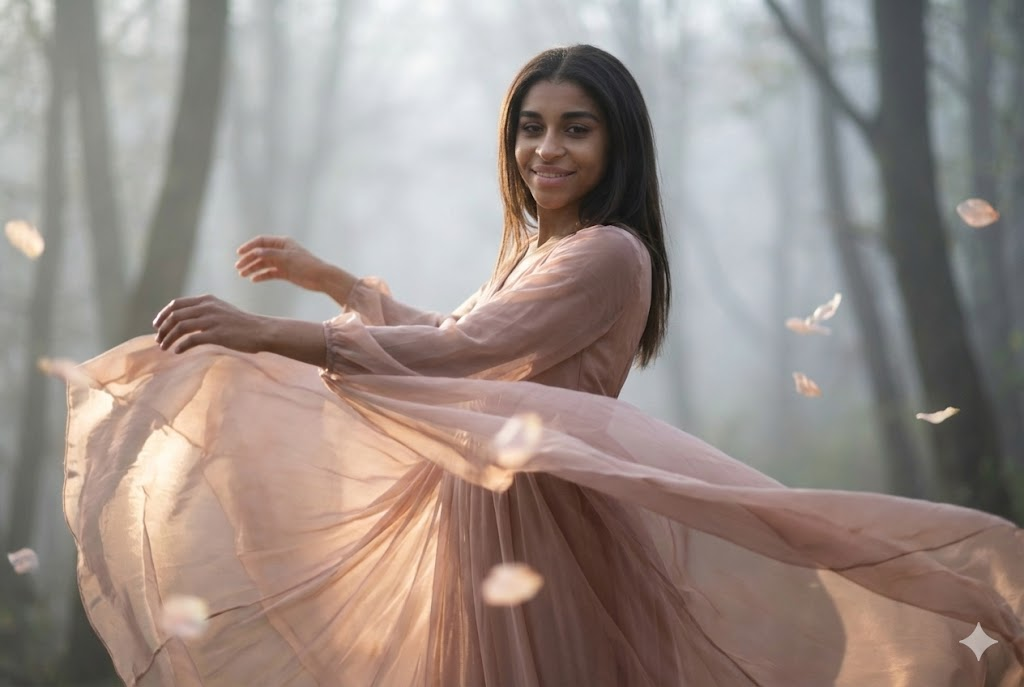
ファインアート 映画的な ポートレート Dancing Motion

コンセプチュアル ファインアート ポートレート Child Holding Tablet

映画的な ファインアート ポートレート Lattice 影 Pattern

Artistic ファインアート ポートレート Green Velvet & Foliage
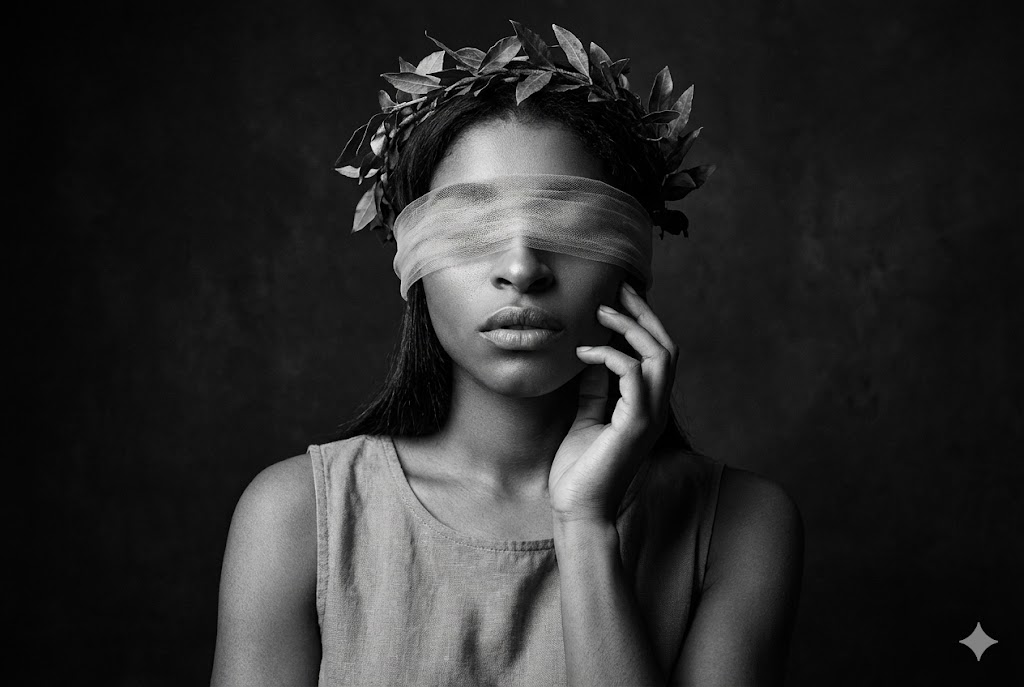
ドラマチックな モノクロ ファインアート Blindfold & Wreath
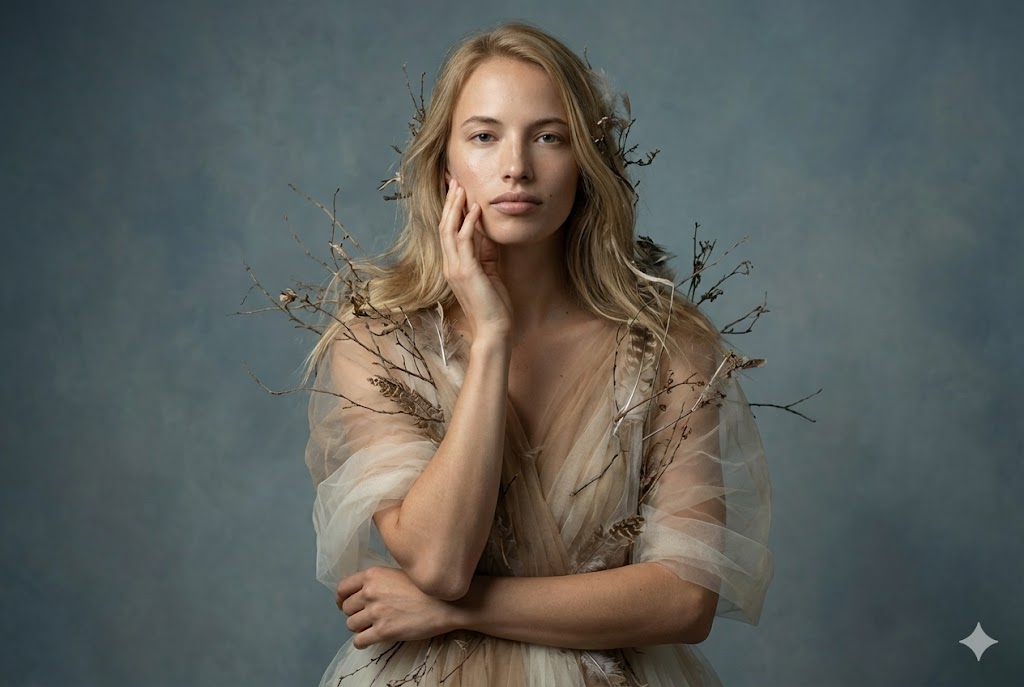
ファインアート エディトリアル ポートレート Tulle & Organic Elements

Artistic 映画的な ポートレート Lying Down with Dried Flowers
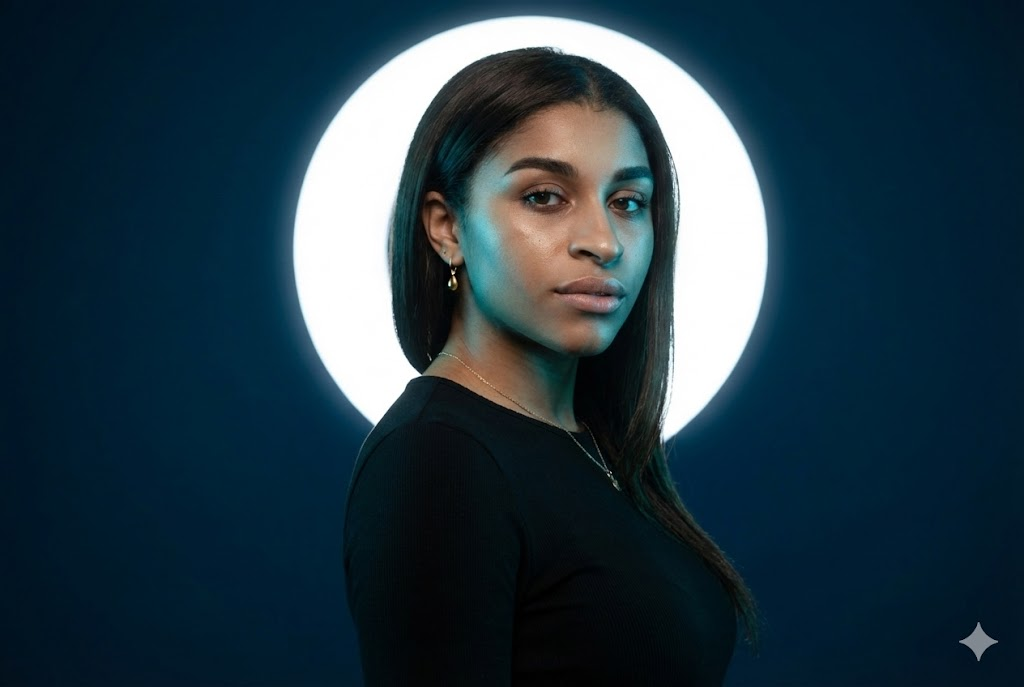
映画的な スタジオポートレート シアンライト & White Halo
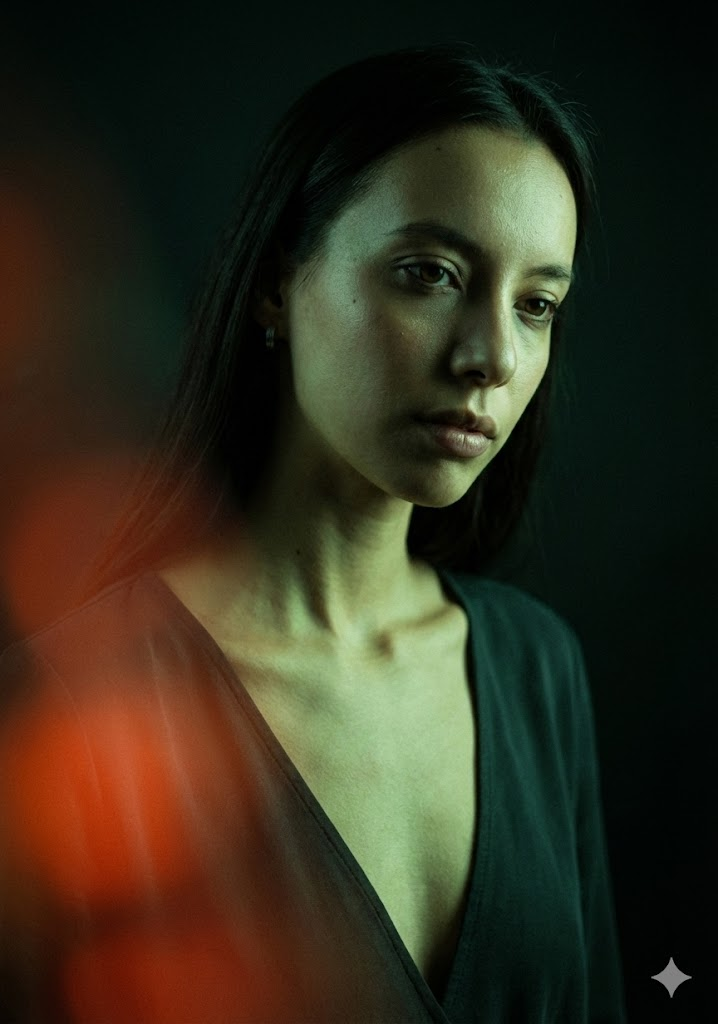
映画的な ローキー ファッションポートレート 緑の光 & Red Flare
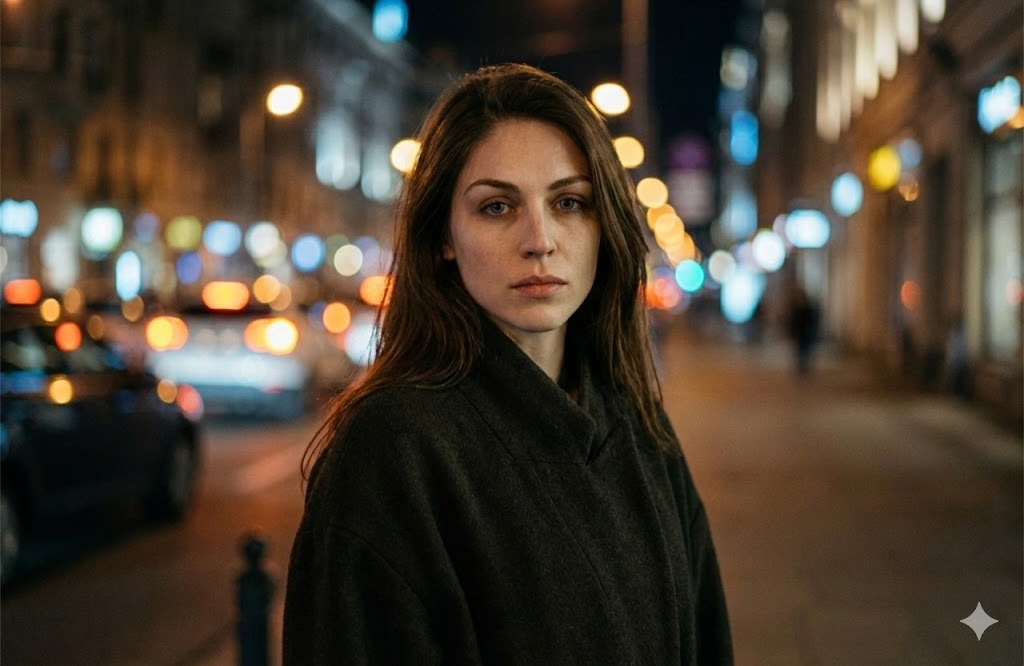
映画的な 夜-Time ポートレート 都市 ボケ
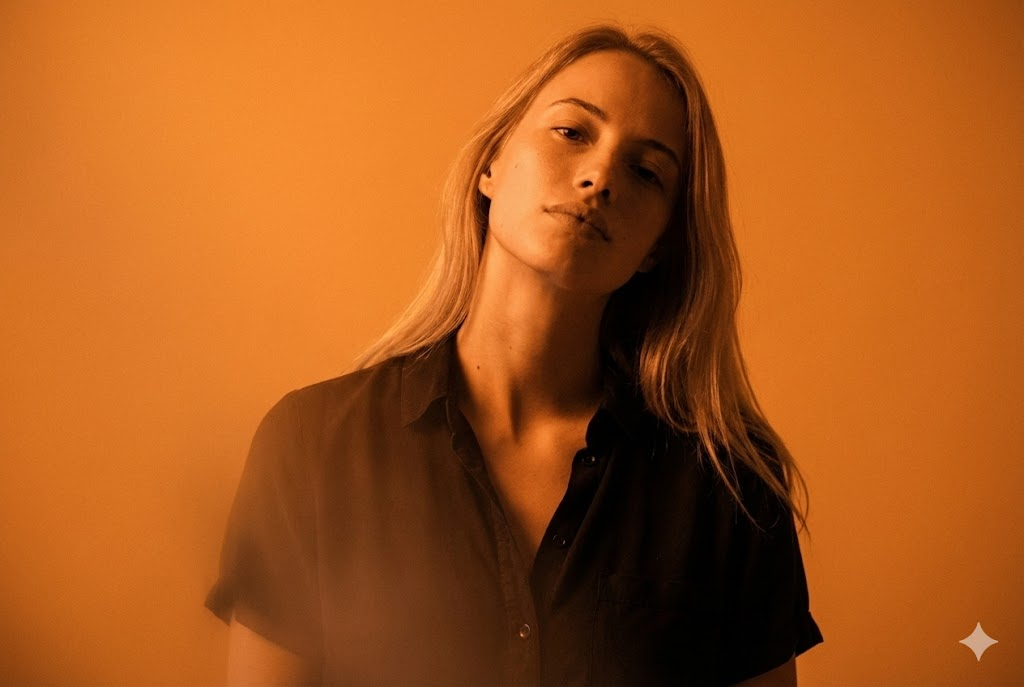
映画的な 単色 ポートレート オレンジ
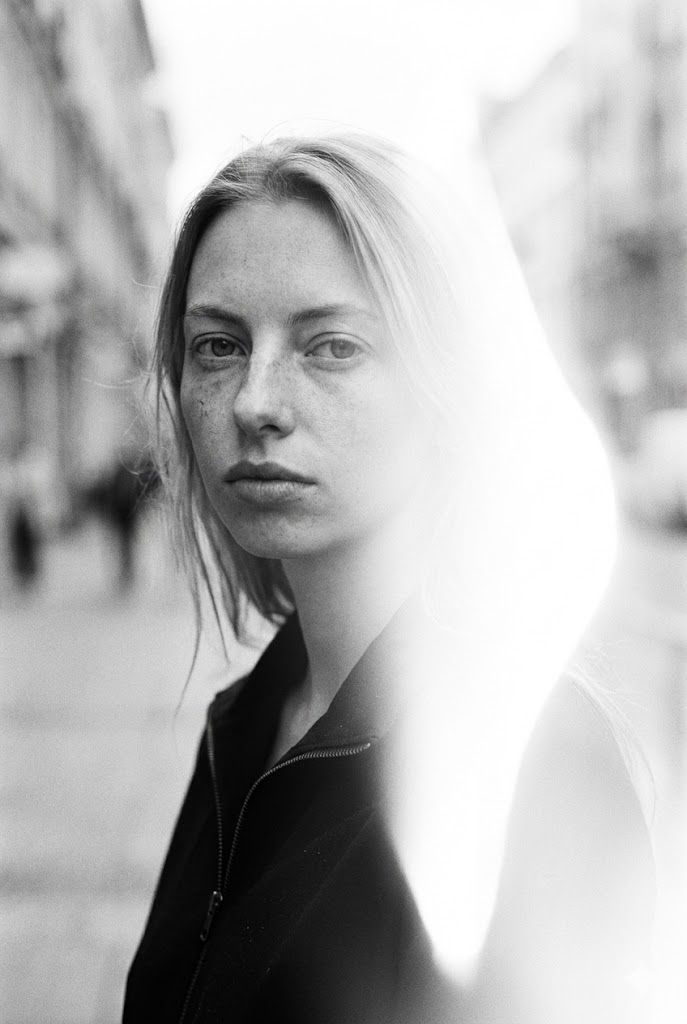
映画的な モノクロ ポートレート ストリートスタイル with 光漏れ
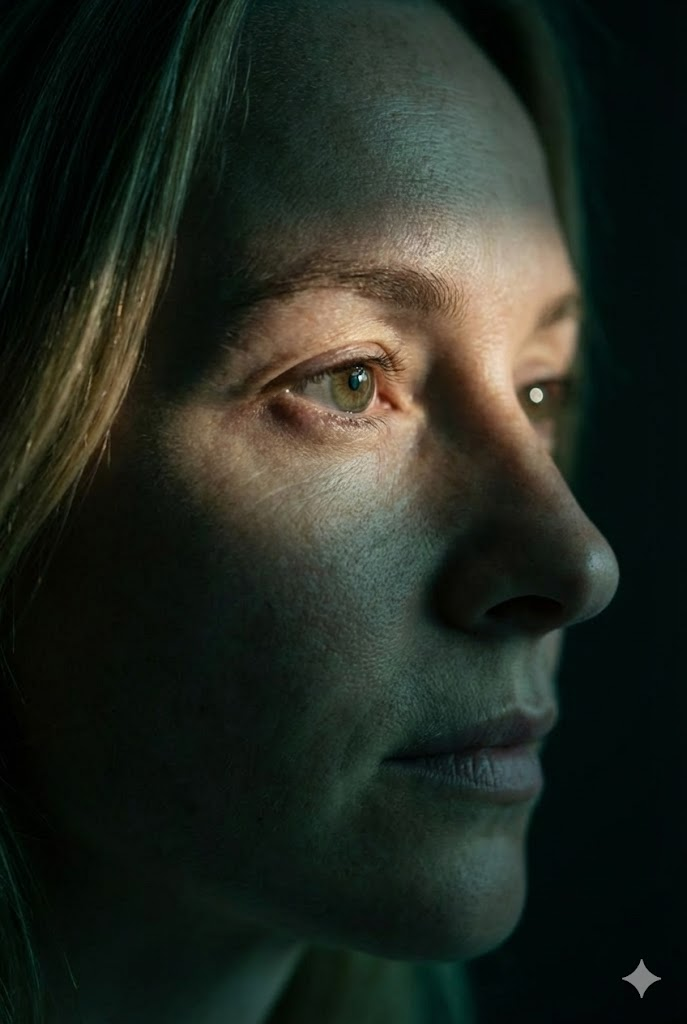
映画的な Extreme クローズアップ 横顔 Eye Focus

映画的な ファッションポートレート ネオン & ガラス
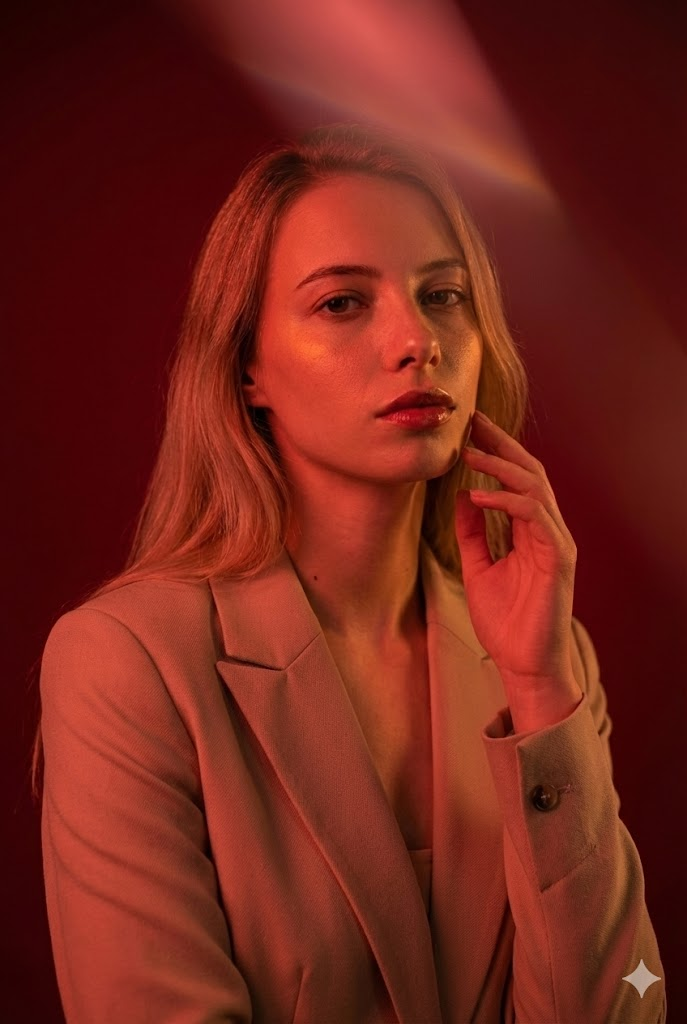
映画的な ファッションポートレート 赤いライティング
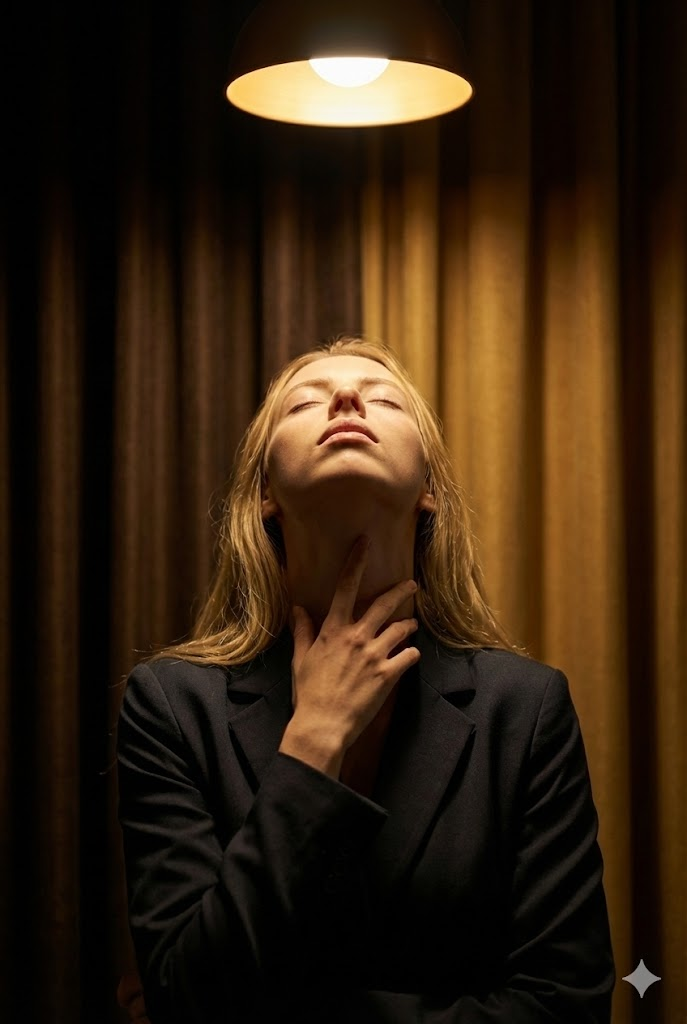
映画的な ファインアート ポートレート ハローライト & Ritual Gesture

映画的な コンセプチュアル ポートレート オレンジ Symbols 投影

映画的な ローキー ファッションポートレート Elongated Neck

映画的な ファインアート ポートレート Foliage & Red Accent

映画的な Natural-Light ポートレート Sunlight Strip
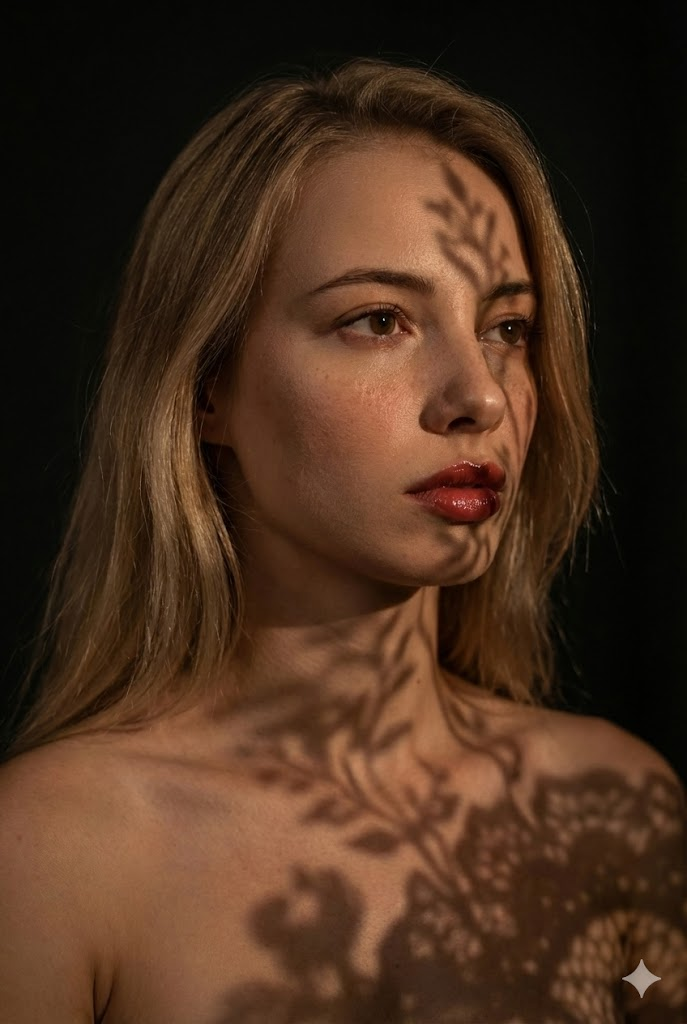
映画的な ファインアート ポートレート Lace Shadows
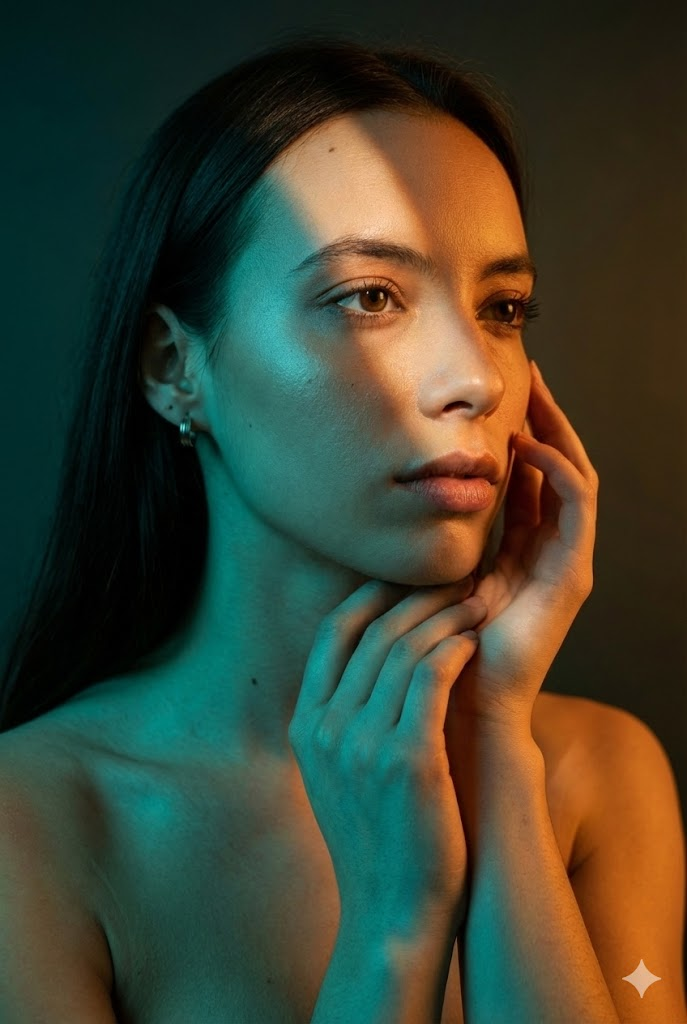
映画的な ファッション ビューティー ポートレート Split ライティング
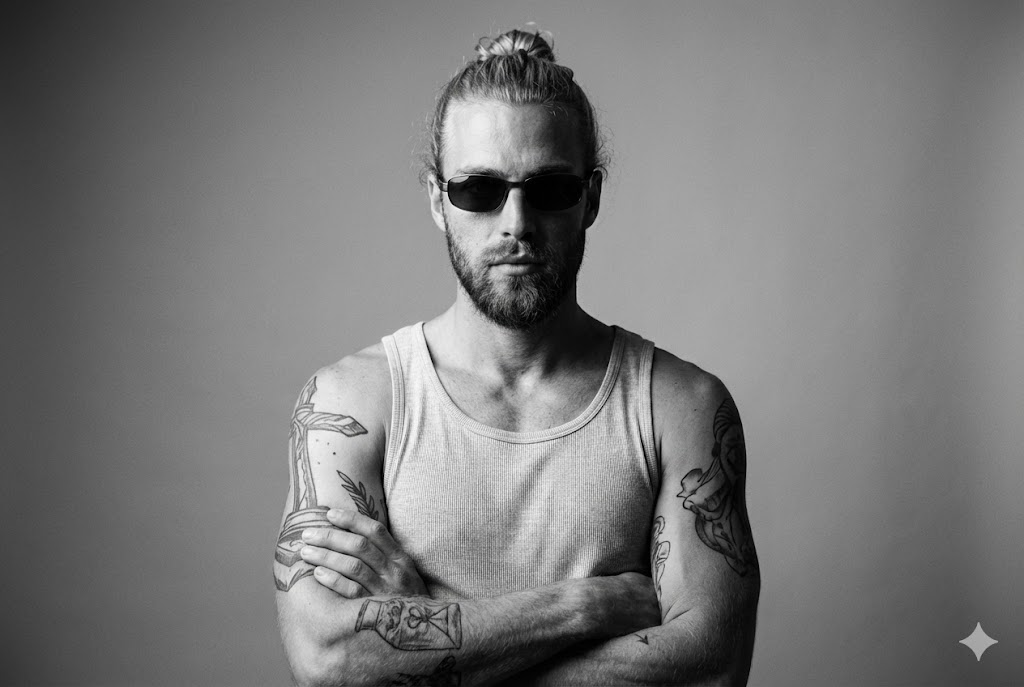
ファインアート Tank Top Strict Identity

映画的な Low-Light Leaning Back
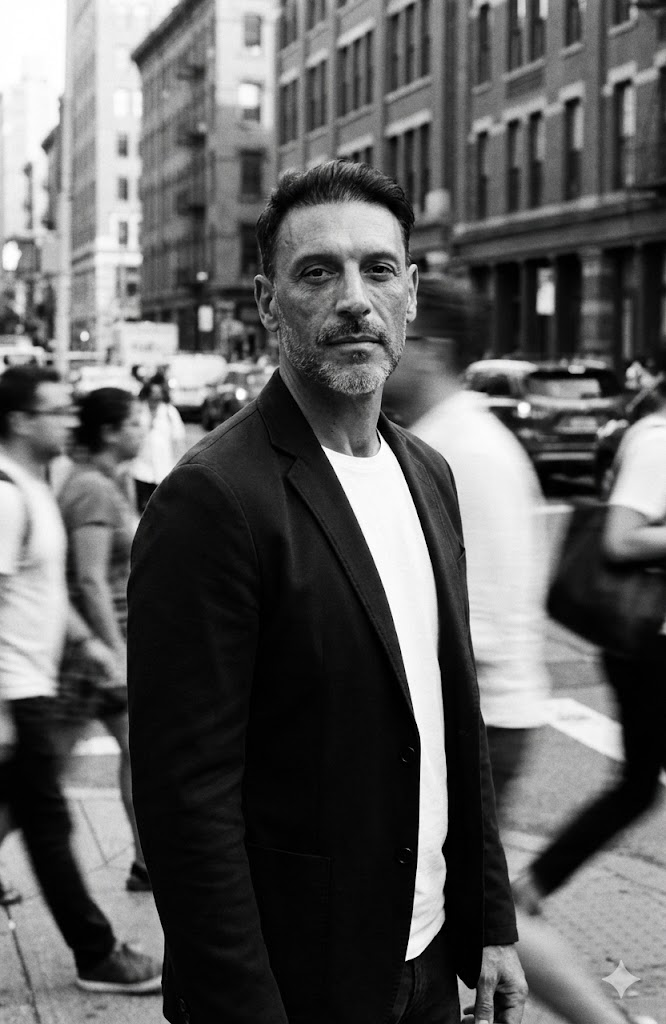
モーションブラー ストリート Crowd
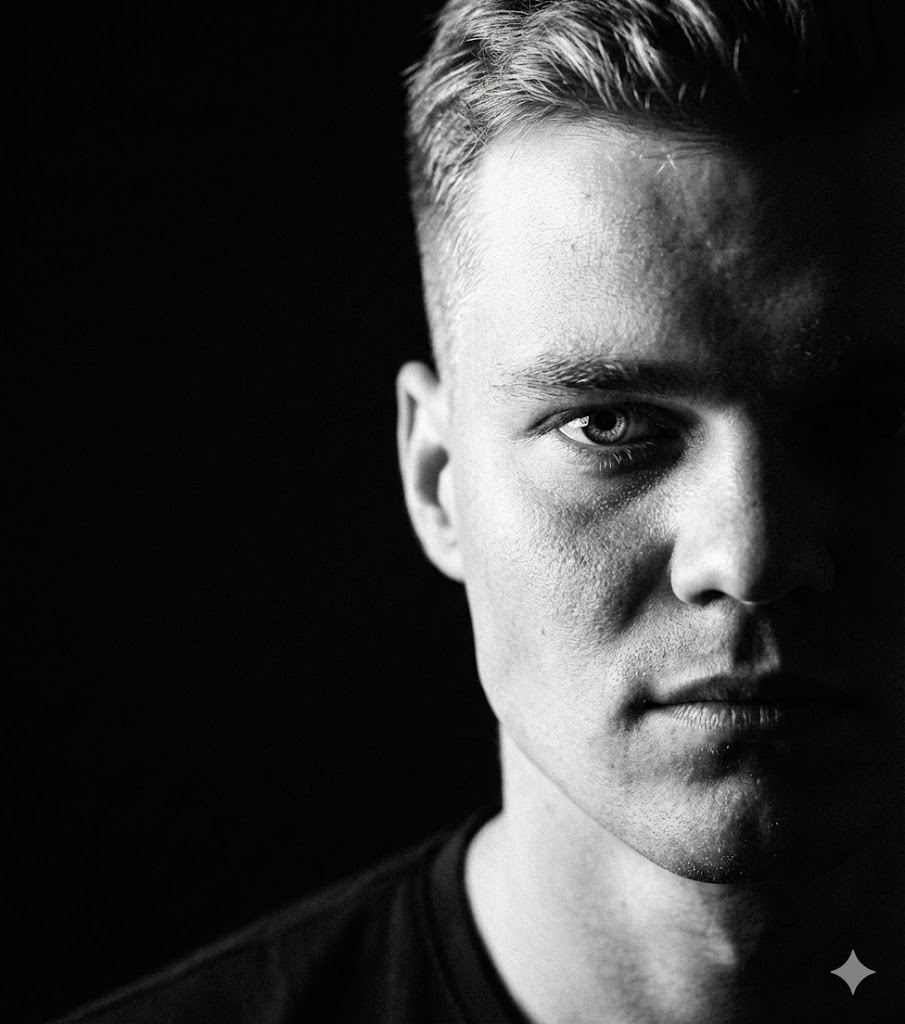
Extreme 影 Half-Face

カラーバンド 投影
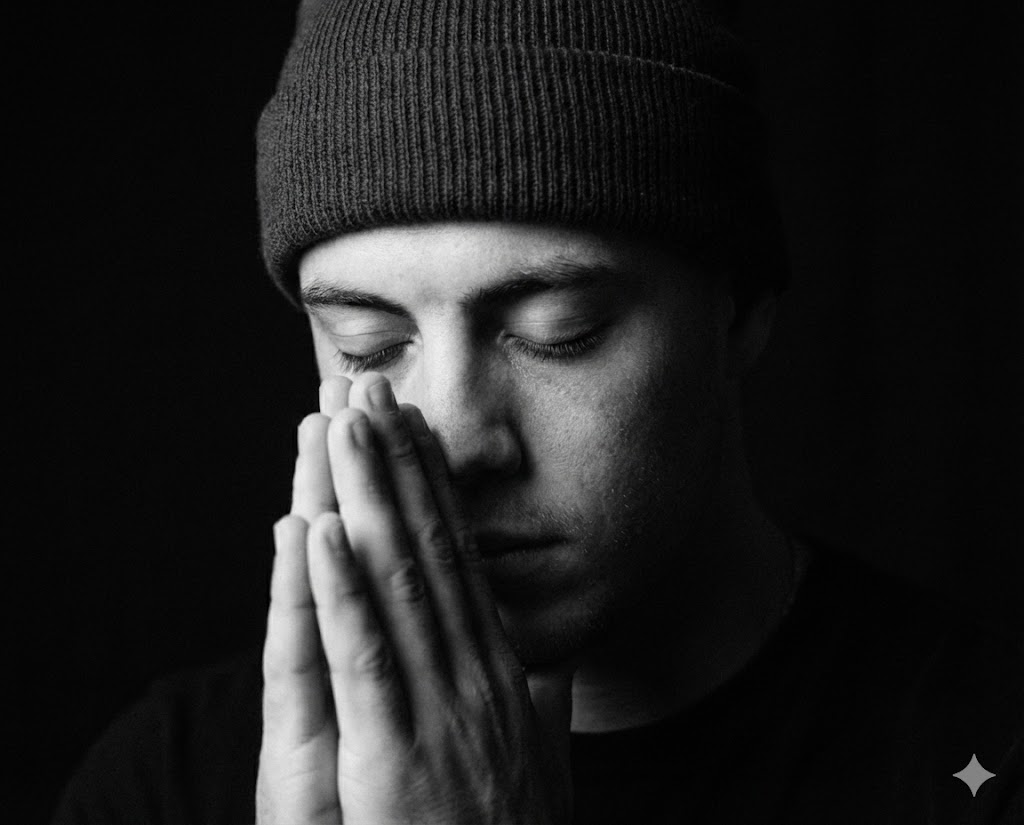
モノクロ Prayer Gesture
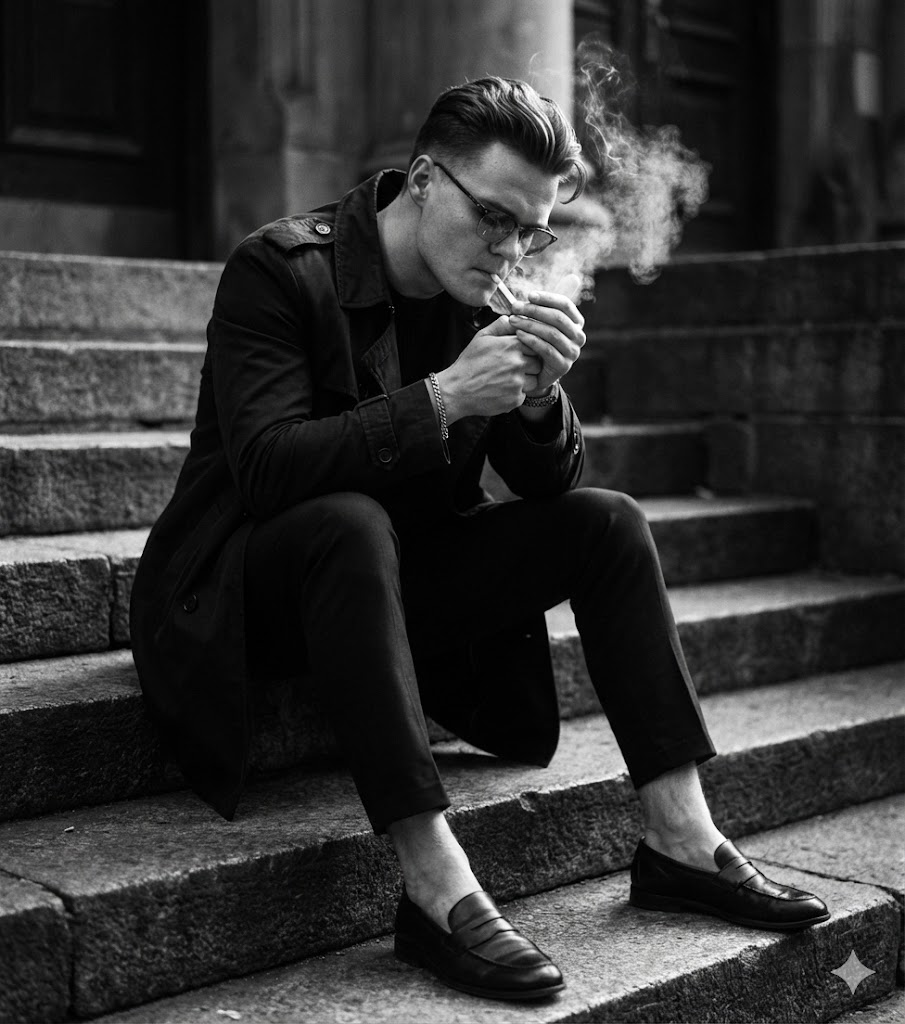
モノクロ 座り on Steps

Gritty 都市 Dirty ガラス

座り ファッション Flat Cap
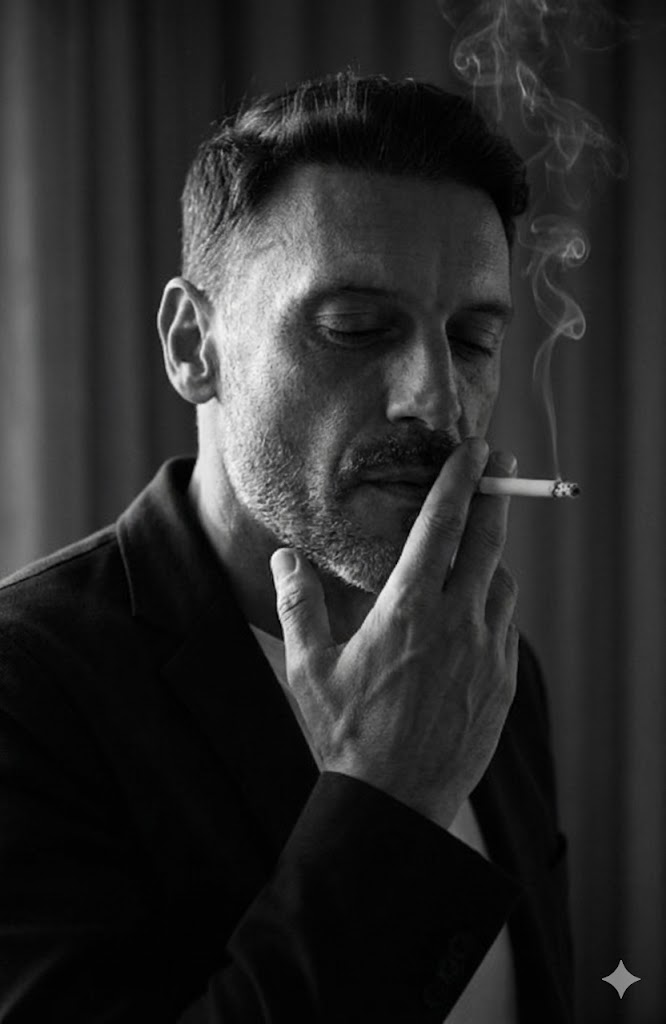
ローキー Smoking Indoors

夜 ストリート 目を覆う
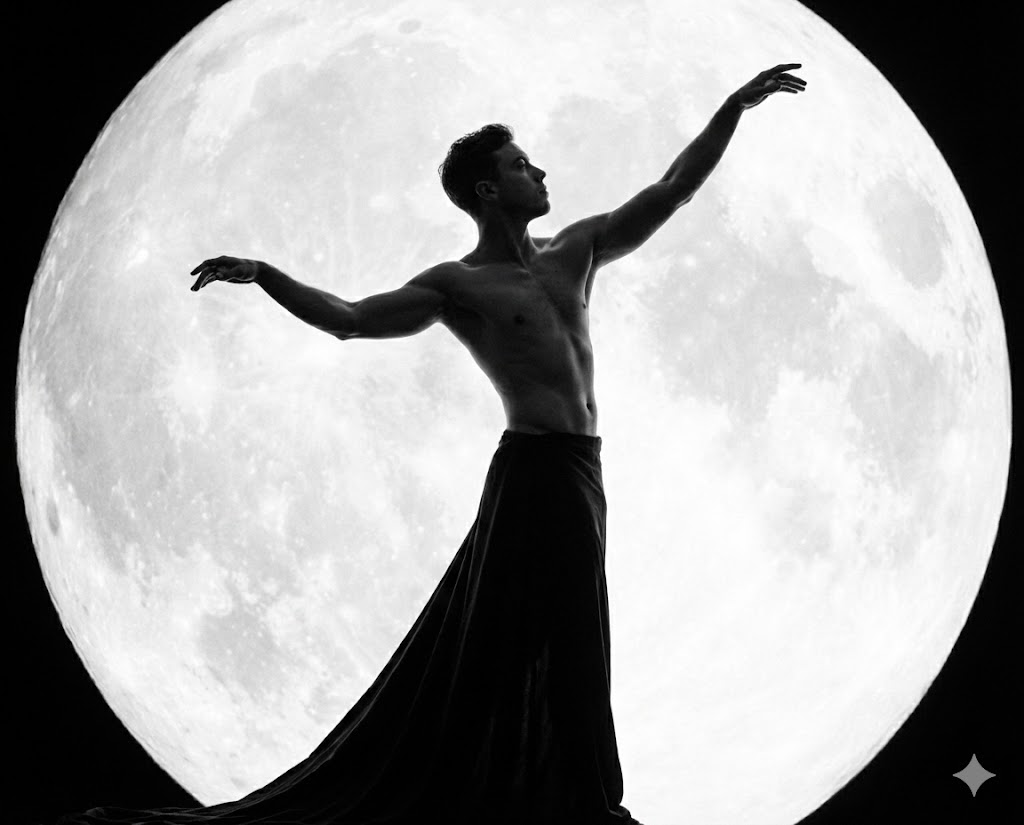
モノクロ 神話的な 月
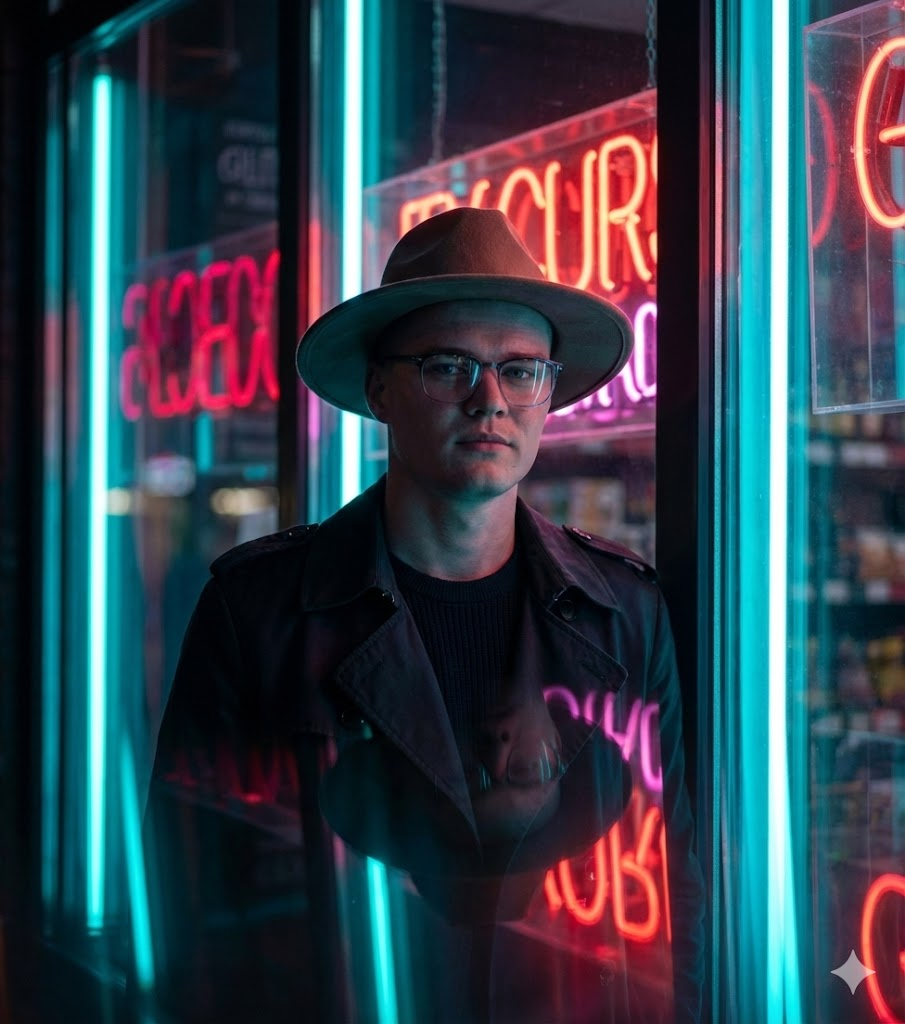
ノワール ネオン トレンチコート & Hat

Extreme クローズアップ Eye Focus

未来的な ガラス & ネオン

Overhead ハローライト

コンセプチュアル 発光する記号

モノクロ 都市 光漏れ

赤いスタジオ ファッション
Using the library
How should teams choose and adapt prompts?
What is the Maak.Digital prompt library?
+
What is the Maak.Digital prompt library?
The Maak.Digital prompt library is a searchable collection of reusable AI image prompts for creative professionals, agencies, marketers, and content teams. Each prompt includes a title, description, model, difficulty, tags, generated example, and detailed prompt text that can be adapted for production work. The practical value is consistency: a team can reuse a visual direction without rewriting camera, lighting, identity, and format rules from memory.
How should creative teams search the library?
+
How should creative teams search the library?
Search by the look you want, the production use case, a tag, a model, or a phrase from the prompt text. A useful search can start broad, such as urban or studio, then narrow by mood, lighting, pose, or output format. Filtered URLs such as /library?search=urban can be shared with teammates, saved in briefs, or revisited later.
What should stay fixed when reusing a prompt?
+
What should stay fixed when reusing a prompt?
Keep the identity rule, camera framing, lighting direction, mood, style, and output format stable. Those constraints preserve the creative system and stop a useful prompt from drifting into a different visual idea. If several people will use the same prompt, mark these fixed parts before anyone edits the campaign-specific variables.
What can be changed safely?
+
What can be changed safely?
Change campaign-specific details such as wardrobe nuance, background, prop, season, location, color intensity, or audience context. These variables let the same creative rule serve different briefs without rebuilding the whole prompt. Test one small batch after each change before turning the adapted version into a production baseline.
Which searches work best?
| Query type | Example | Result |
|---|---|---|
| Style query | urban, cinematic, black and white, fashion editorial | Finds prompts by visual language and creative direction. |
| Use-case query | selfie, portrait, product, studio, outdoor | Finds prompts by campaign or production need. |
| Constraint query | lighting, camera, background, identity, aspect ratio | Finds prompts by execution detail inside the prompt text. |
Which metadata is included?
| Field | Value | Why it helps |
|---|---|---|
| Model | Shows the intended generation model or model family. | Helps teams avoid testing a prompt against the wrong model family. |
| Difficulty | Marks whether the prompt is easy, medium, or hard to adapt. | Helps teams choose between fast experiments and advanced creative work. |
| Tags | Groups prompts by visual style, scene, and production category. | Helps teams browse by visual language instead of starting from a blank page. |
How should prompts be reused?
| Step | Rule | Reason |
|---|---|---|
| Preserve | Keep identity, pose, lighting direction, framing, and output format stable. | These constraints define the recognizable creative system. |
| Adapt | Change wardrobe, background, brand context, season, props, or campaign detail. | These variables make the prompt useful across different projects. |
| Validate | Compare outputs against the prompt purpose before saving a production baseline. | This prevents visual drift when prompts are reused by a larger team. |
What is the prompt workflow?
- -Search for the visual style or production use case.
- -Open a prompt detail page and review the example image, tags, and difficulty.
- -Copy the prompt text and keep the identity, framing, lighting, and format rules intact.
- -Adjust flexible campaign details such as location, wardrobe, color intensity, or background.
- -Test a small batch, choose the strongest baseline, and document the adapted prompt for reuse.
Which references are useful for prompt workflows?
Prompt work is easier to maintain when examples, model context, metadata, and reusable creative rules are documented together. These references are useful when comparing model behavior and structured content conventions.
Technical notes
What context is kept for discovery and retrieval?
Which prompt details are available in server-rendered HTML?
+
Which prompt details are available in server-rendered HTML?
Each prompt exposes a stable URL, title, description, model, difficulty, tags, update date, prompt text, example image, FAQ answers, Article JSON-LD, and a relationship to the Maak.Digital Organization schema.
Why keep metadata and FAQ copy on prompt pages?
+
Why keep metadata and FAQ copy on prompt pages?
Metadata helps people compare prompts quickly, and it gives search and retrieval systems enough context to understand the prompt without relying on screenshots, hidden client state, or image recognition alone.