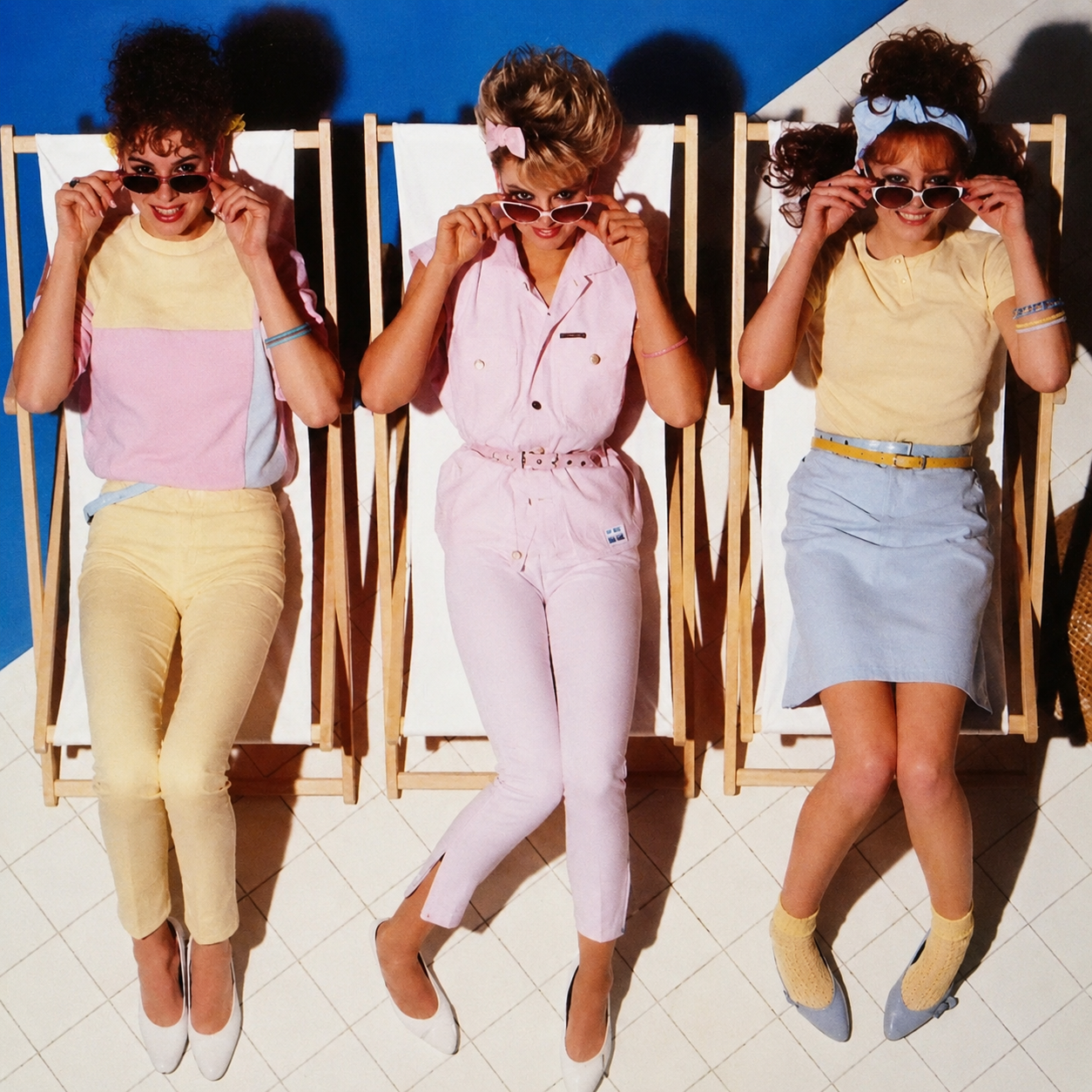
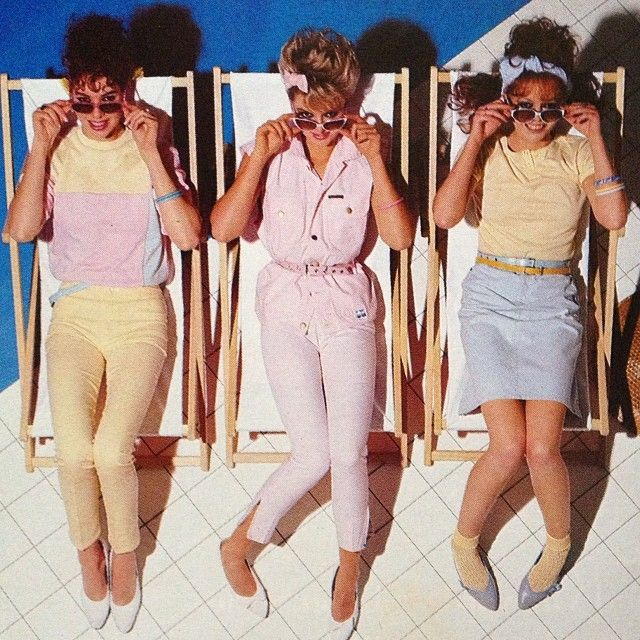
Restore and enhance an old damaged photo. Remove scratches, stains, and noise. Reconstruct faded or torn areas while preserving original details. Slightly sharpen the image for better clarity, but keep it realistic. Apply natural and era-appropriate colors to skin, hair, and clothing. Use a soft, balanced background color without being too striking. The final result should look like an old photo that has been realistically restored and colorized, while respecting its original appearance.
使い方
画像ツールが使えるChatGPTに、古い写真または低画質の画像をアップロードします。
プロンプトをそのまま貼り付けます。
顔や服、構図が変わった場合は、preserve the original faces, pose, clothing, and composition. を追加してもう一度実行します。