BIBLIOTHÈQUE DE PROMPTS
How does the prompt library work?
Start with the image you need to make, not with a blank prompt. Search by style, scene, mood, or production constraint, then open a prompt that already contains the framing, lighting, identity, and output-format rules you want to reuse.
The best prompts here are meant to be adapted. Keep the core visual rule intact, swap the campaign-specific details, generate a small test batch, and save the strongest version as your production baseline.
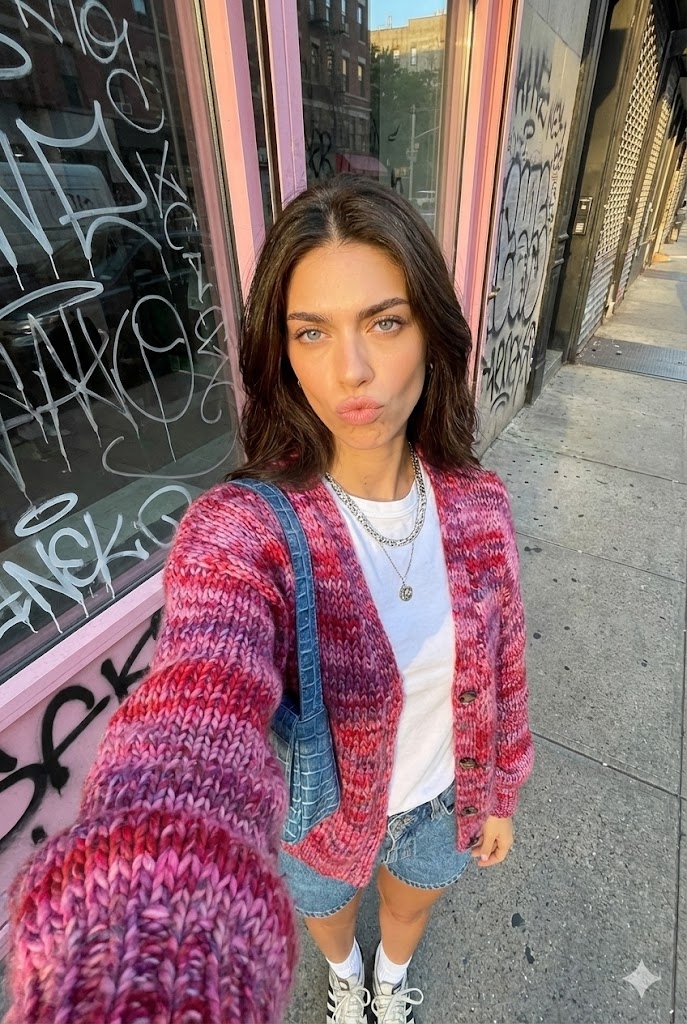
Selfie Urbain Heure Dorée
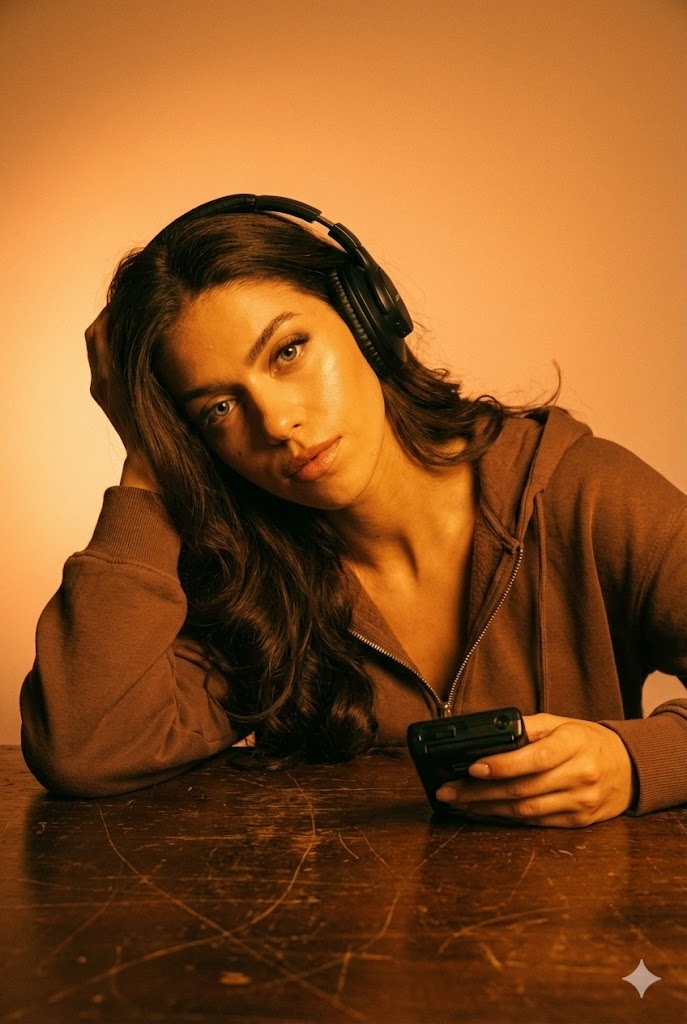
Lueur Ambrée Audio
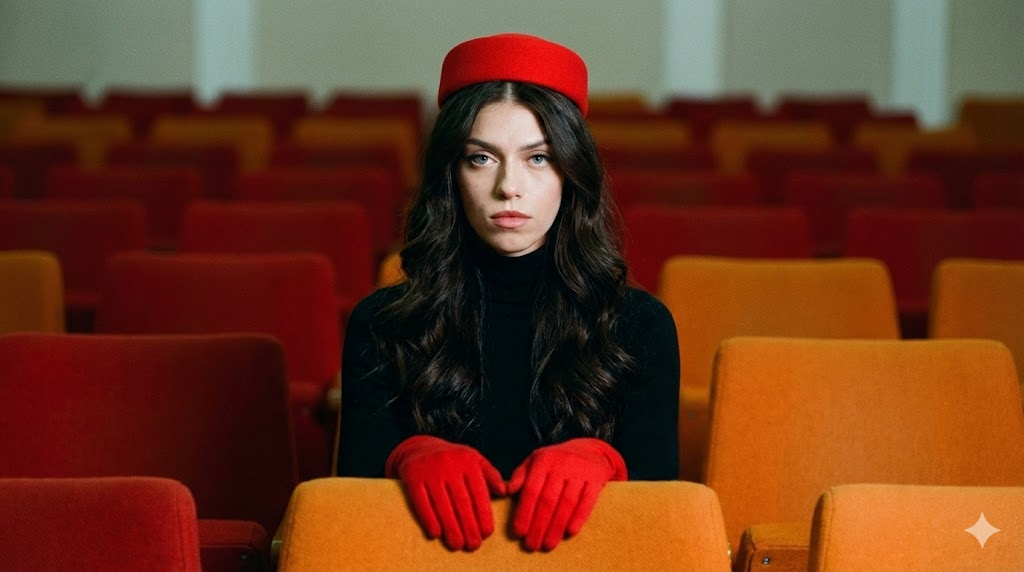
Portrait Rétro Symétrique
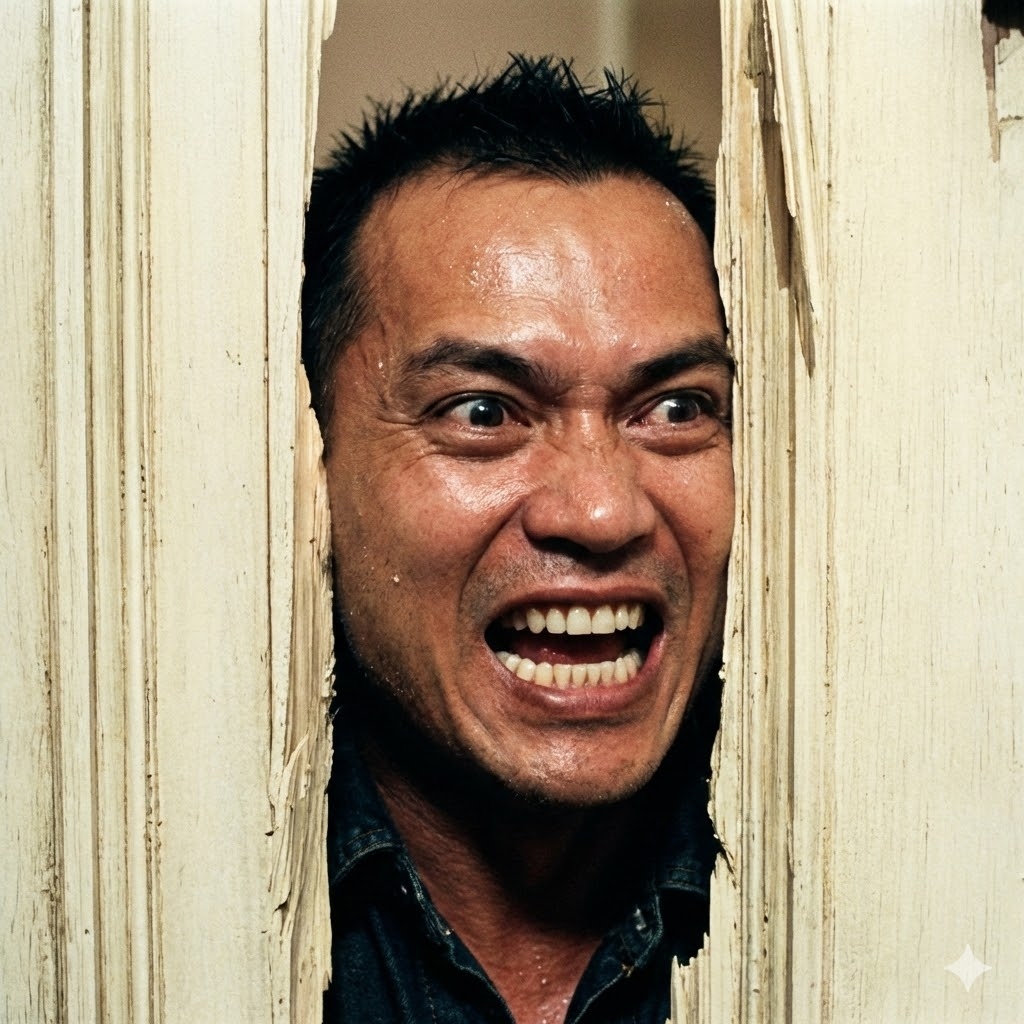
La Rupture de Porte Shining
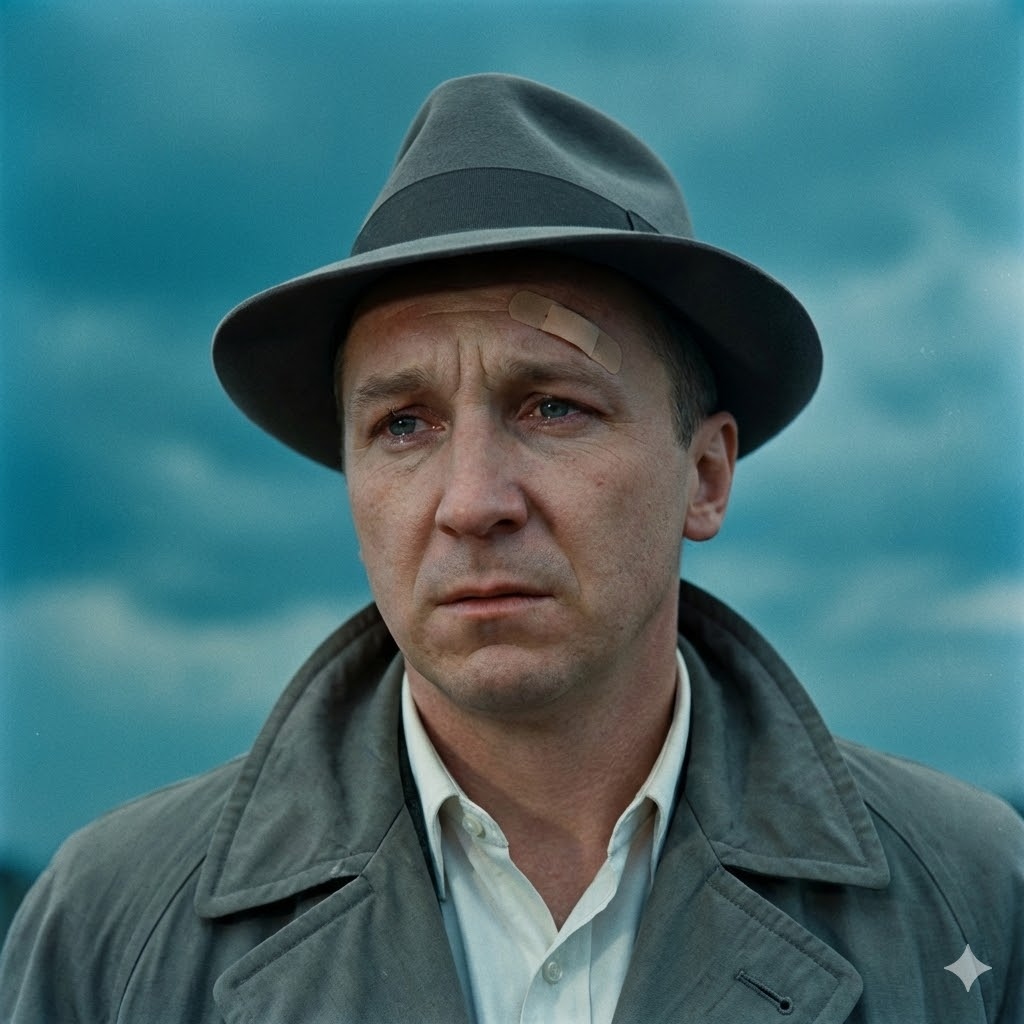
Film Noir Vintage

Conduit d'Air Die Hard
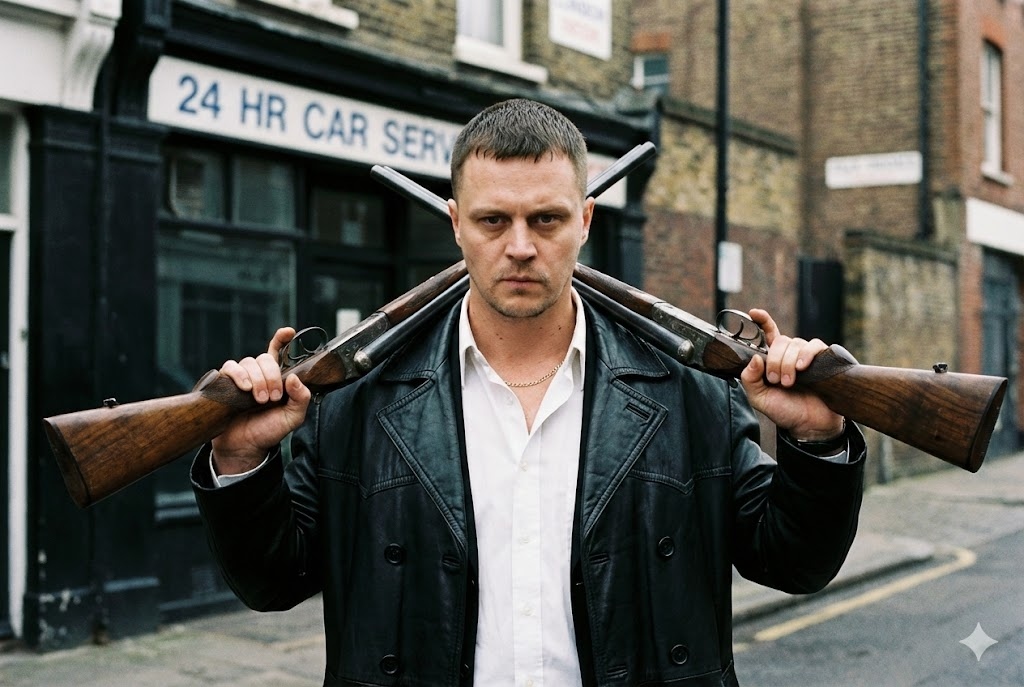
Gangster Britannique
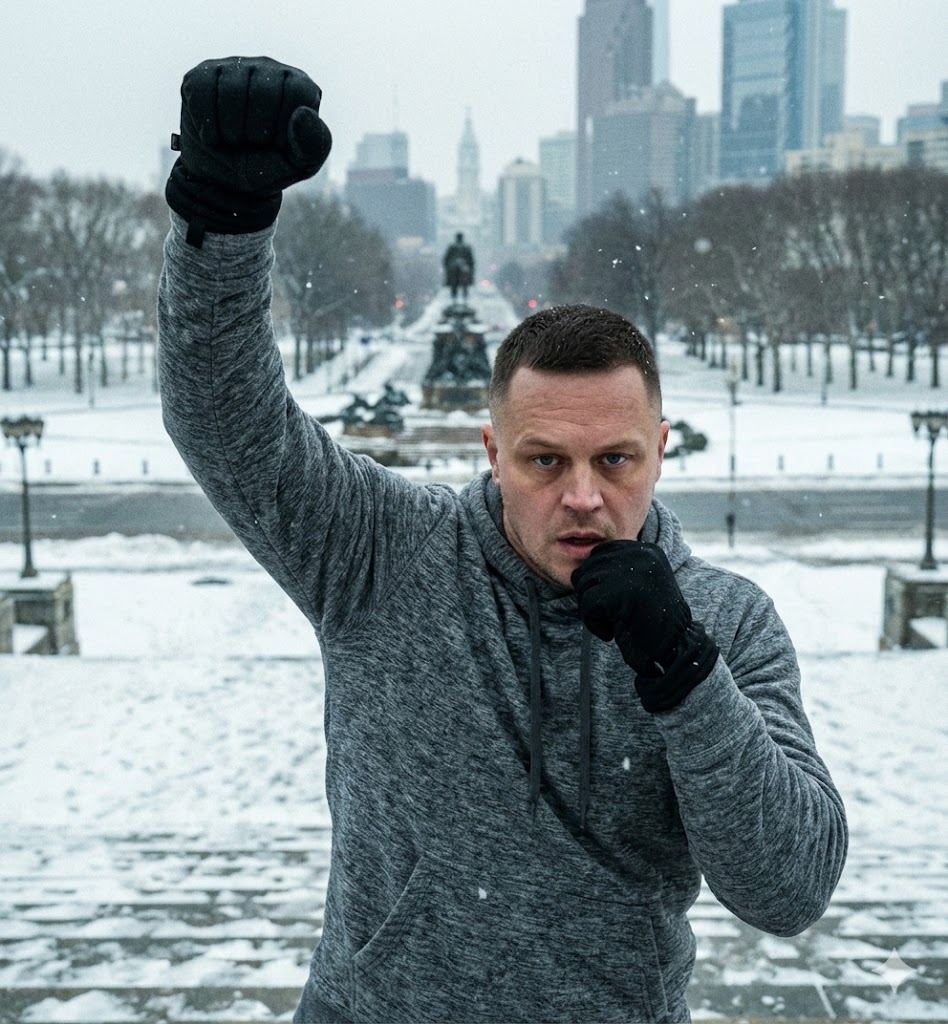
Victoire des Marches Rocky
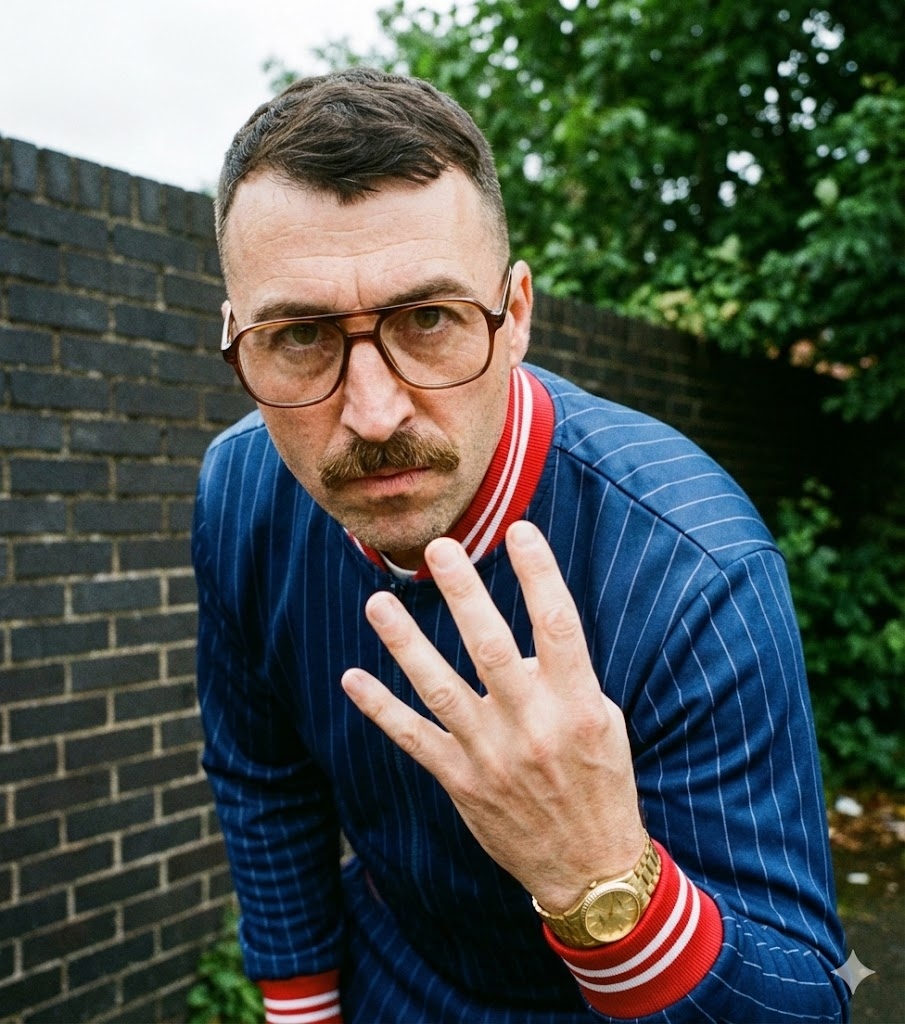
Survêtement Drame Policier
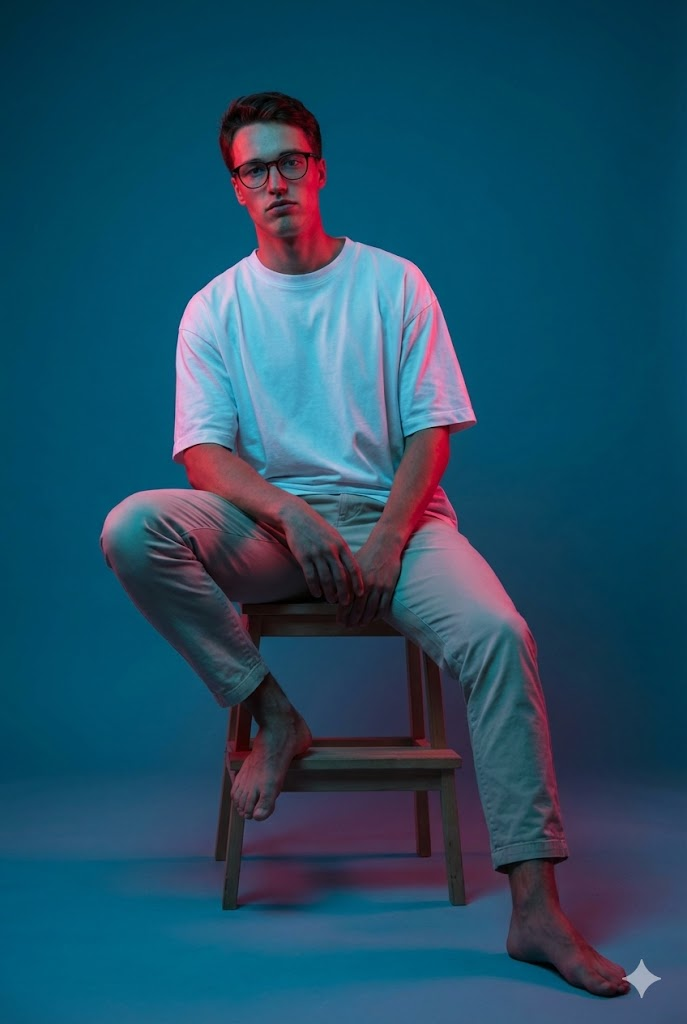
Éclairage Gel Assis
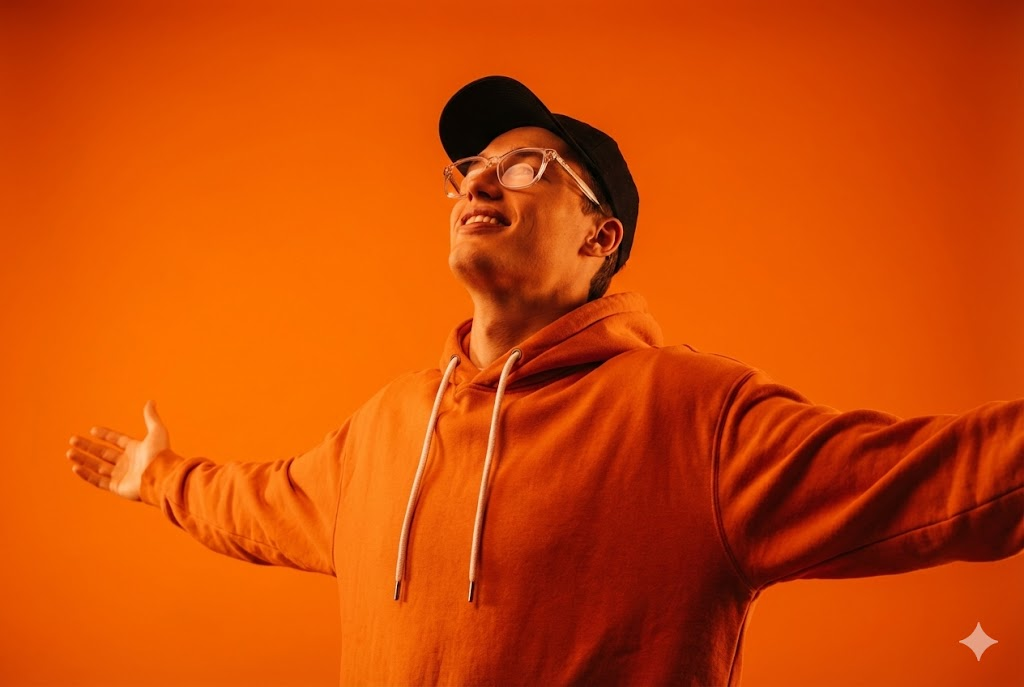
Orange Monochromatique
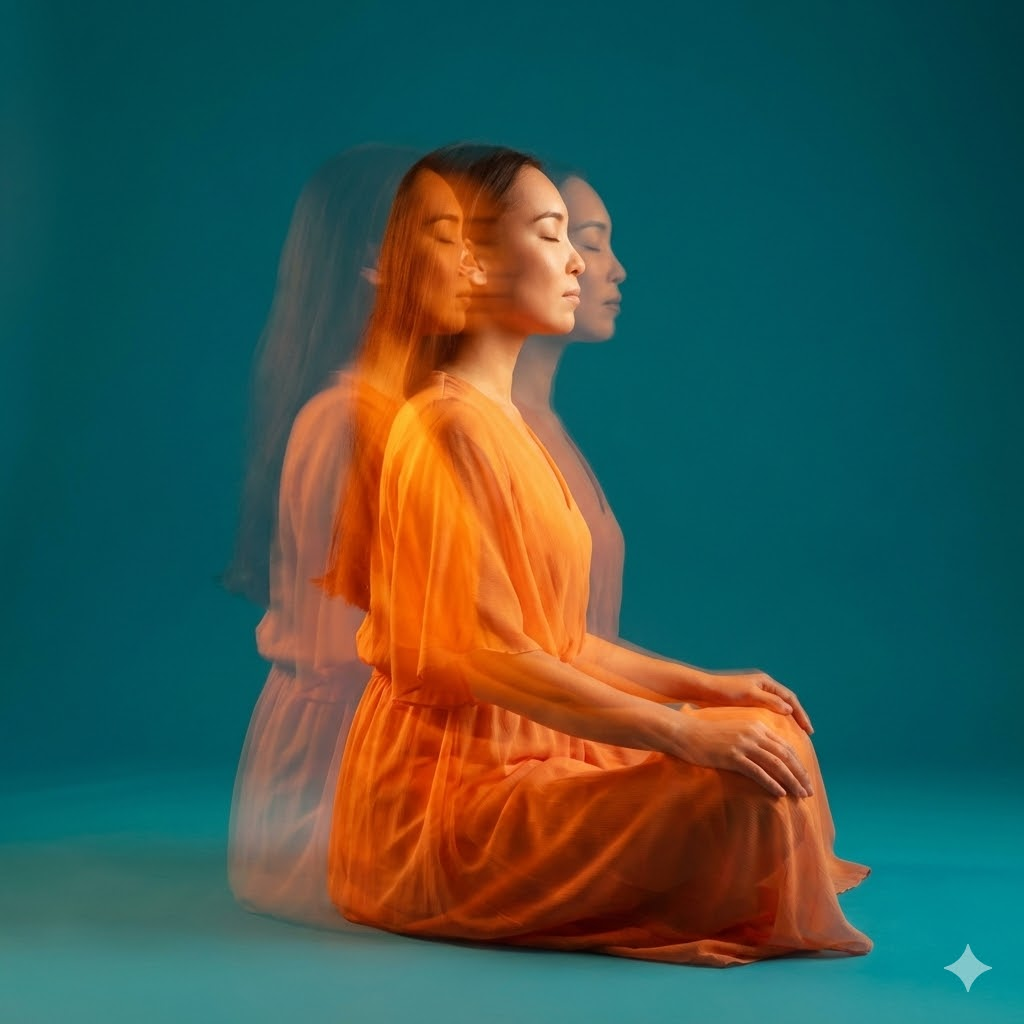
Méditation Stroboscopique
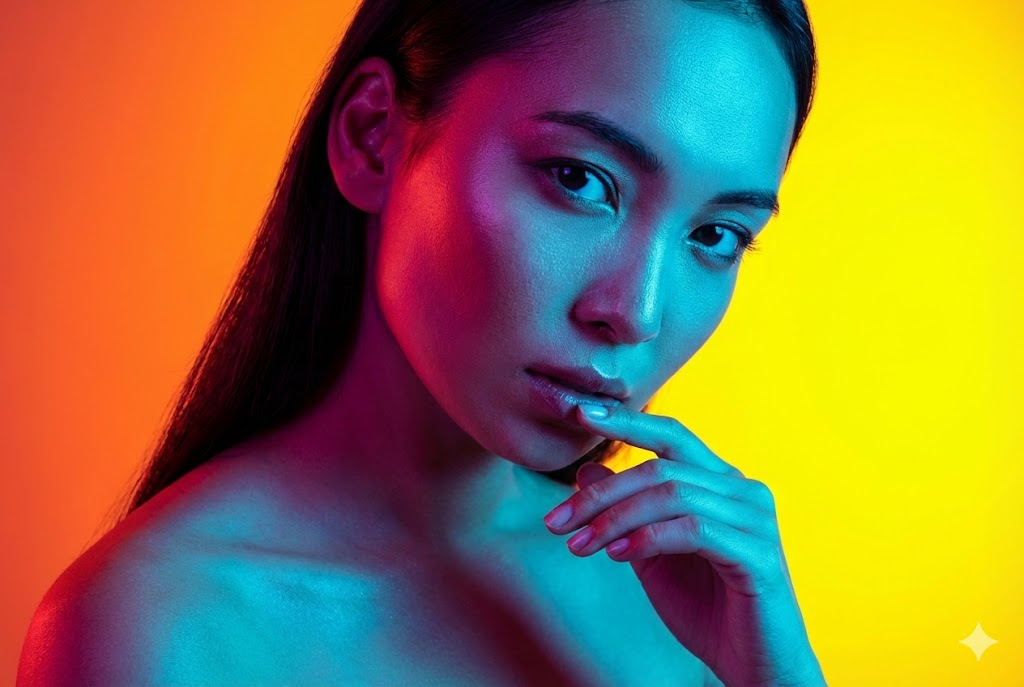
Beauté Double Lumière
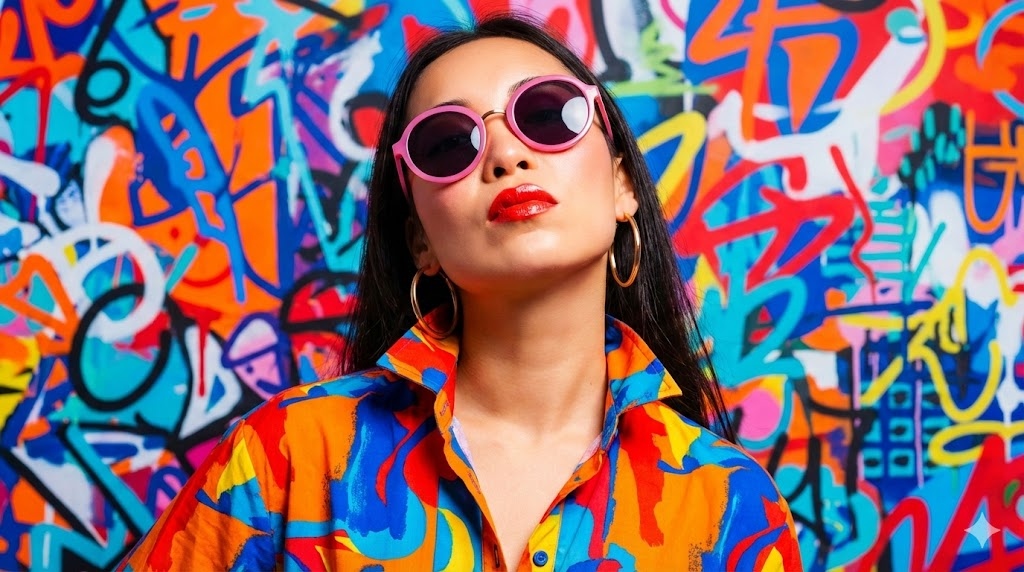
Mode Pop Art
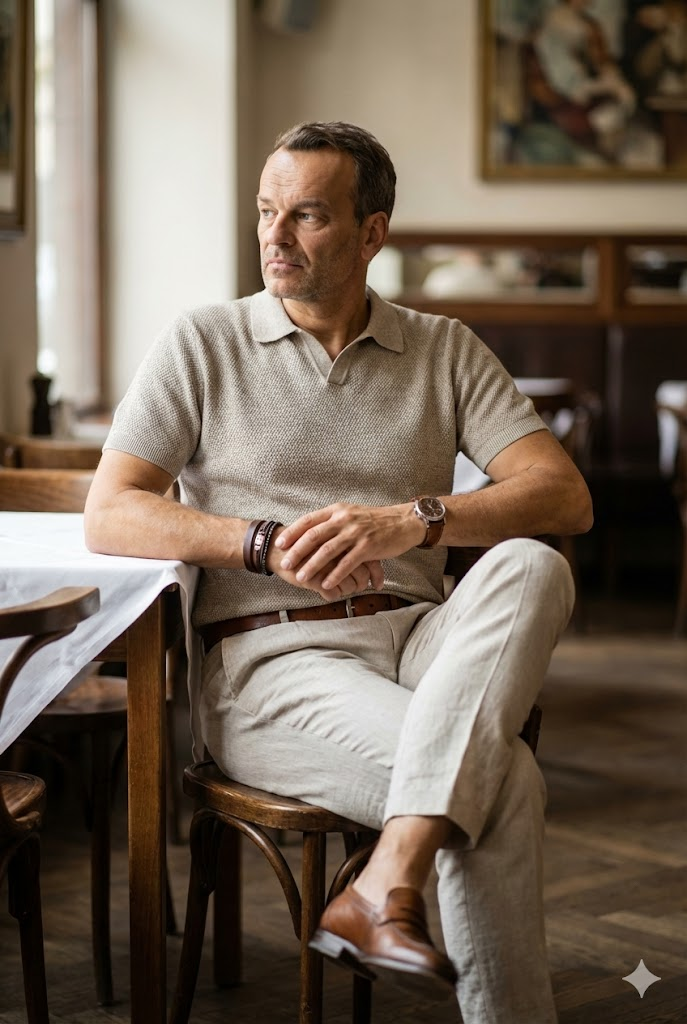
Portrait Lifestyle Café
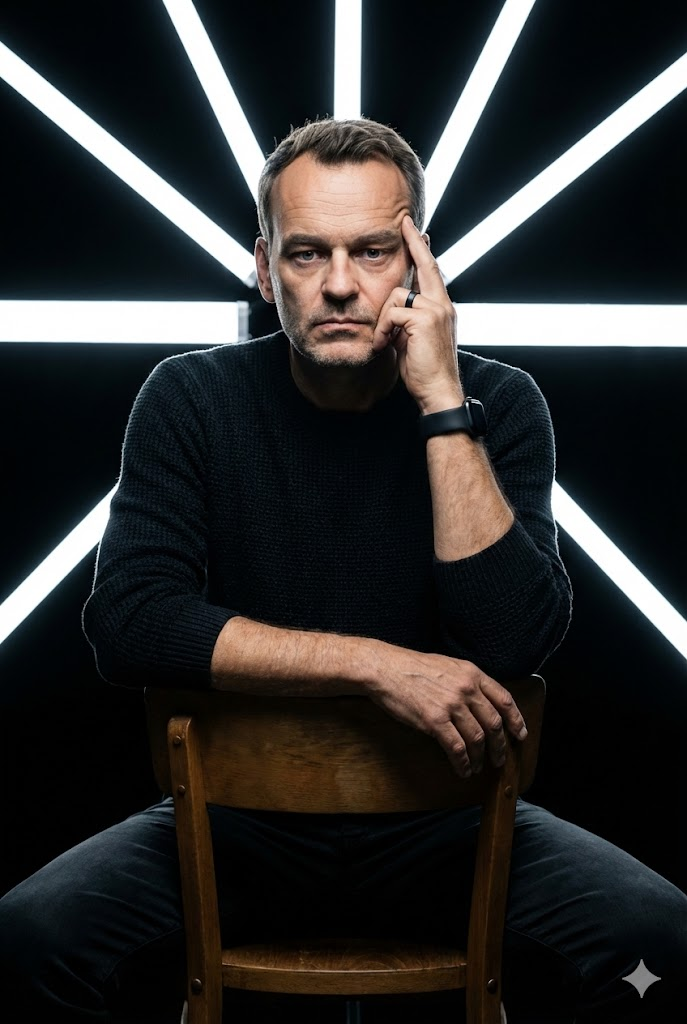
Studio LED Géométrique
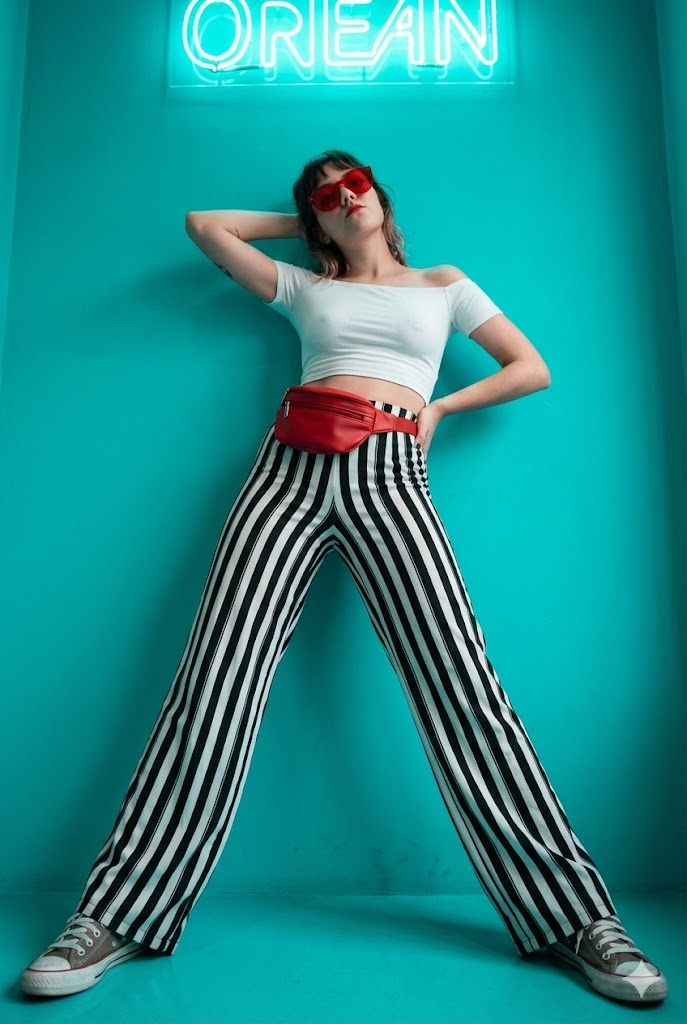
Mode Néon Cyan
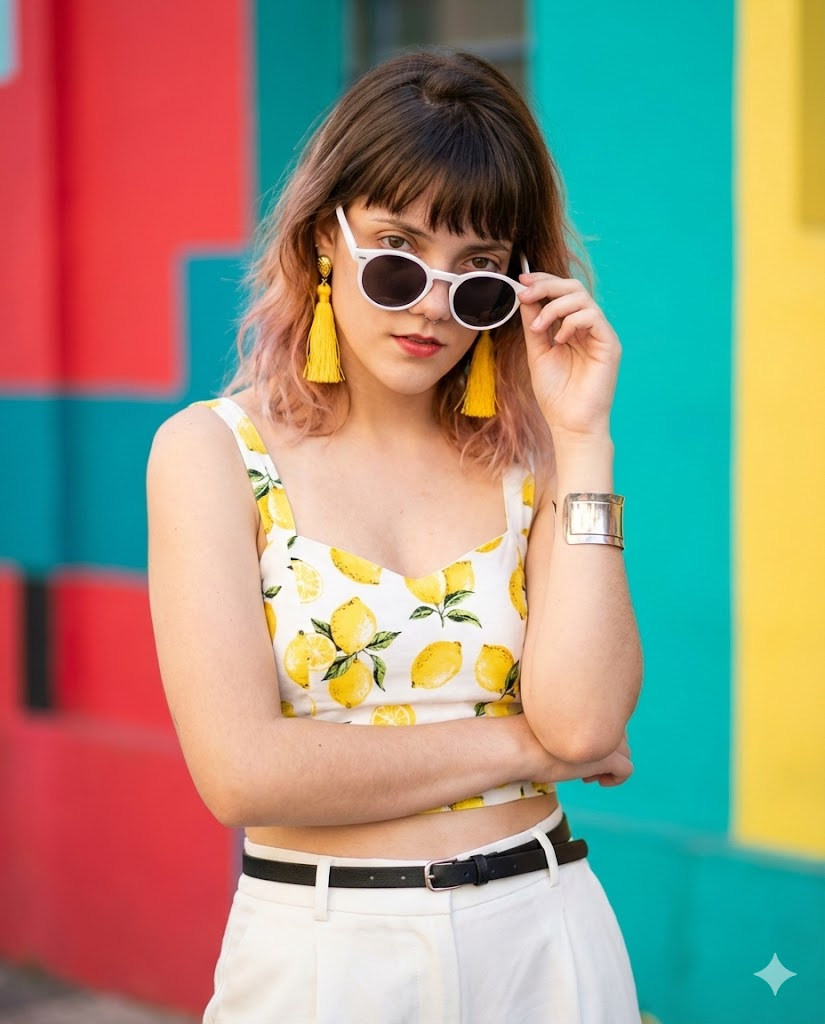
Mode Estivale Vibrante
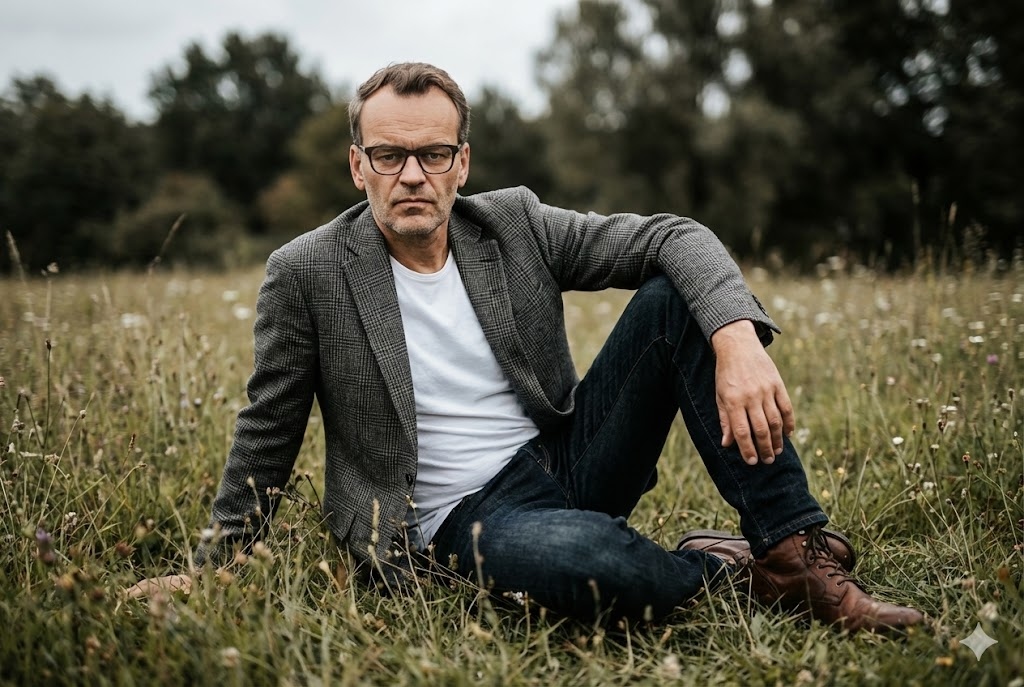
Champ Cinématique Extérieur
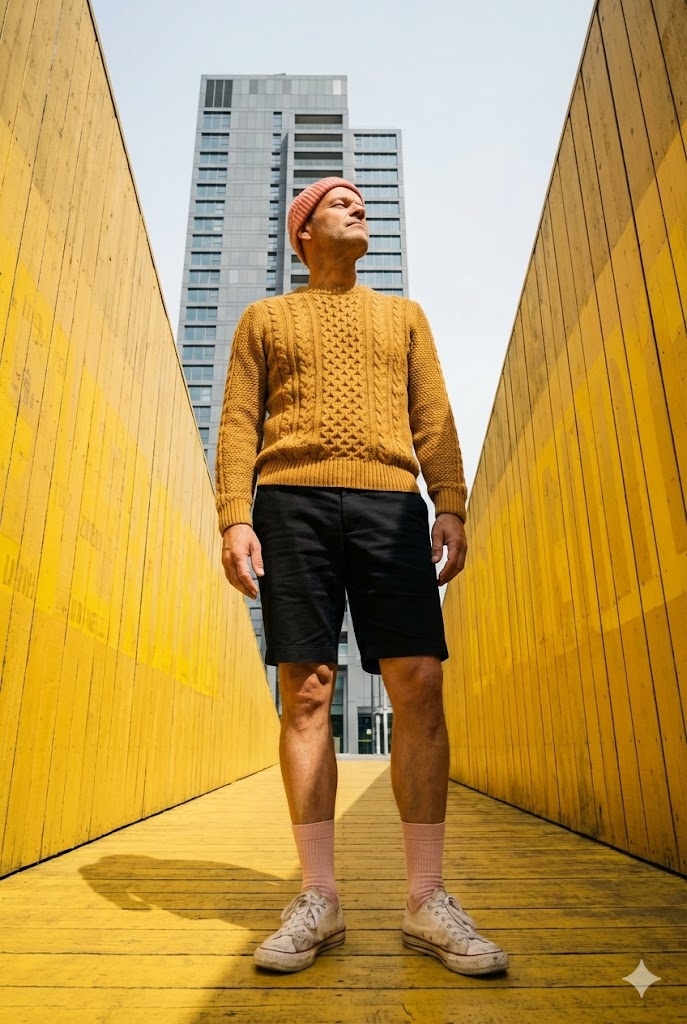
Architecte Urbain Jaune
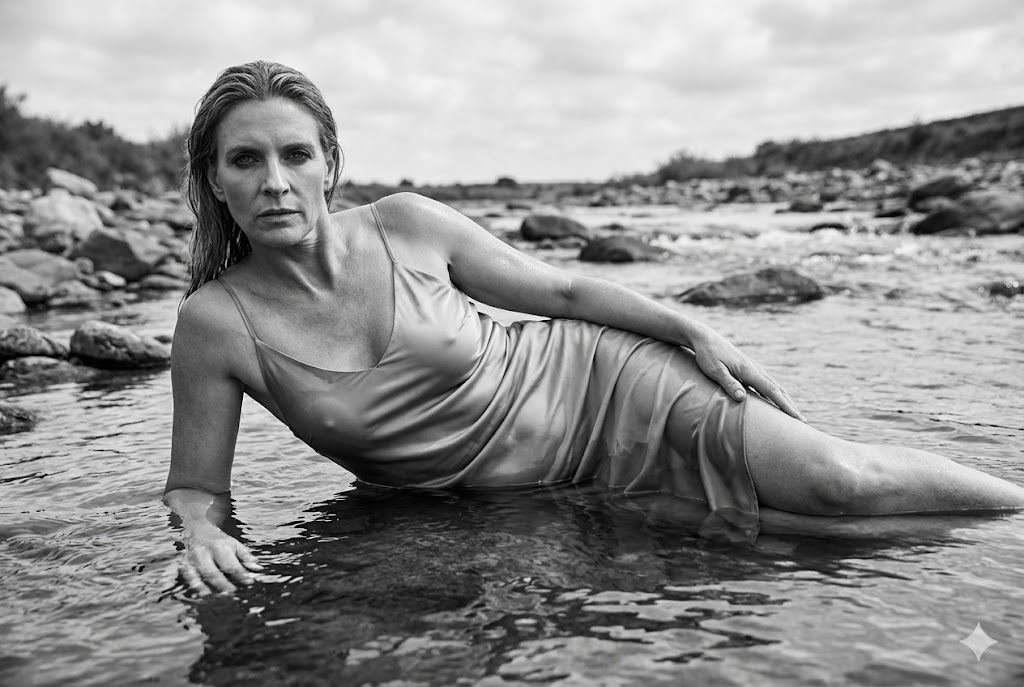
Lit de Rivière Cinématique Noir et Blanc
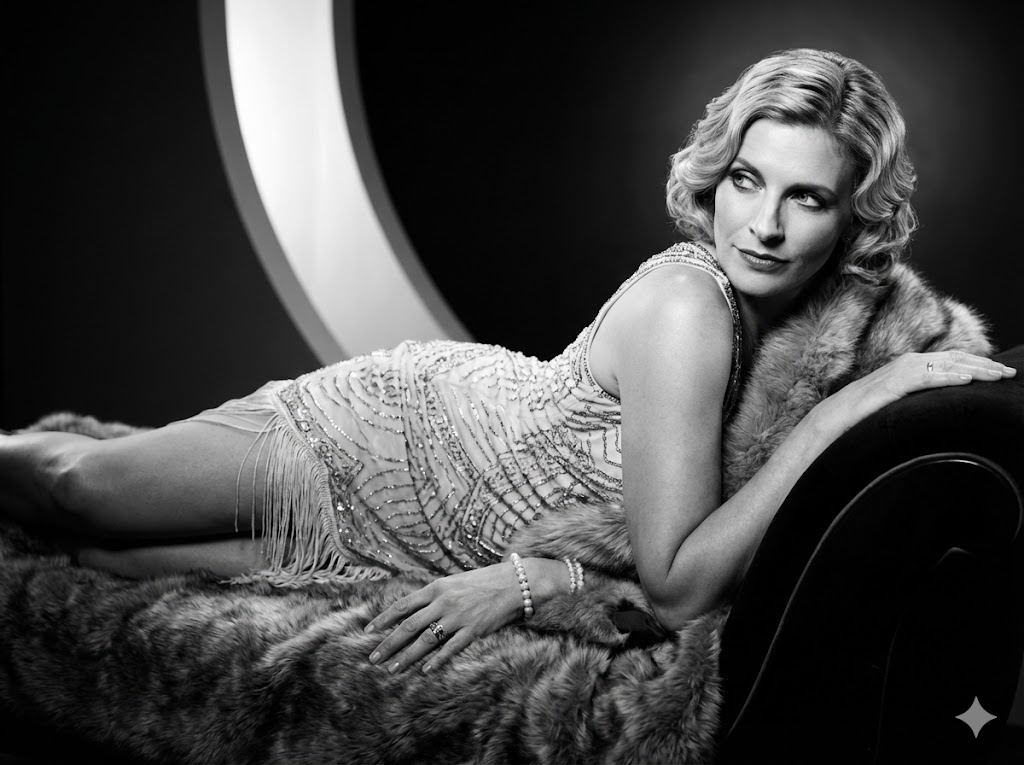
Glamour Noir et Blanc Années 1920
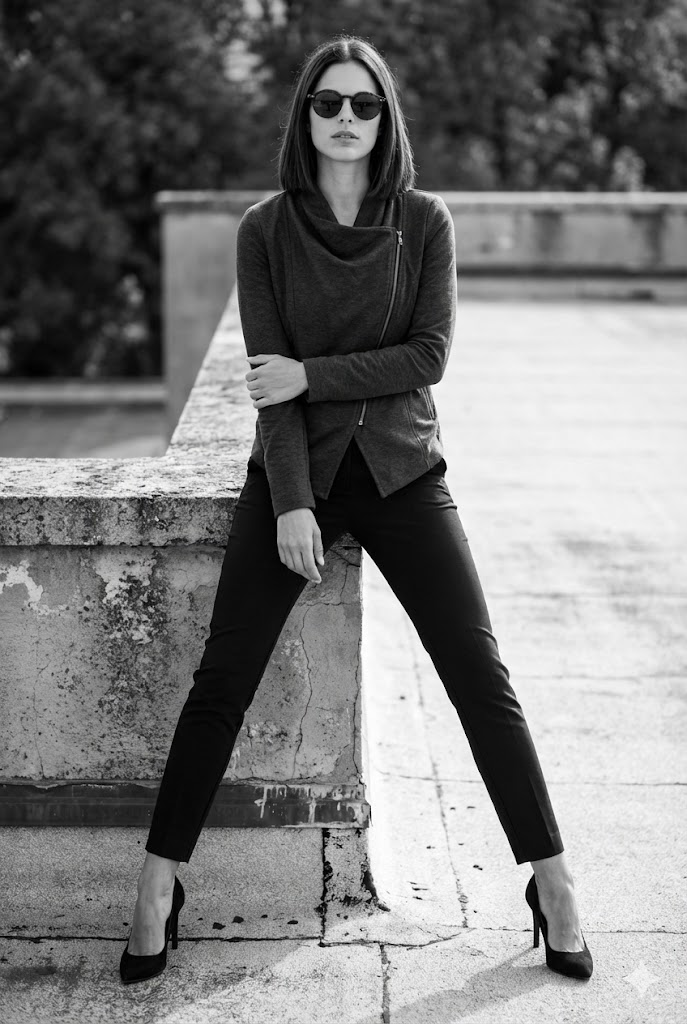
Toit Urbain Noir et Blanc
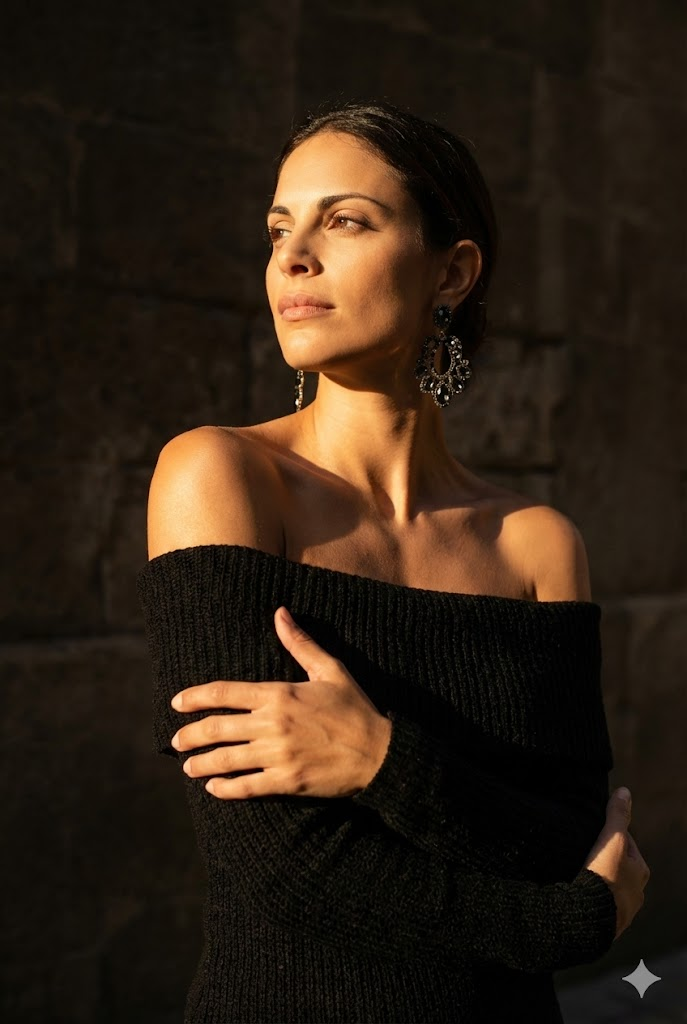
Portrait Ombre Ensoleillée
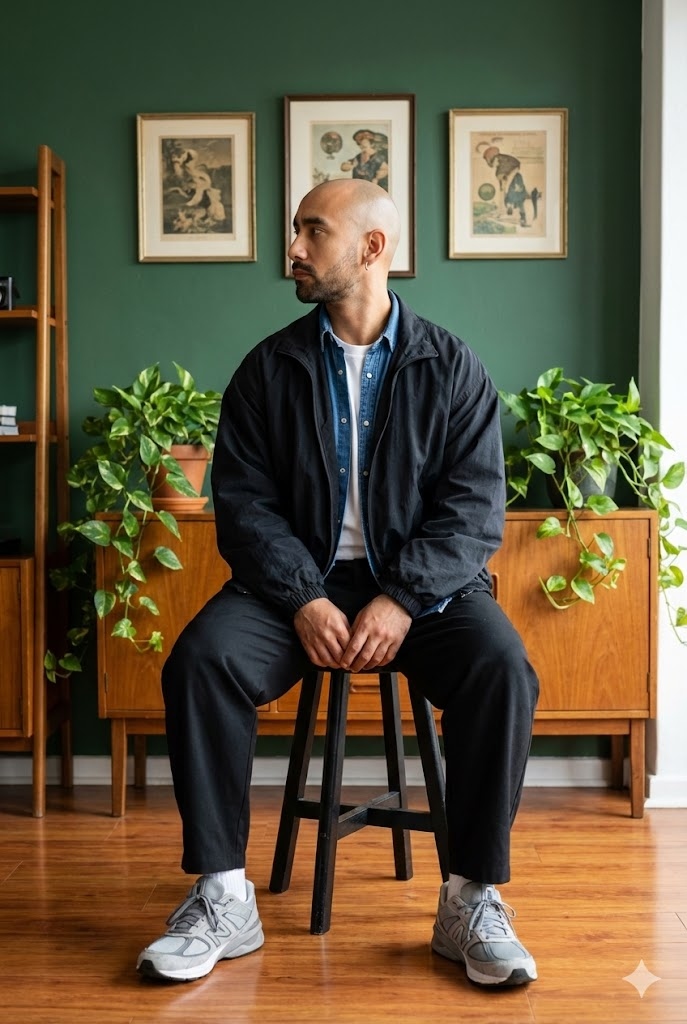
Portrait Style de Vie Tabouret
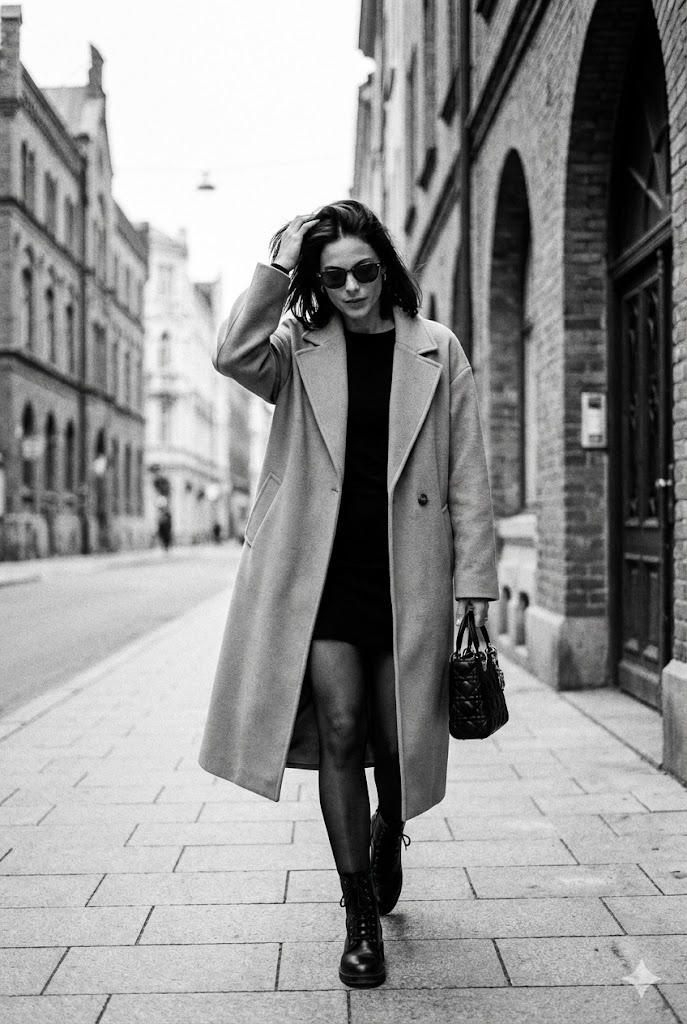
Photo de Rue Candid Noir et Blanc
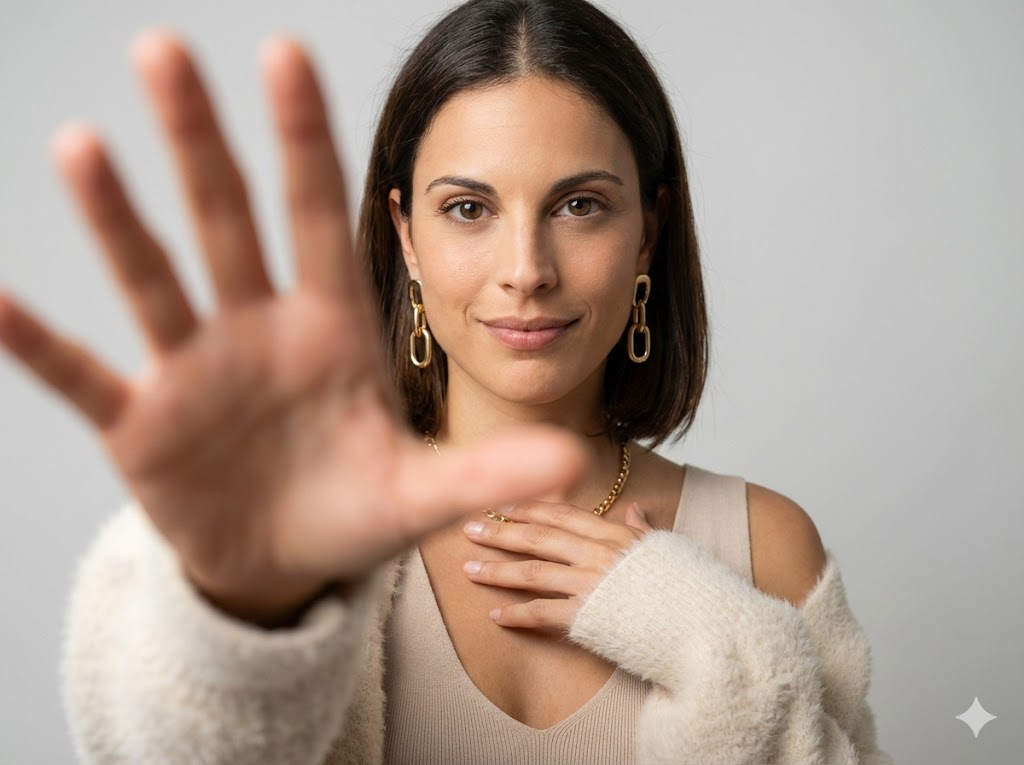
Focus Main Studio Minimaliste

Mode Cinématographique Plein Air (Roseaux)
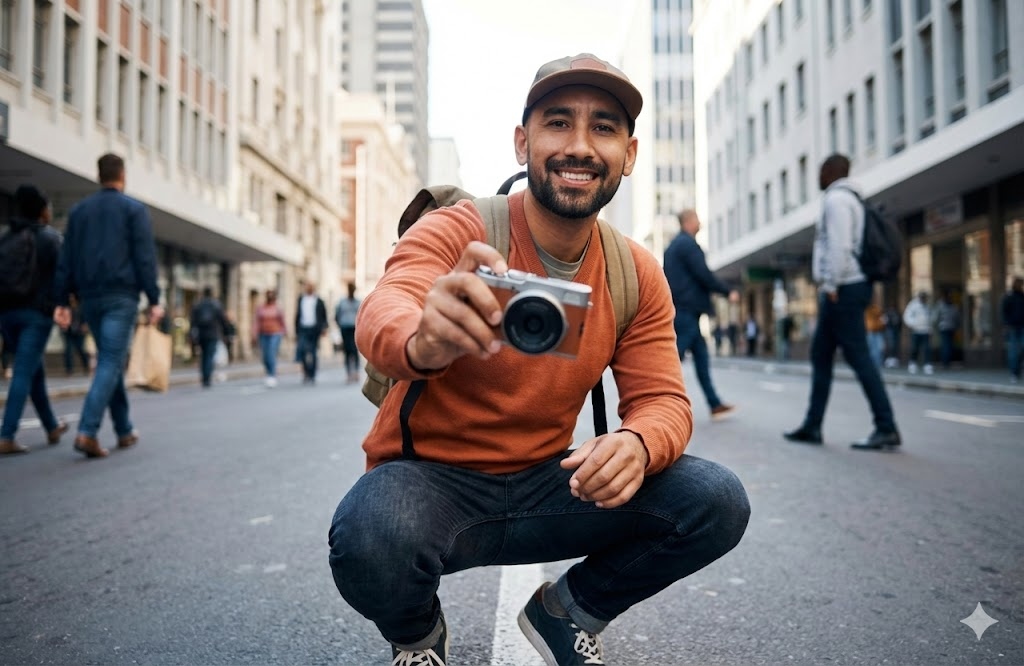
Caméra de Rue Urbaine
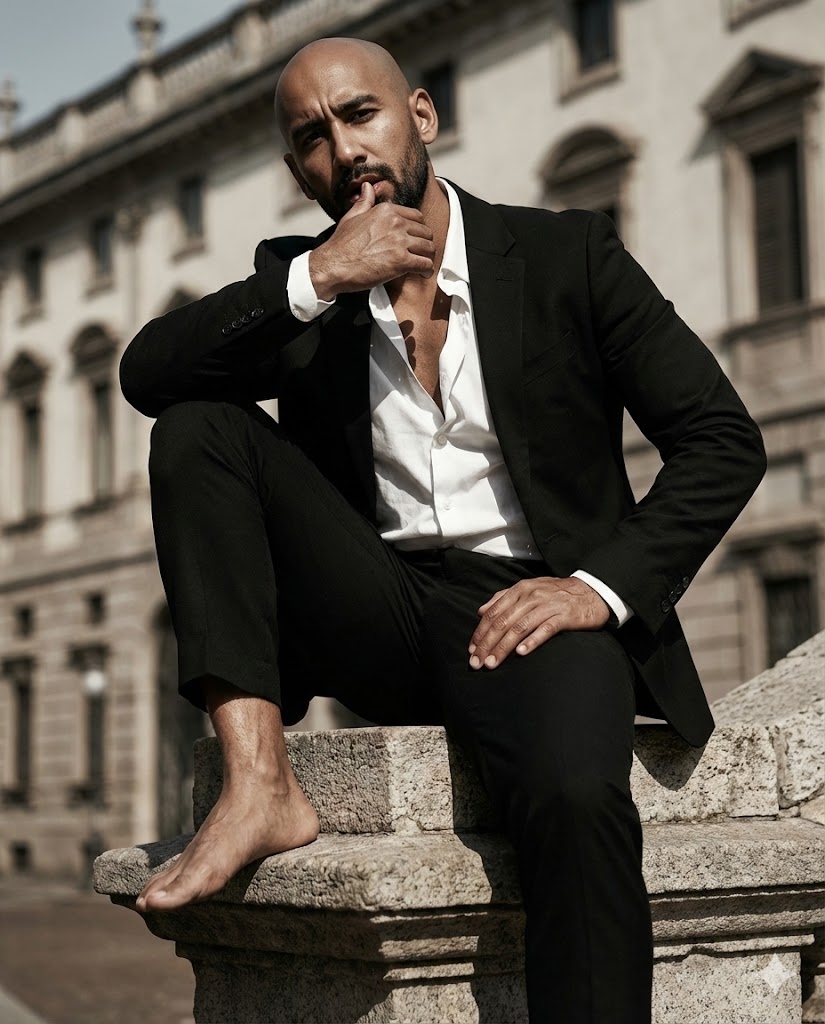
Éditorial Assis sur Sculpture
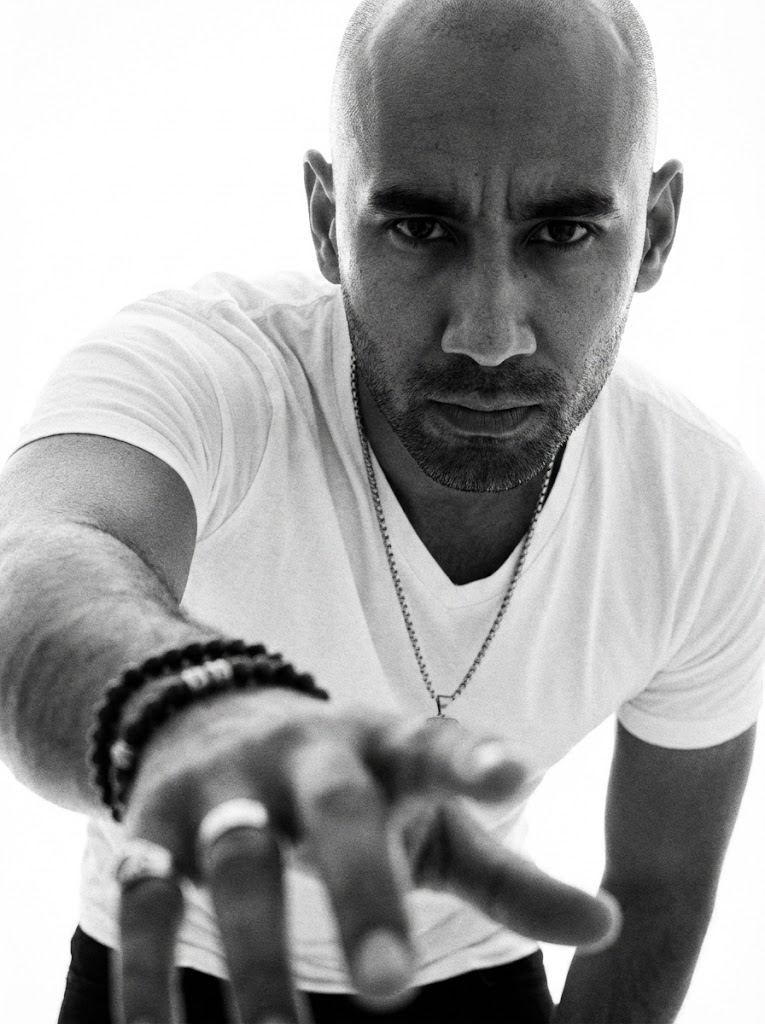
NB Focus Main Dramatique
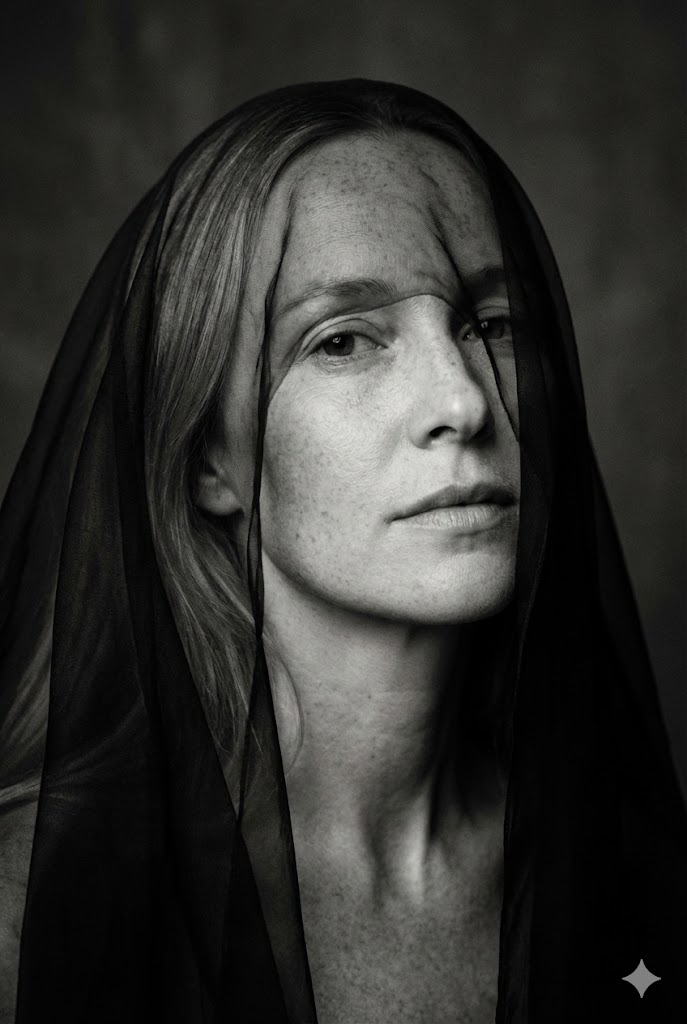
Beaux-Arts Minimaliste NB (Voile sur Yeux)
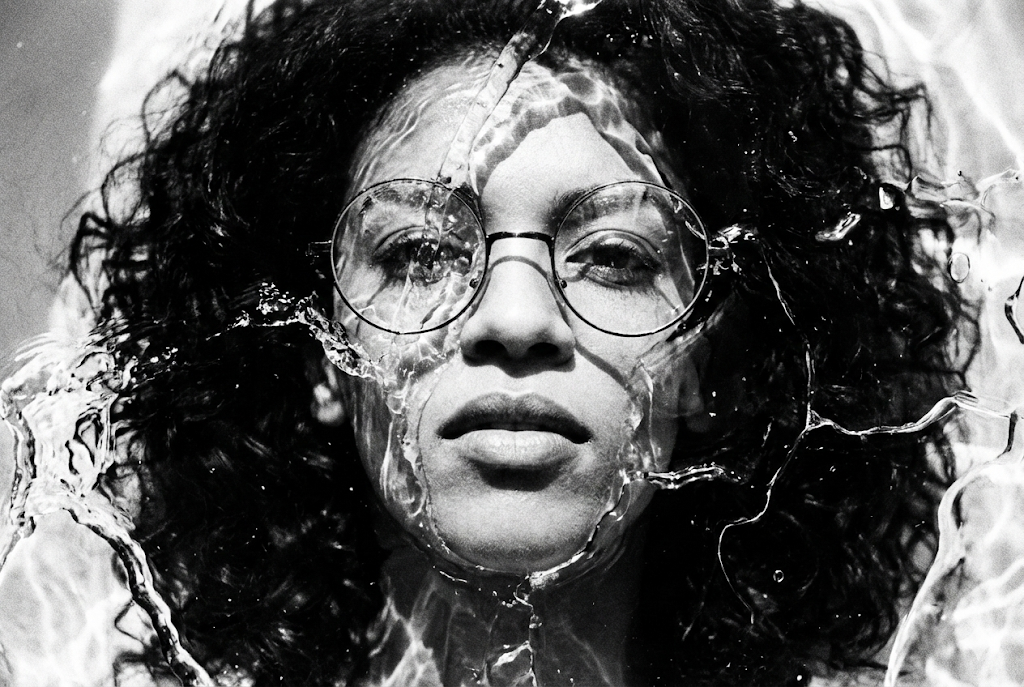
Beaux-Arts Contraste Élevé NB (Texture Liquide/Glace)
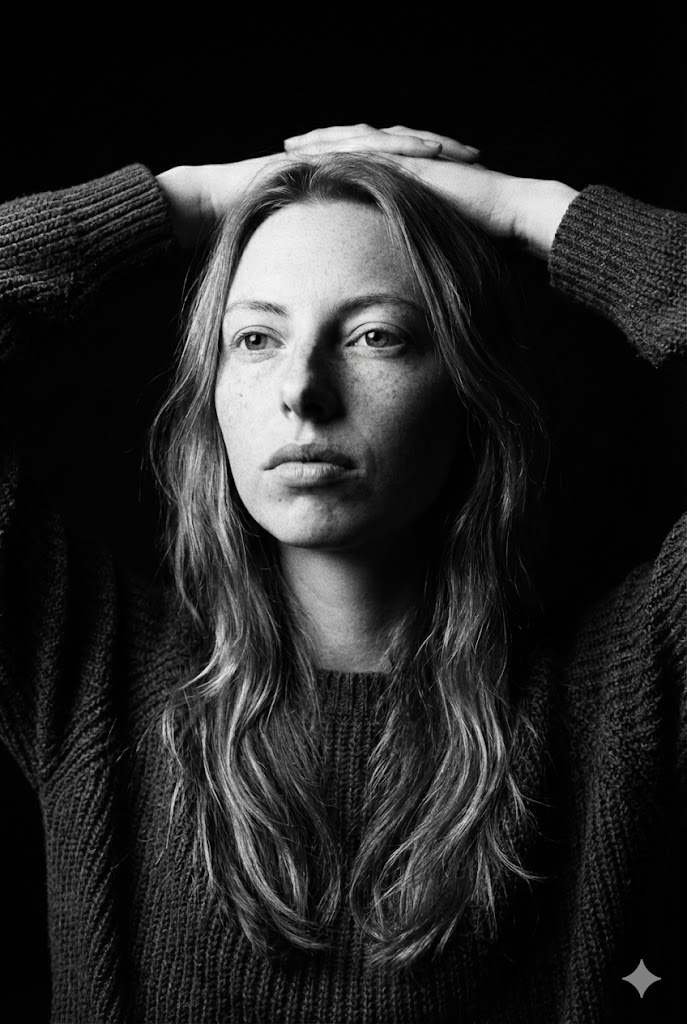
Beaux-Arts Sombre NB (Mains Derrière Tête)
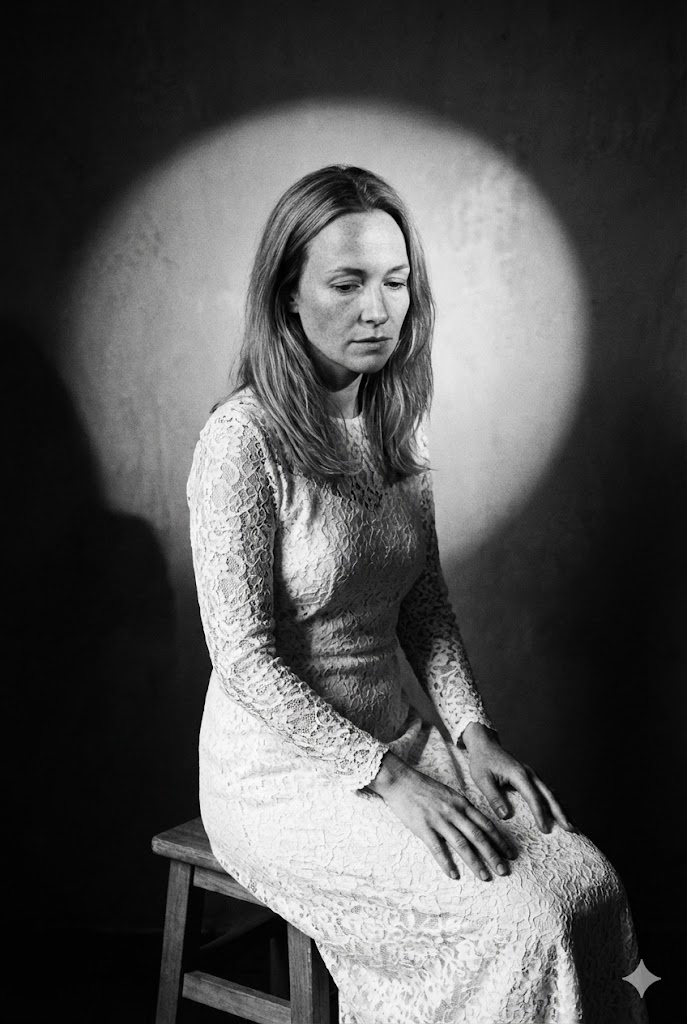
Portrait Beaux-Arts (Assis sur Tabouret)
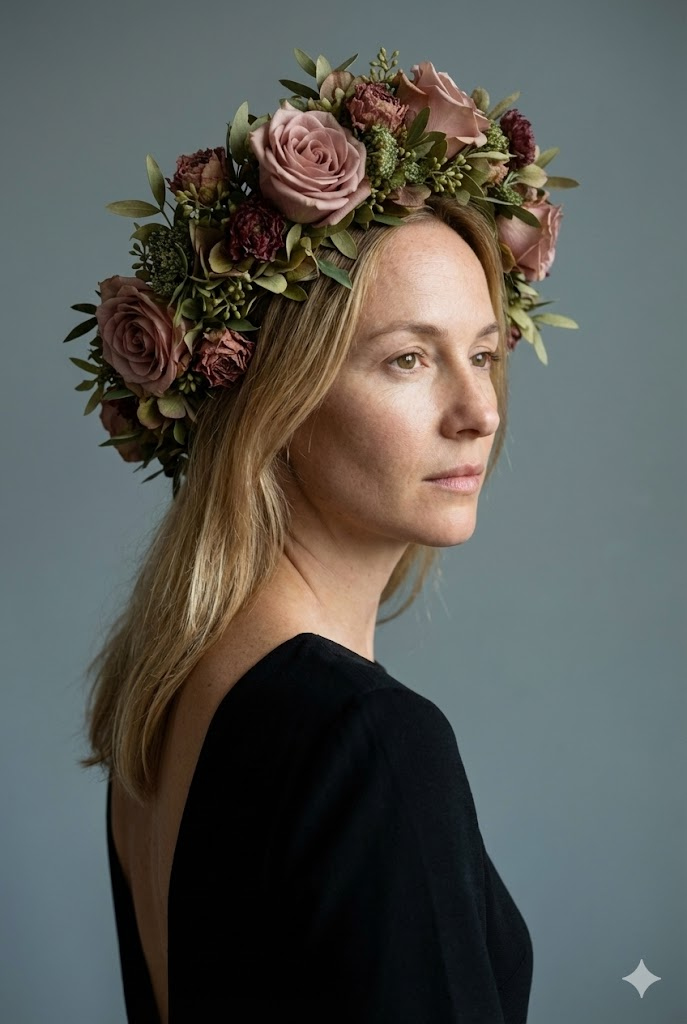
Portrait Studio Beaux-Arts (Coiffe Florale)
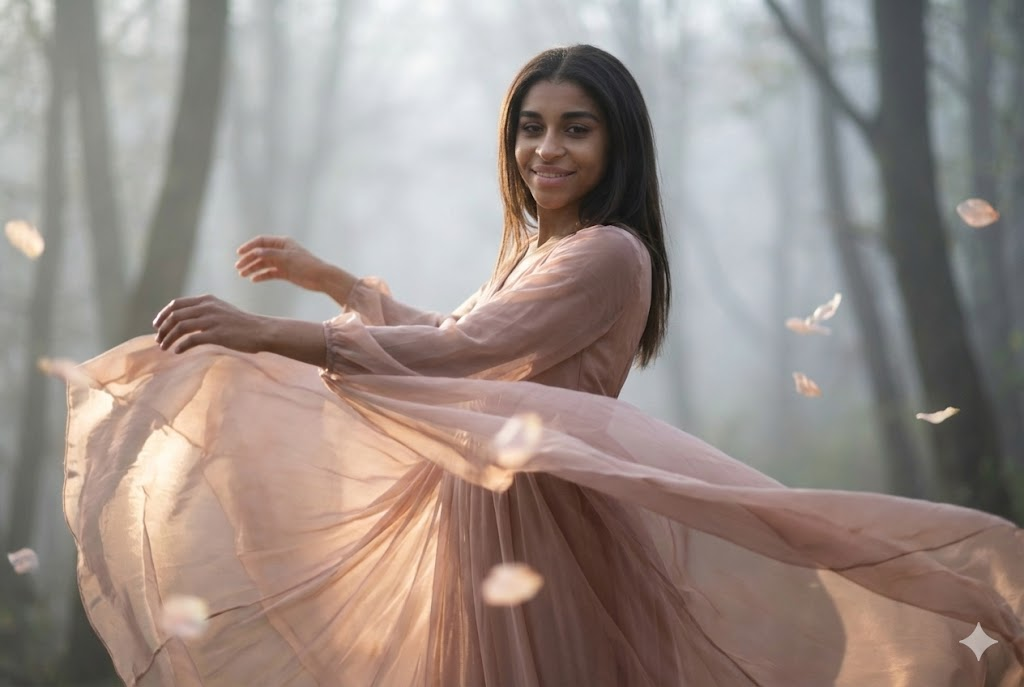
Portrait Cinématique Beaux-Arts (Mouvement Dansant)
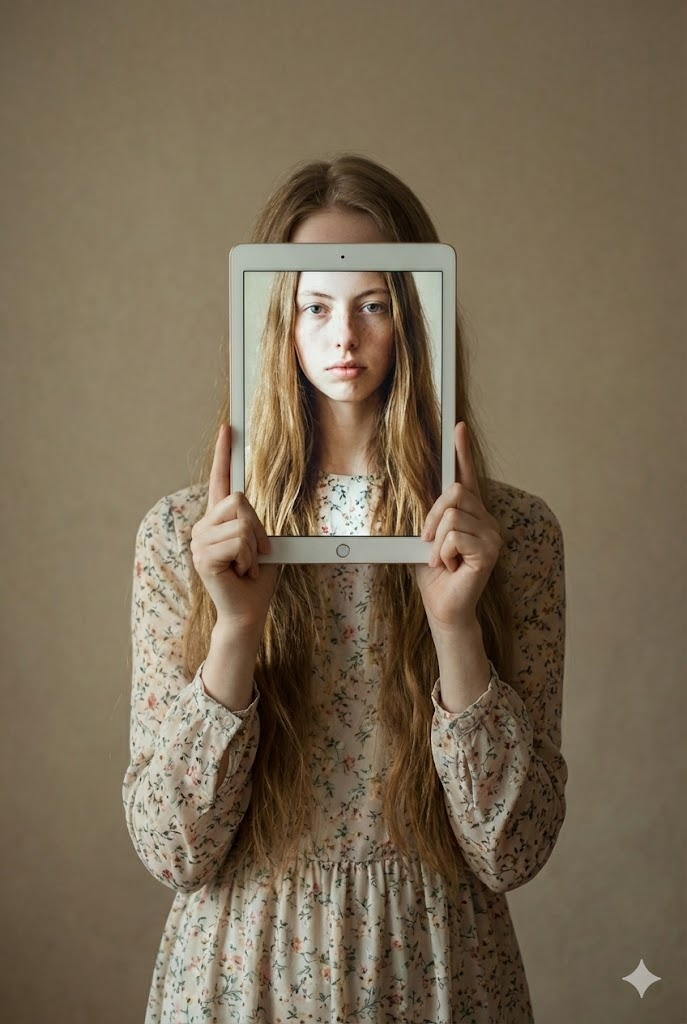
Portrait Beaux-Arts Conceptuel (Enfant Tenant Tablette)
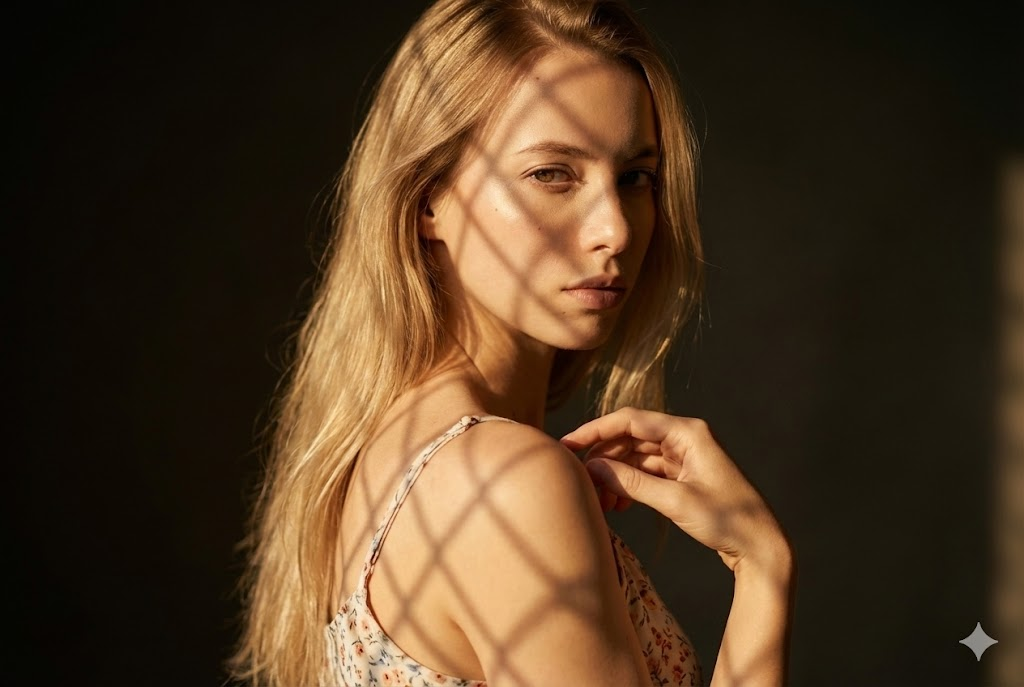
Portrait Beaux-Arts Cinématique (Motif Ombre Treillis)
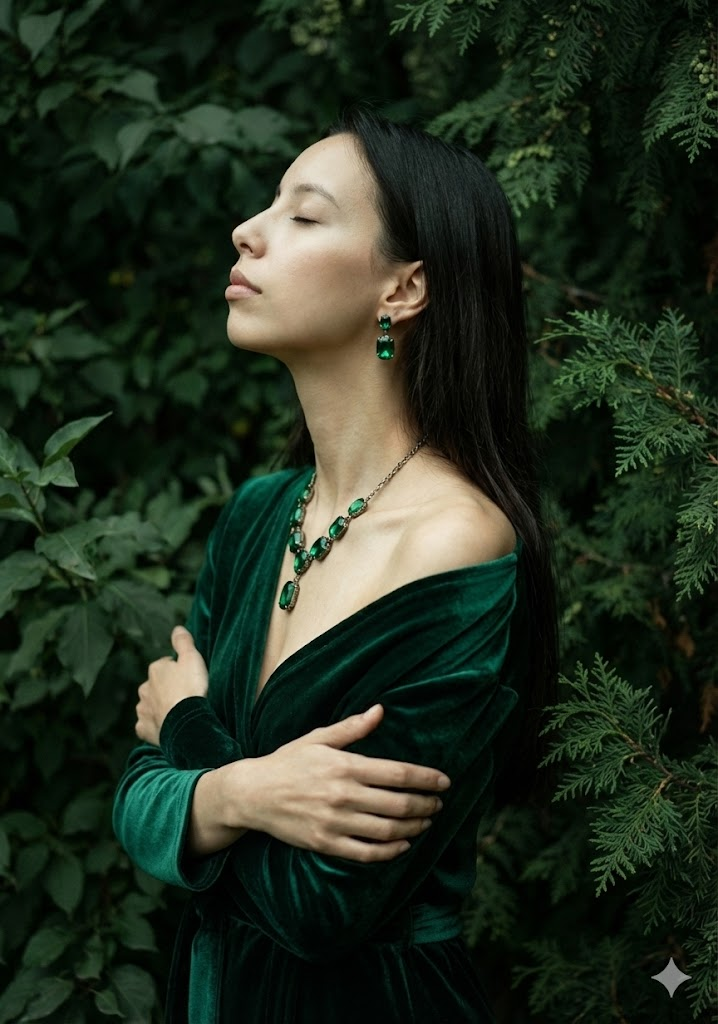
Portrait Beaux-Arts Artistique (Velours Vert & Feuillage)
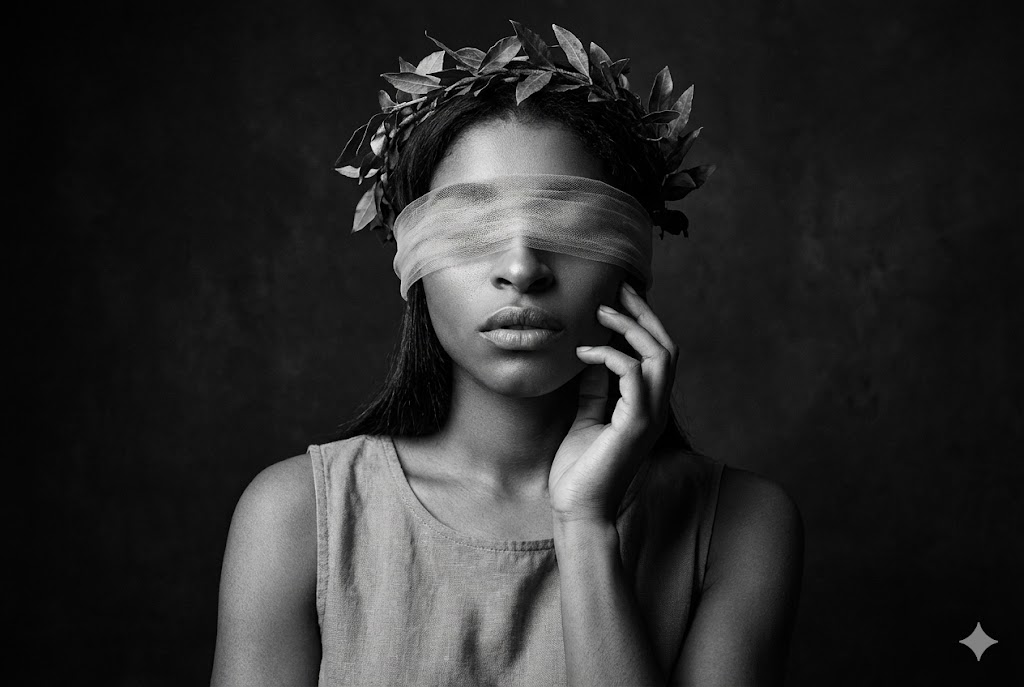
Beaux-Arts Dramatique NB (Bandeau & Couronne)
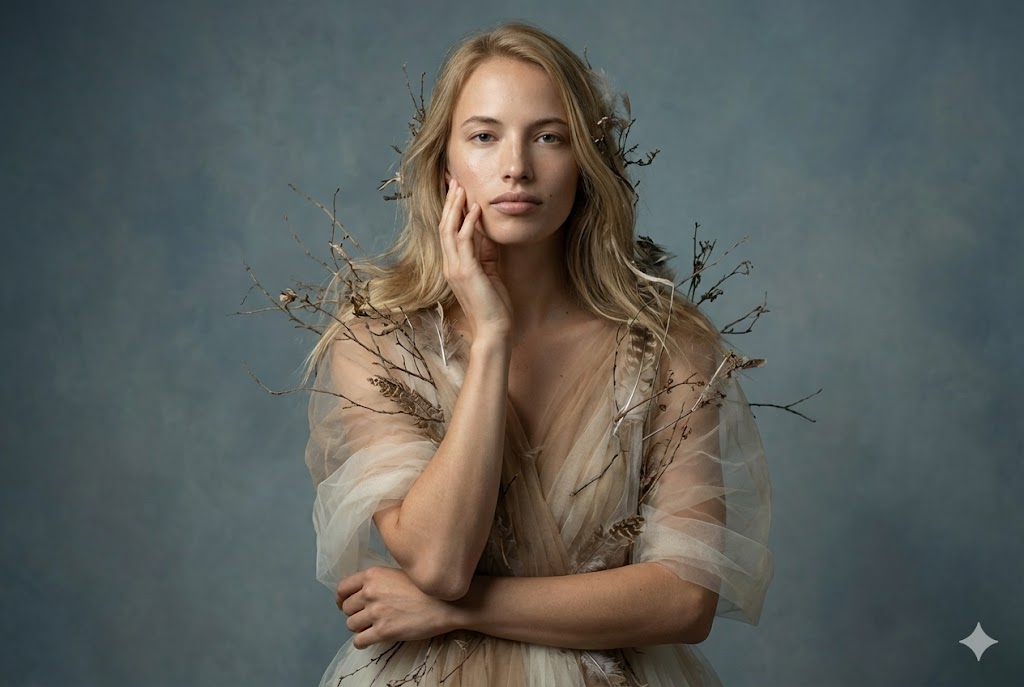
Portrait Éditorial Beaux-Arts (Tulle & Éléments Organiques)

Portrait Cinématique Artistique (Allongé avec Fleurs Séchées)
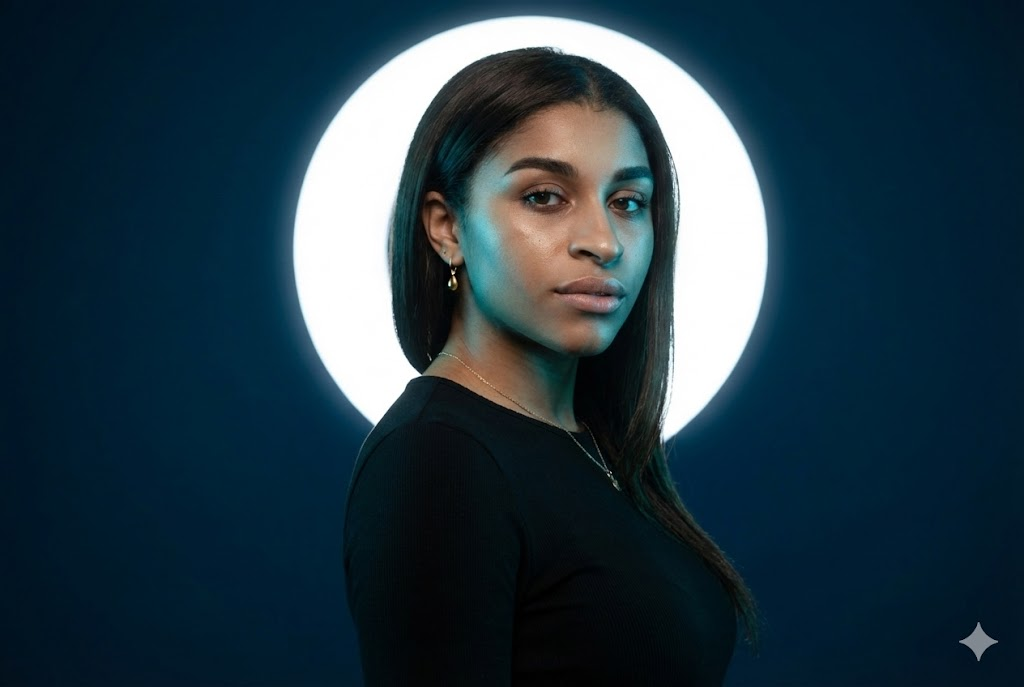
Portrait Studio Cinématique (Lumière Cyan & Halo Blanc)
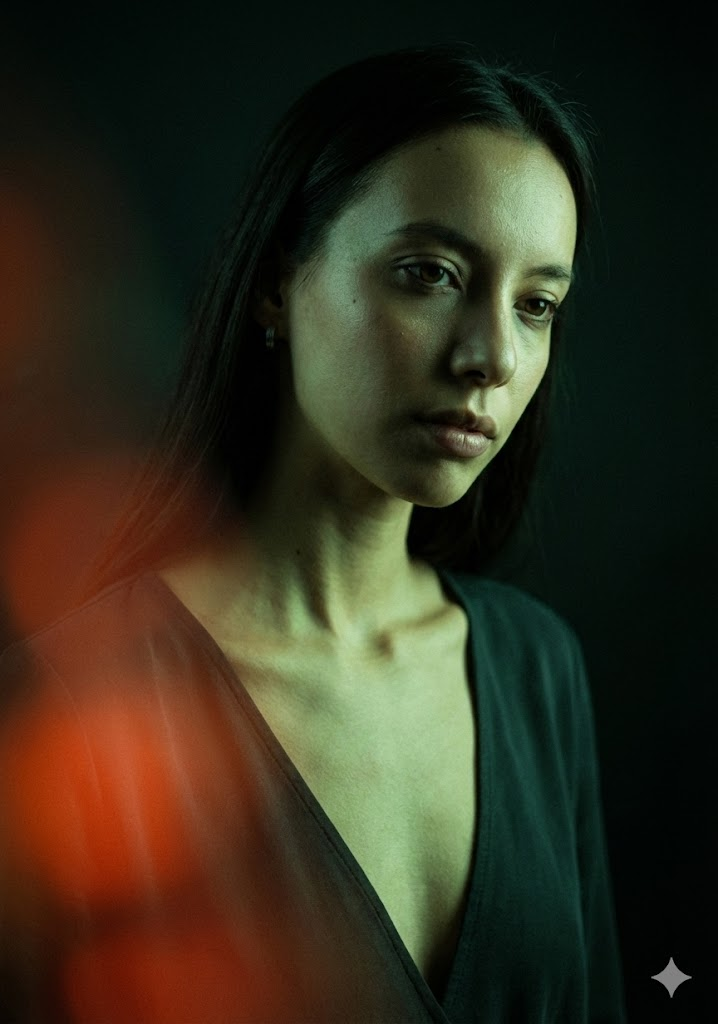
Portrait Mode Low-Key Cinématique (Lumière Verte & Flare Rouge)
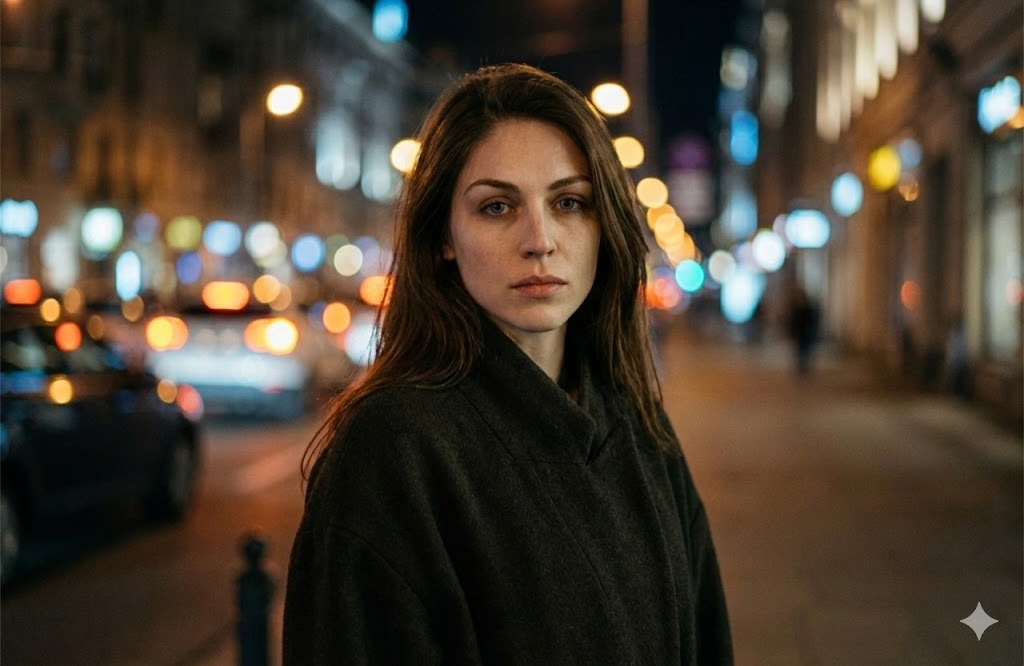
Portrait Nocturne Cinématique (Bokeh Urbain)
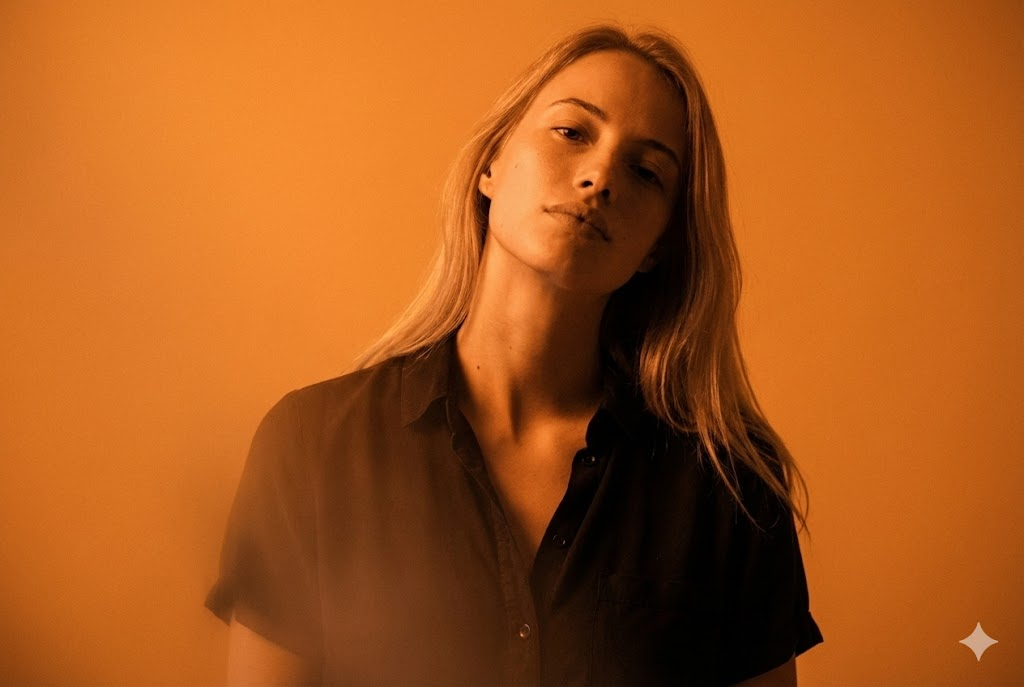
Portrait Monochromatique Cinématique (Orange)
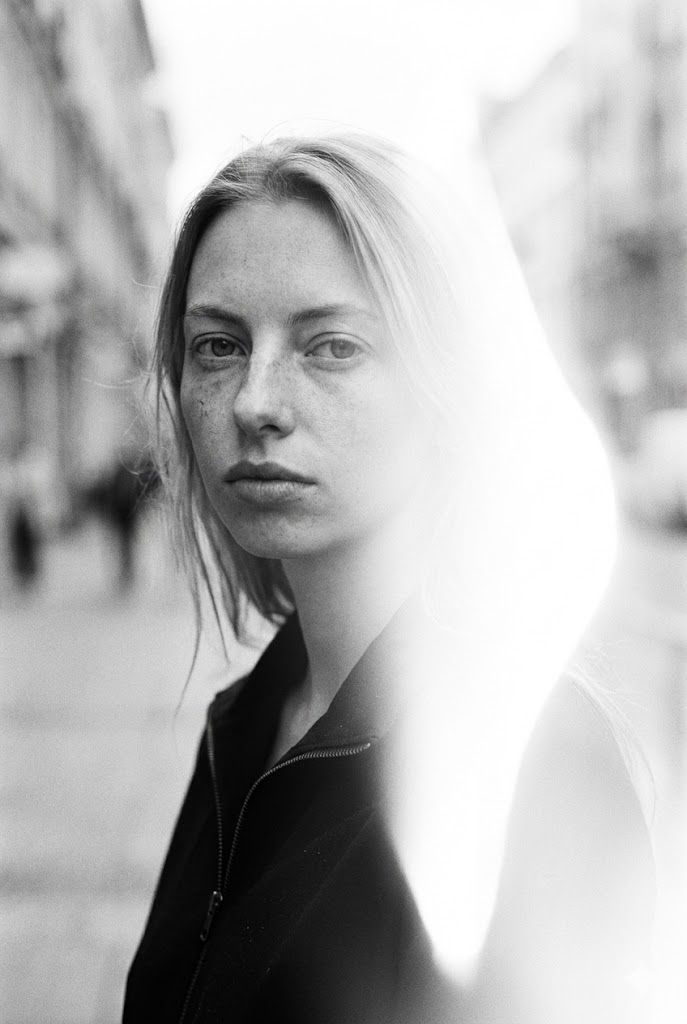
Portrait NB Cinématique (Style Rue avec Fuite Lumière)
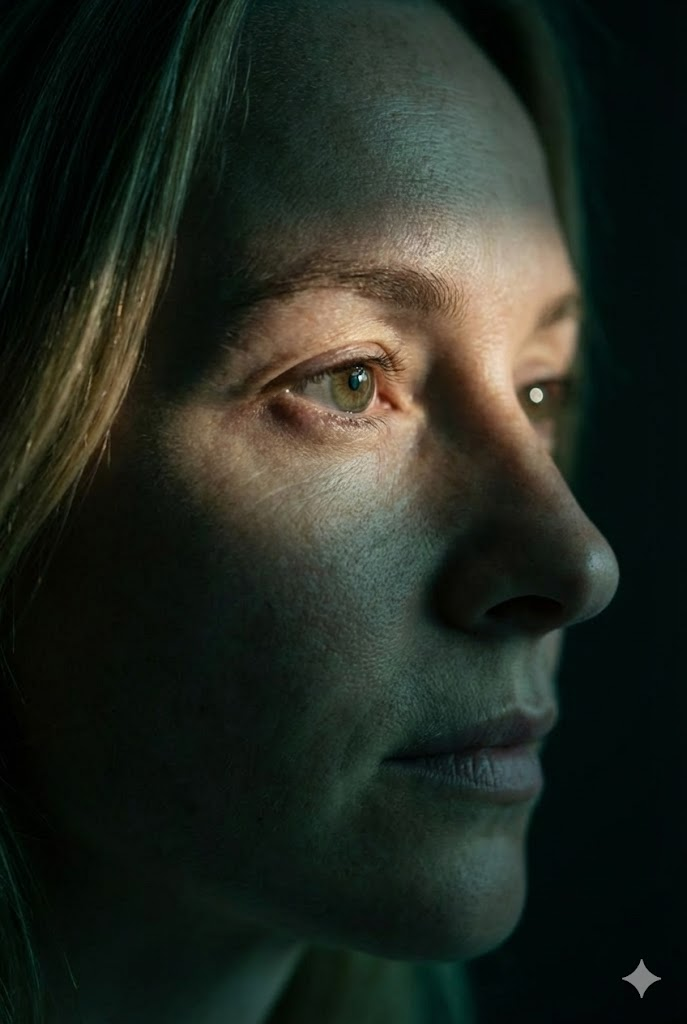
Gros Plan Extrême Cinématique (Profil Focus Œil)
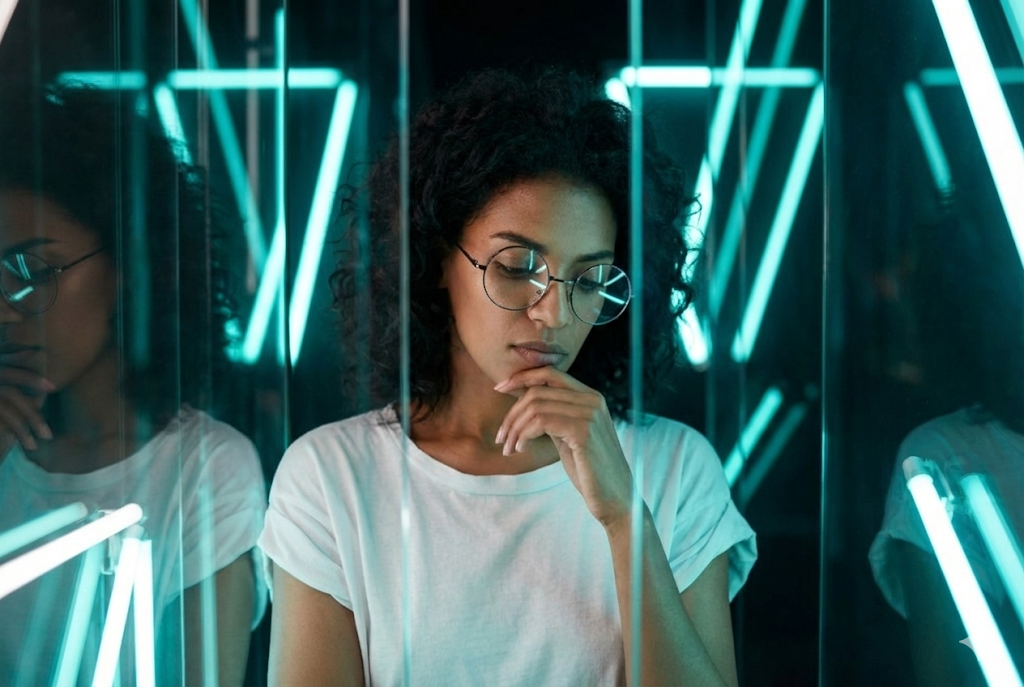
Portrait Mode Cinématique (Néon & Verre)
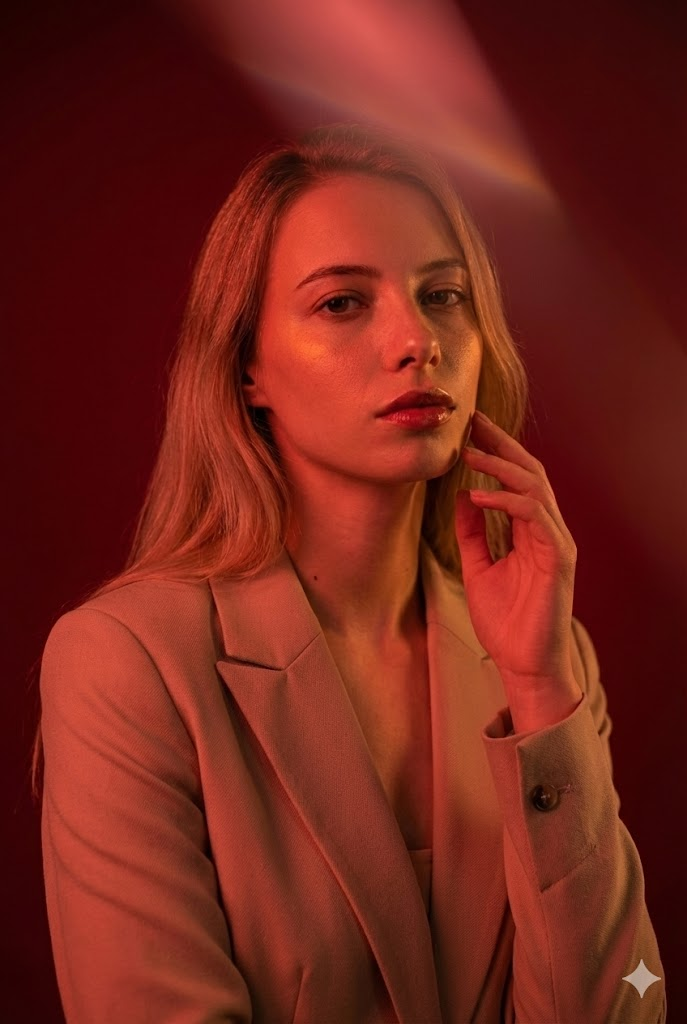
Portrait Mode Cinématique (Éclairage Rouge)
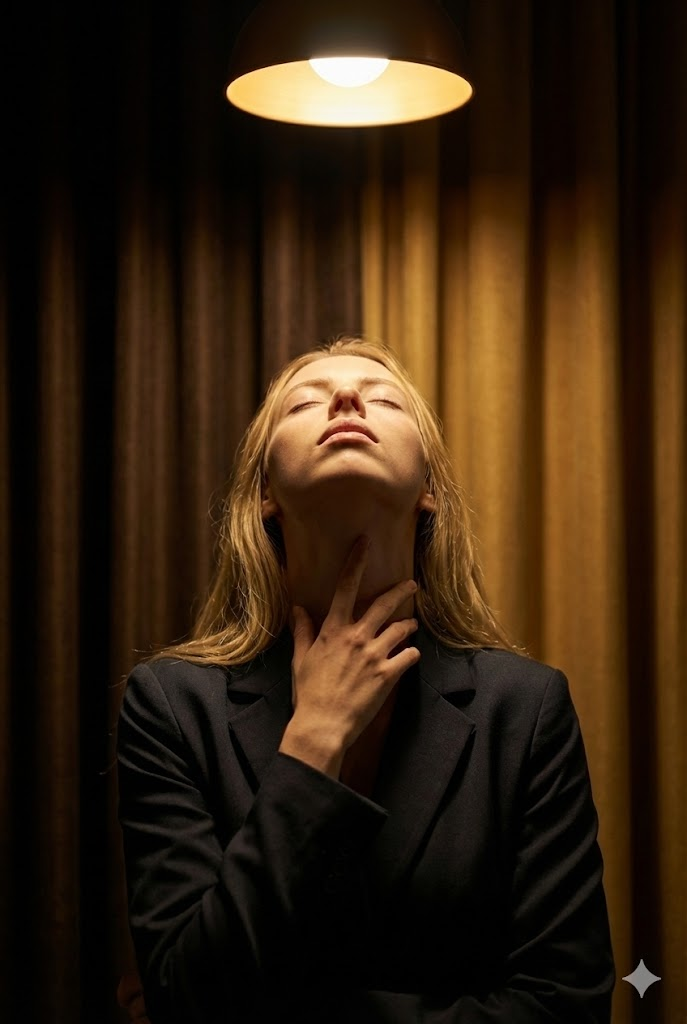
Portrait Beaux-Arts Cinématique (Lumière Halo & Geste Rituel)

Portrait Conceptuel Cinématique (Projection Symboles Orange)
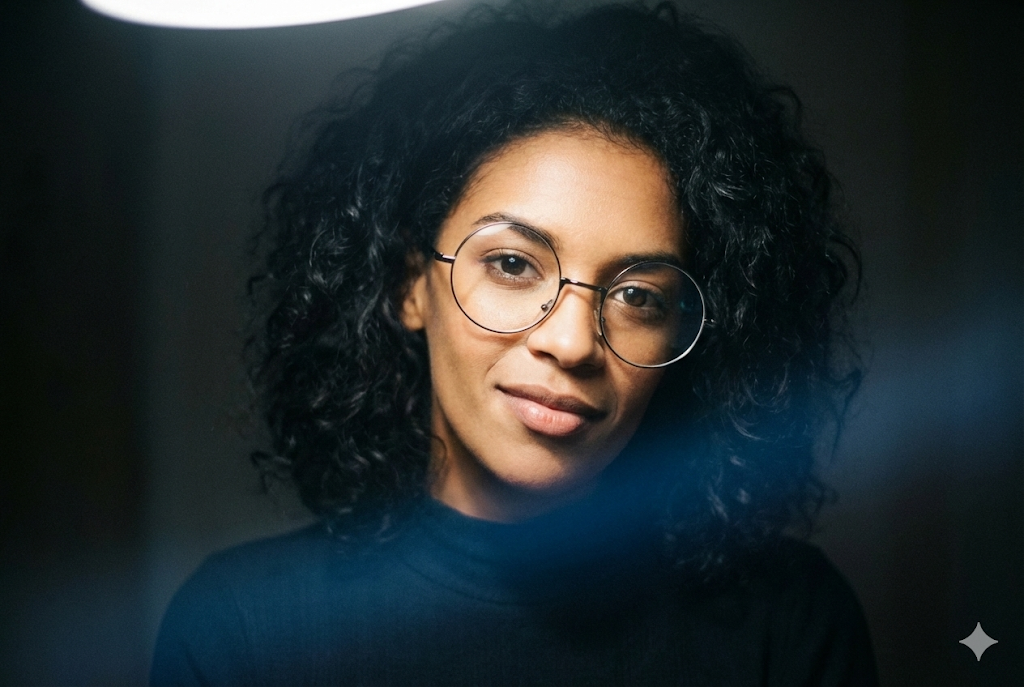
Portrait Mode Low-Key Cinématique (Cou Allongé)
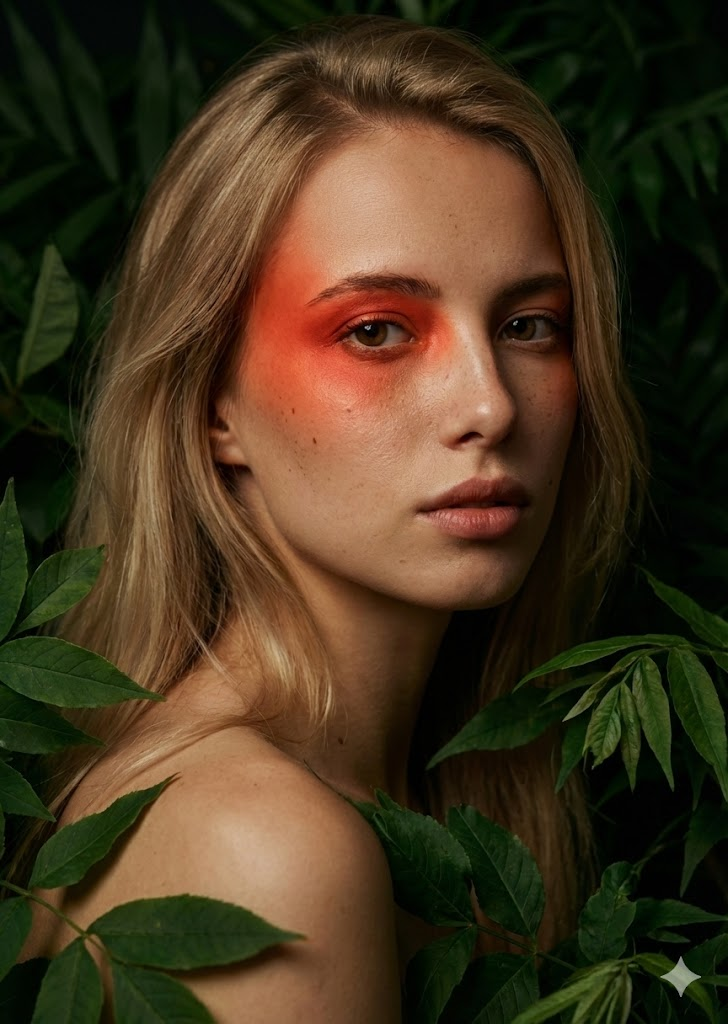
Portrait Beaux-Arts Cinématique (Feuillage & Accent Rouge)
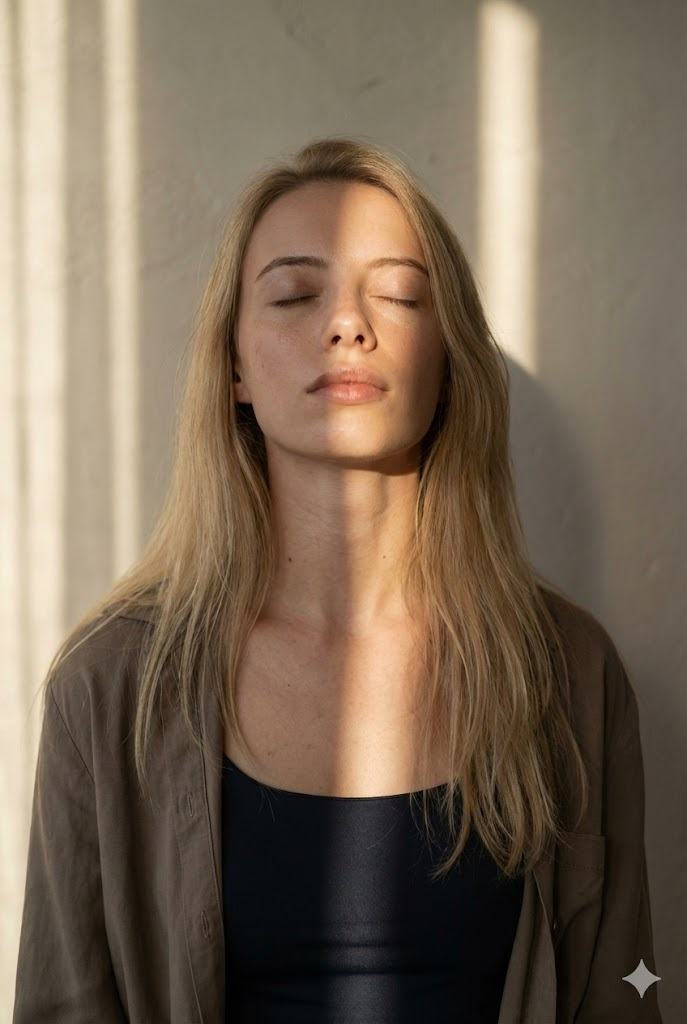
Portrait Lumière Naturelle Cinématique (Bande Soleil)
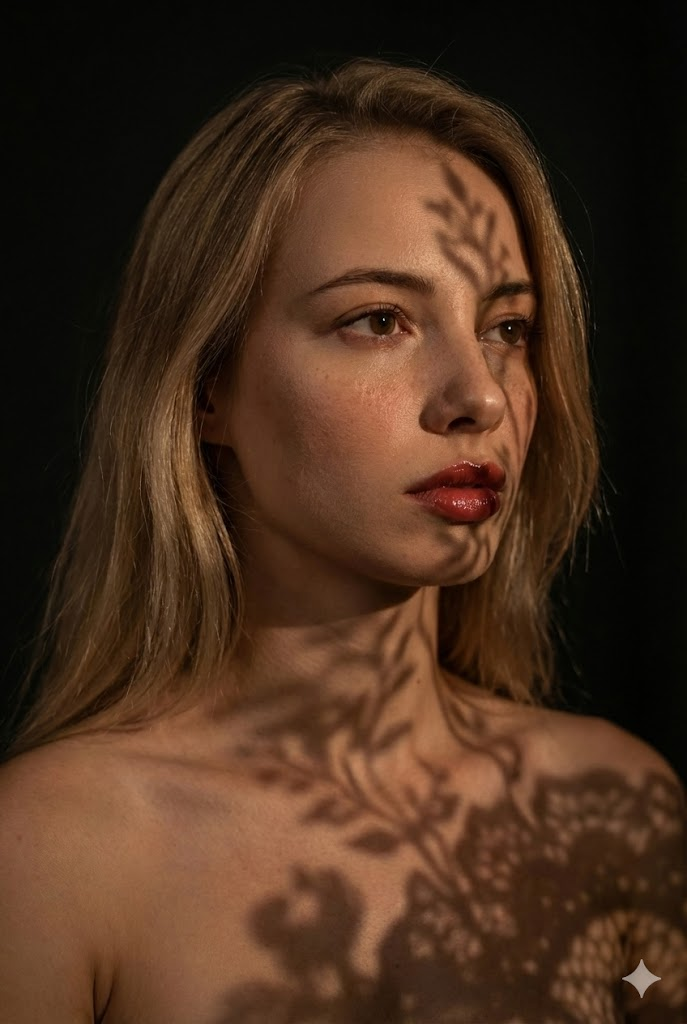
Portrait Beaux-Arts Cinématique (Ombres Dentelle)
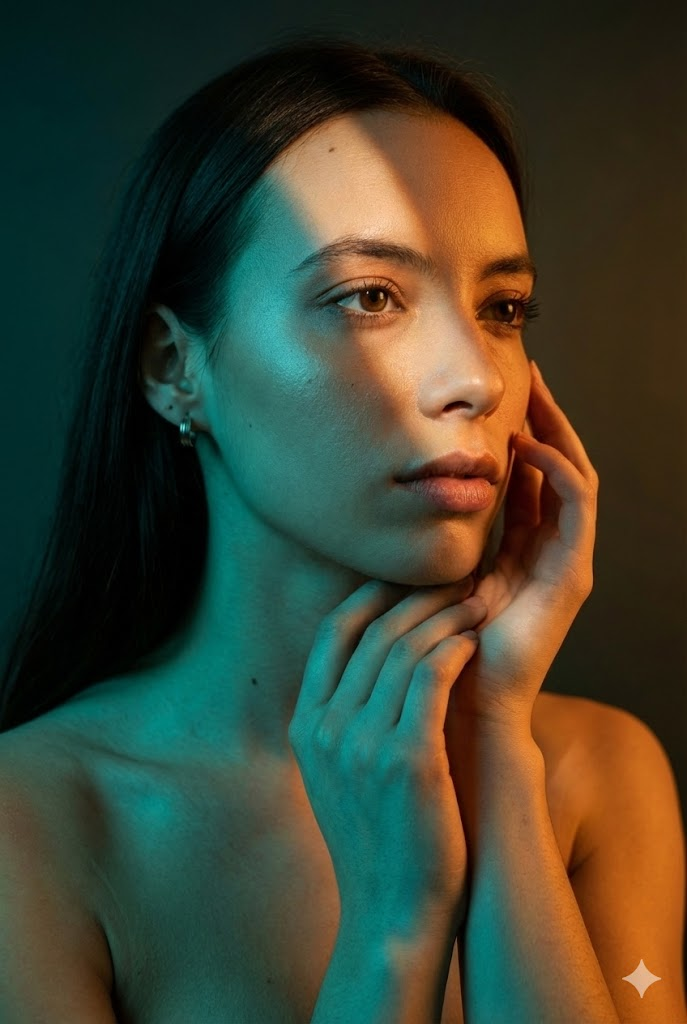
Portrait Beauté Mode Cinématique (Éclairage Divisé)
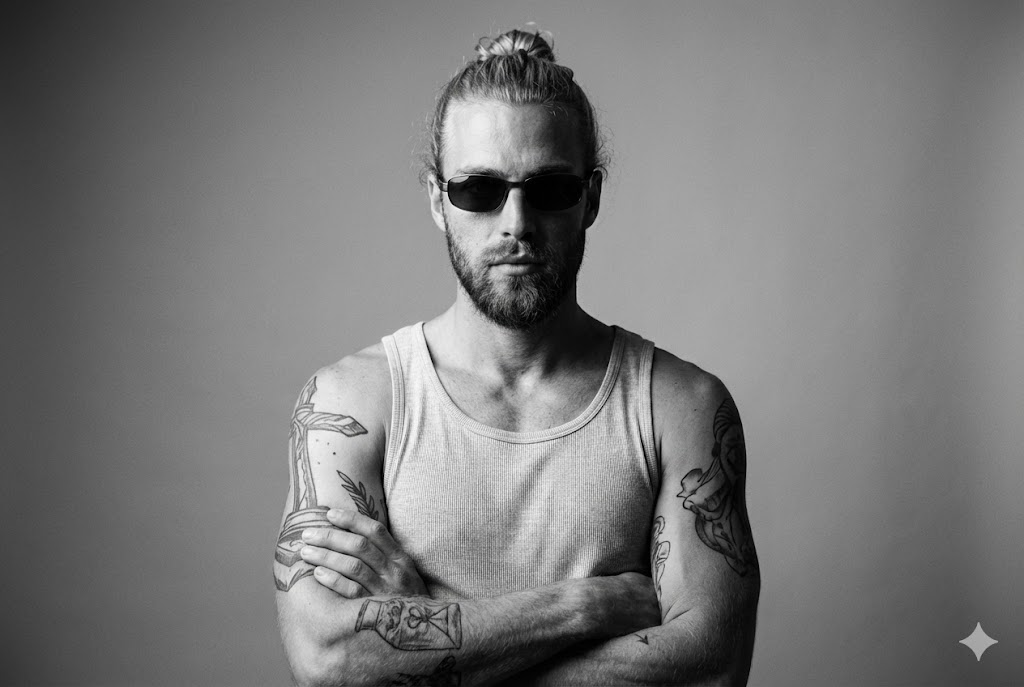
Beaux-Arts Débardeur (Identité Stricte)
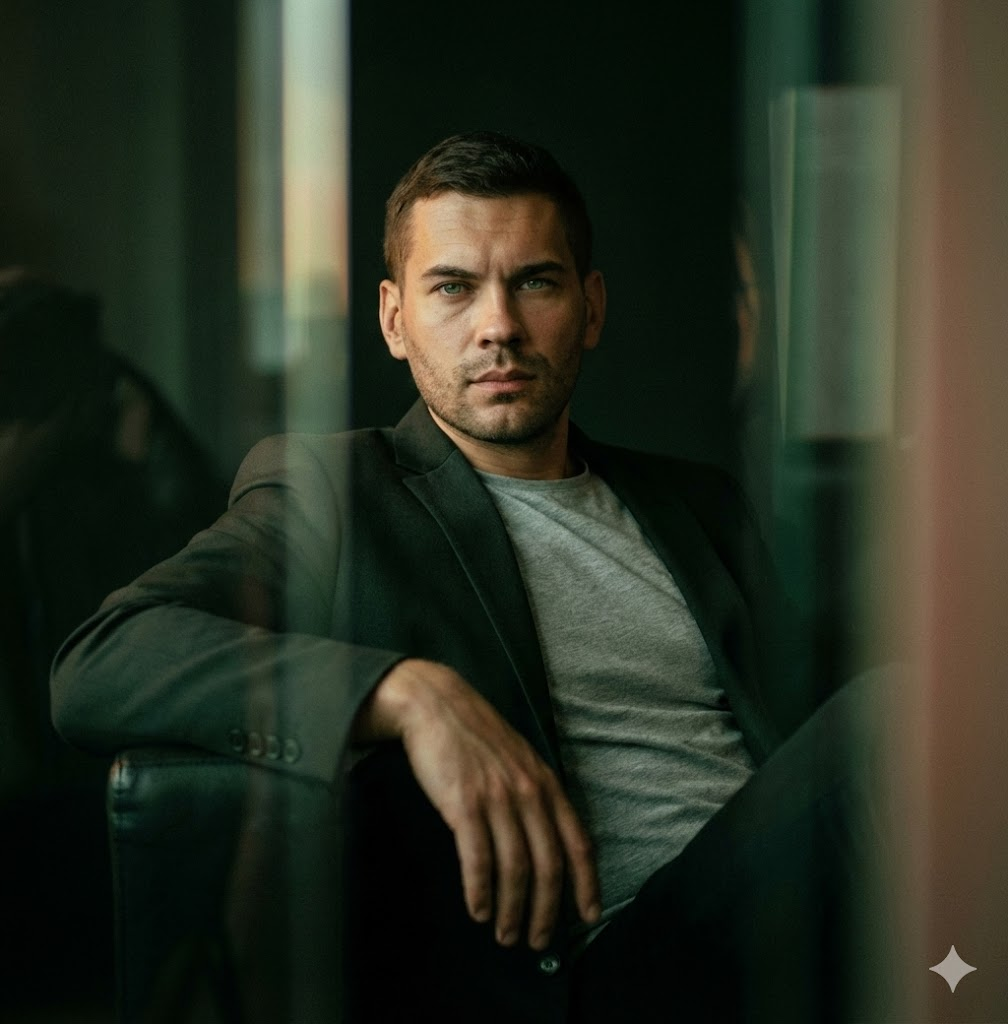
Cinématique Faible Lumière / Penché en Arrière
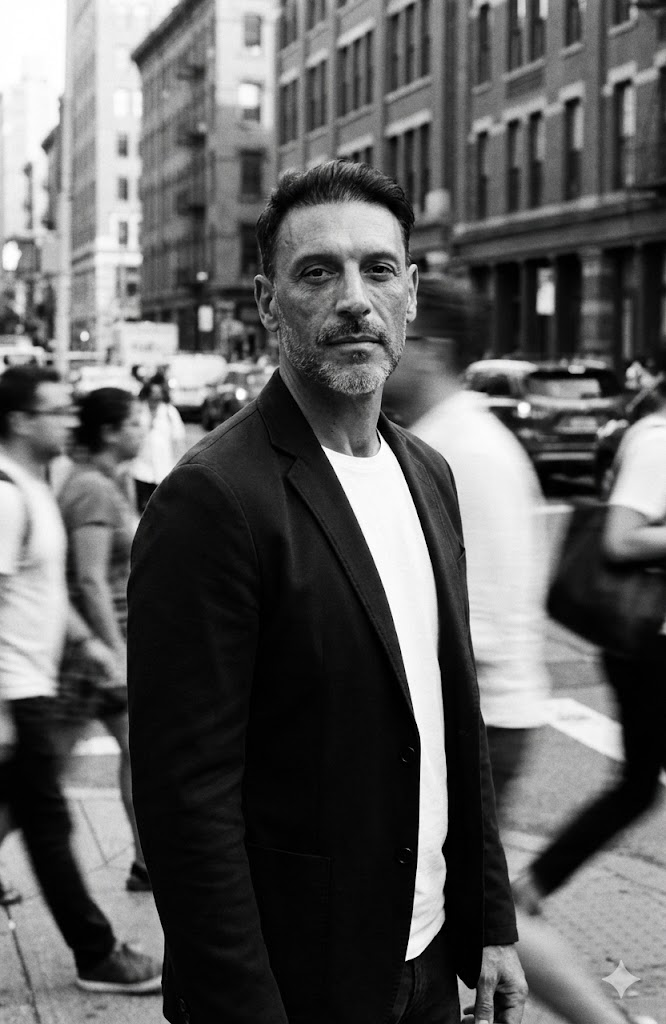
Flou de Mouvement Foule Rue
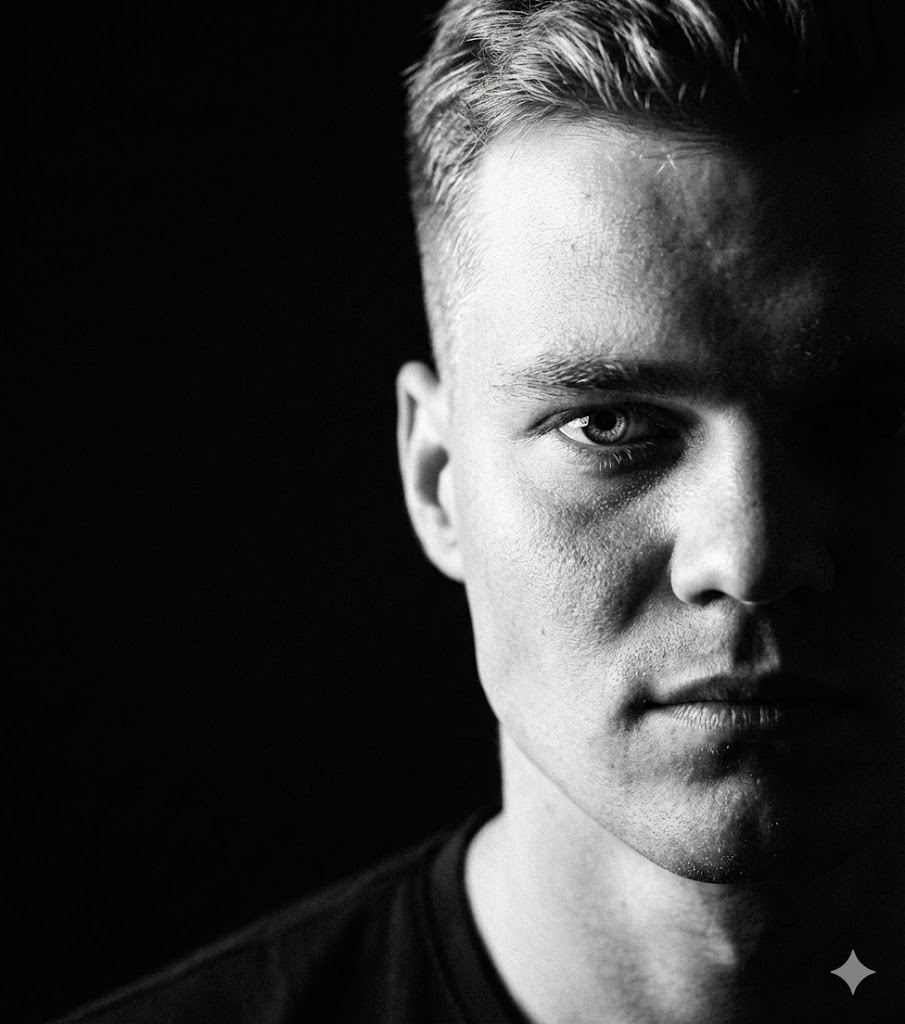
Ombre Extrême Demi-Visage
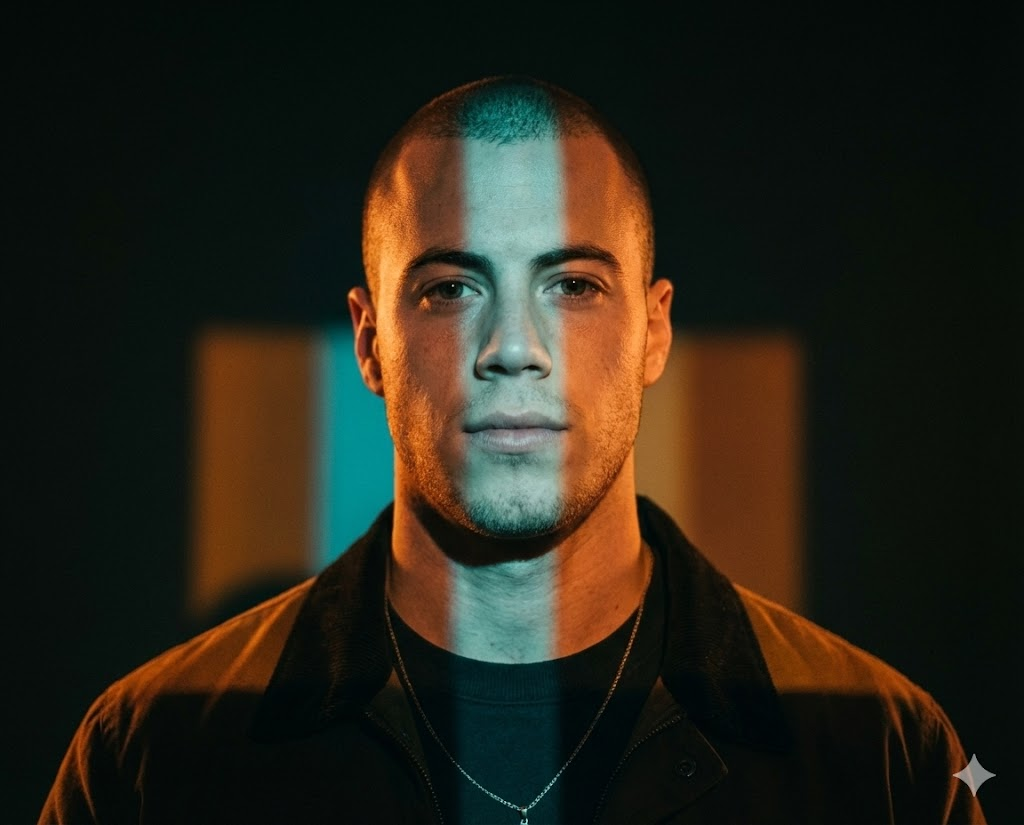
Projection Bandes Colorées
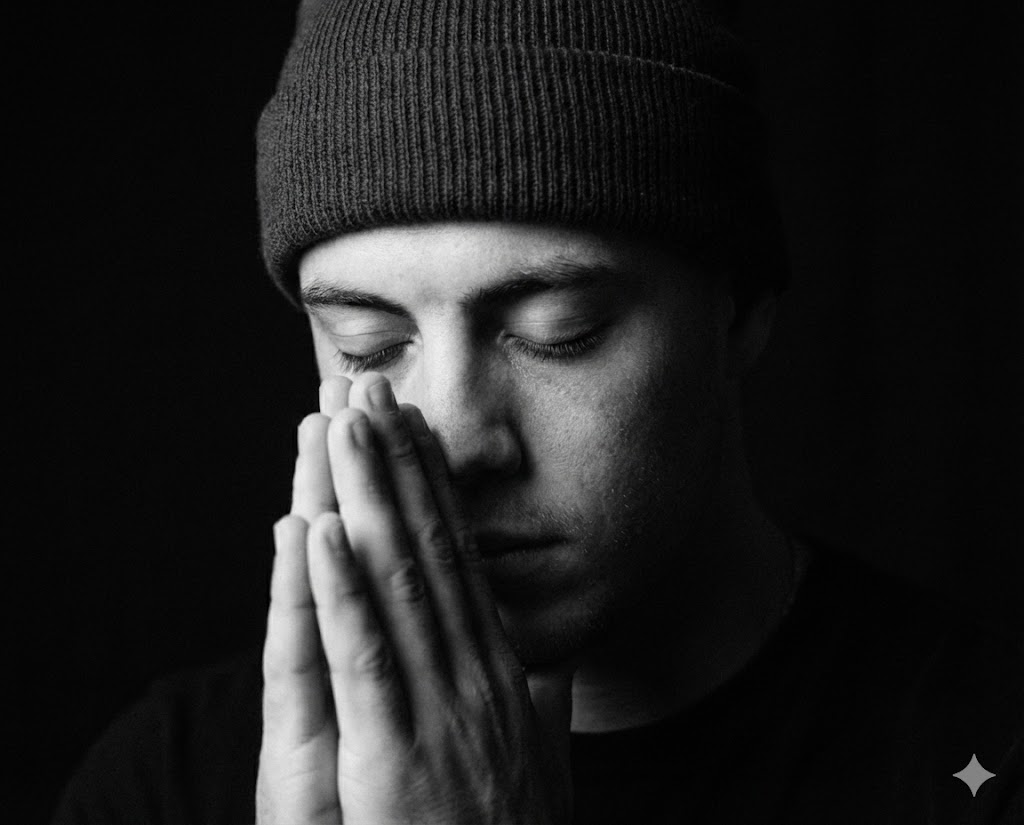
NB Geste de Prière
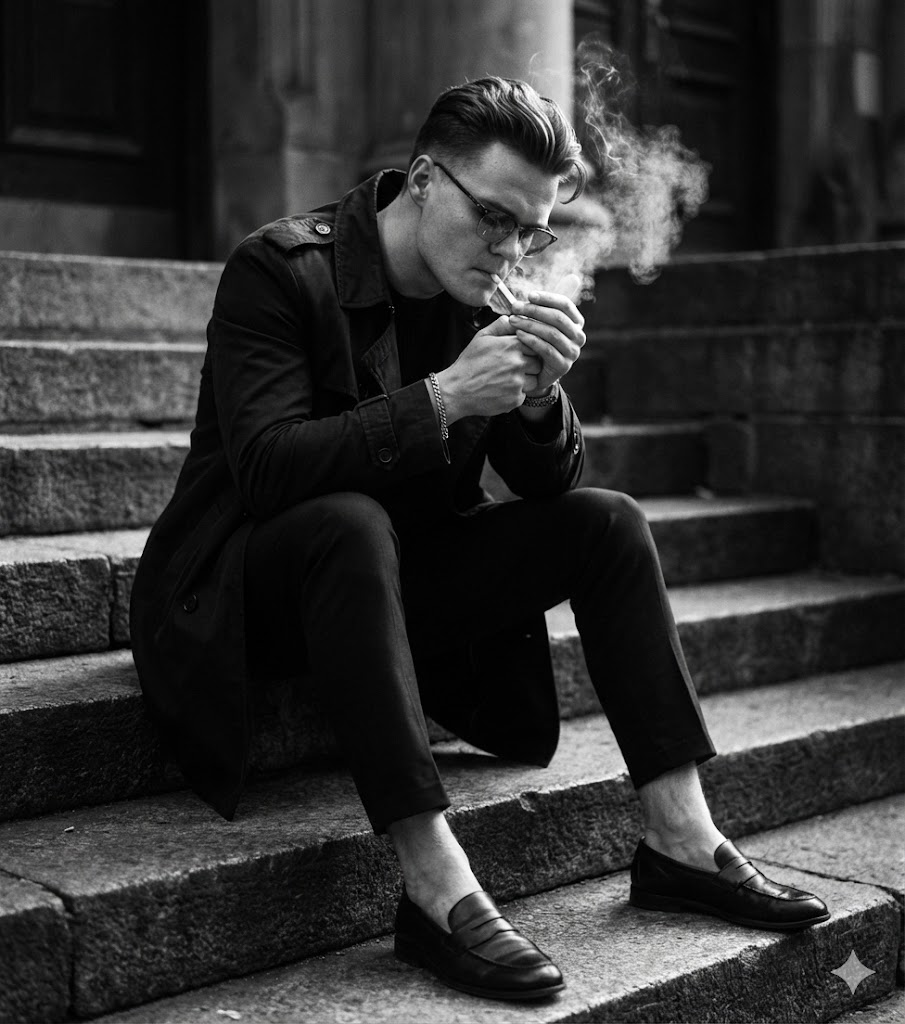
NB Assis sur les Marches
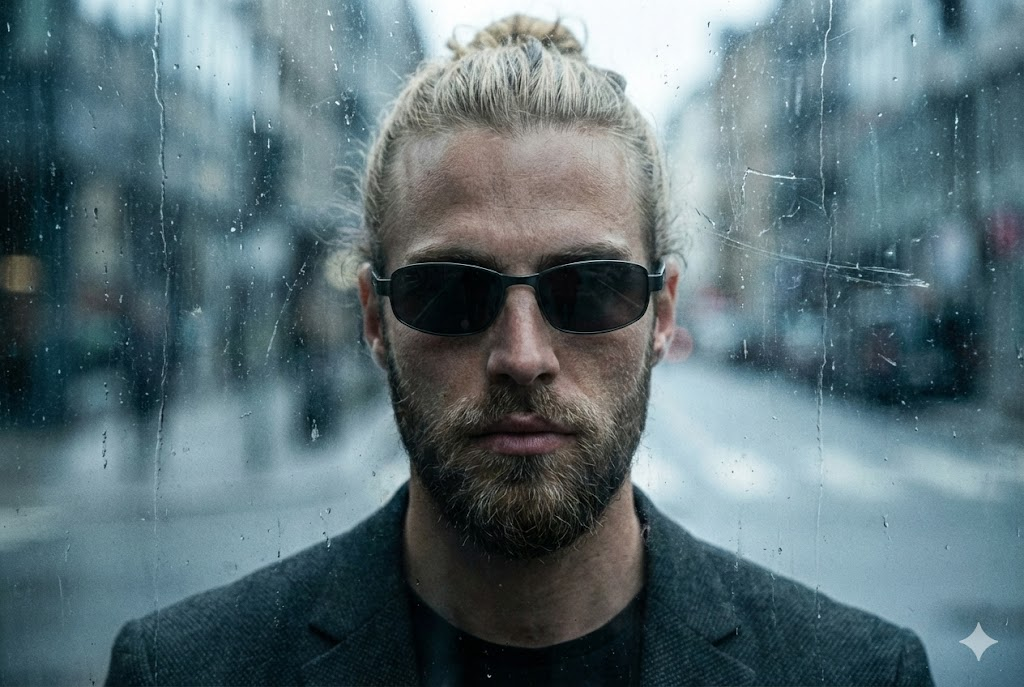
Urbain Grél (Verre Sale)
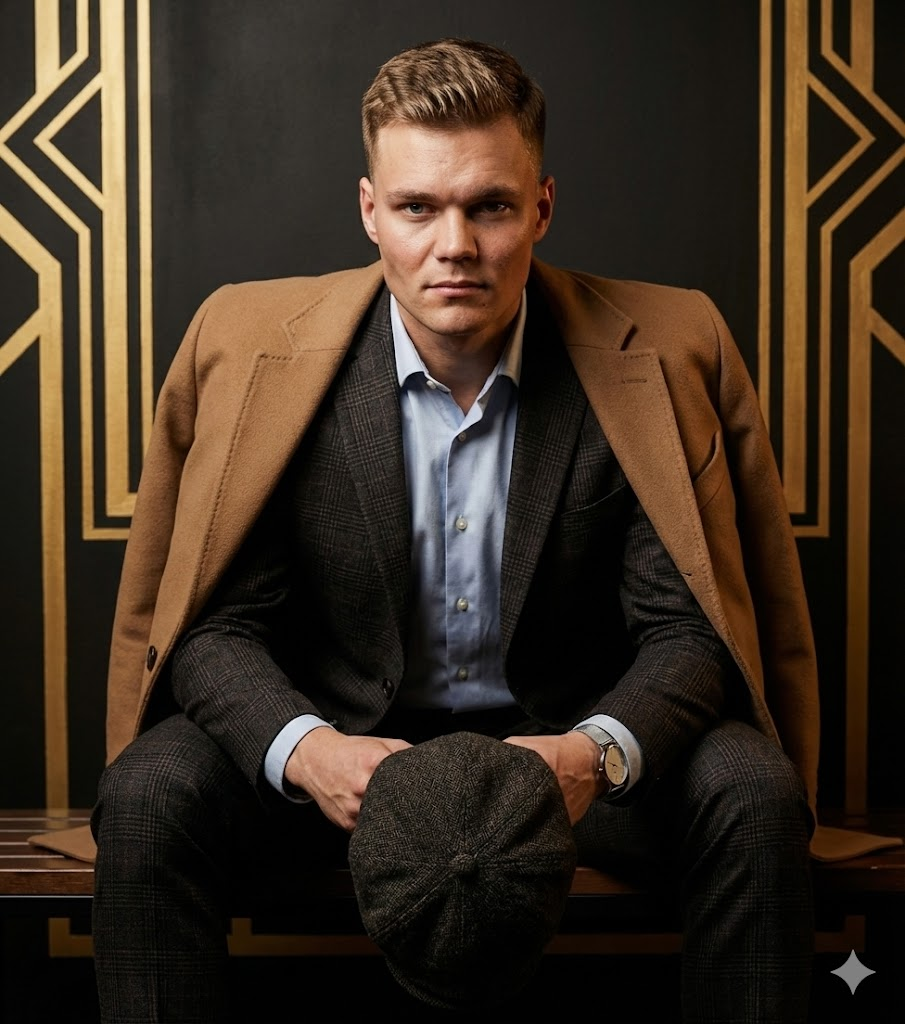
Mode Assise (Casquette Plate)
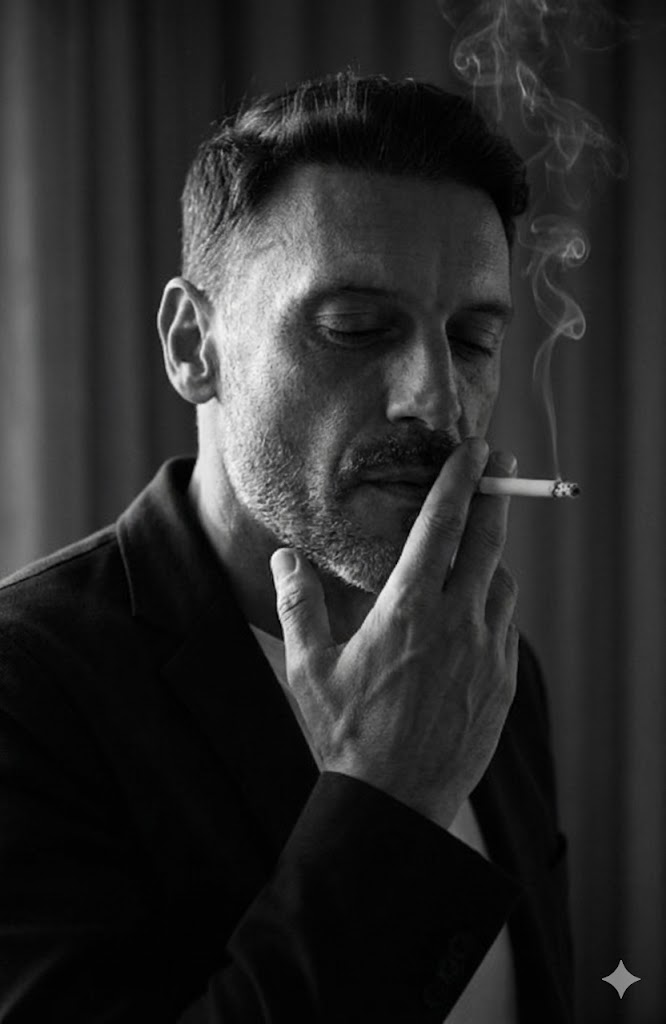
Low-Key Fumeur (Intérieur)
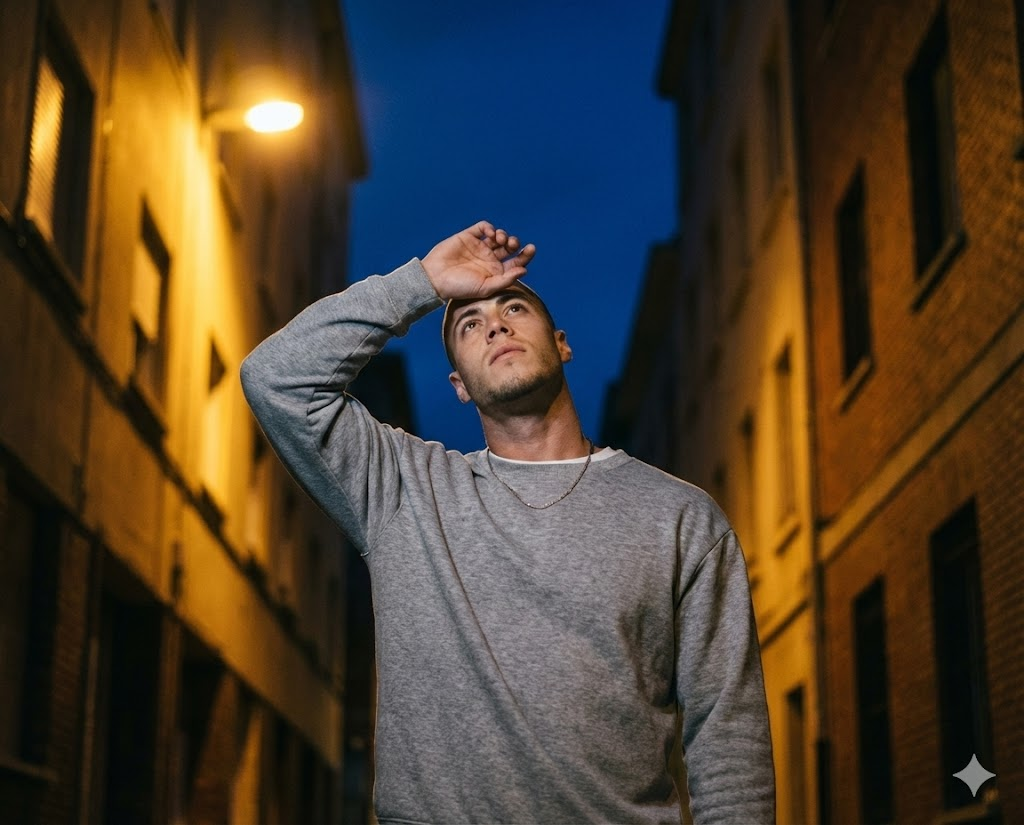
Rue Nocturne Protégeant les Yeux
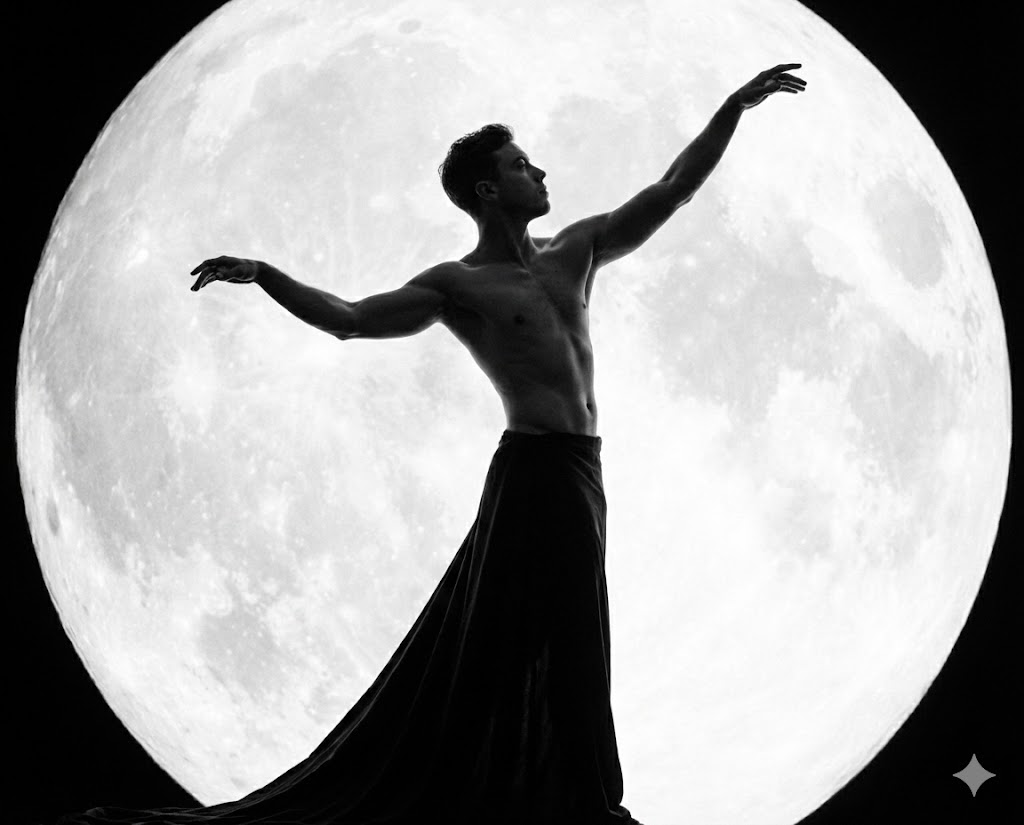
NB Lune Mythique
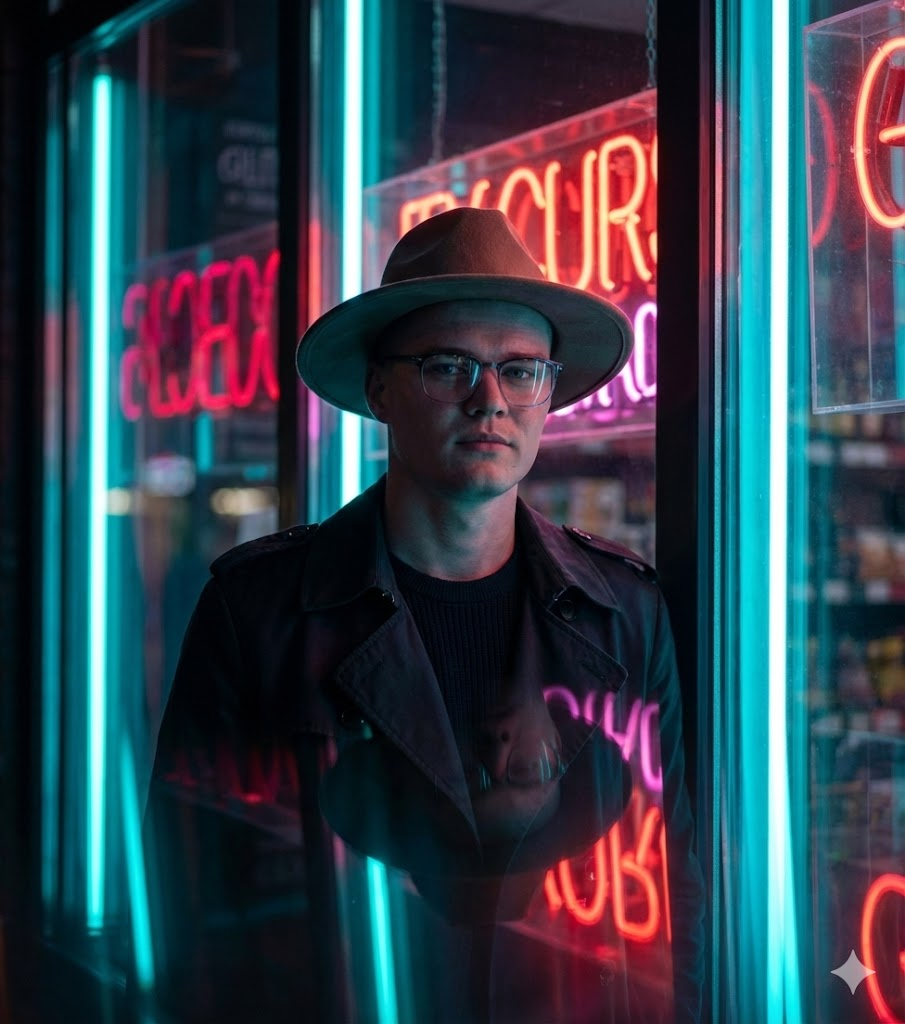
Néon Noir (Trench & Chapeau)
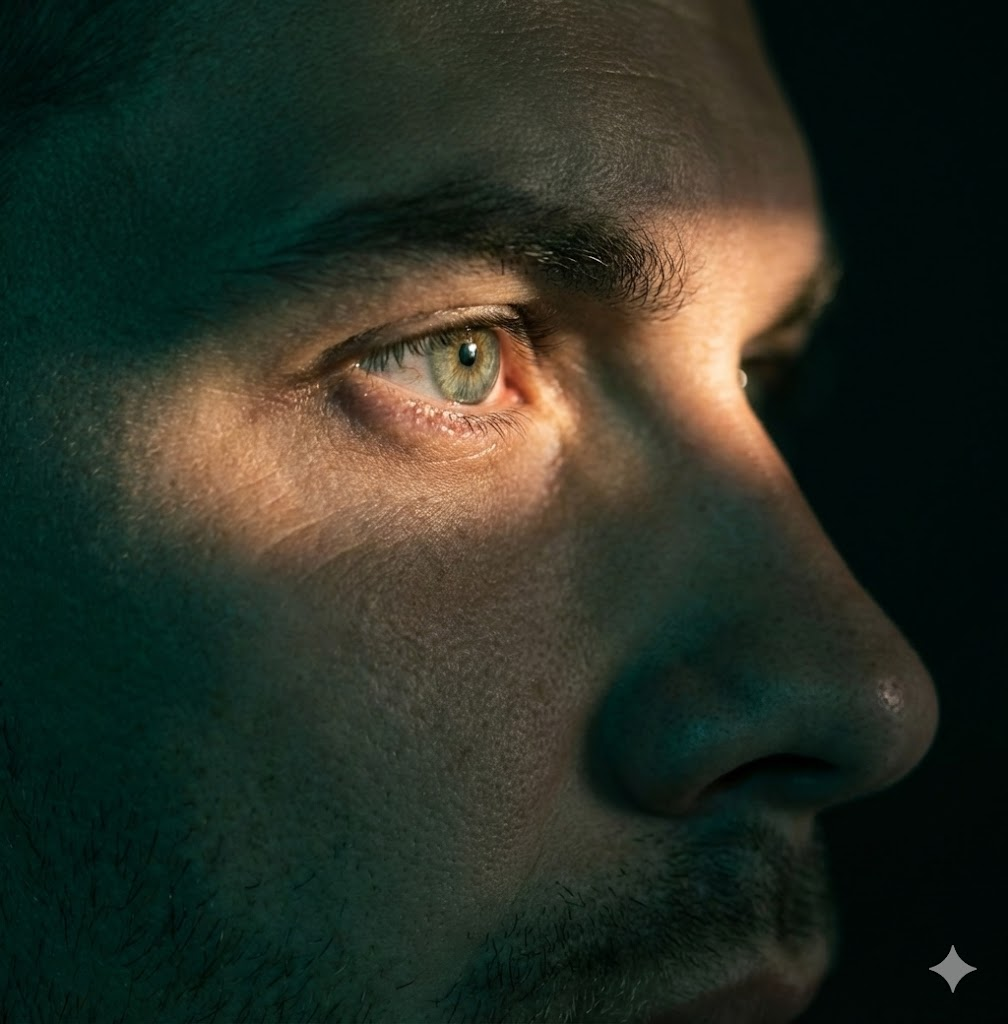
Gros Plan Extrême / Focus Œil

Verre Futuriste & Néon
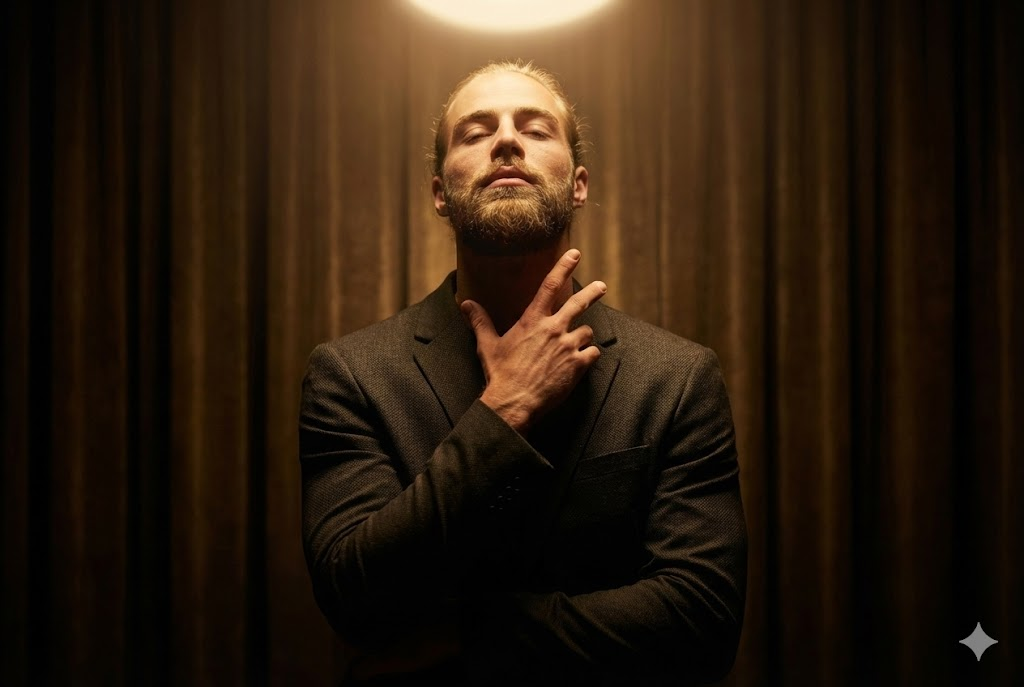
Lumière Halo Zénithale

Symboles Lumineux Conceptuels
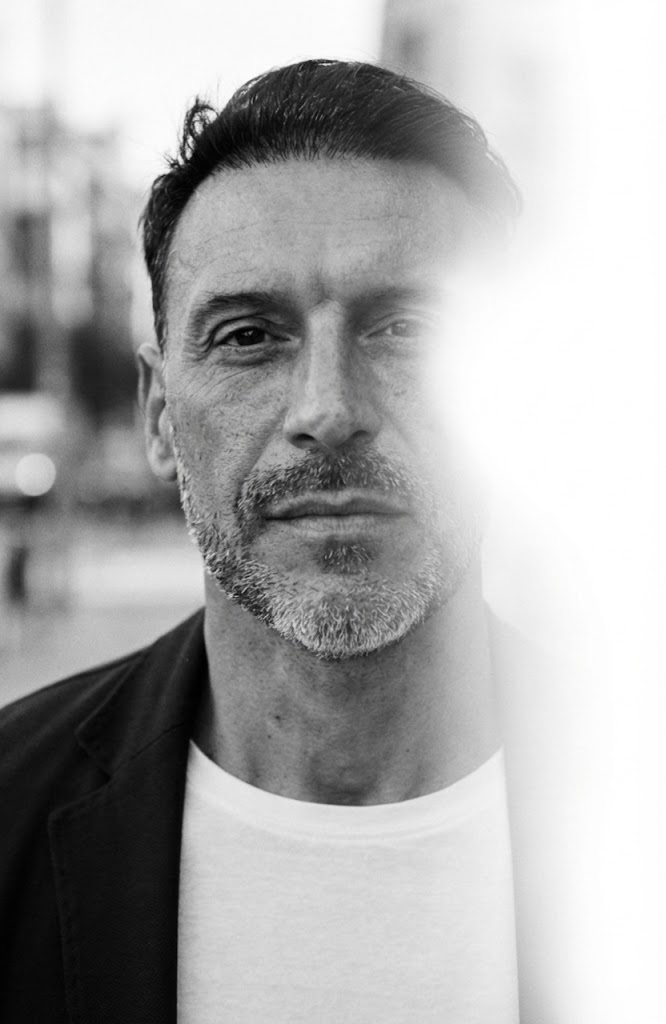
NB Fuite de Lumière Urbaine
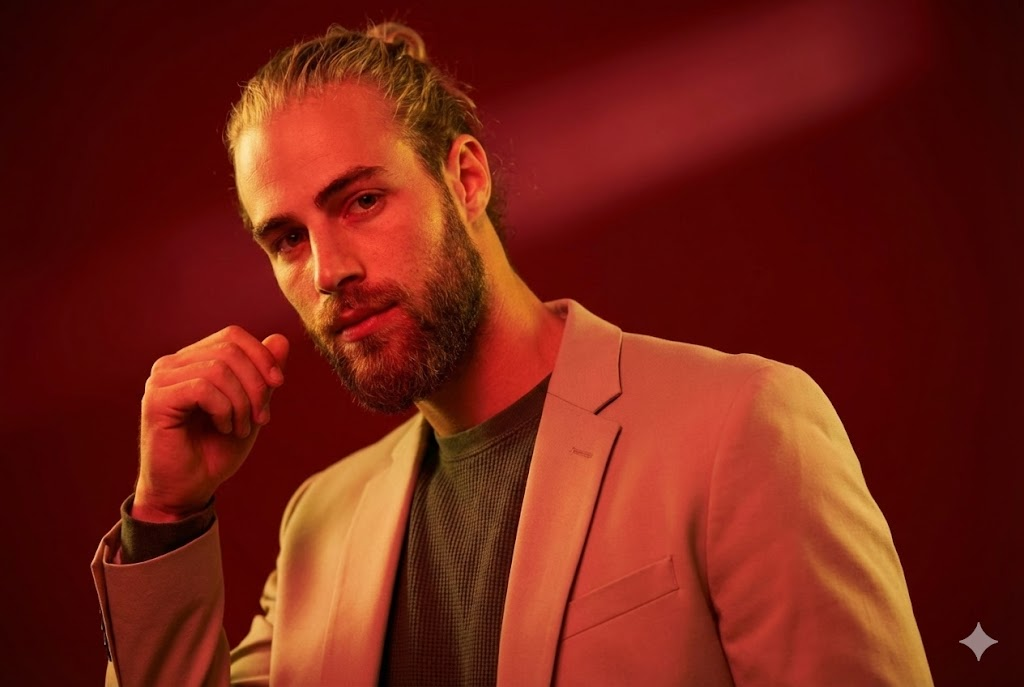
Mode Studio Rouge
Using the library
How should teams choose and adapt prompts?
What is the Maak.Digital prompt library?
+
What is the Maak.Digital prompt library?
The Maak.Digital prompt library is a searchable collection of reusable AI image prompts for creative professionals, agencies, marketers, and content teams. Each prompt includes a title, description, model, difficulty, tags, generated example, and detailed prompt text that can be adapted for production work. The practical value is consistency: a team can reuse a visual direction without rewriting camera, lighting, identity, and format rules from memory.
How should creative teams search the library?
+
How should creative teams search the library?
Search by the look you want, the production use case, a tag, a model, or a phrase from the prompt text. A useful search can start broad, such as urban or studio, then narrow by mood, lighting, pose, or output format. Filtered URLs such as /library?search=urban can be shared with teammates, saved in briefs, or revisited later.
What should stay fixed when reusing a prompt?
+
What should stay fixed when reusing a prompt?
Keep the identity rule, camera framing, lighting direction, mood, style, and output format stable. Those constraints preserve the creative system and stop a useful prompt from drifting into a different visual idea. If several people will use the same prompt, mark these fixed parts before anyone edits the campaign-specific variables.
What can be changed safely?
+
What can be changed safely?
Change campaign-specific details such as wardrobe nuance, background, prop, season, location, color intensity, or audience context. These variables let the same creative rule serve different briefs without rebuilding the whole prompt. Test one small batch after each change before turning the adapted version into a production baseline.
Which searches work best?
| Query type | Example | Result |
|---|---|---|
| Style query | urban, cinematic, black and white, fashion editorial | Finds prompts by visual language and creative direction. |
| Use-case query | selfie, portrait, product, studio, outdoor | Finds prompts by campaign or production need. |
| Constraint query | lighting, camera, background, identity, aspect ratio | Finds prompts by execution detail inside the prompt text. |
Which metadata is included?
| Field | Value | Why it helps |
|---|---|---|
| Model | Shows the intended generation model or model family. | Helps teams avoid testing a prompt against the wrong model family. |
| Difficulty | Marks whether the prompt is easy, medium, or hard to adapt. | Helps teams choose between fast experiments and advanced creative work. |
| Tags | Groups prompts by visual style, scene, and production category. | Helps teams browse by visual language instead of starting from a blank page. |
How should prompts be reused?
| Step | Rule | Reason |
|---|---|---|
| Preserve | Keep identity, pose, lighting direction, framing, and output format stable. | These constraints define the recognizable creative system. |
| Adapt | Change wardrobe, background, brand context, season, props, or campaign detail. | These variables make the prompt useful across different projects. |
| Validate | Compare outputs against the prompt purpose before saving a production baseline. | This prevents visual drift when prompts are reused by a larger team. |
What is the prompt workflow?
- -Search for the visual style or production use case.
- -Open a prompt detail page and review the example image, tags, and difficulty.
- -Copy the prompt text and keep the identity, framing, lighting, and format rules intact.
- -Adjust flexible campaign details such as location, wardrobe, color intensity, or background.
- -Test a small batch, choose the strongest baseline, and document the adapted prompt for reuse.
Which references are useful for prompt workflows?
Prompt work is easier to maintain when examples, model context, metadata, and reusable creative rules are documented together. These references are useful when comparing model behavior and structured content conventions.
Technical notes
What context is kept for discovery and retrieval?
Which prompt details are available in server-rendered HTML?
+
Which prompt details are available in server-rendered HTML?
Each prompt exposes a stable URL, title, description, model, difficulty, tags, update date, prompt text, example image, FAQ answers, Article JSON-LD, and a relationship to the Maak.Digital Organization schema.
Why keep metadata and FAQ copy on prompt pages?
+
Why keep metadata and FAQ copy on prompt pages?
Metadata helps people compare prompts quickly, and it gives search and retrieval systems enough context to understand the prompt without relying on screenshots, hidden client state, or image recognition alone.