BIBLIOTECA DE PROMPTS
How does the prompt library work?
Start with the image you need to make, not with a blank prompt. Search by style, scene, mood, or production constraint, then open a prompt that already contains the framing, lighting, identity, and output-format rules you want to reuse.
The best prompts here are meant to be adapted. Keep the core visual rule intact, swap the campaign-specific details, generate a small test batch, and save the strongest version as your production baseline.
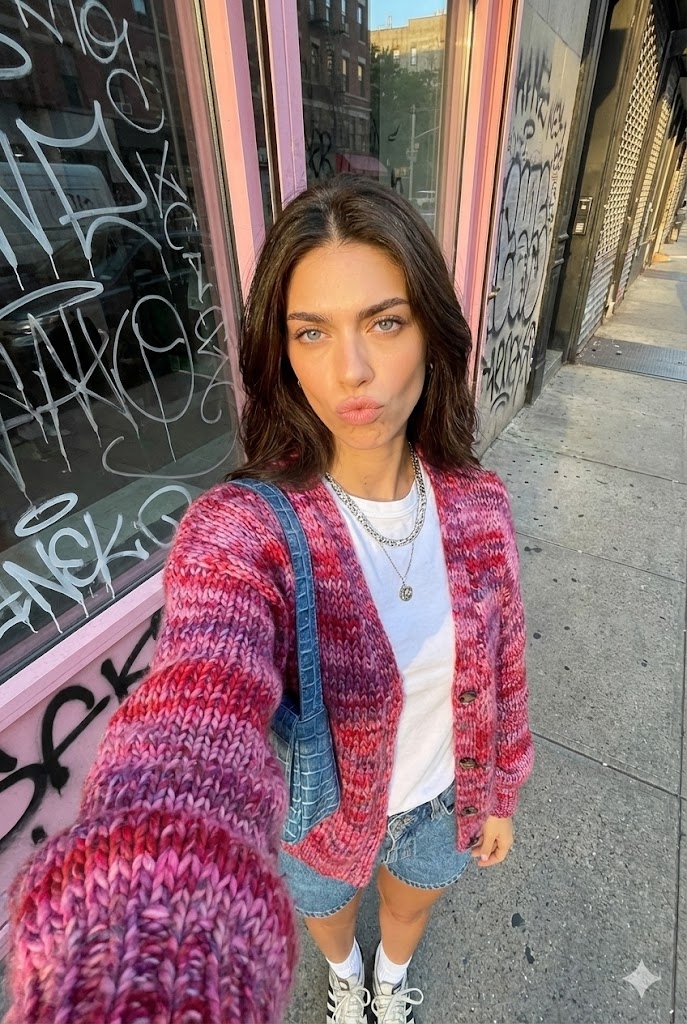
Selfie Urbano Hora Dorada
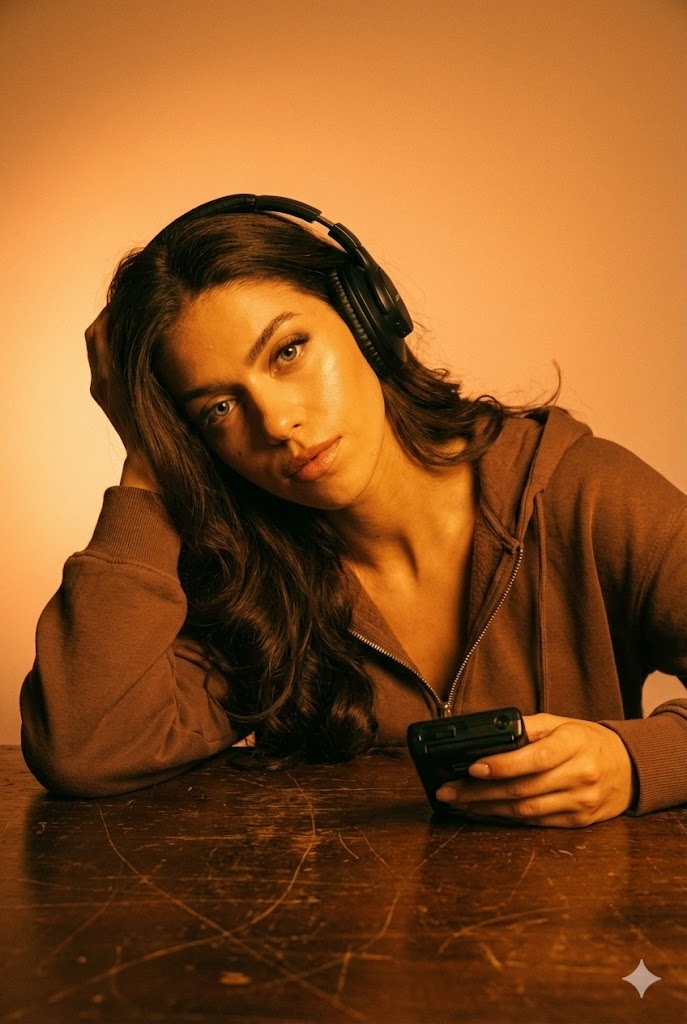
Resplandor Ámbar Audio
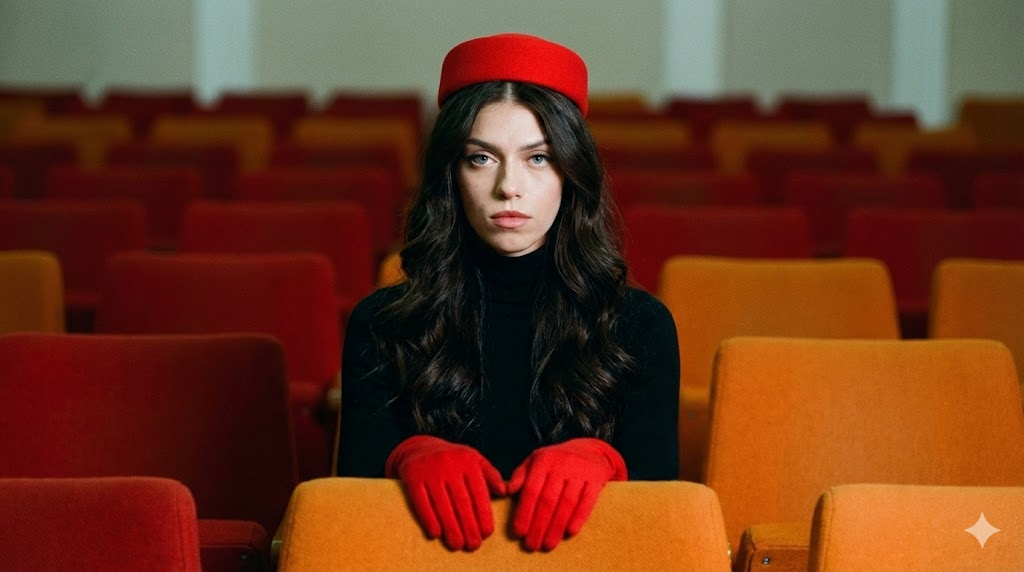
Retrato Retro Simétrico
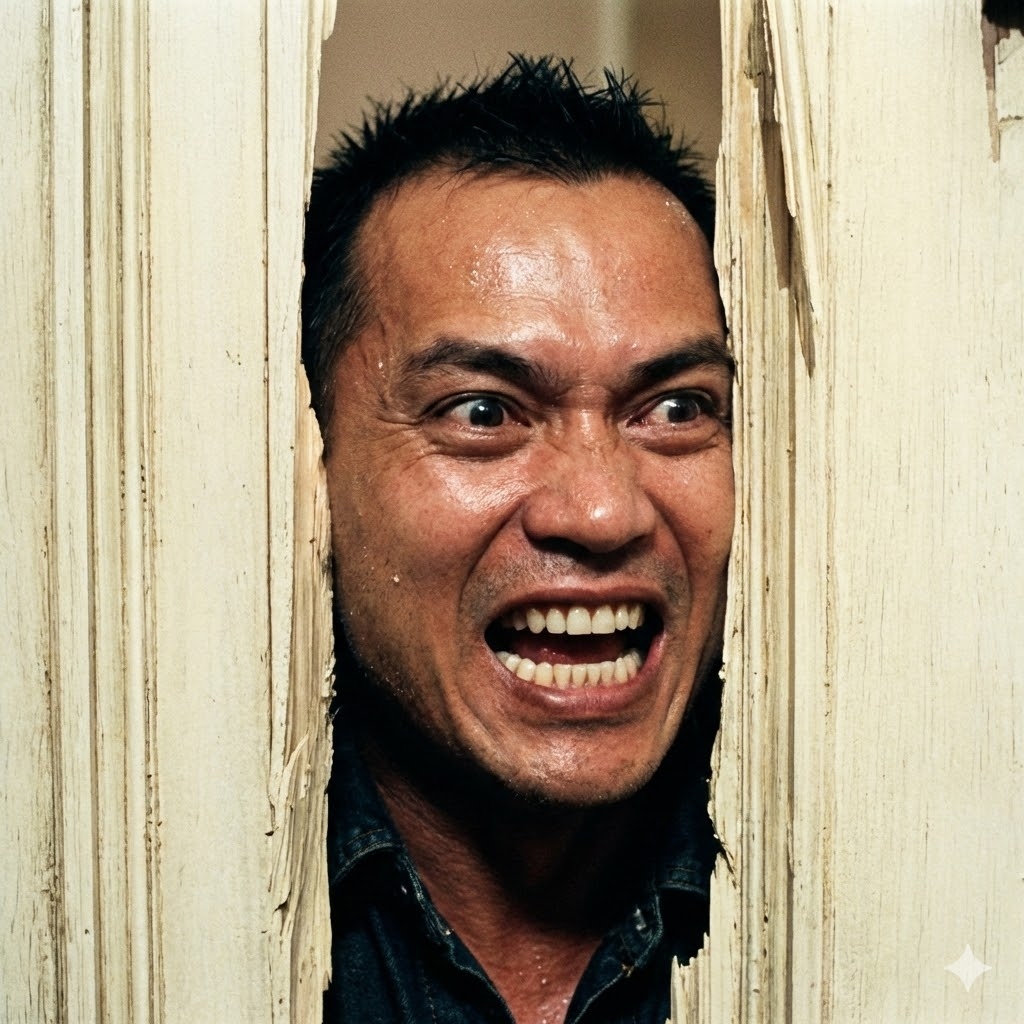
La Rotura de Puerta Shining
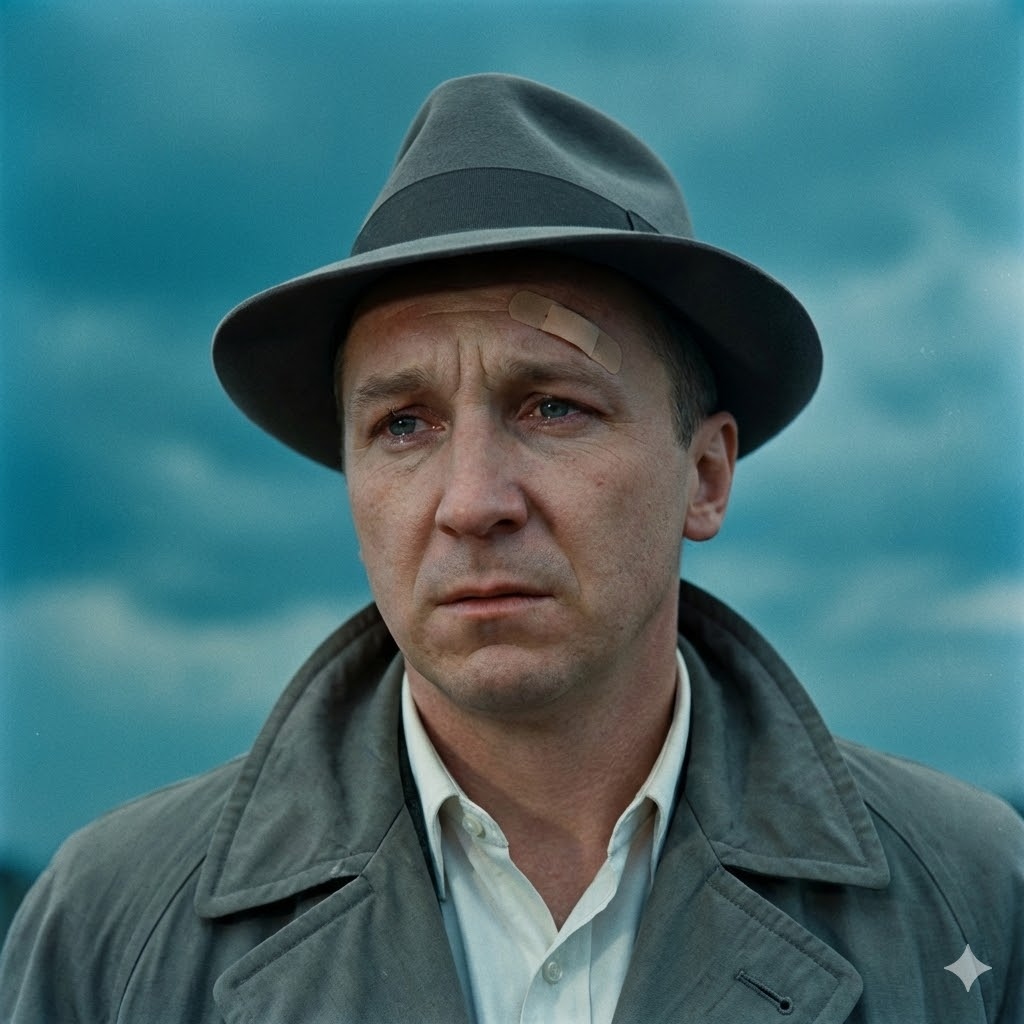
Cine Negro Vintage

Conducto de Aire Die Hard
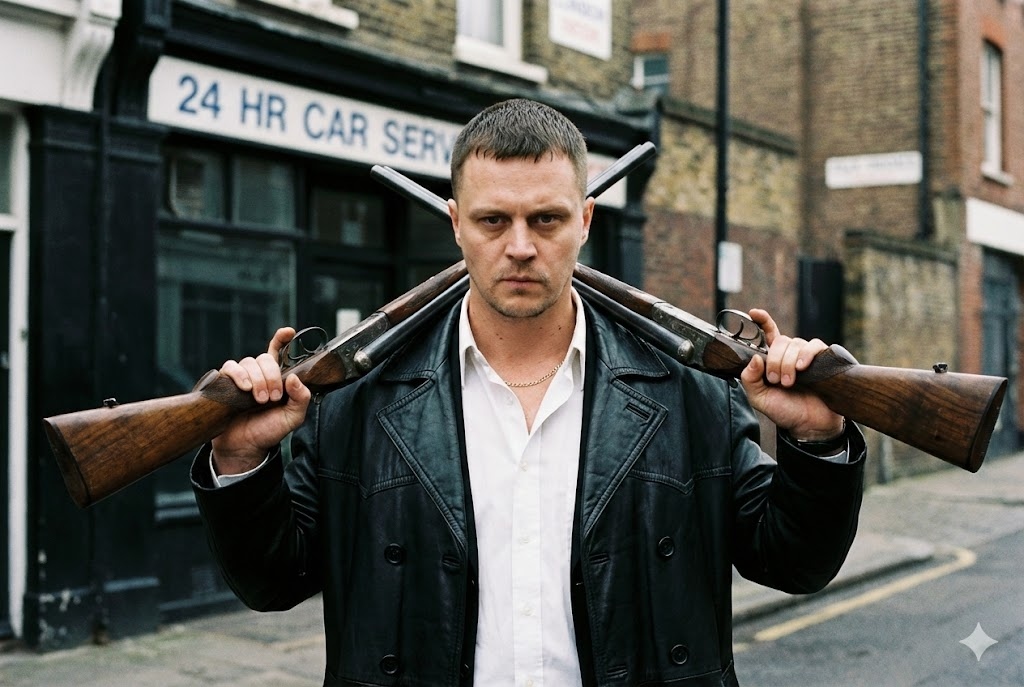
Gángster Británico
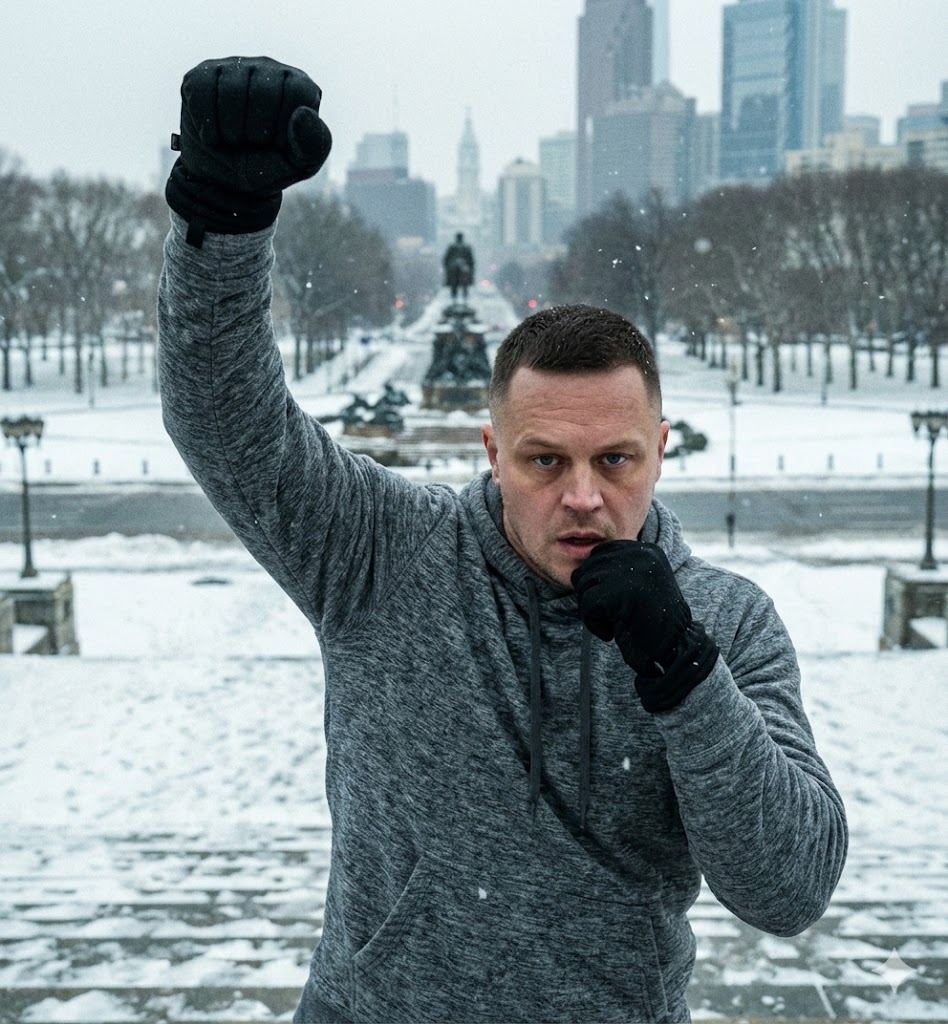
Victoria Escalones Rocky
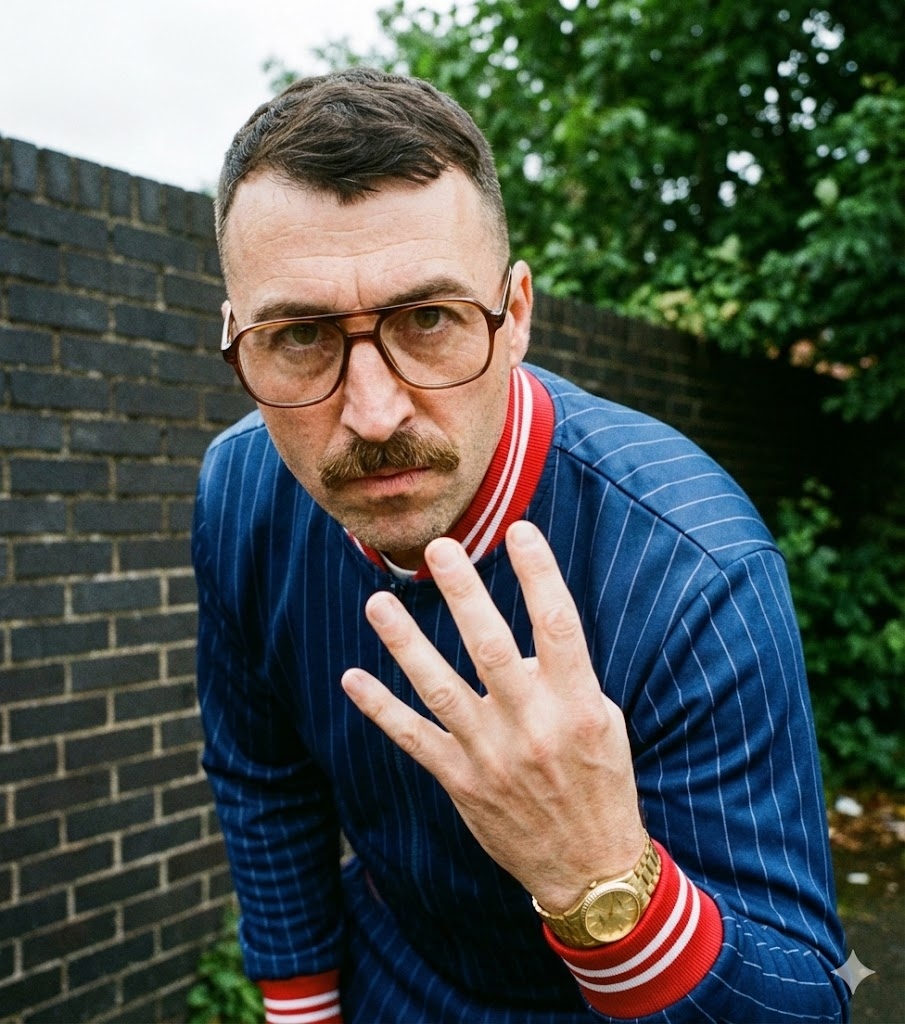
Chándal Drama Criminal
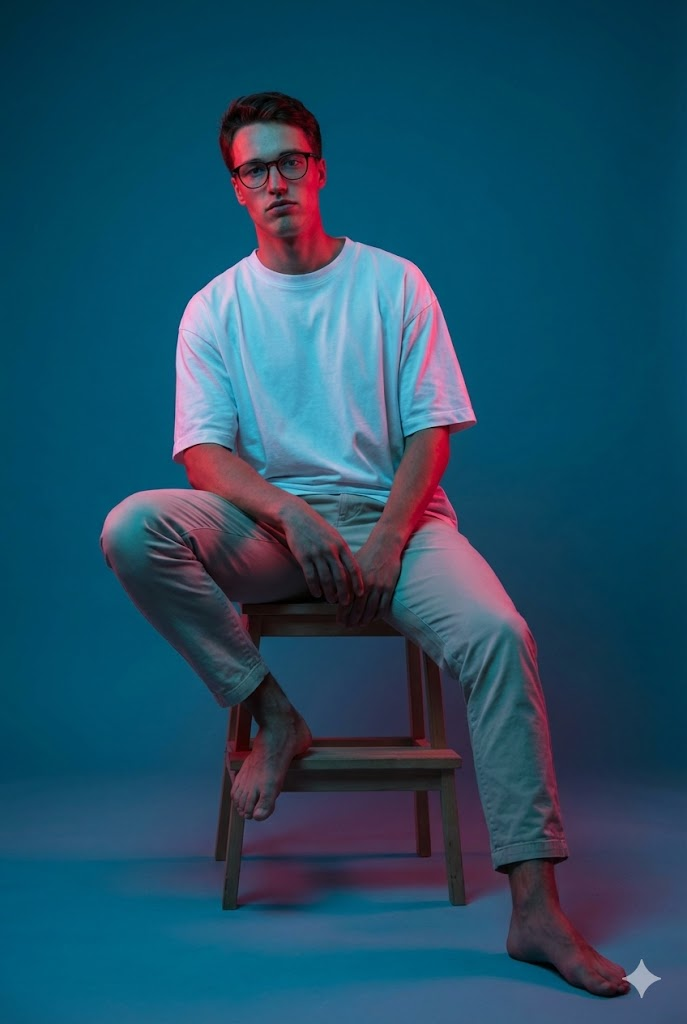
Iluminación Gel Sentado
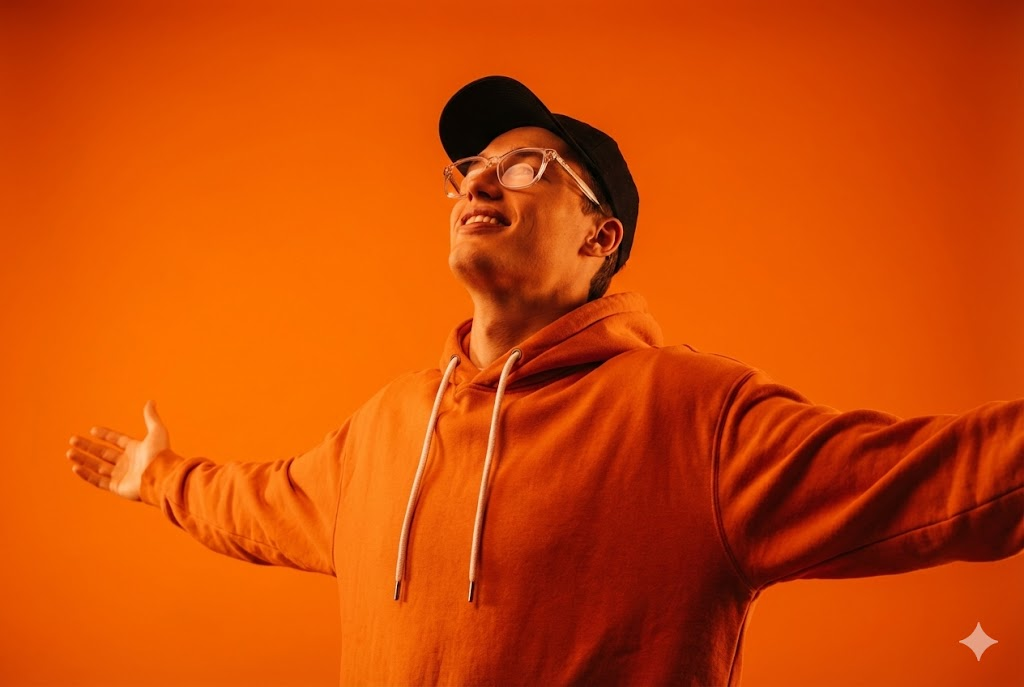
Naranja Monocromático
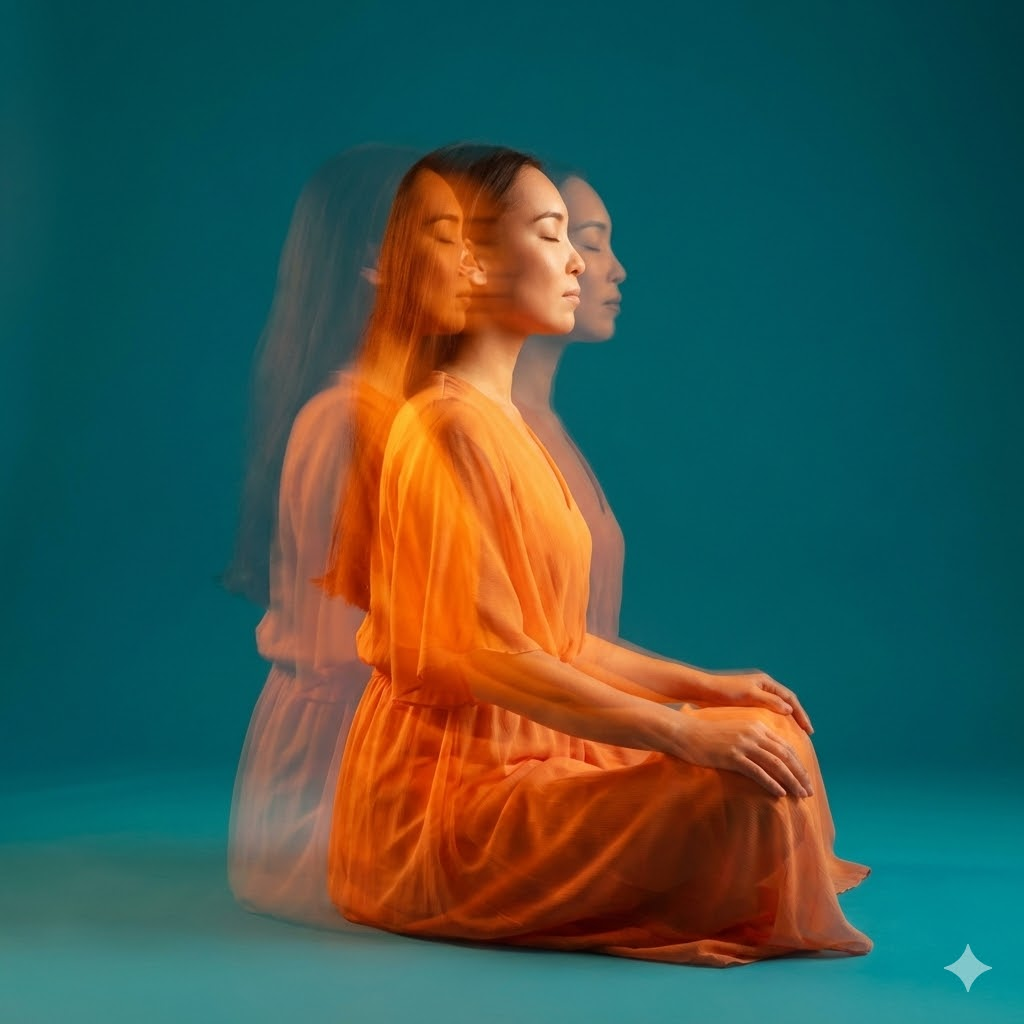
Meditación Estroboscópica
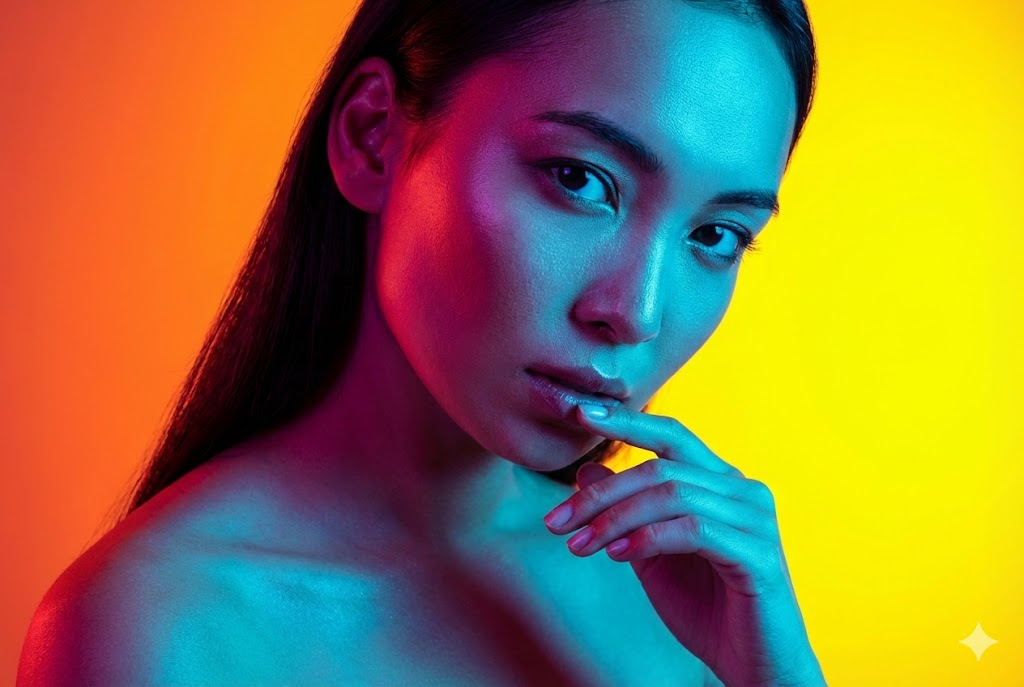
Belleza Doble Luz
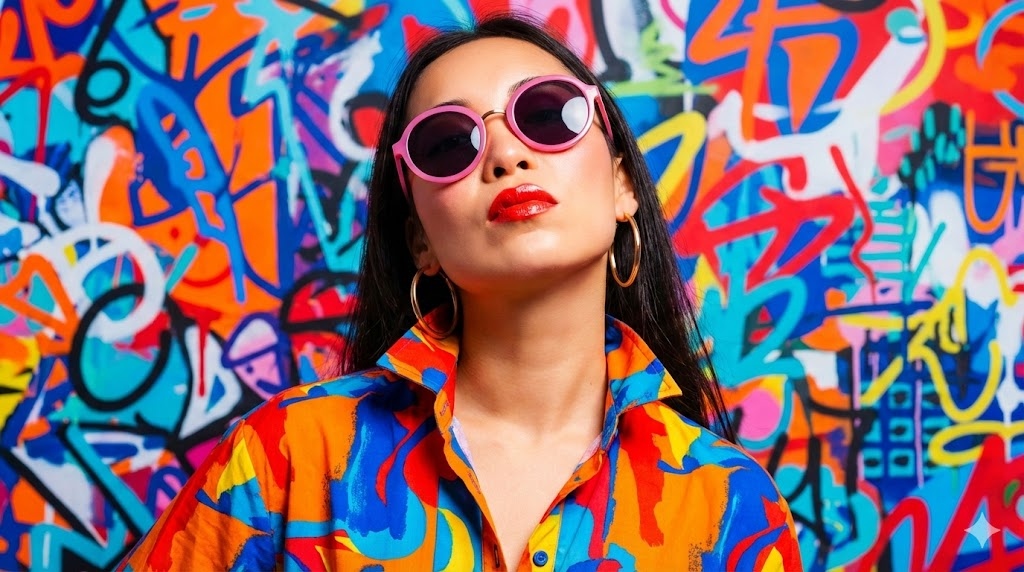
Moda Arte Pop
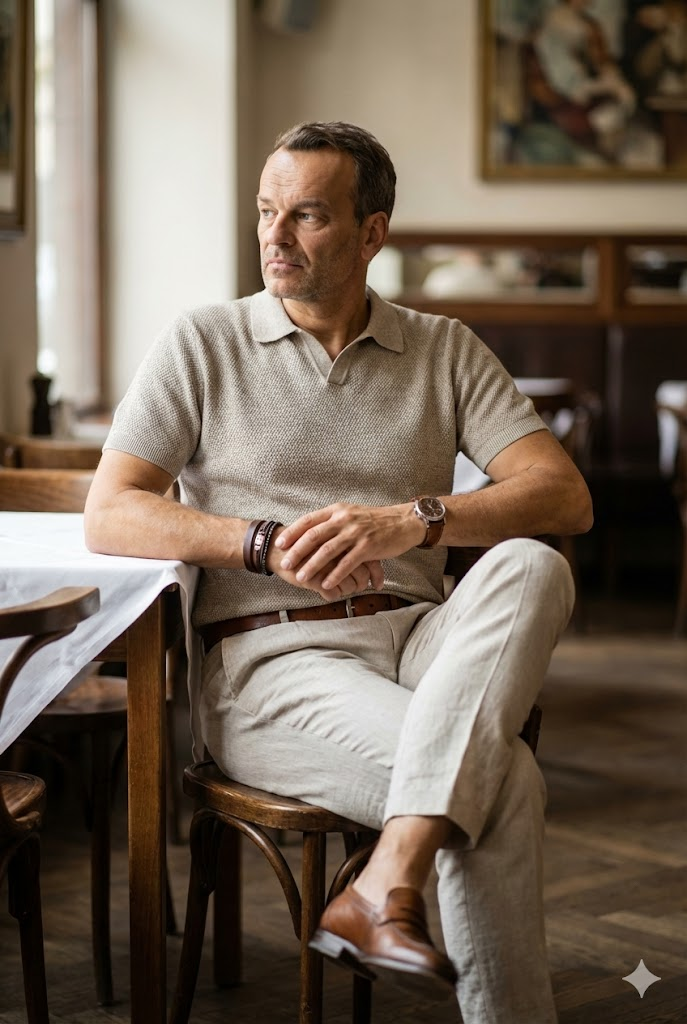
Retrato Estilo de Vida Café
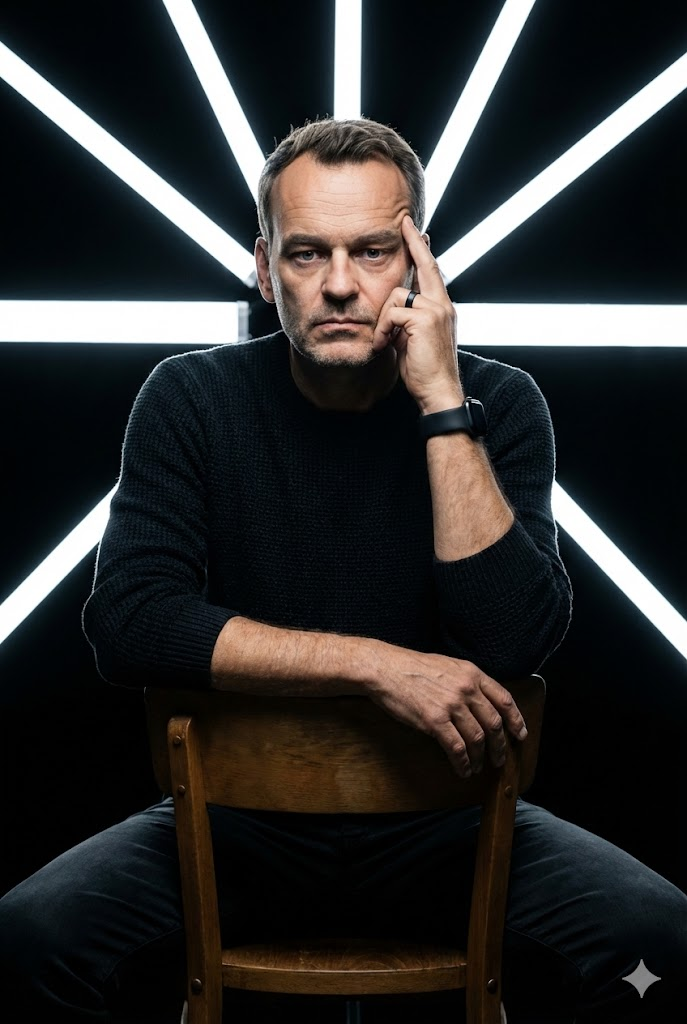
Estudio LED Geométrico
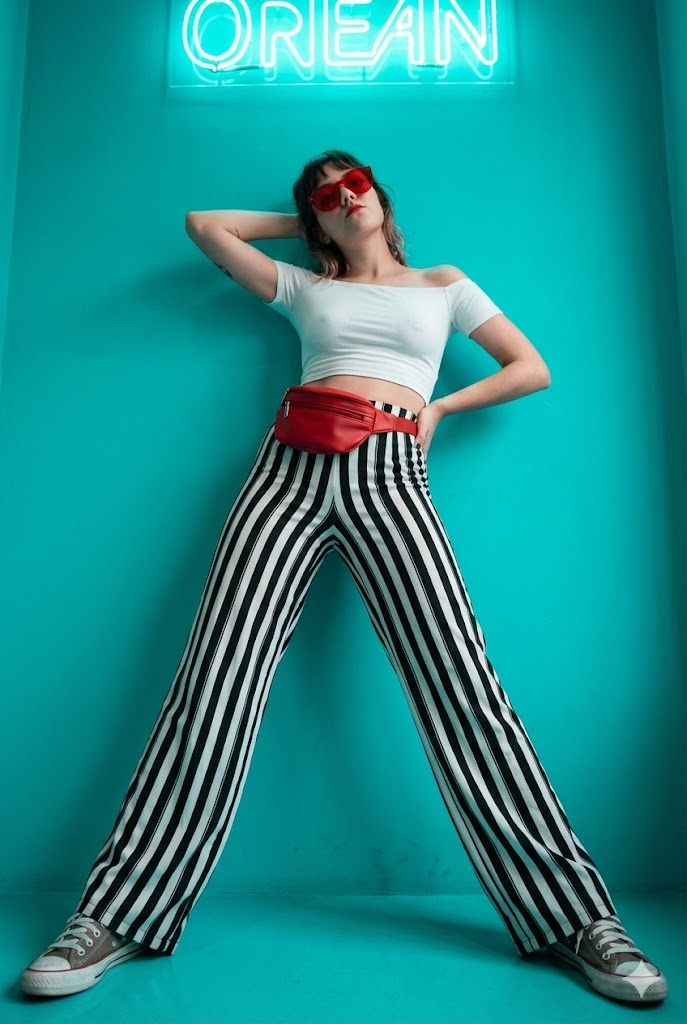
Moda Neón Cian
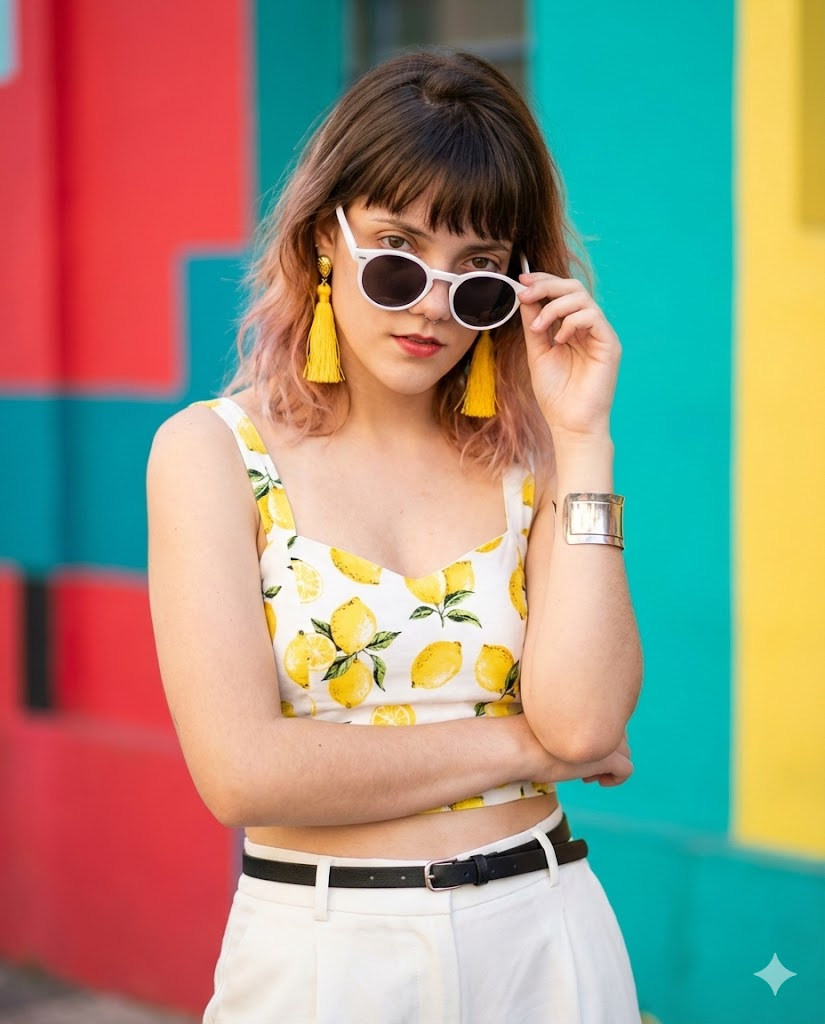
Moda de Verano Vibrante
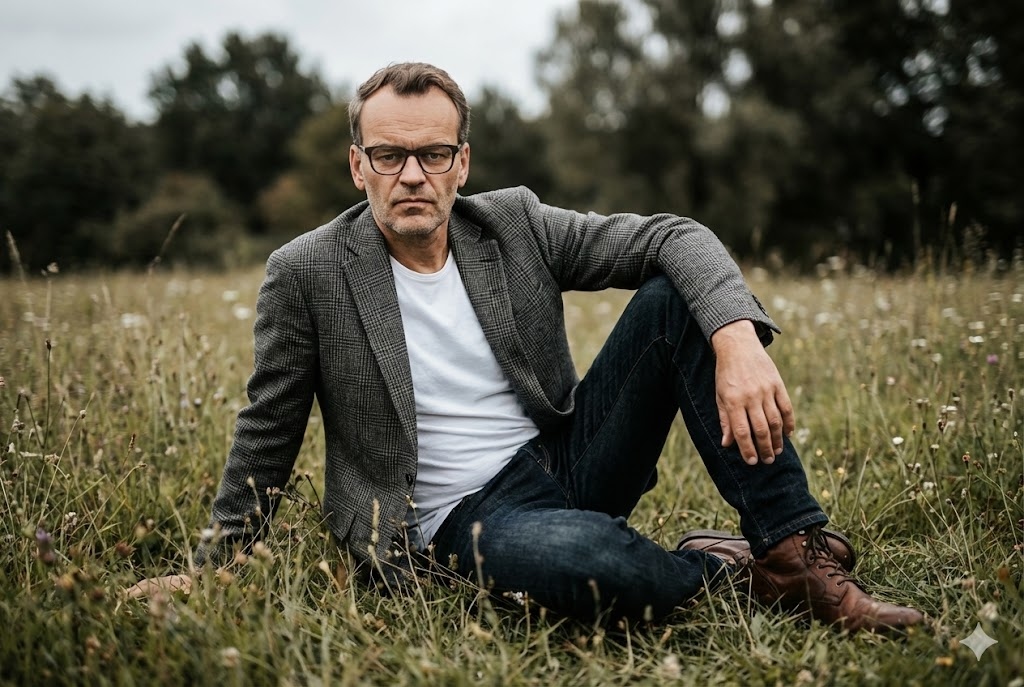
Campo Cinemático Exterior
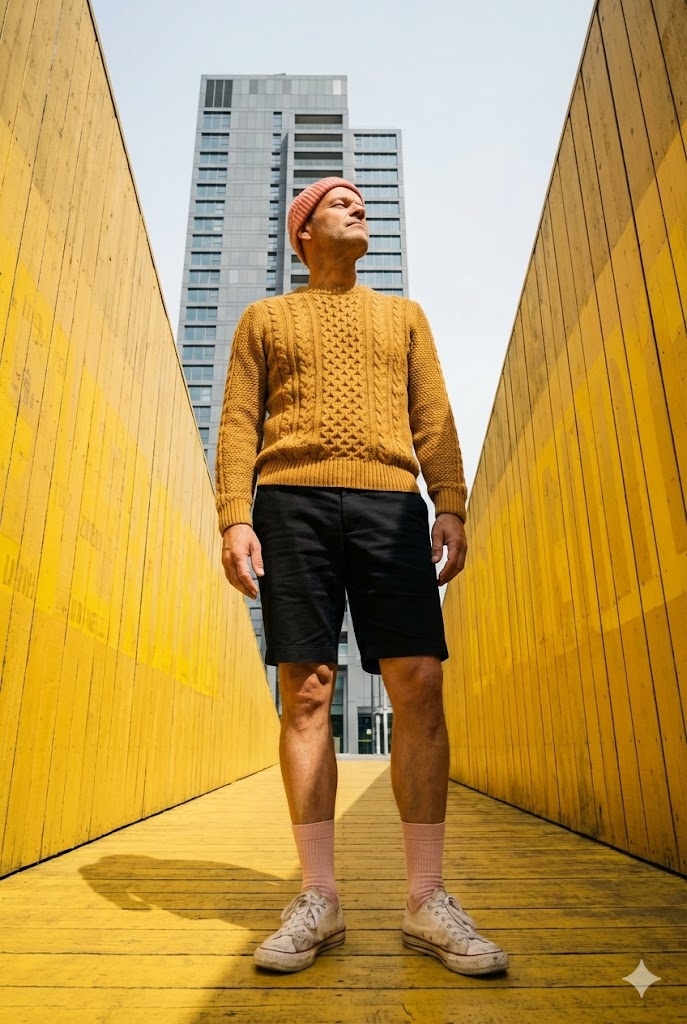
Arquitecto Urbano Amarillo
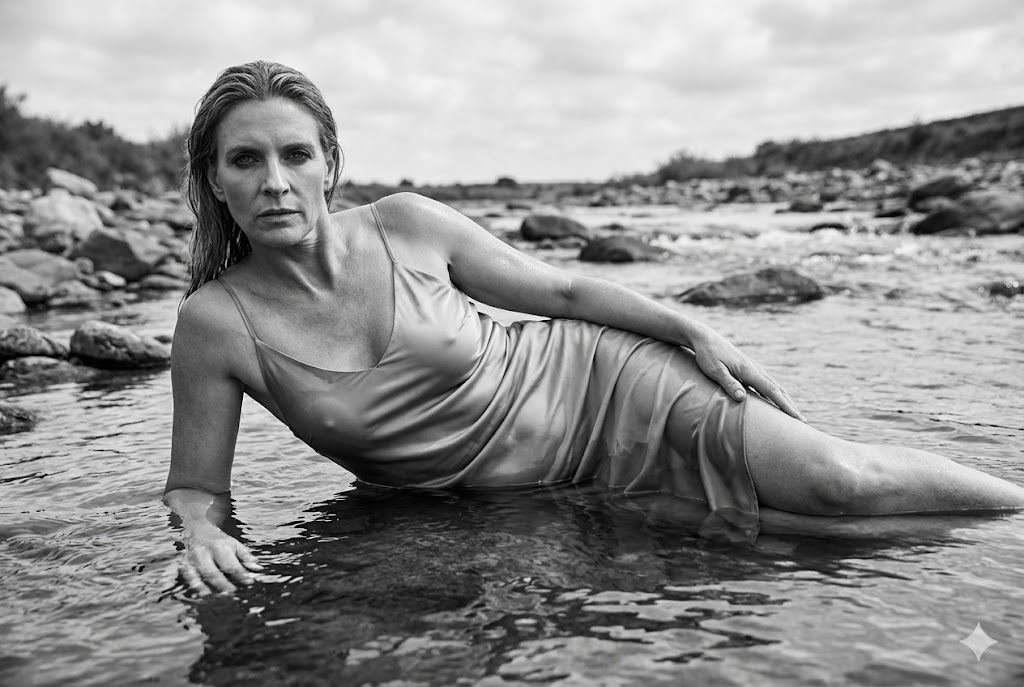
Lecho de Río Cinemático Blanco y Negro
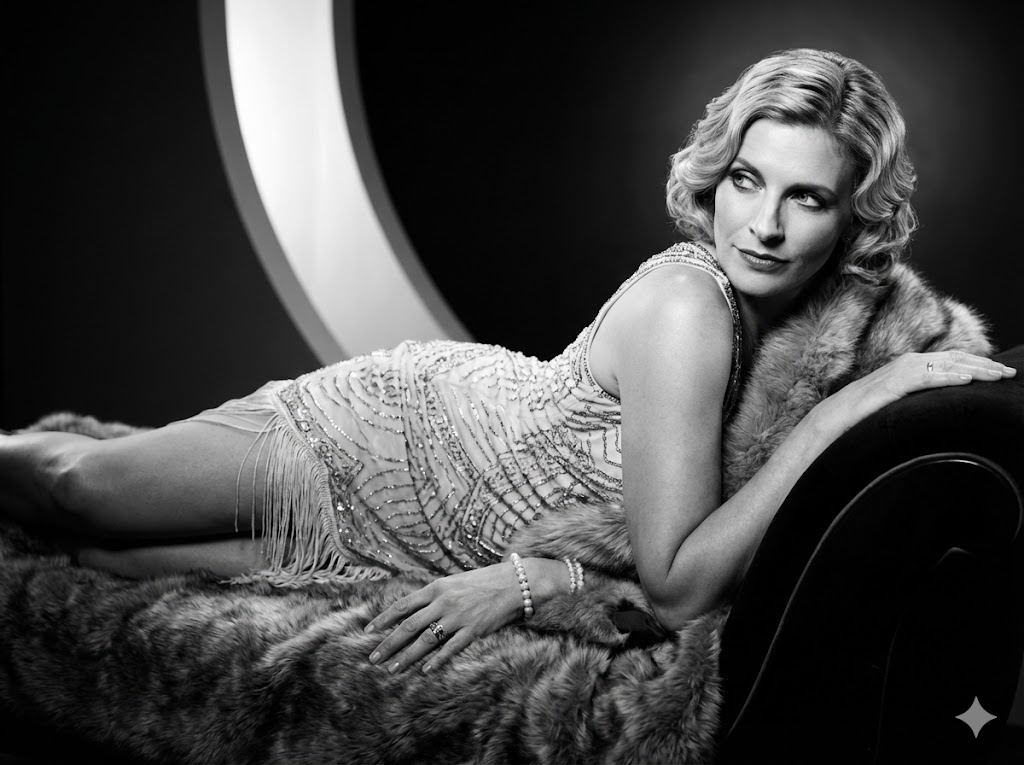
Glamour Blanco y Negro Años 1920
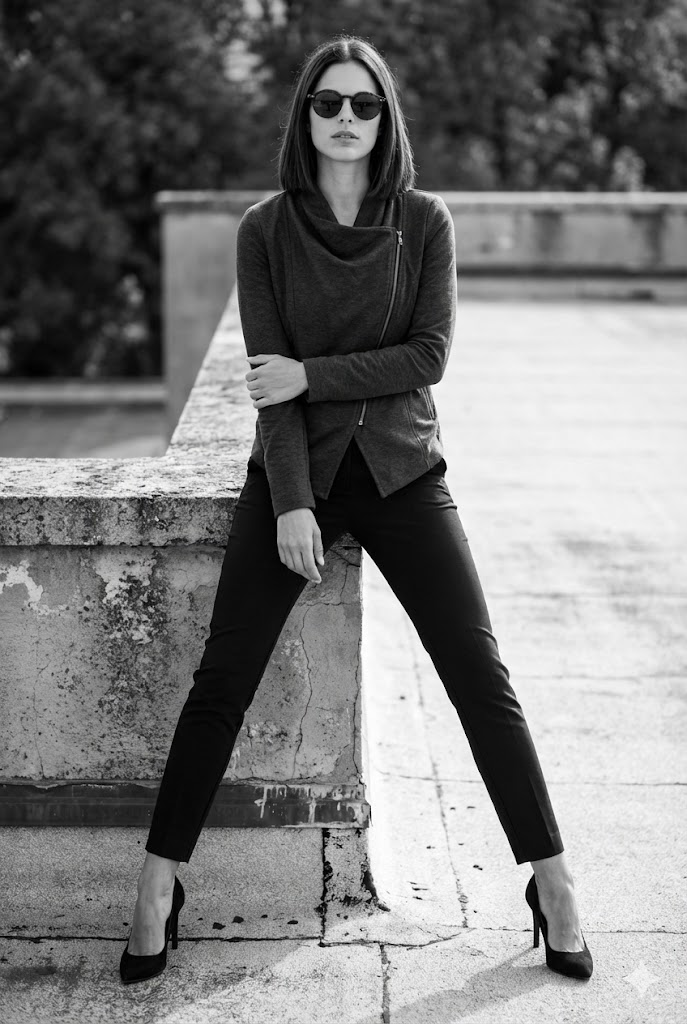
Azotea Urbana Blanco y Negro
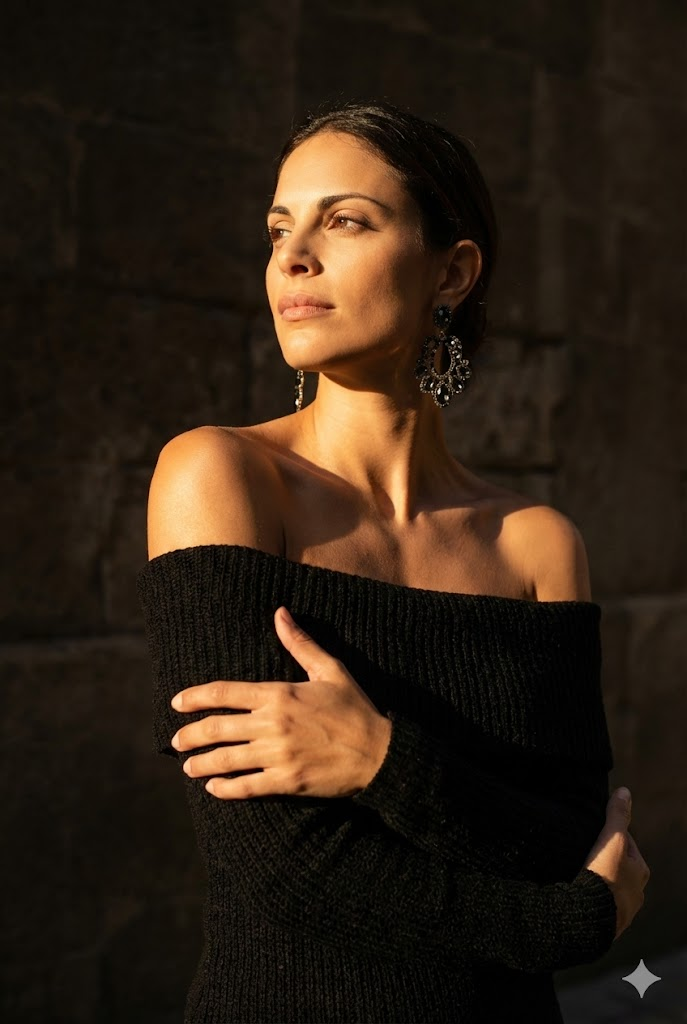
Retrato de Sombra Soleada
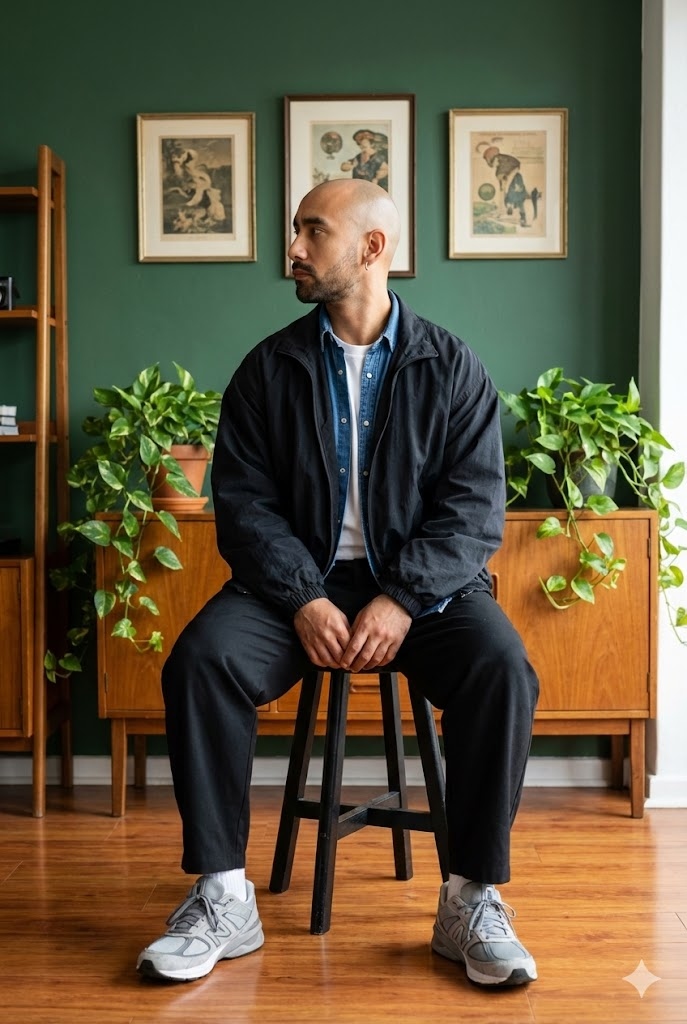
Retrato Estilo de Vida Taburete
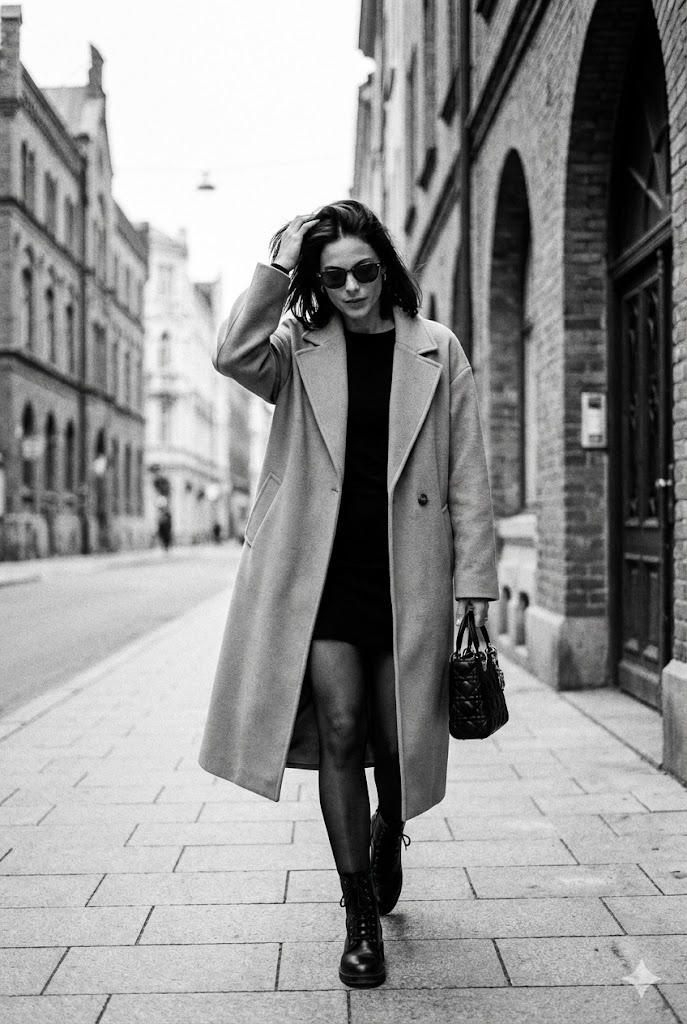
Foto Callejera Espontánea en Blanco y Negro
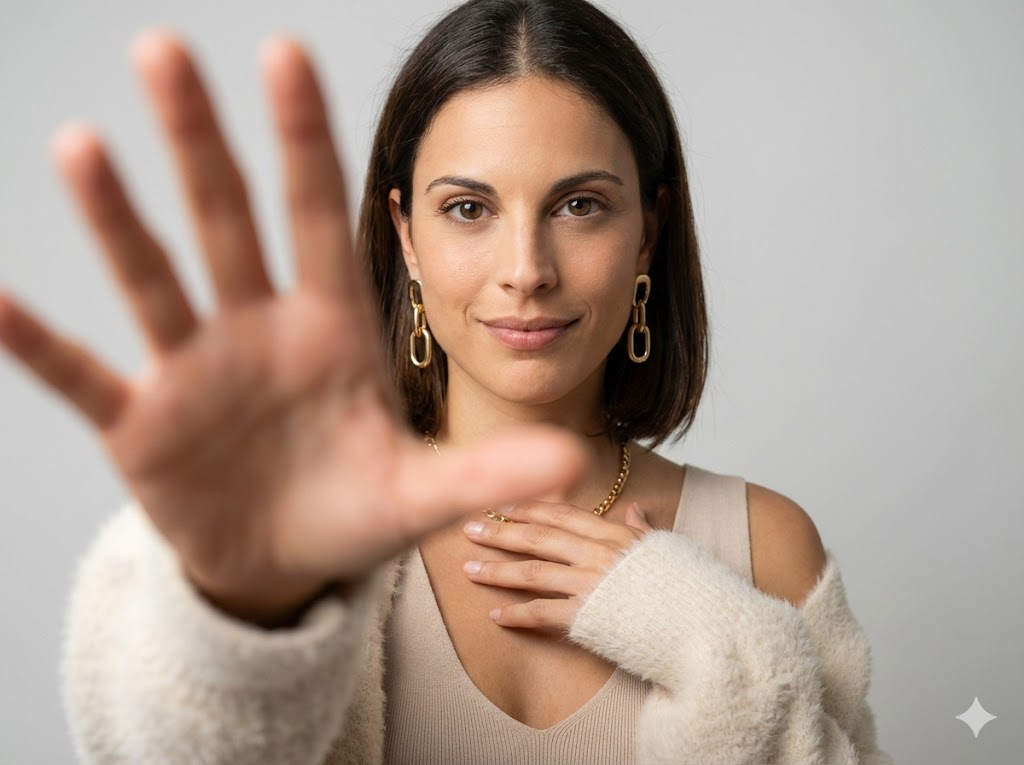
Enfoque de Mano Estudio Minimalista
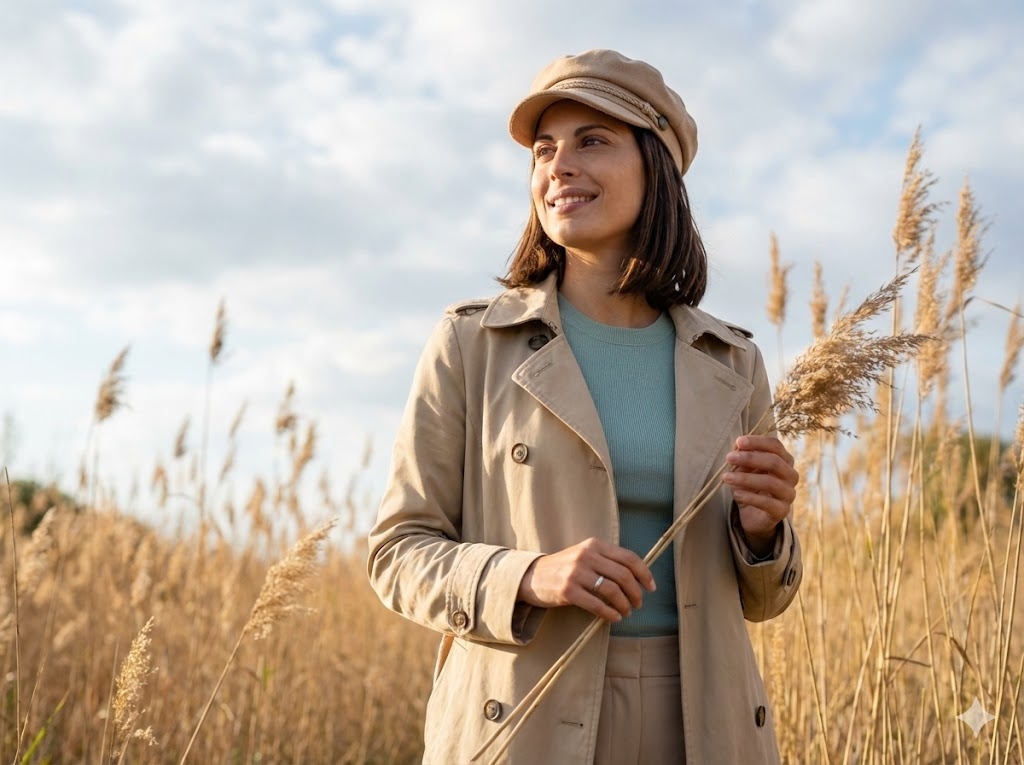
Moda Cinematográfica al Aire Libre (Cañas)
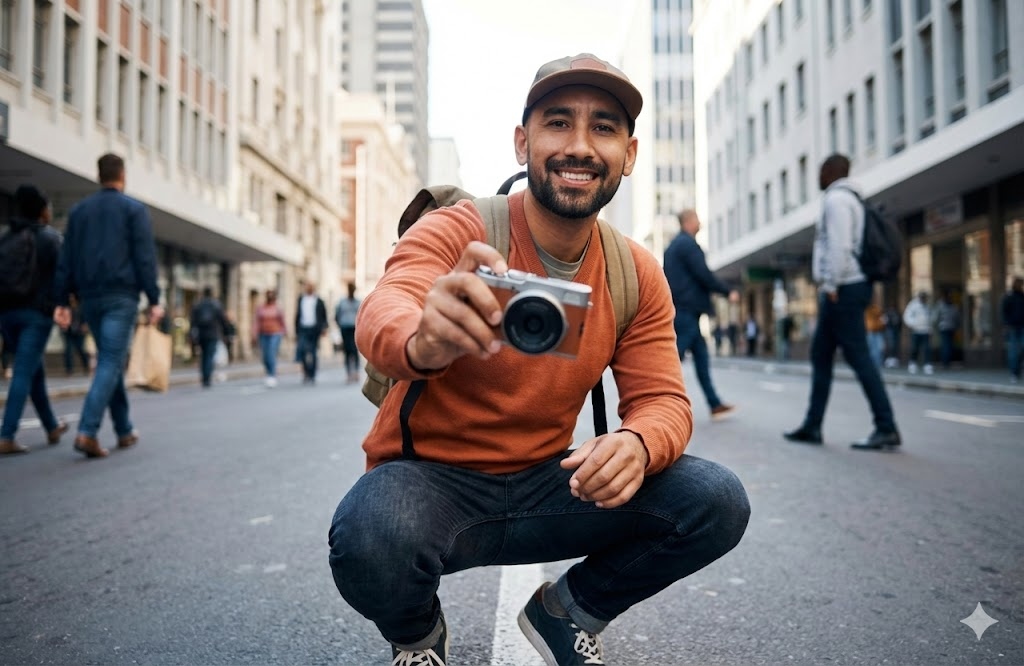
Cámara Urbana de Calle
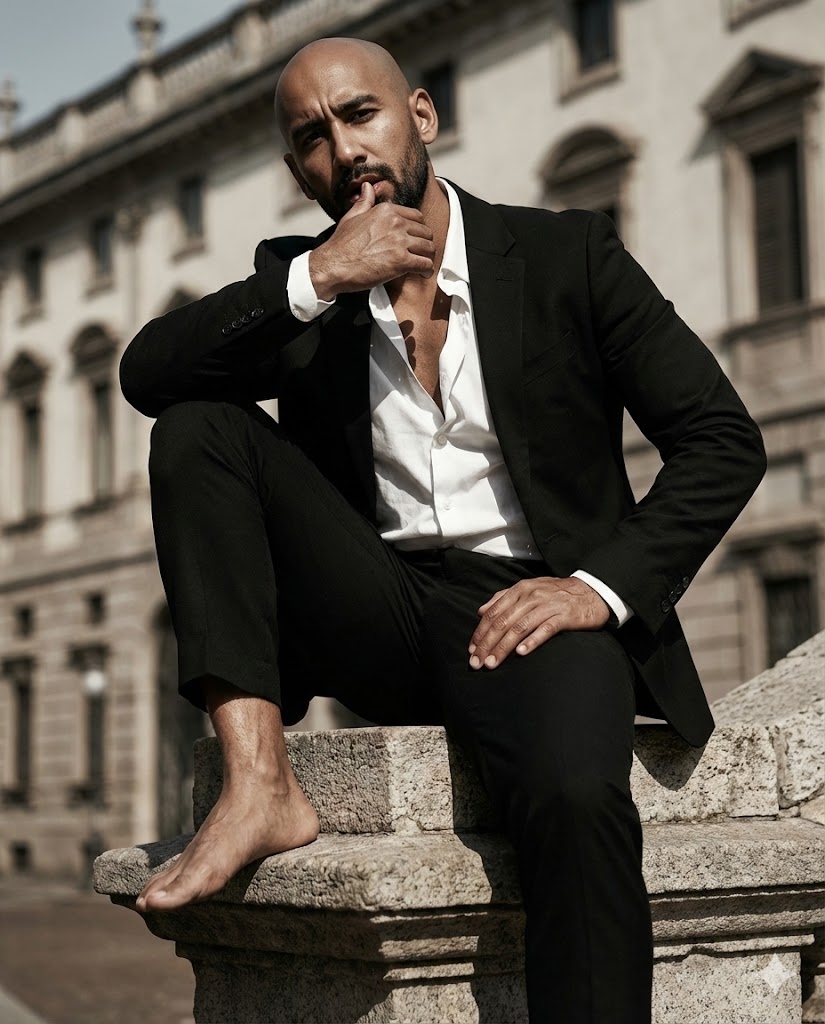
Editorial Sentado en Escultura
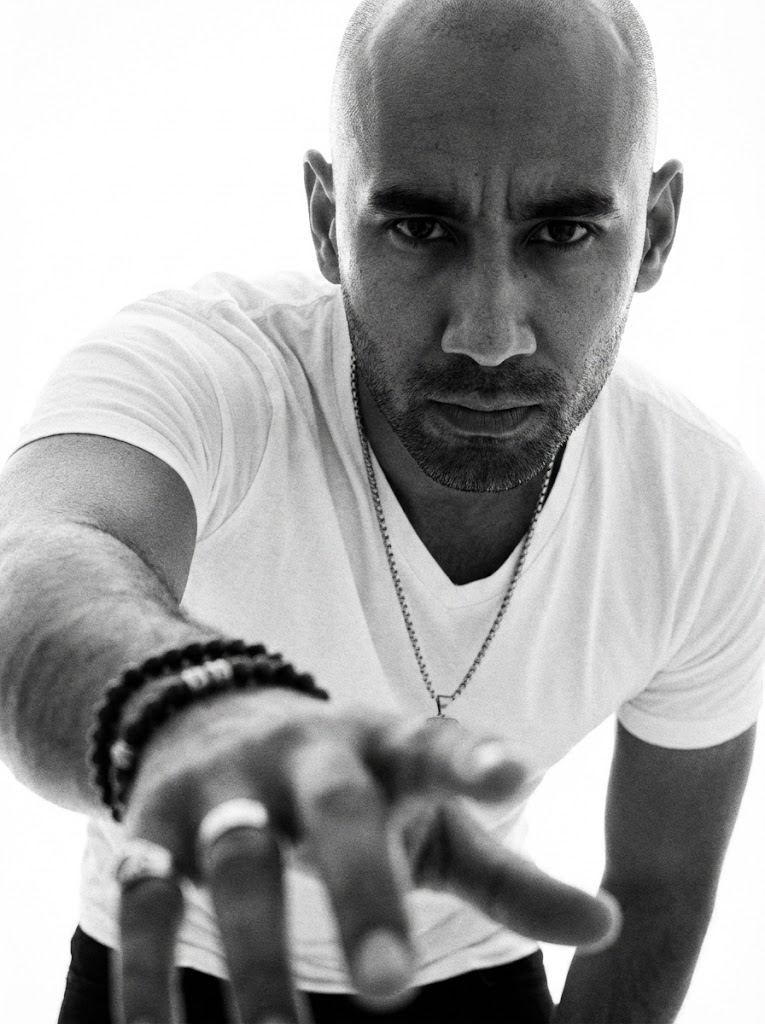
BN Foco Mano Dramático
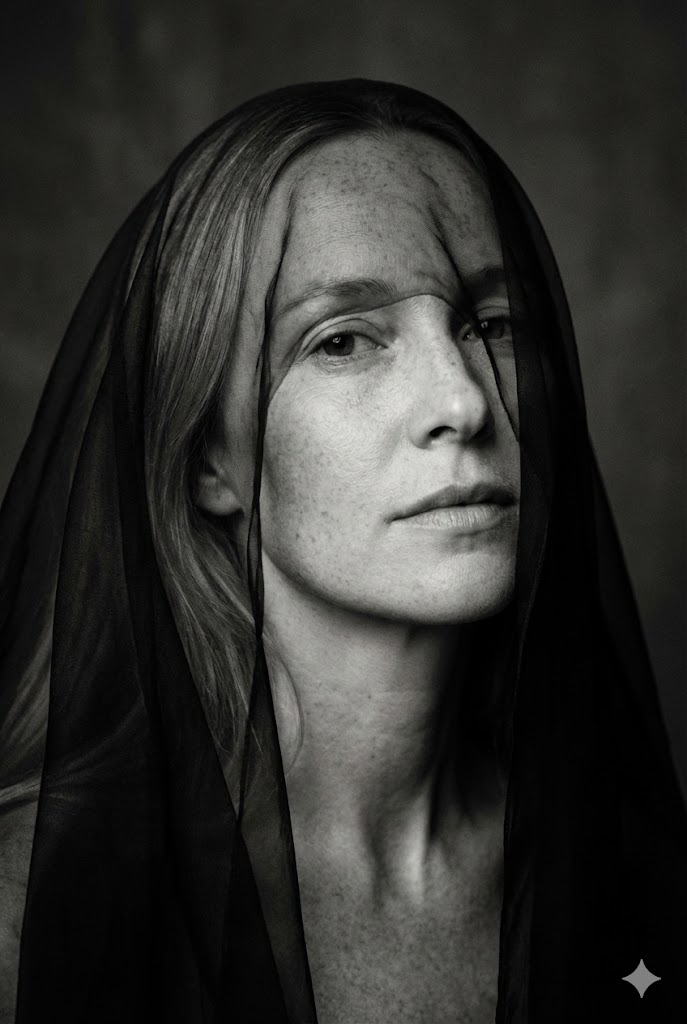
Bellas Artes Minimalista BN (Velo sobre Ojos)
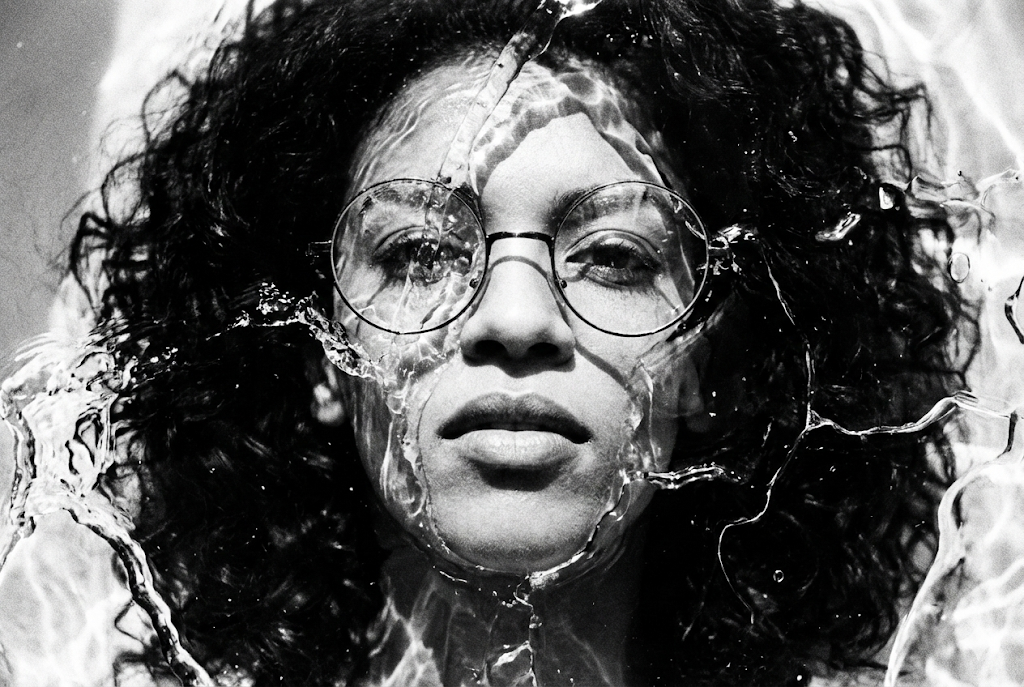
Bellas Artes Alto Contraste BN (Textura Líquida/Hielo)
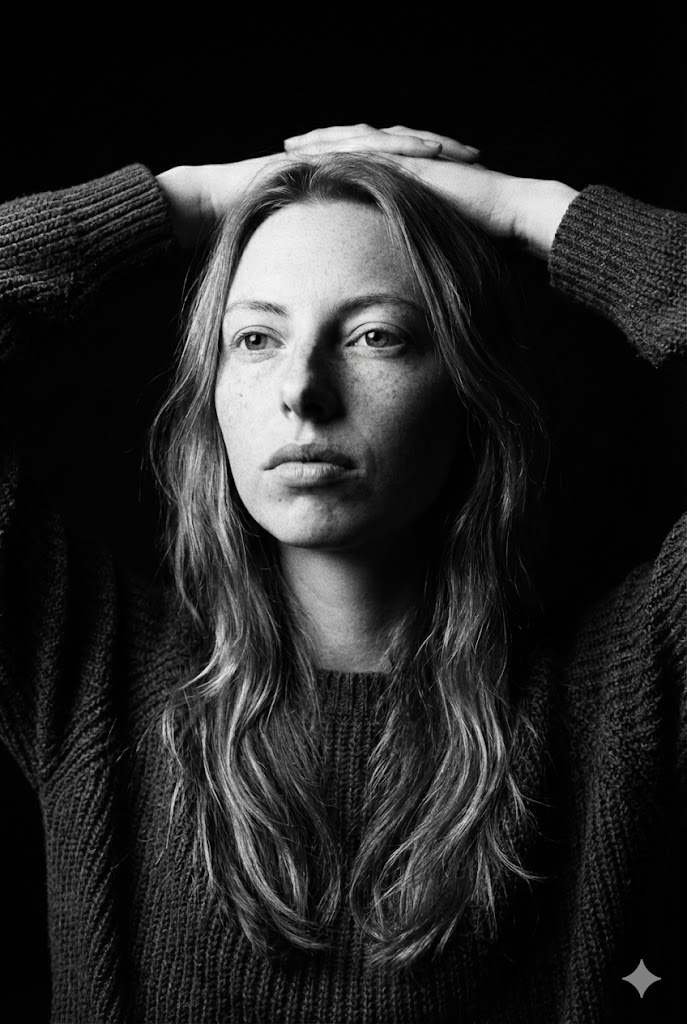
Bellas Artes Oscuro BN (Manos Detrás Cabeza)
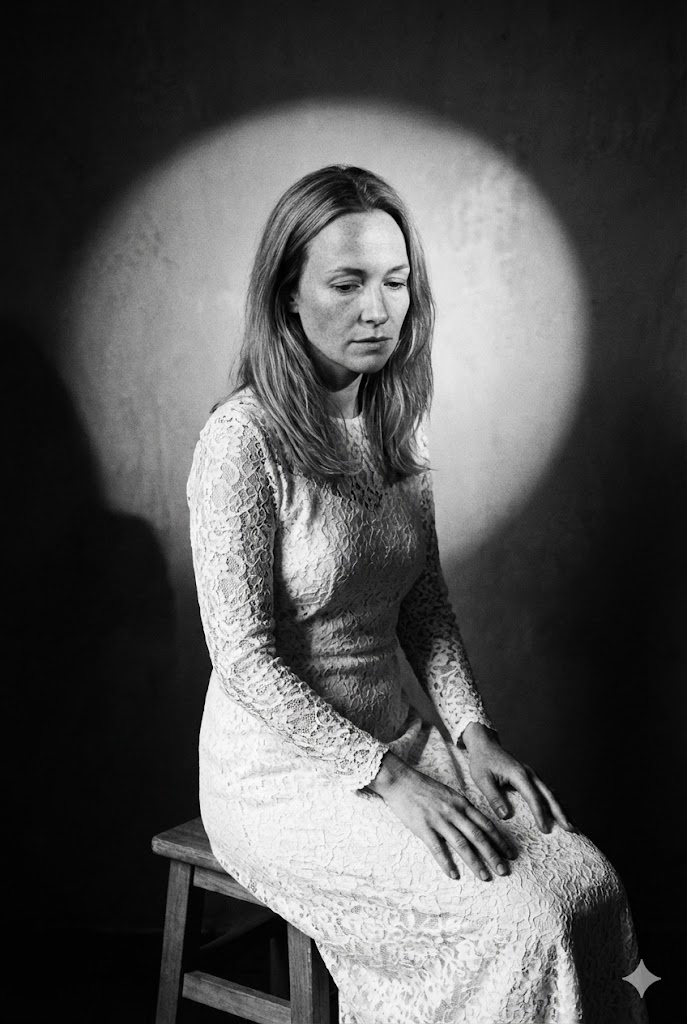
Retrato Bellas Artes (Sentado en Taburete)
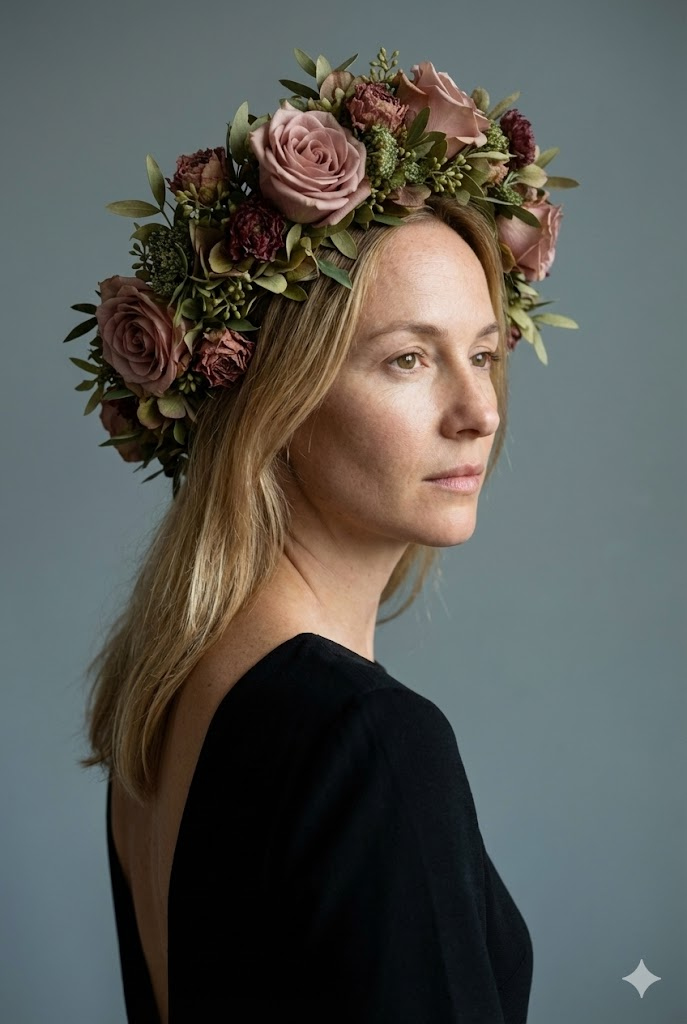
Retrato Estudio Bellas Artes (Tocado Floral)
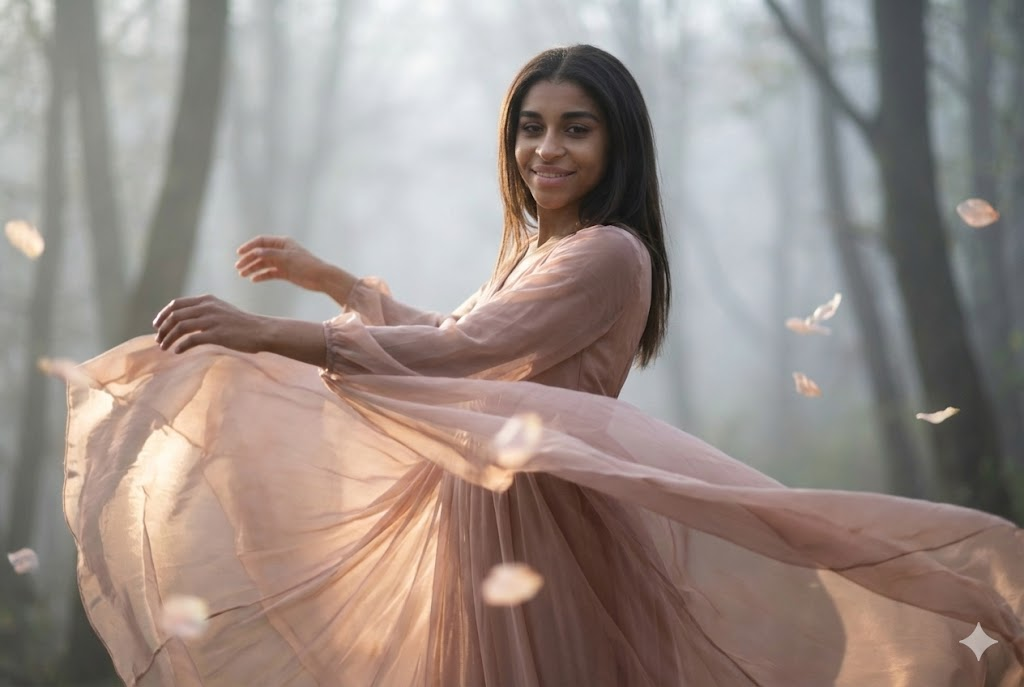
Retrato Cinemático Bellas Artes (Movimiento Baile)
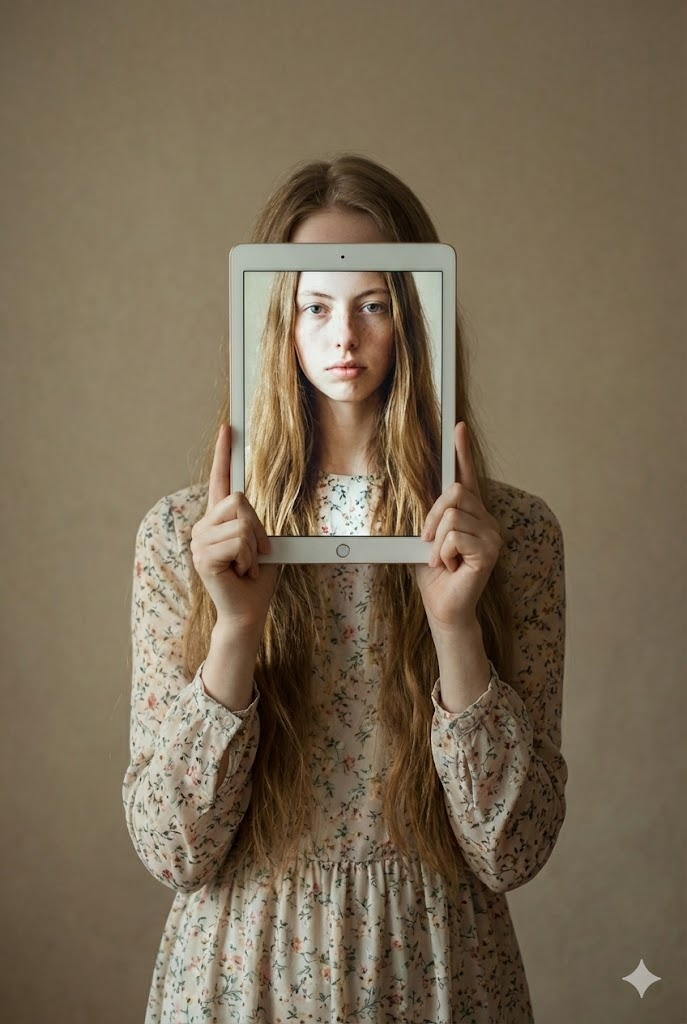
Retrato Bellas Artes Conceptual (Niño Sosteniendo Tablet)
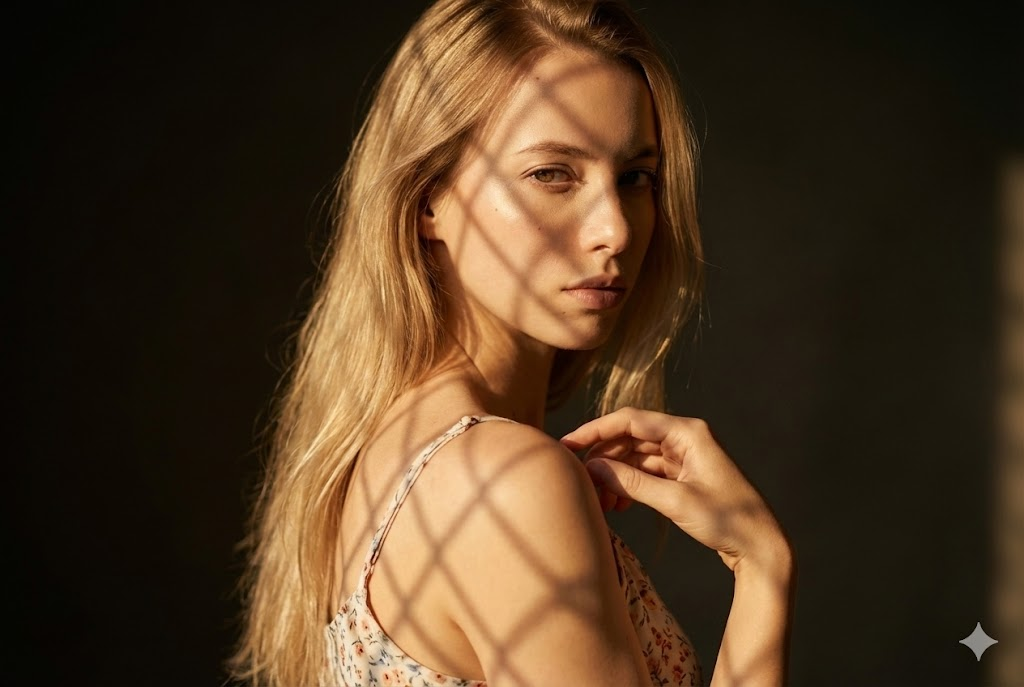
Retrato Bellas Artes Cinemático (Patrón Sombra Celosía)
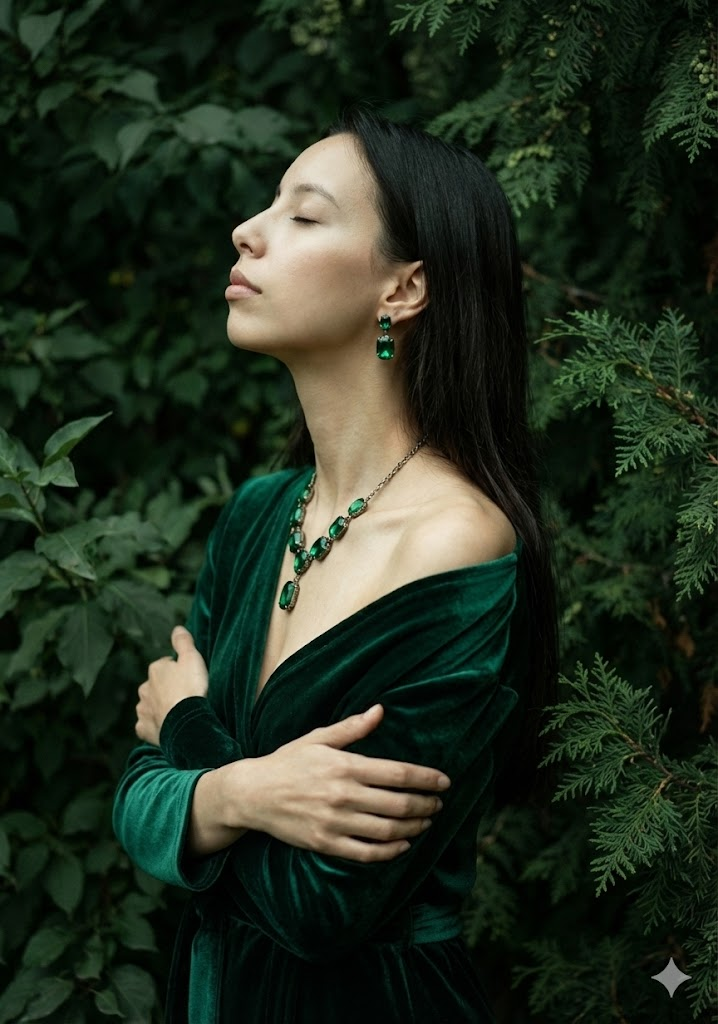
Retrato Bellas Artes Artístico (Terciopelo Verde y Follaje)
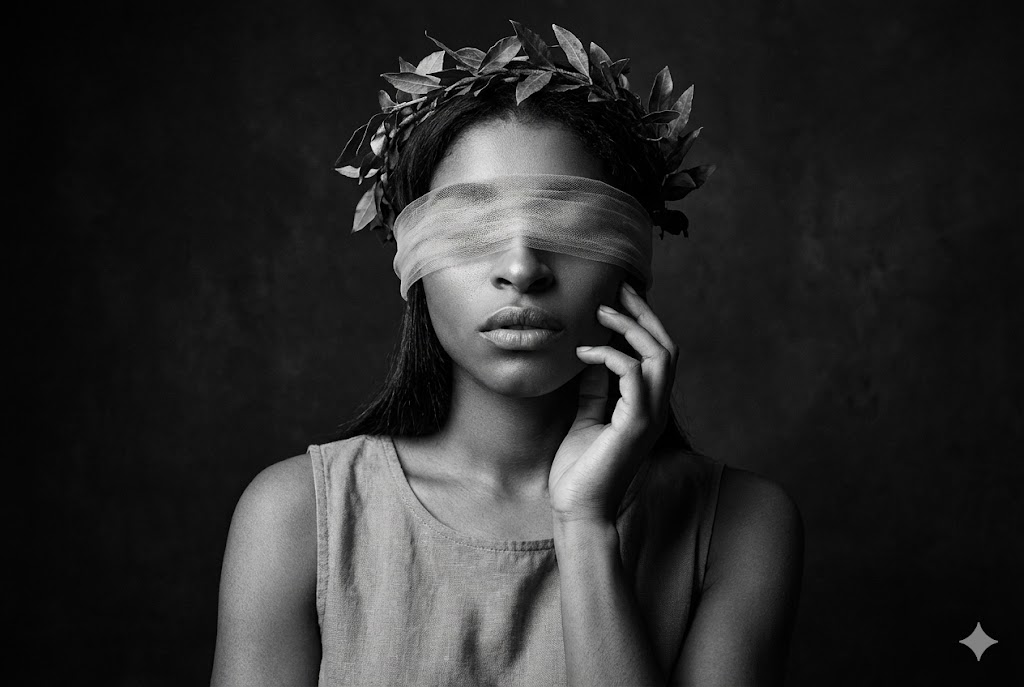
Bellas Artes Dramático BN (Venda y Corona)
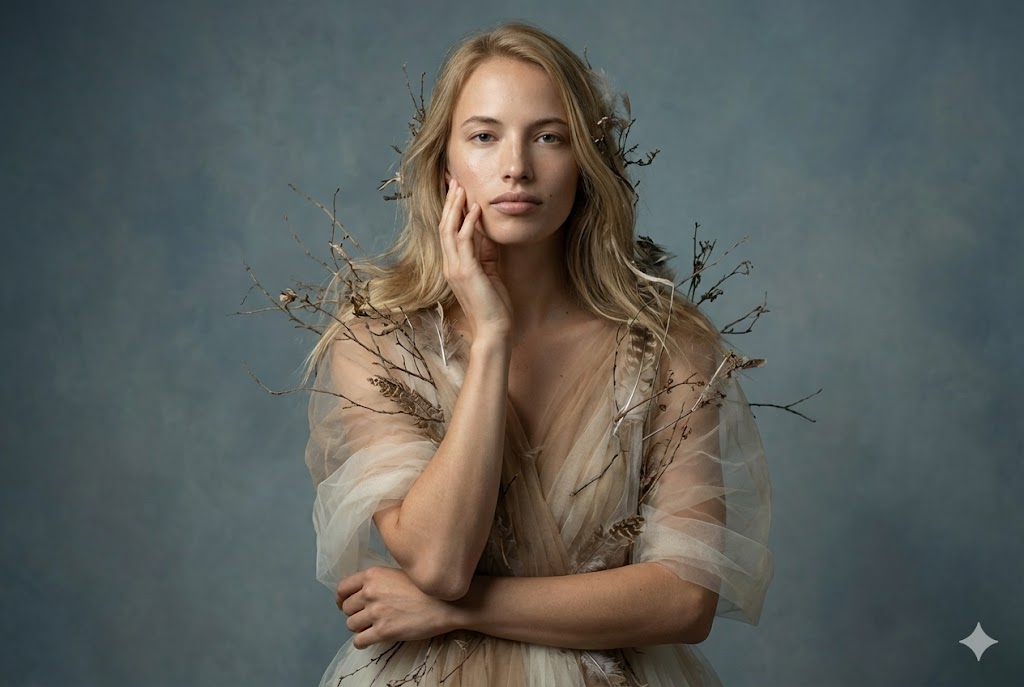
Retrato Editorial Bellas Artes (Tul y Elementos Orgánicos)

Retrato Cinemático Artístico (Acostado con Flores Secas)
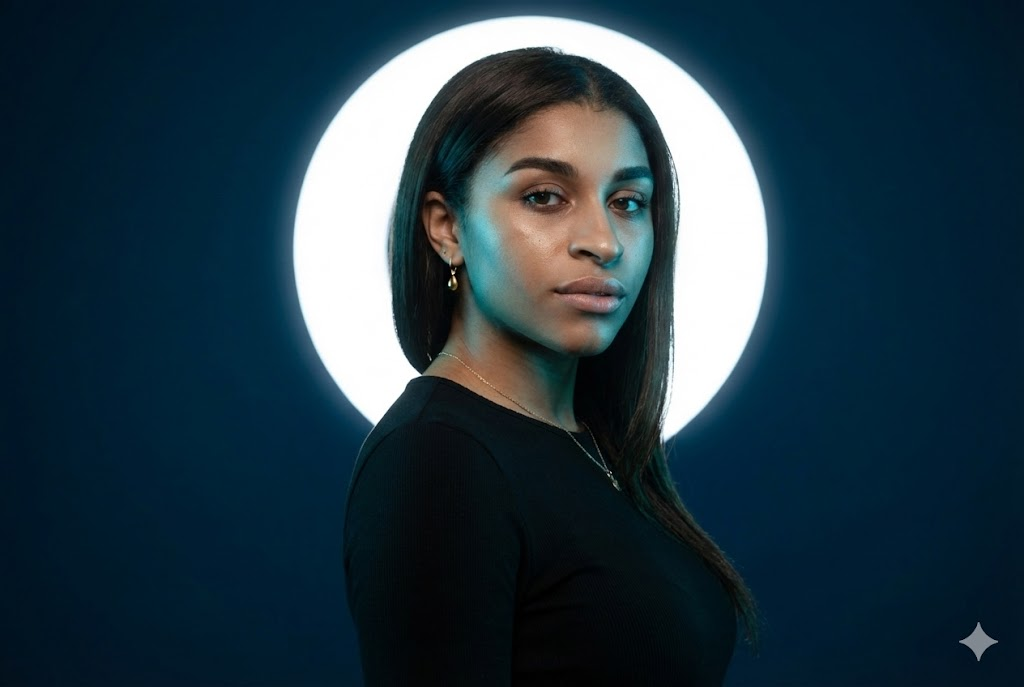
Retrato Estudio Cinemático (Luz Cian y Halo Blanco)
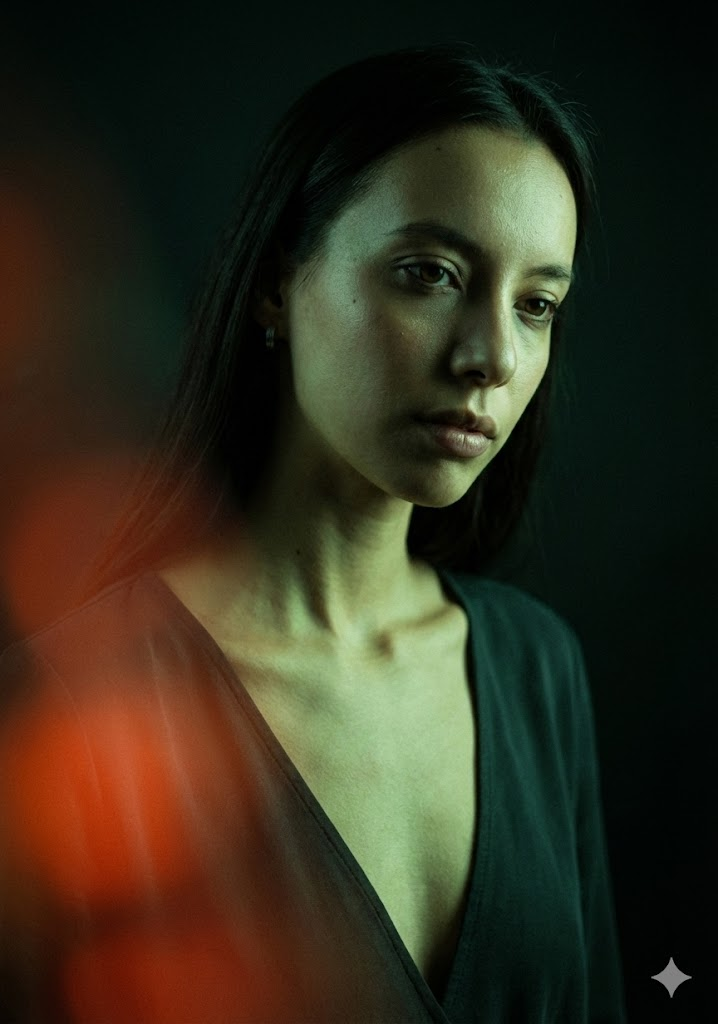
Retrato Moda Clave Baja Cinemático (Luz Verde y Destello Rojo)
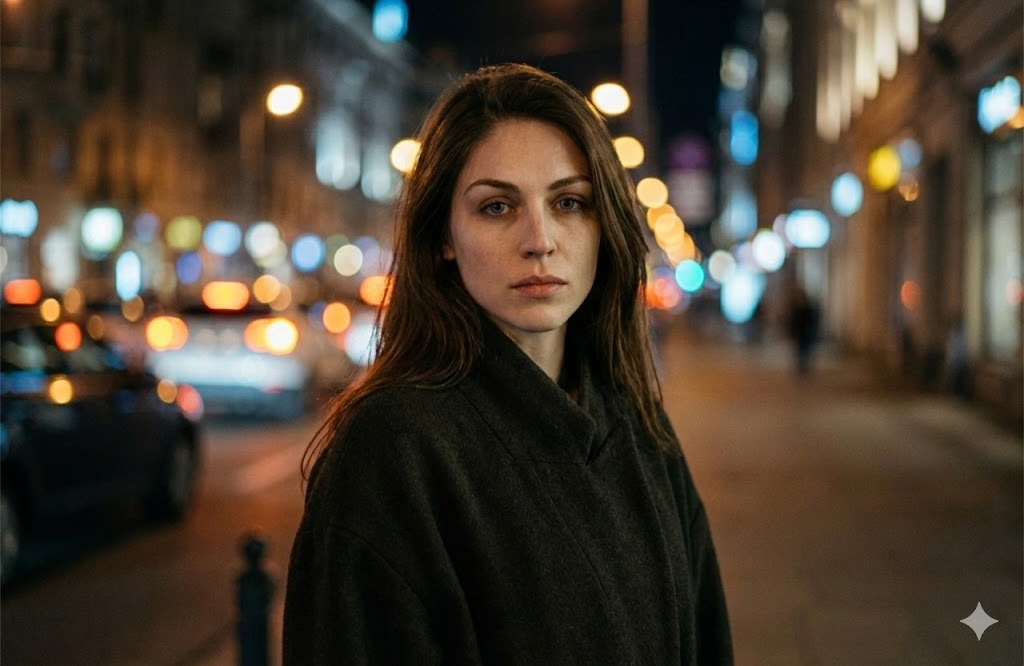
Retrato Nocturno Cinemático (Bokeh Urbano)
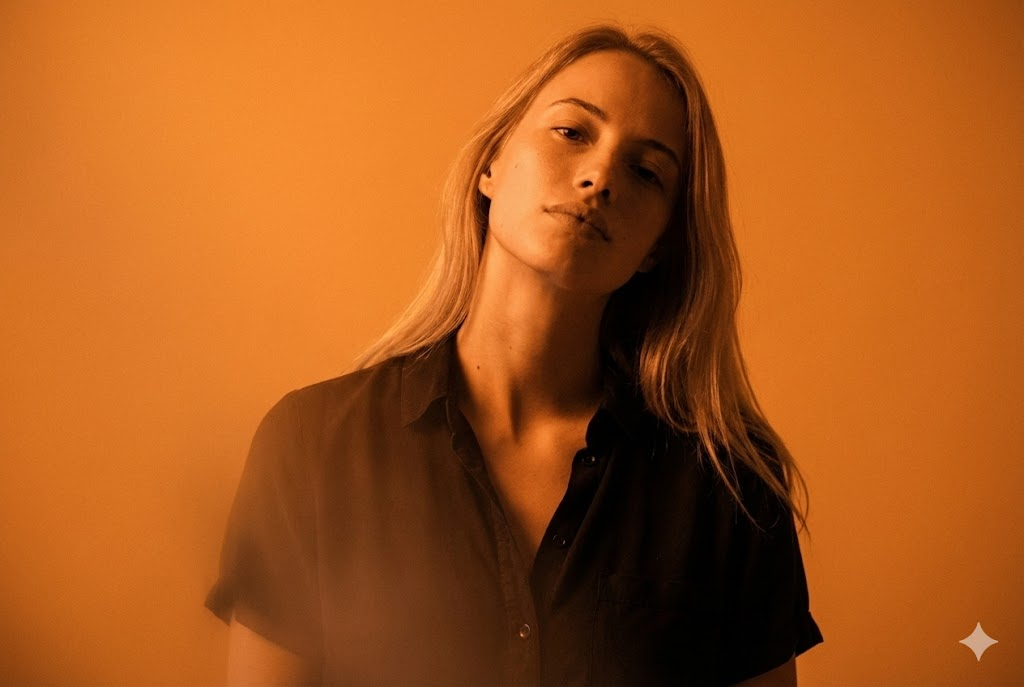
Retrato Monocromático Cinemático (Naranja)
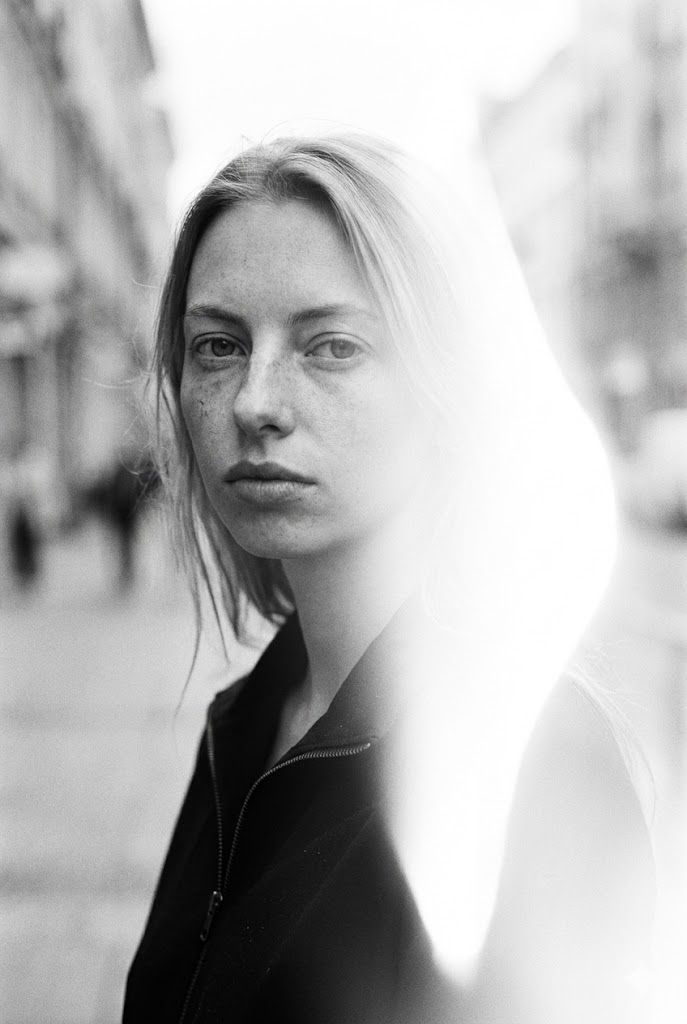
Retrato BN Cinemático (Estilo Calle con Fuga Luz)
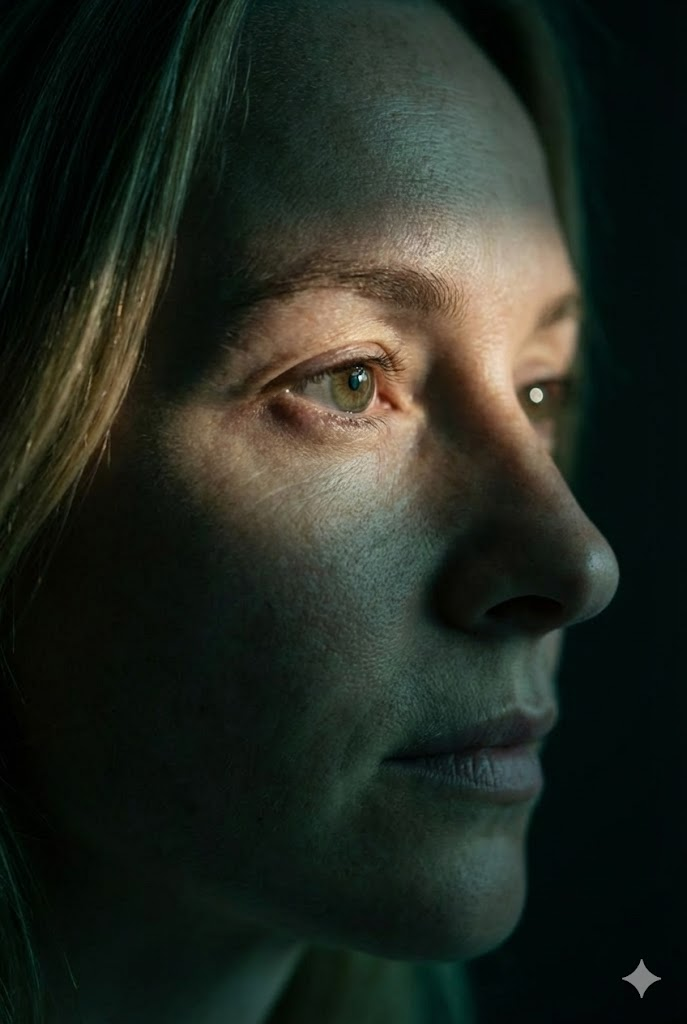
Primer Plano Extremo Cinemático (Perfil Foco Ojo)
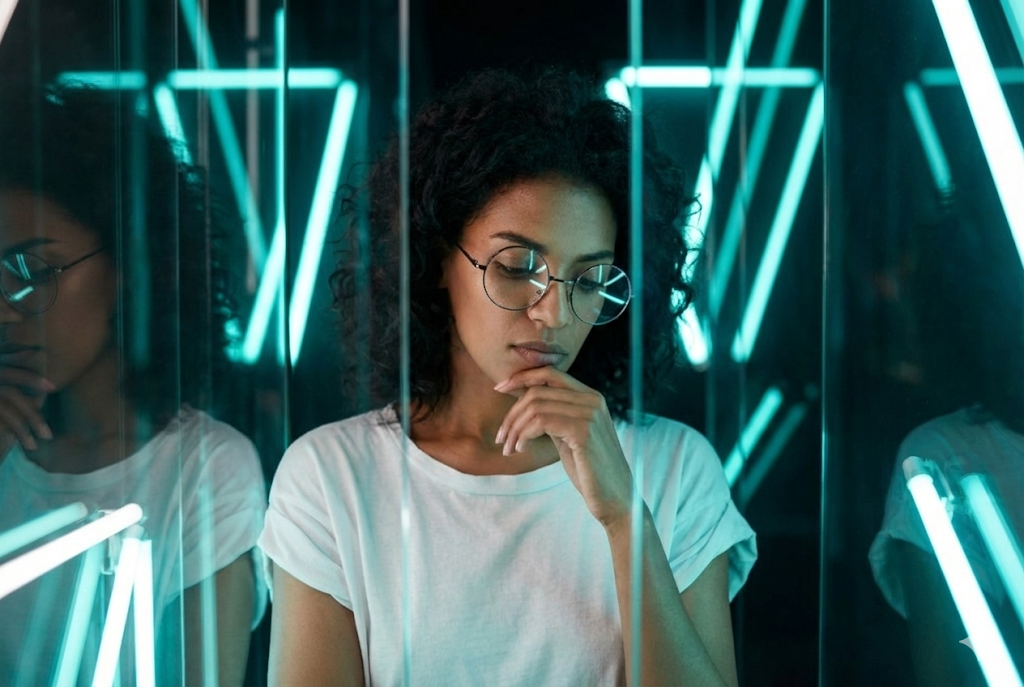
Retrato Moda Cinemático (Neón y Vidrio)
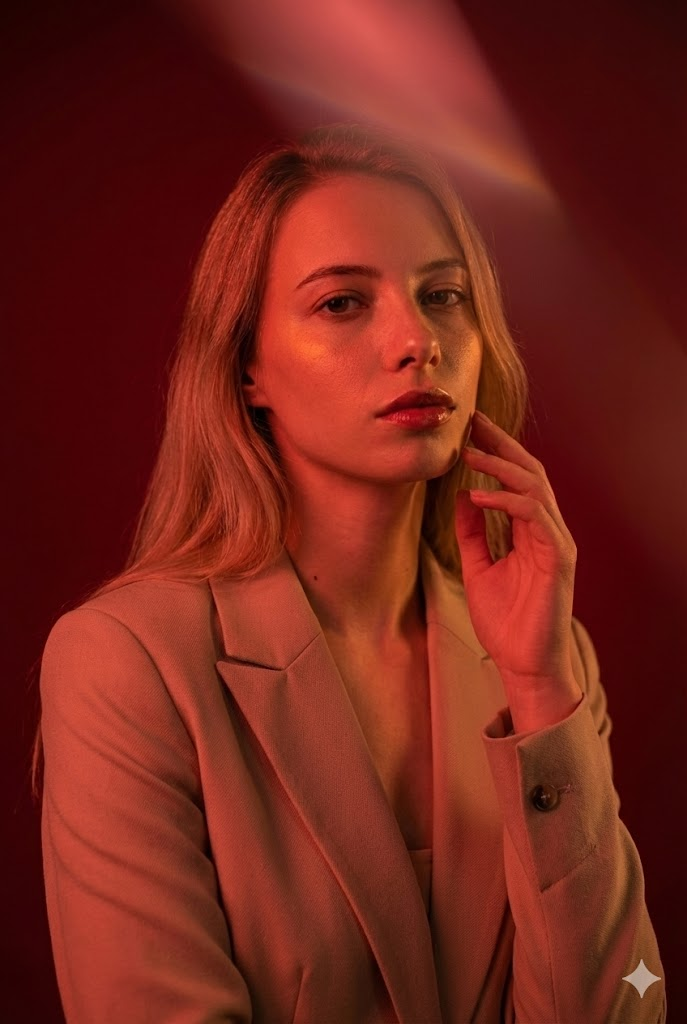
Retrato Moda Cinemático (Iluminación Roja)
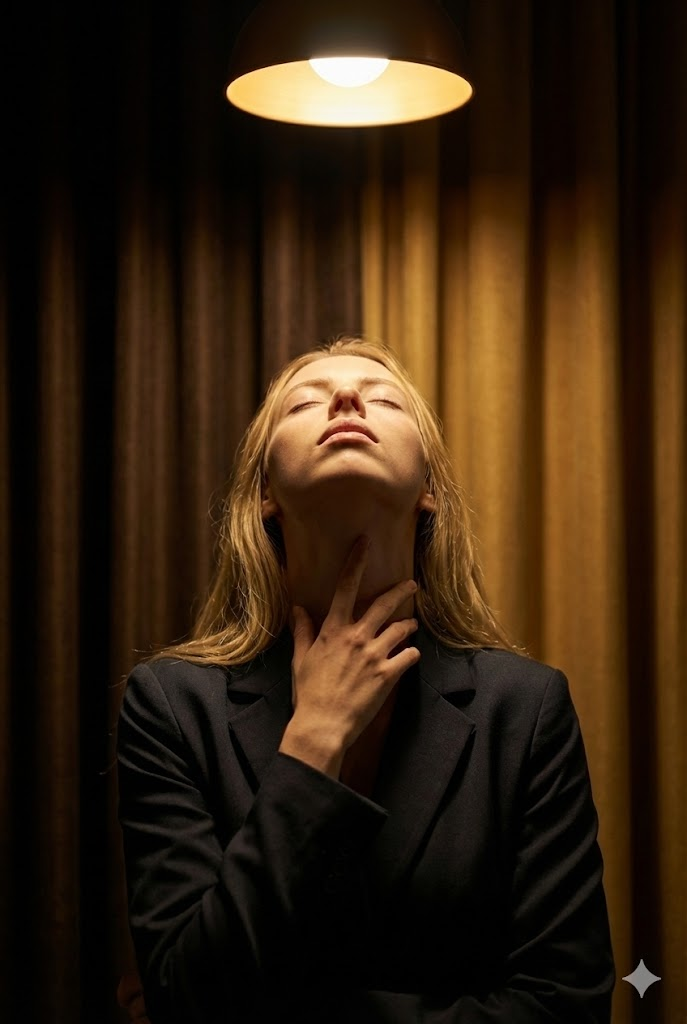
Retrato Bellas Artes Cinemático (Luz Halo y Gesto Ritual)
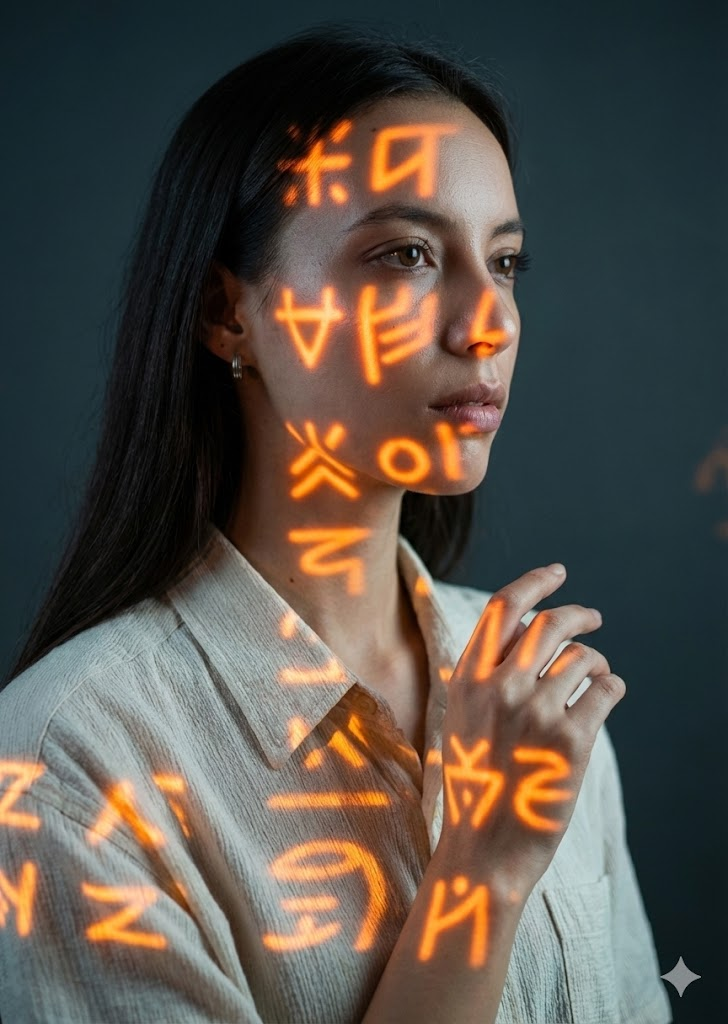
Retrato Conceptual Cinemático (Proyección Símbolos Naranja)
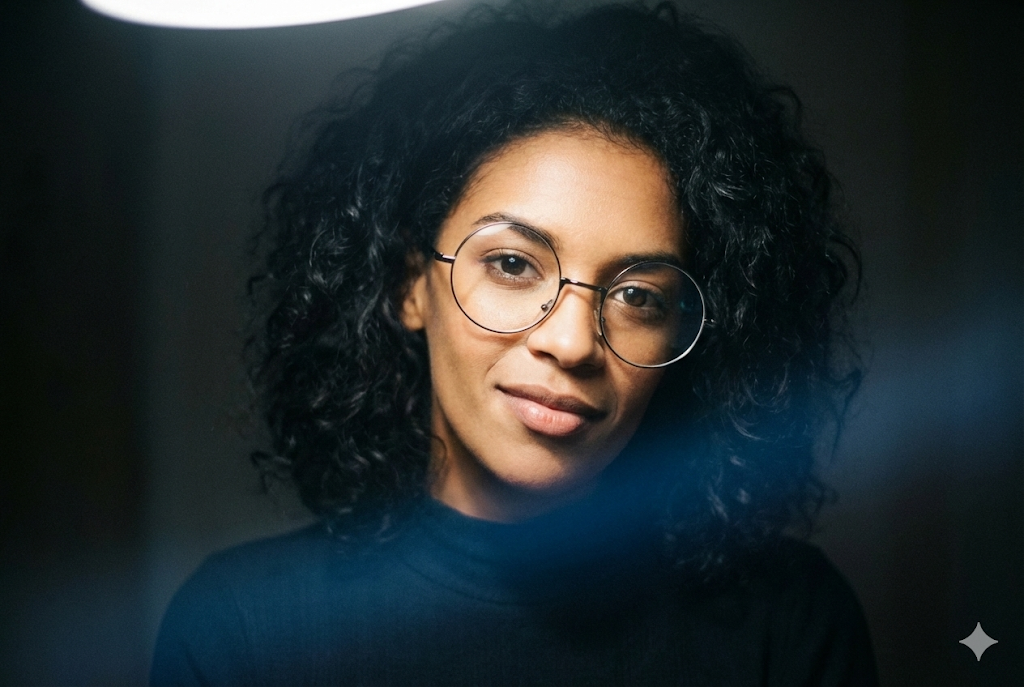
Retrato Moda Clave Baja Cinemático (Cuello Alargado)
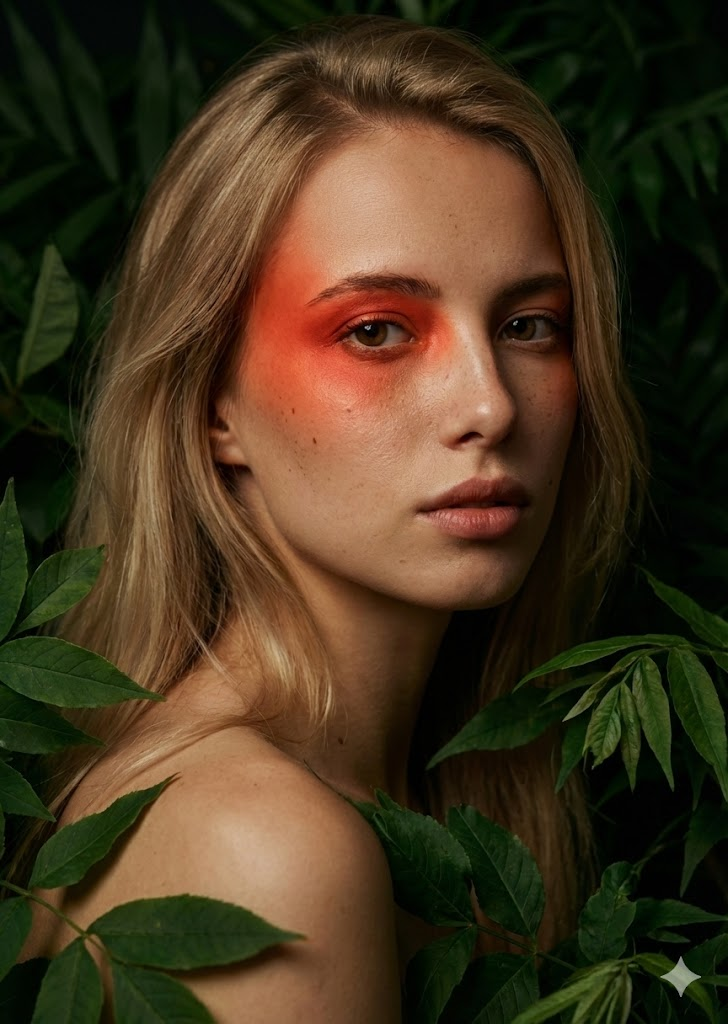
Retrato Bellas Artes Cinemático (Follaje y Acento Rojo)
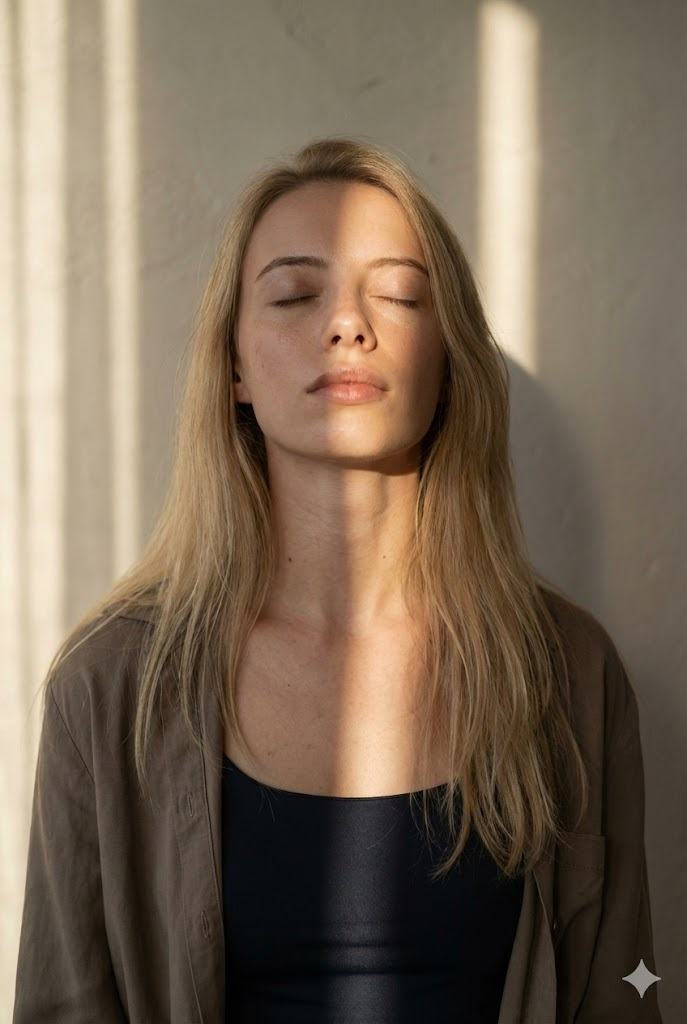
Retrato Luz Natural Cinemático (Franja Solar)
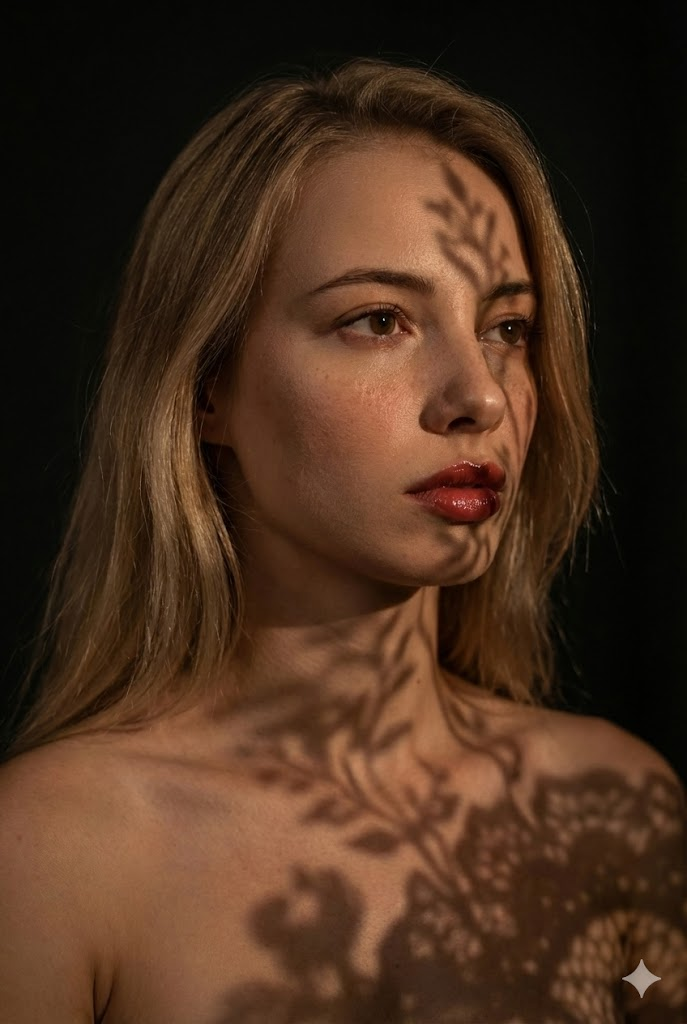
Retrato Bellas Artes Cinemático (Sombras Encaje)
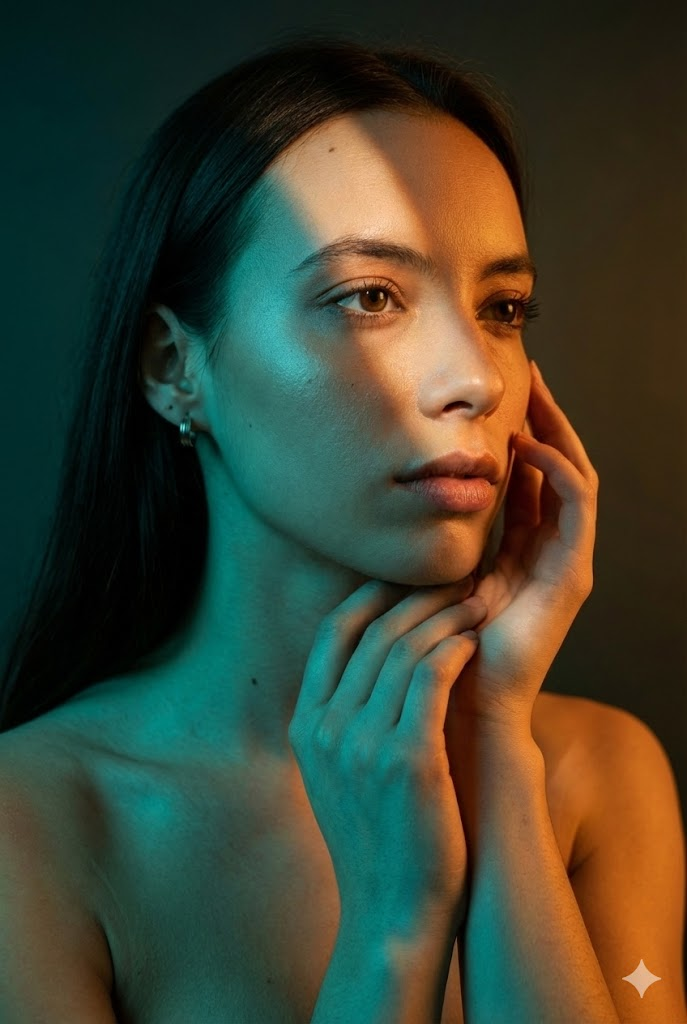
Retrato Belleza Moda Cinemático (Iluminación Dividida)
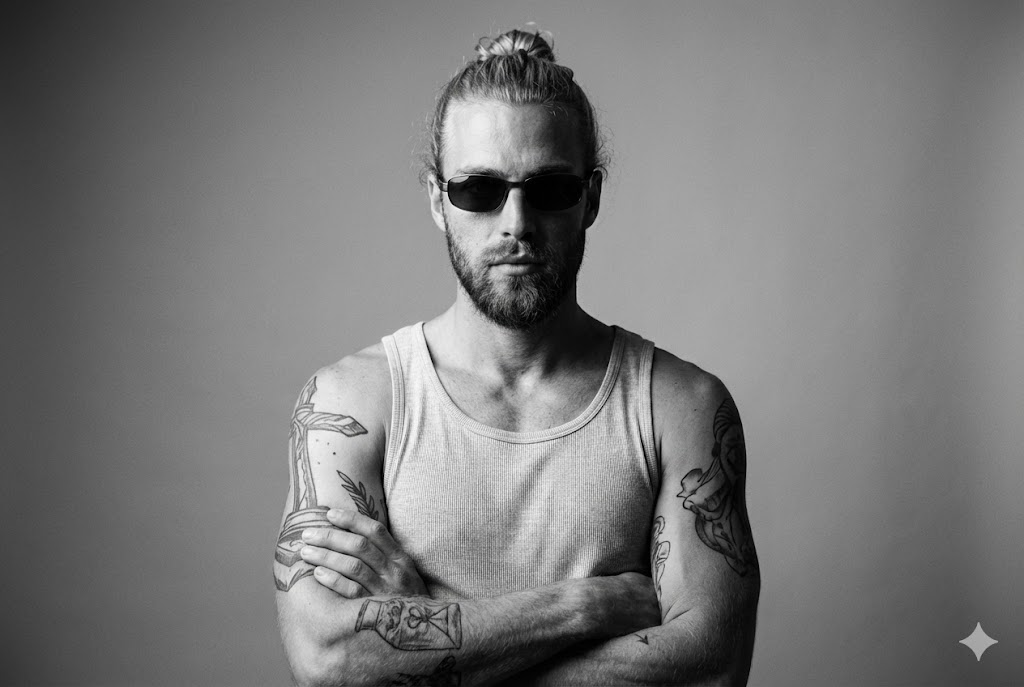
Bellas Artes Camiseta Tirantes (Identidad Estricta)
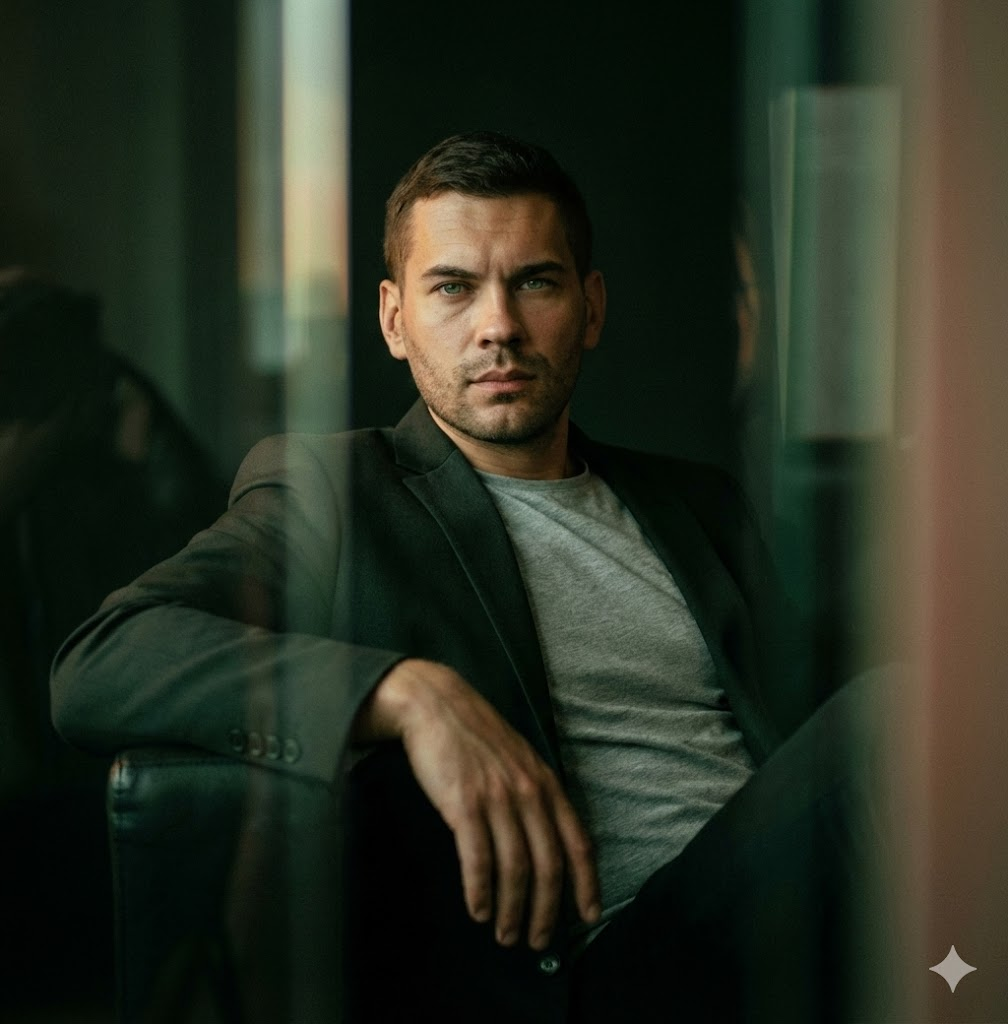
Cinemático Poca Luz / Reclinado
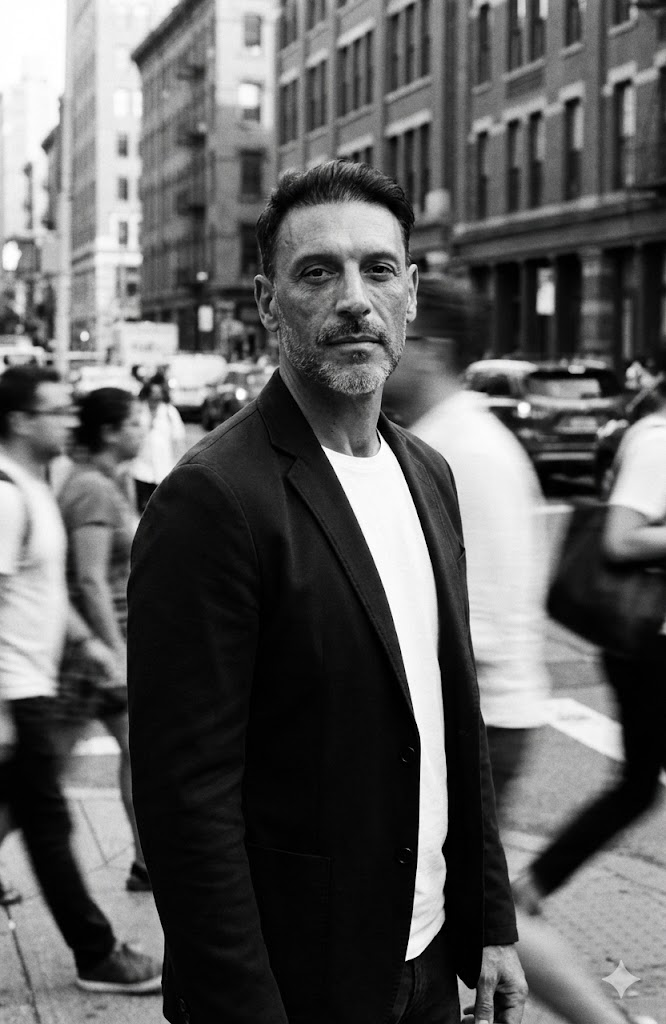
Desenfoque Movimiento Multitud Calle
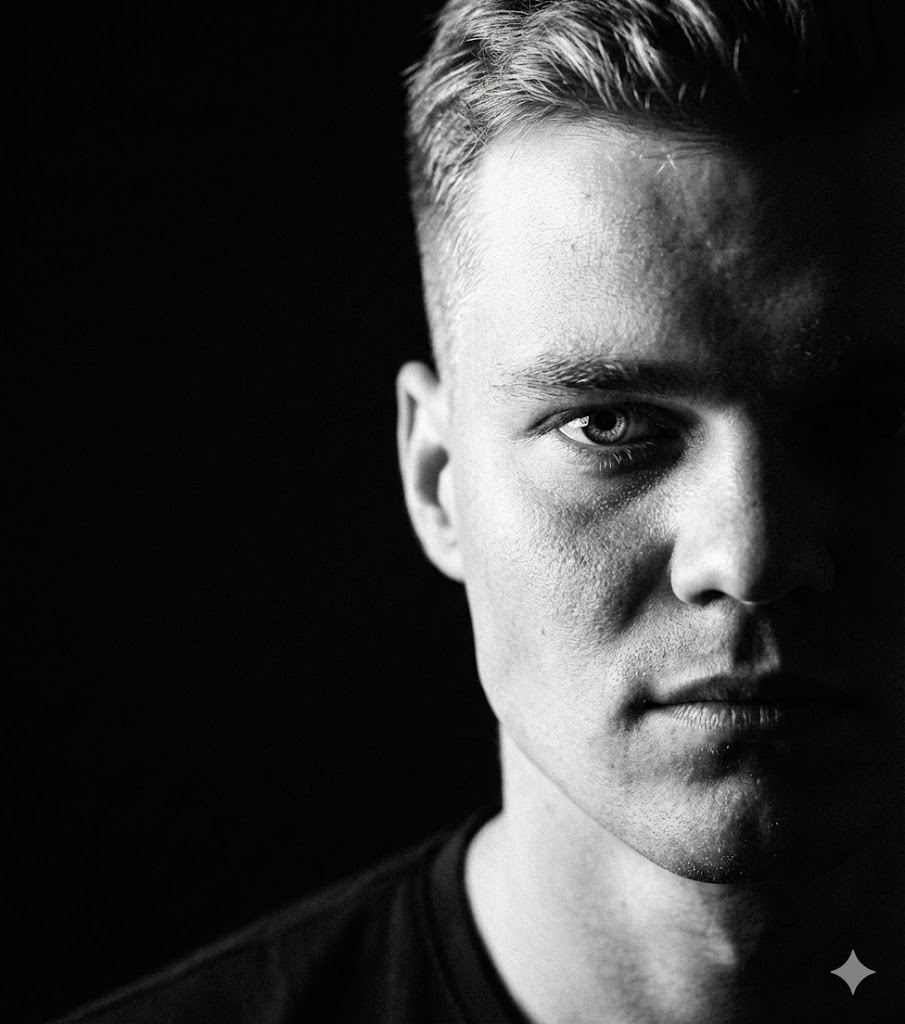
Sombra Extrema Medio Rostro

Proyección Bandas Color
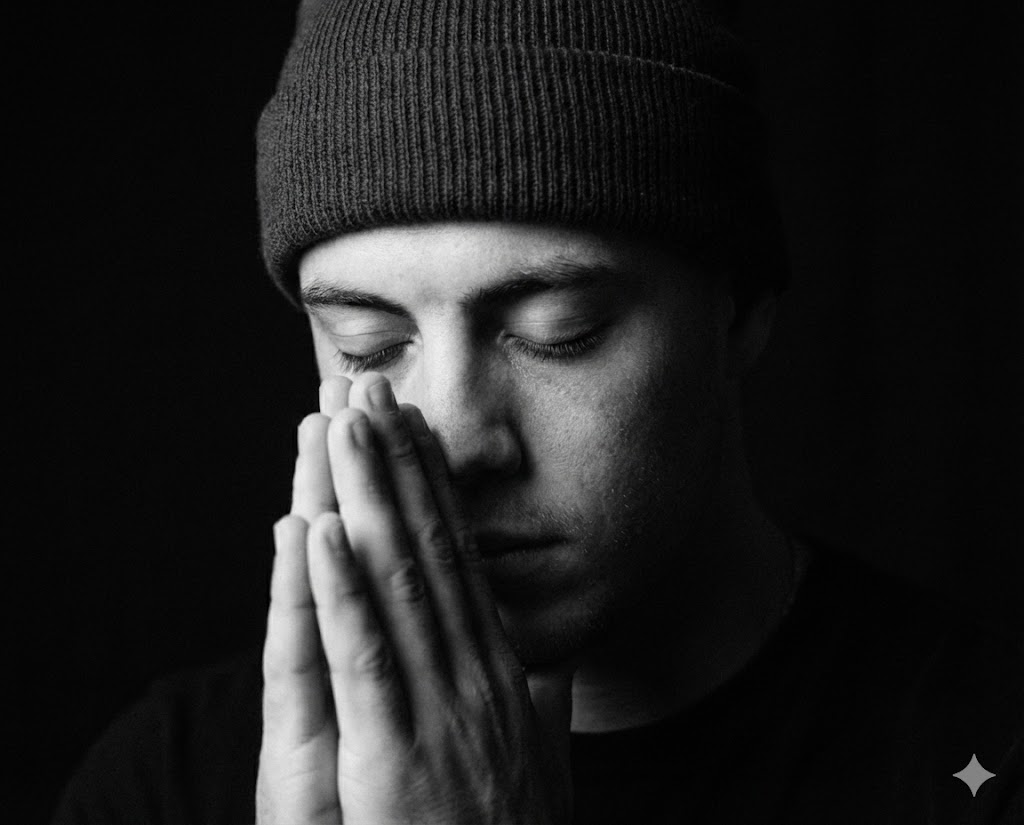
BN Gesto de Oración
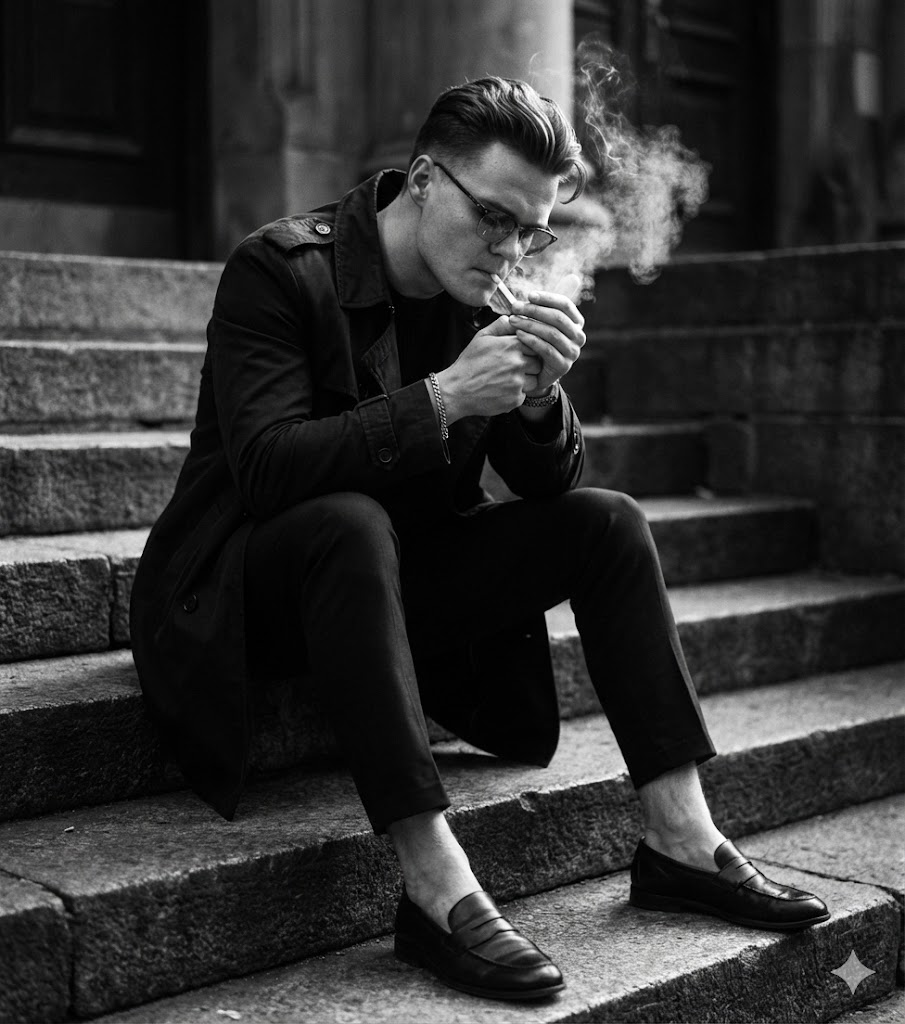
BN Sentado en Escalones
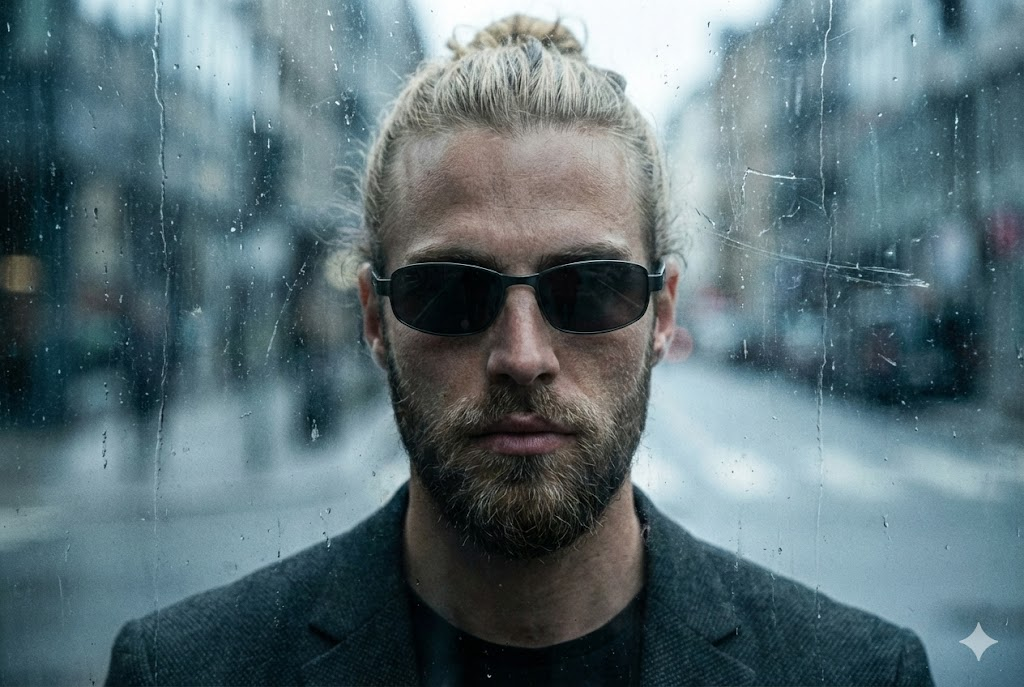
Urbano Áspero (Vidrio Sucio)
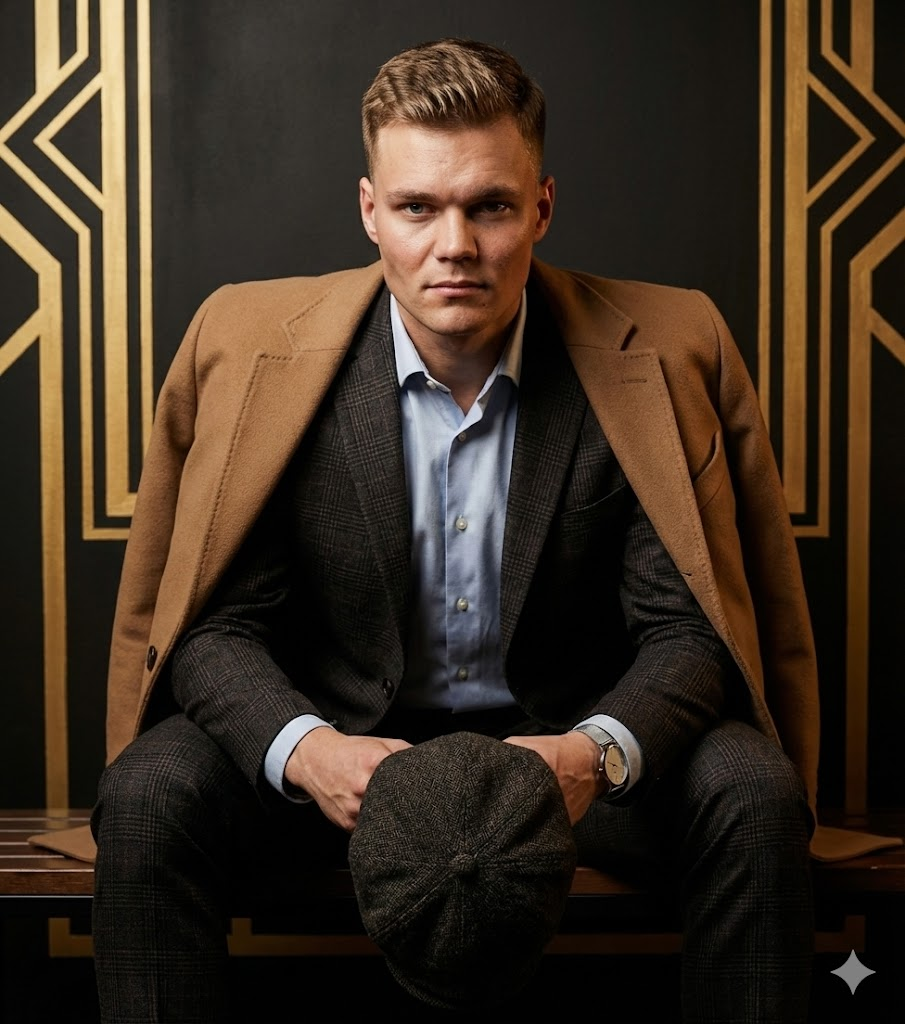
Moda Sentada (Boina)
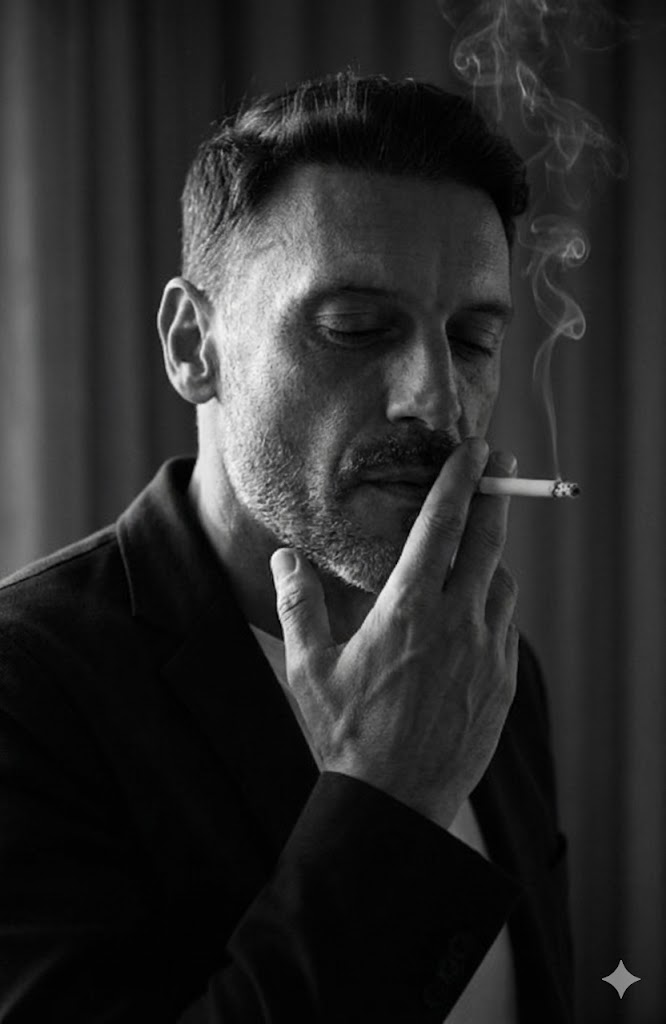
Clave Baja Fumando (Interior)
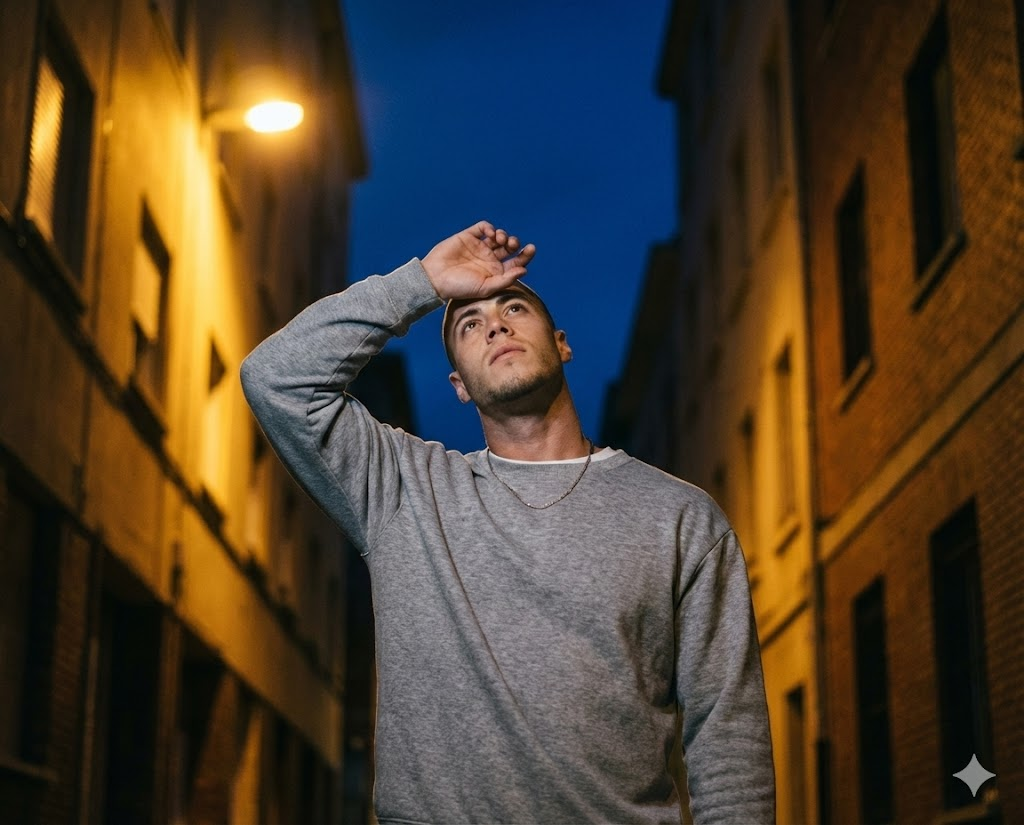
Calle Nocturna Cubriendo Ojos
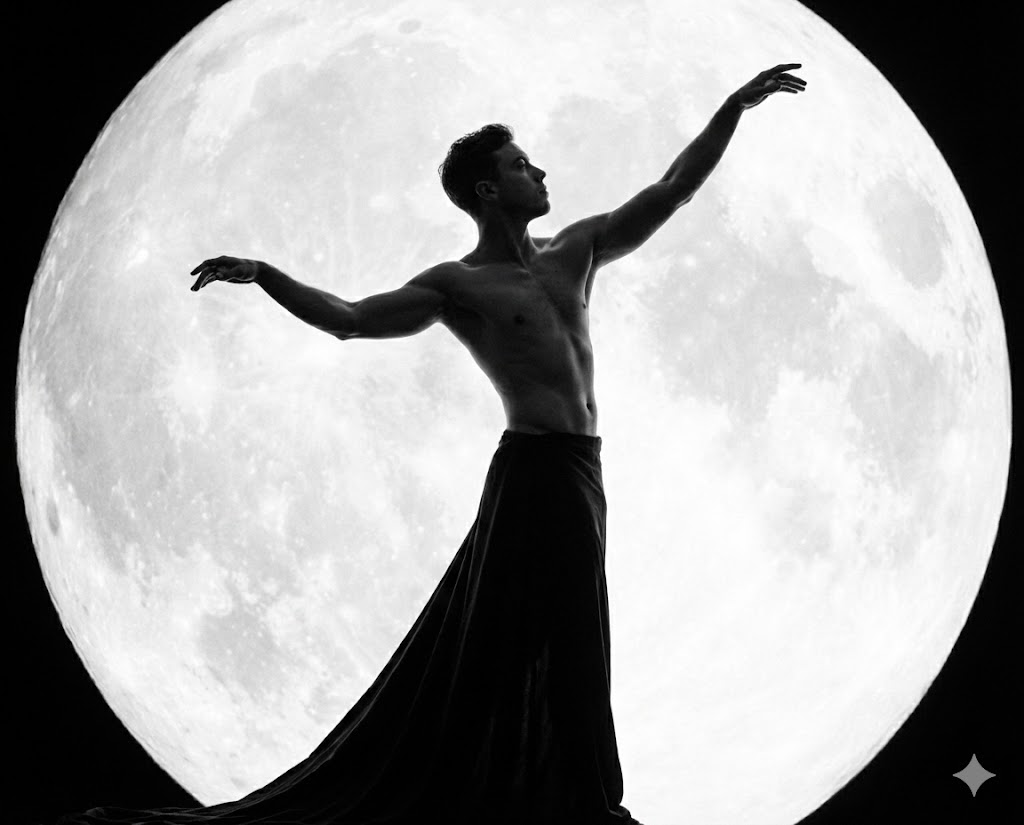
BN Luna Mítica
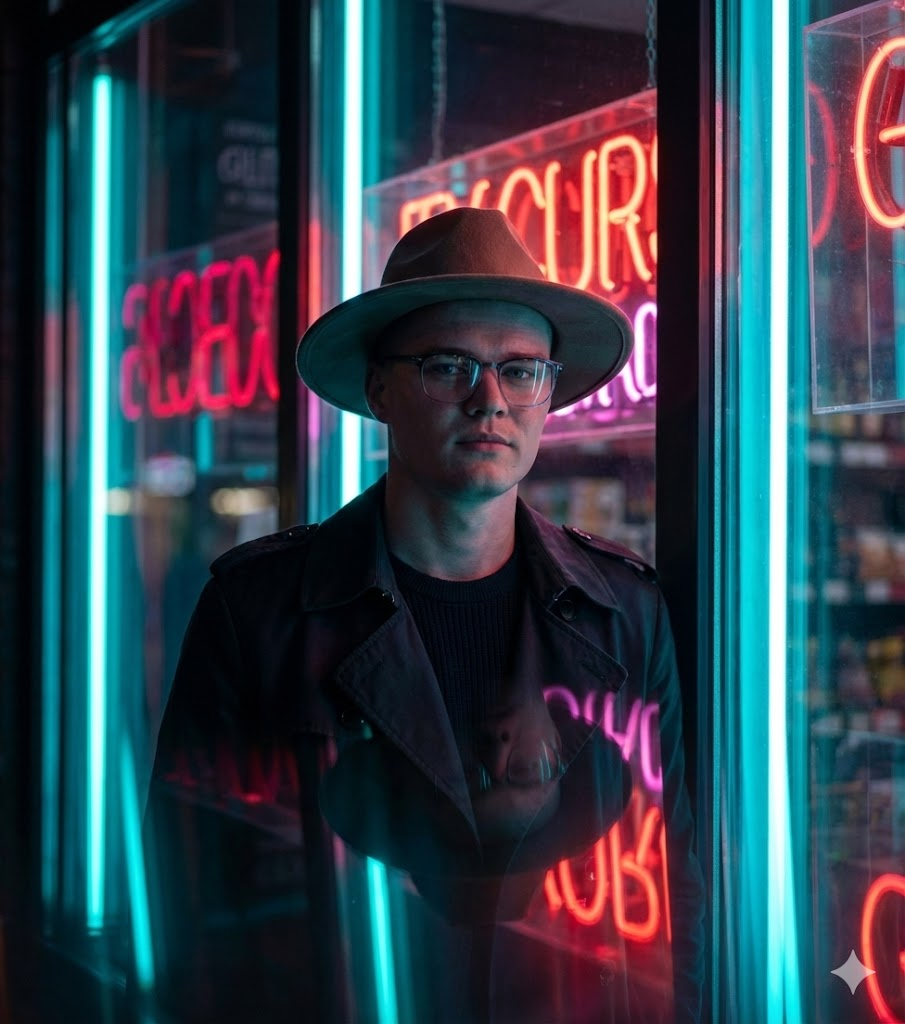
Neón Noir (Gabardina y Sombrero)
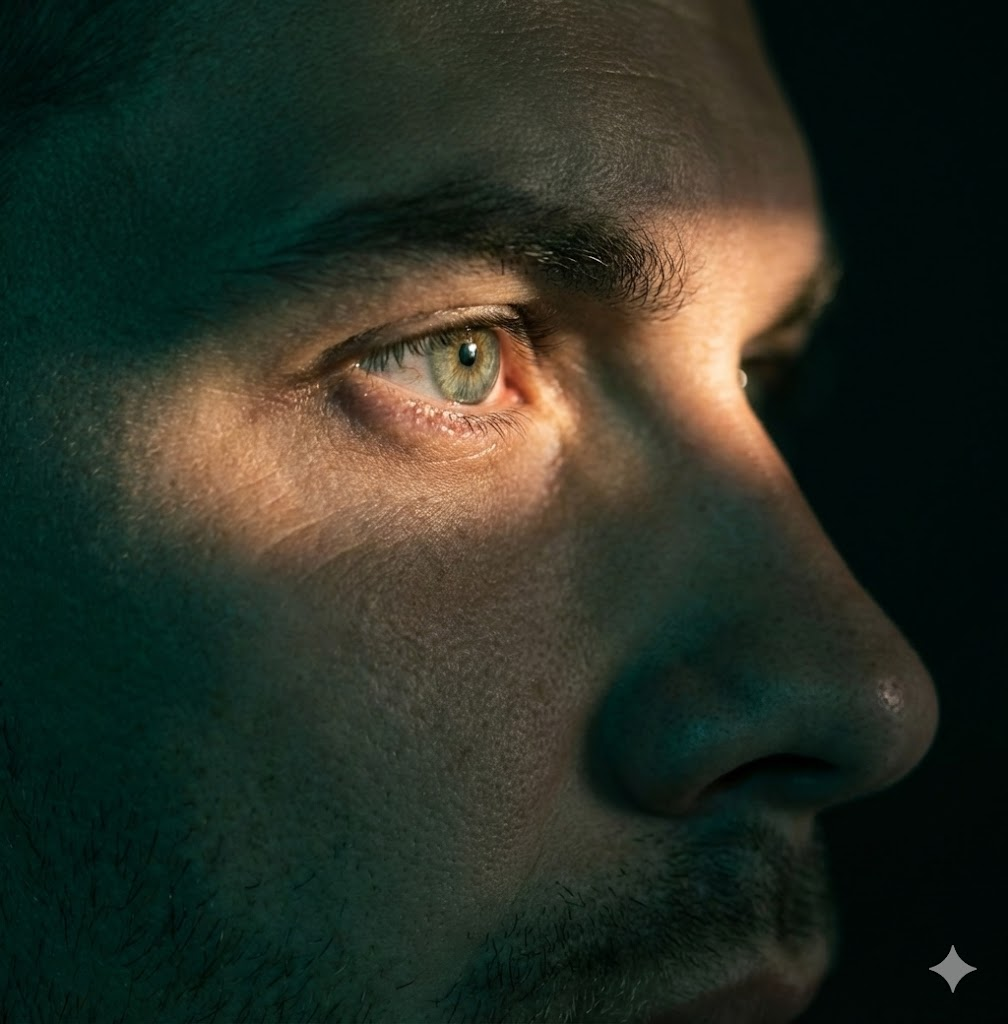
Primer Plano Extremo / Foco Ojo

Vidrio Futurista y Neón

Luz de Halo Cenital

Símbolos Brillantes Conceptuales
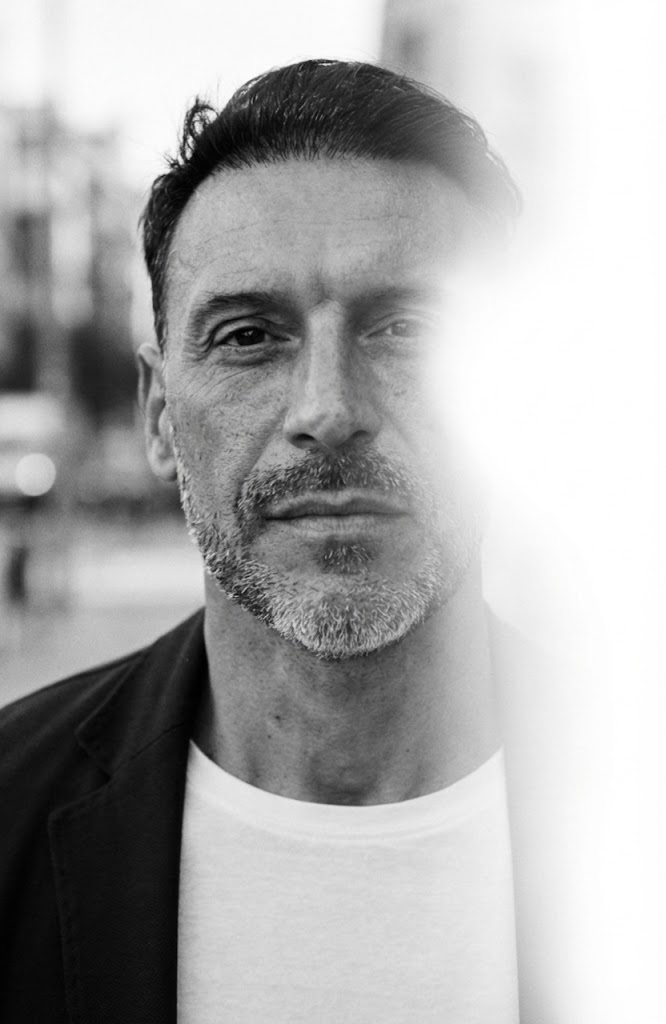
BN Fuga de Luz Urbana
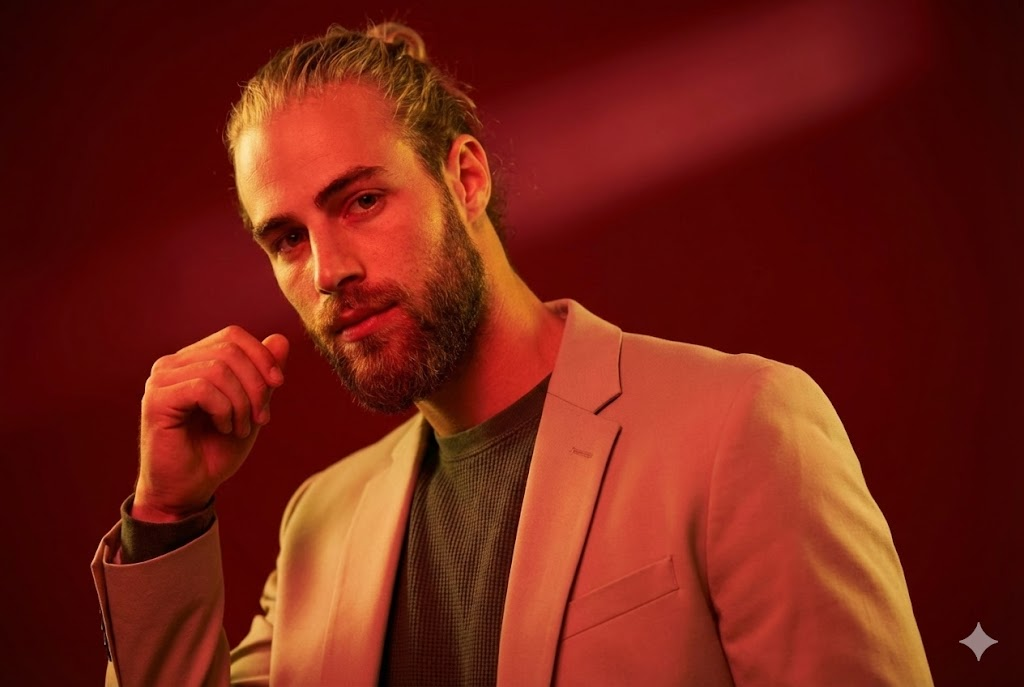
Moda de Estudio Roja
Using the library
How should teams choose and adapt prompts?
What is the Maak.Digital prompt library?
+
What is the Maak.Digital prompt library?
The Maak.Digital prompt library is a searchable collection of reusable AI image prompts for creative professionals, agencies, marketers, and content teams. Each prompt includes a title, description, model, difficulty, tags, generated example, and detailed prompt text that can be adapted for production work. The practical value is consistency: a team can reuse a visual direction without rewriting camera, lighting, identity, and format rules from memory.
How should creative teams search the library?
+
How should creative teams search the library?
Search by the look you want, the production use case, a tag, a model, or a phrase from the prompt text. A useful search can start broad, such as urban or studio, then narrow by mood, lighting, pose, or output format. Filtered URLs such as /library?search=urban can be shared with teammates, saved in briefs, or revisited later.
What should stay fixed when reusing a prompt?
+
What should stay fixed when reusing a prompt?
Keep the identity rule, camera framing, lighting direction, mood, style, and output format stable. Those constraints preserve the creative system and stop a useful prompt from drifting into a different visual idea. If several people will use the same prompt, mark these fixed parts before anyone edits the campaign-specific variables.
What can be changed safely?
+
What can be changed safely?
Change campaign-specific details such as wardrobe nuance, background, prop, season, location, color intensity, or audience context. These variables let the same creative rule serve different briefs without rebuilding the whole prompt. Test one small batch after each change before turning the adapted version into a production baseline.
Which searches work best?
| Query type | Example | Result |
|---|---|---|
| Style query | urban, cinematic, black and white, fashion editorial | Finds prompts by visual language and creative direction. |
| Use-case query | selfie, portrait, product, studio, outdoor | Finds prompts by campaign or production need. |
| Constraint query | lighting, camera, background, identity, aspect ratio | Finds prompts by execution detail inside the prompt text. |
Which metadata is included?
| Field | Value | Why it helps |
|---|---|---|
| Model | Shows the intended generation model or model family. | Helps teams avoid testing a prompt against the wrong model family. |
| Difficulty | Marks whether the prompt is easy, medium, or hard to adapt. | Helps teams choose between fast experiments and advanced creative work. |
| Tags | Groups prompts by visual style, scene, and production category. | Helps teams browse by visual language instead of starting from a blank page. |
How should prompts be reused?
| Step | Rule | Reason |
|---|---|---|
| Preserve | Keep identity, pose, lighting direction, framing, and output format stable. | These constraints define the recognizable creative system. |
| Adapt | Change wardrobe, background, brand context, season, props, or campaign detail. | These variables make the prompt useful across different projects. |
| Validate | Compare outputs against the prompt purpose before saving a production baseline. | This prevents visual drift when prompts are reused by a larger team. |
What is the prompt workflow?
- -Search for the visual style or production use case.
- -Open a prompt detail page and review the example image, tags, and difficulty.
- -Copy the prompt text and keep the identity, framing, lighting, and format rules intact.
- -Adjust flexible campaign details such as location, wardrobe, color intensity, or background.
- -Test a small batch, choose the strongest baseline, and document the adapted prompt for reuse.
Which references are useful for prompt workflows?
Prompt work is easier to maintain when examples, model context, metadata, and reusable creative rules are documented together. These references are useful when comparing model behavior and structured content conventions.
Technical notes
What context is kept for discovery and retrieval?
Which prompt details are available in server-rendered HTML?
+
Which prompt details are available in server-rendered HTML?
Each prompt exposes a stable URL, title, description, model, difficulty, tags, update date, prompt text, example image, FAQ answers, Article JSON-LD, and a relationship to the Maak.Digital Organization schema.
Why keep metadata and FAQ copy on prompt pages?
+
Why keep metadata and FAQ copy on prompt pages?
Metadata helps people compare prompts quickly, and it gives search and retrieval systems enough context to understand the prompt without relying on screenshots, hidden client state, or image recognition alone.