PROMPT BIBLIOTHEK
How does the prompt library work?
Start with the image you need to make, not with a blank prompt. Search by style, scene, mood, or production constraint, then open a prompt that already contains the framing, lighting, identity, and output-format rules you want to reuse.
The best prompts here are meant to be adapted. Keep the core visual rule intact, swap the campaign-specific details, generate a small test batch, and save the strongest version as your production baseline.
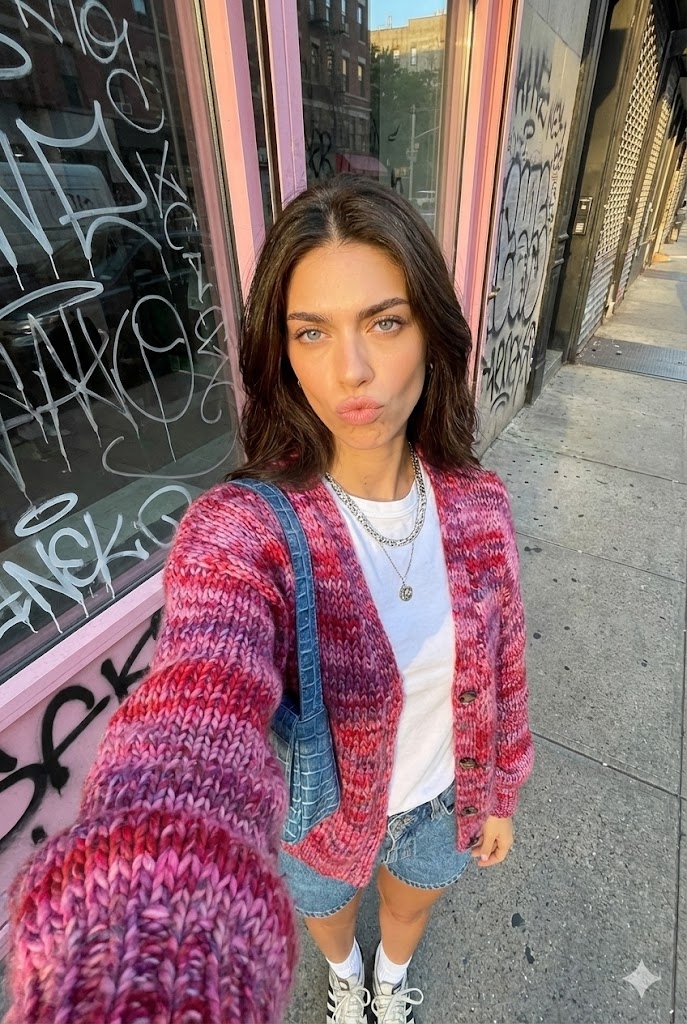
Goldene Stunde Urban Selfie
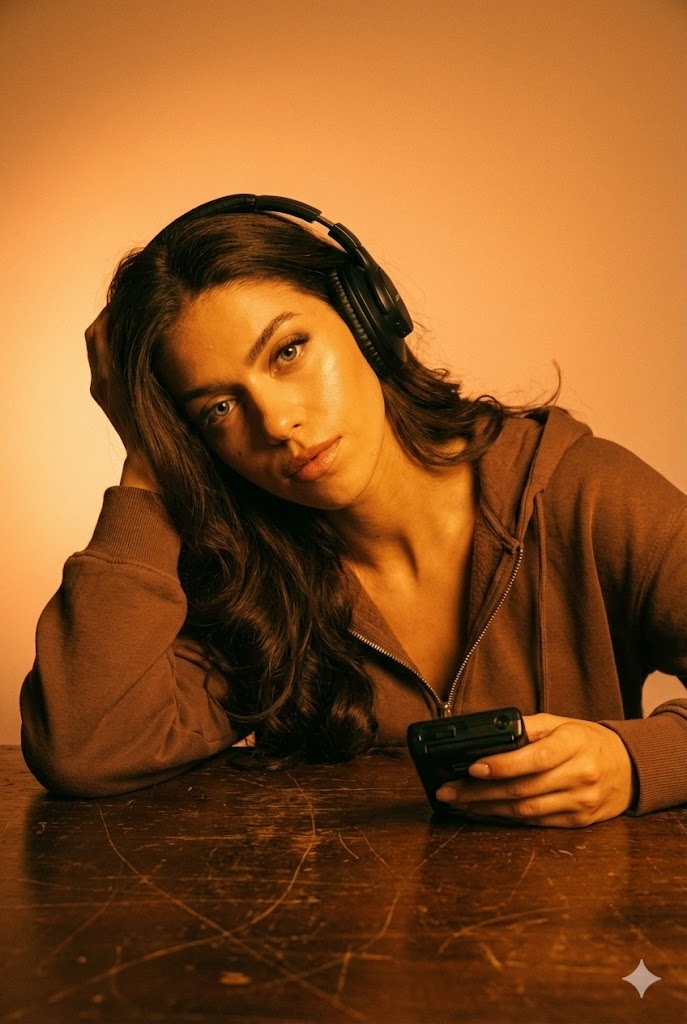
Bernstein-Glow Audio
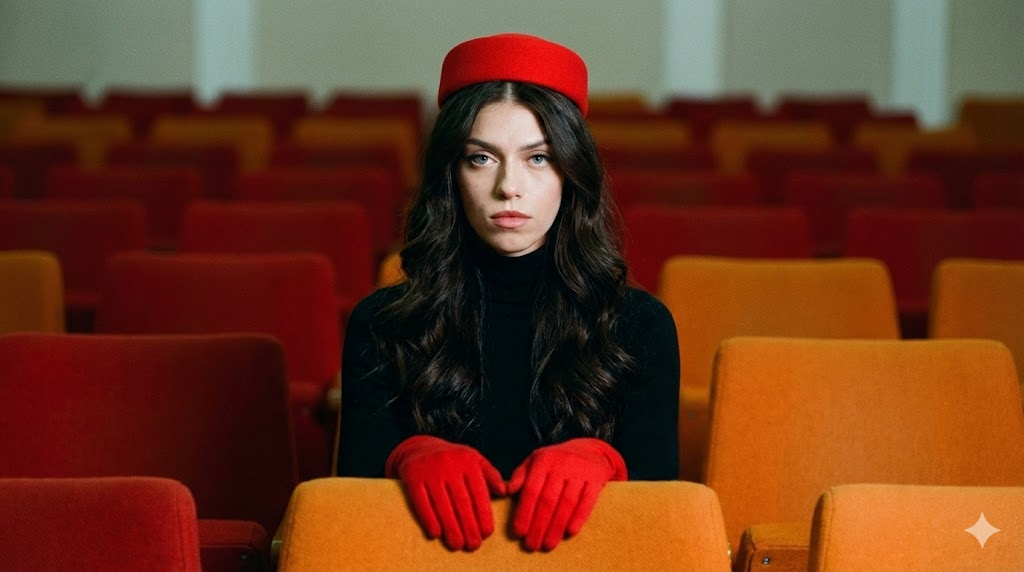
Symmetrisches Retro-Porträt
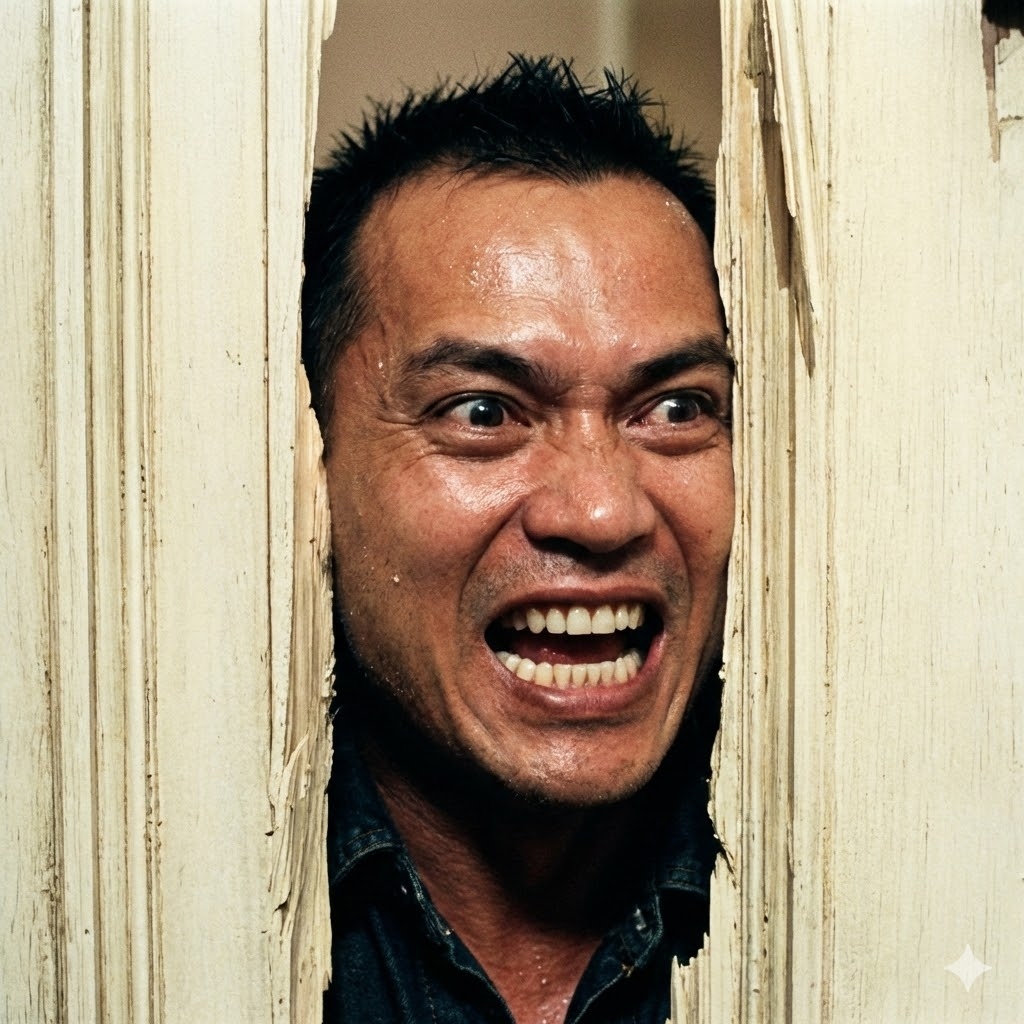
Der Shining-Türbruch
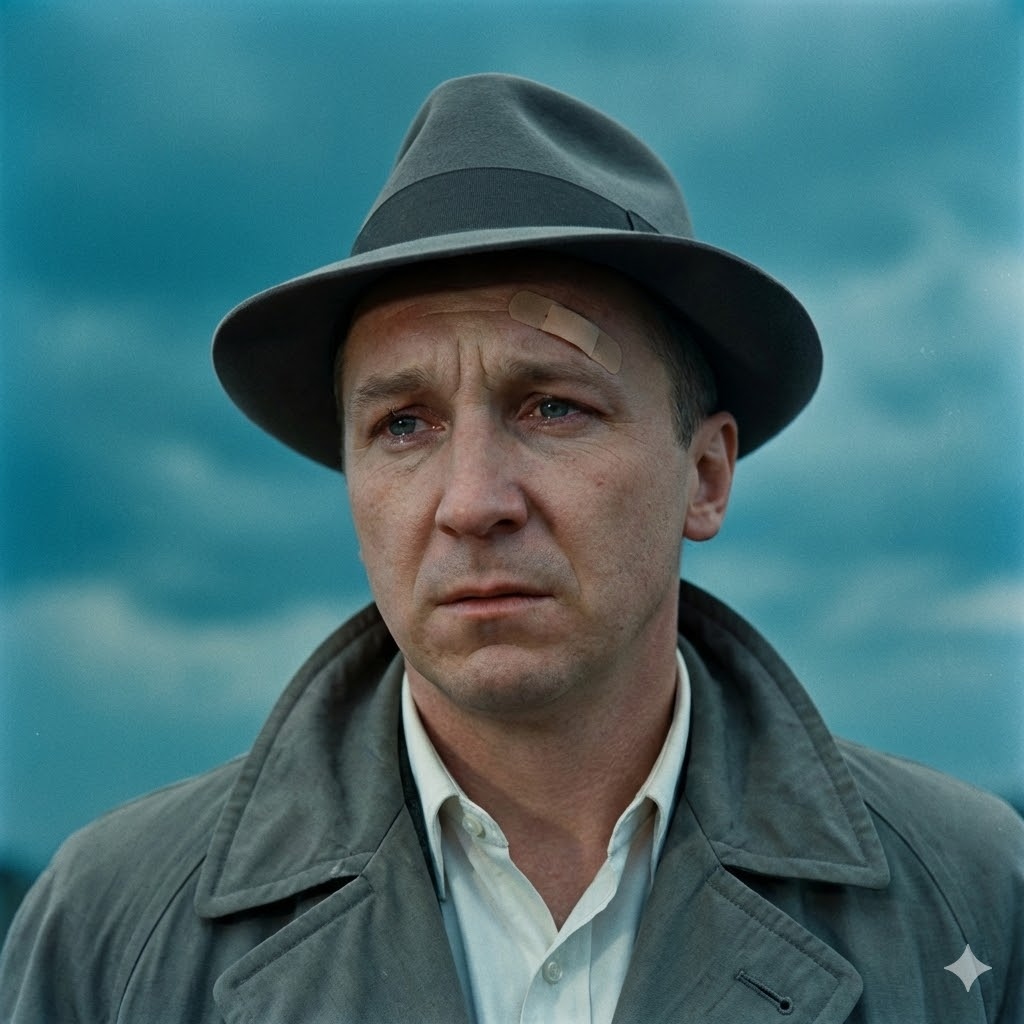
Vintage Film Noir

Die Hard Luftschacht
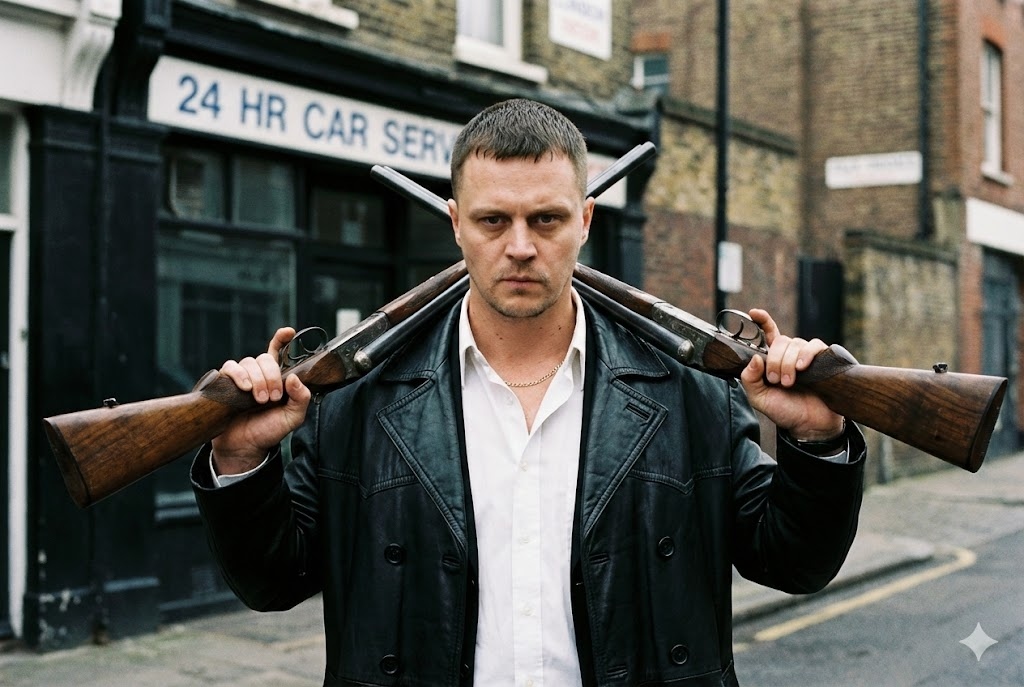
Britischer Gangster
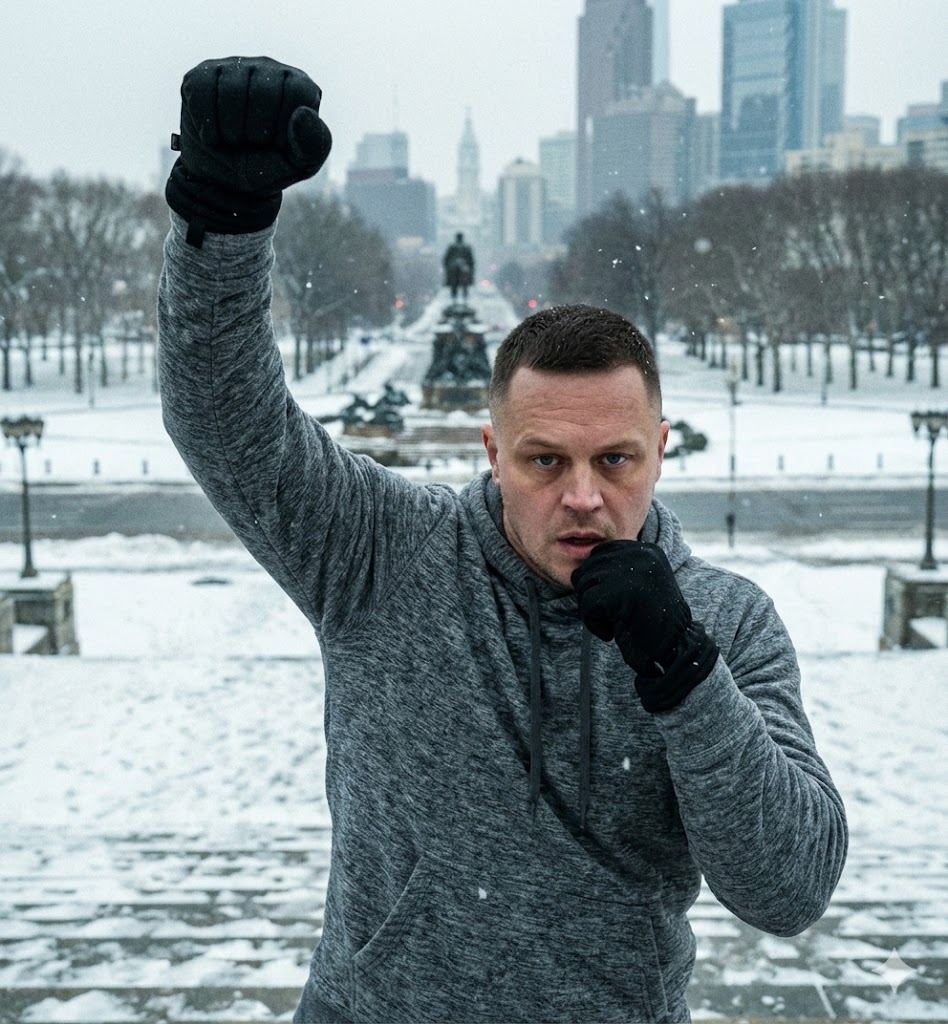
Rocky-Treppen Sieg
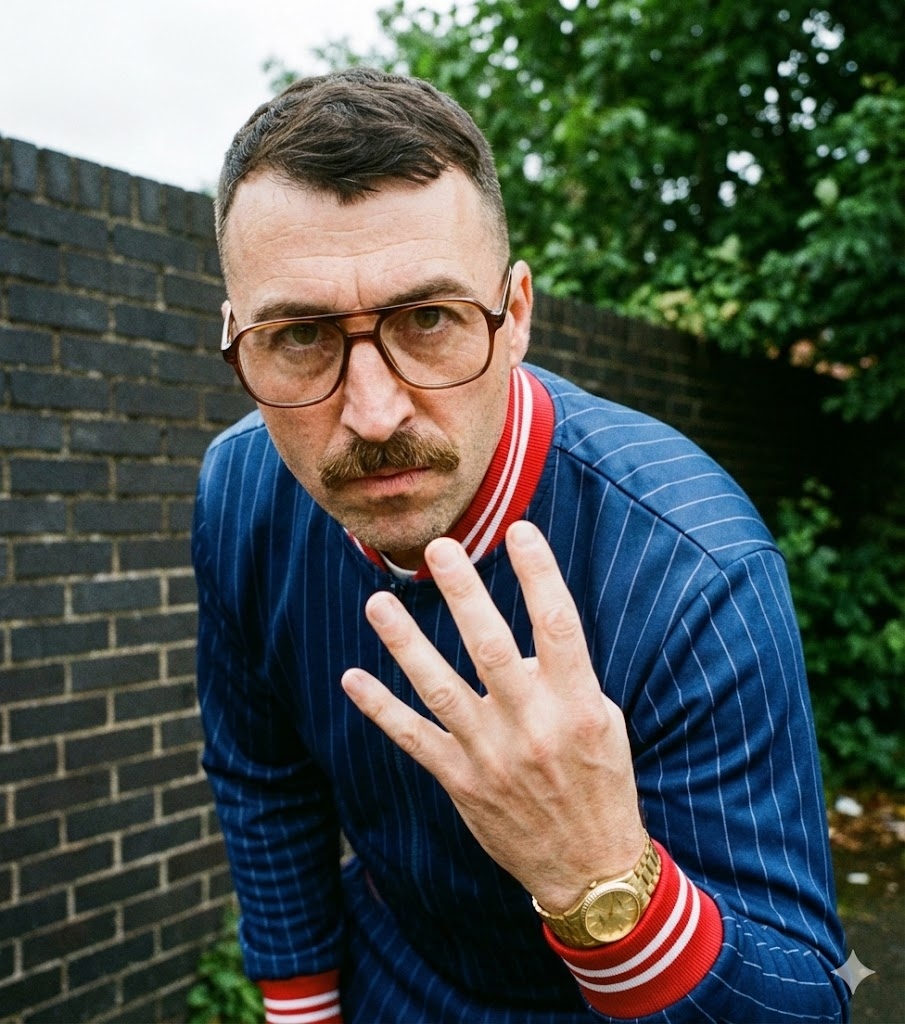
Krimidrama-Trainingsanzug
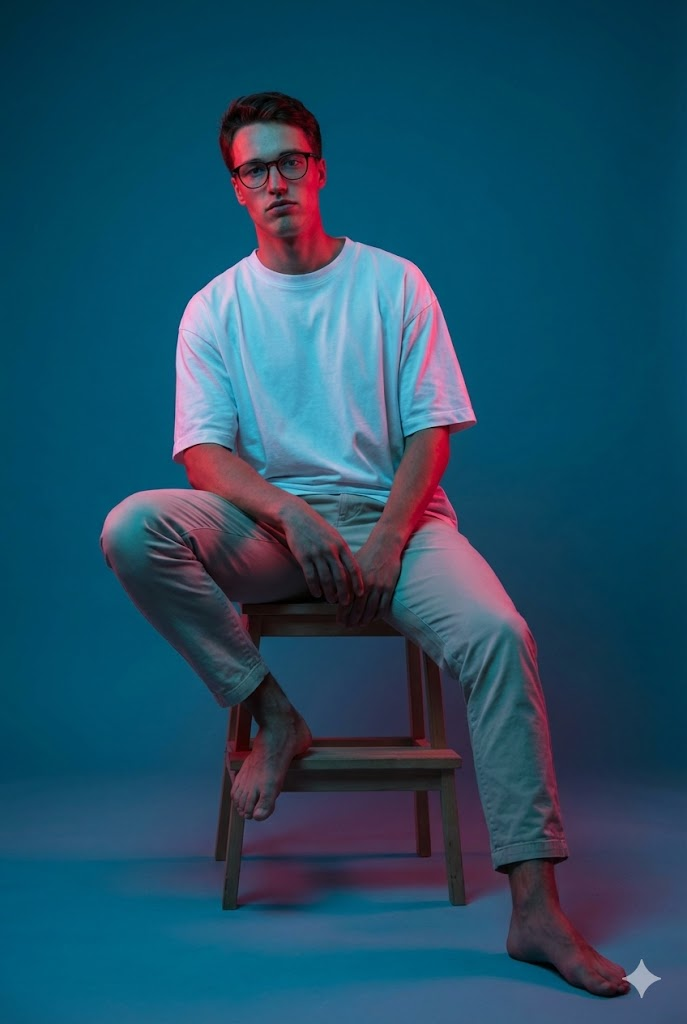
Gel-Beleuchtung Sitzend
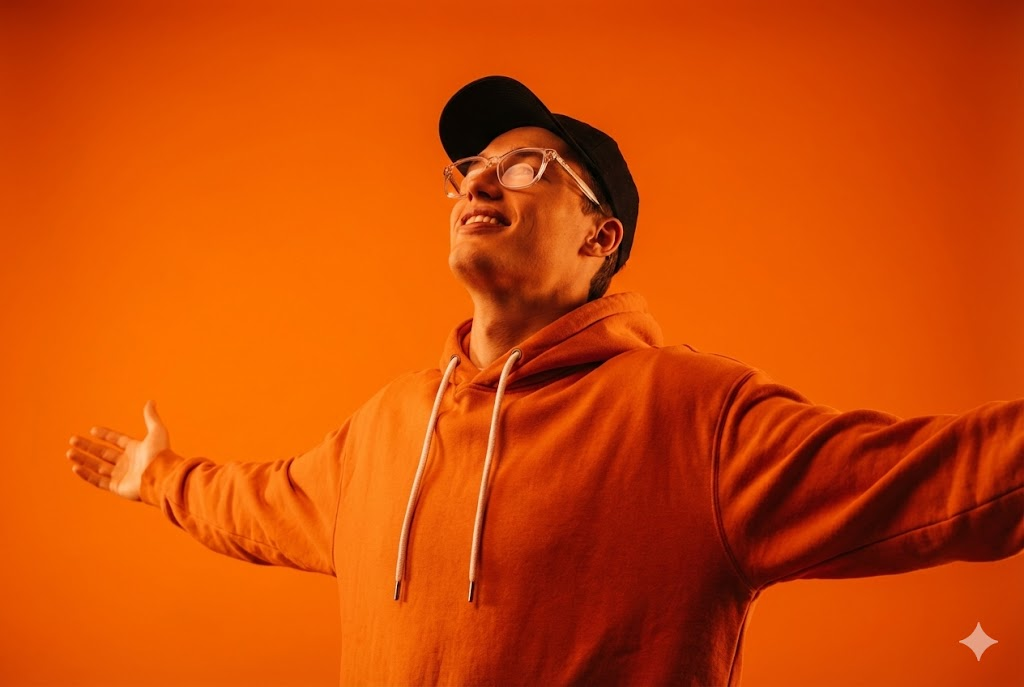
Monochromes Orange
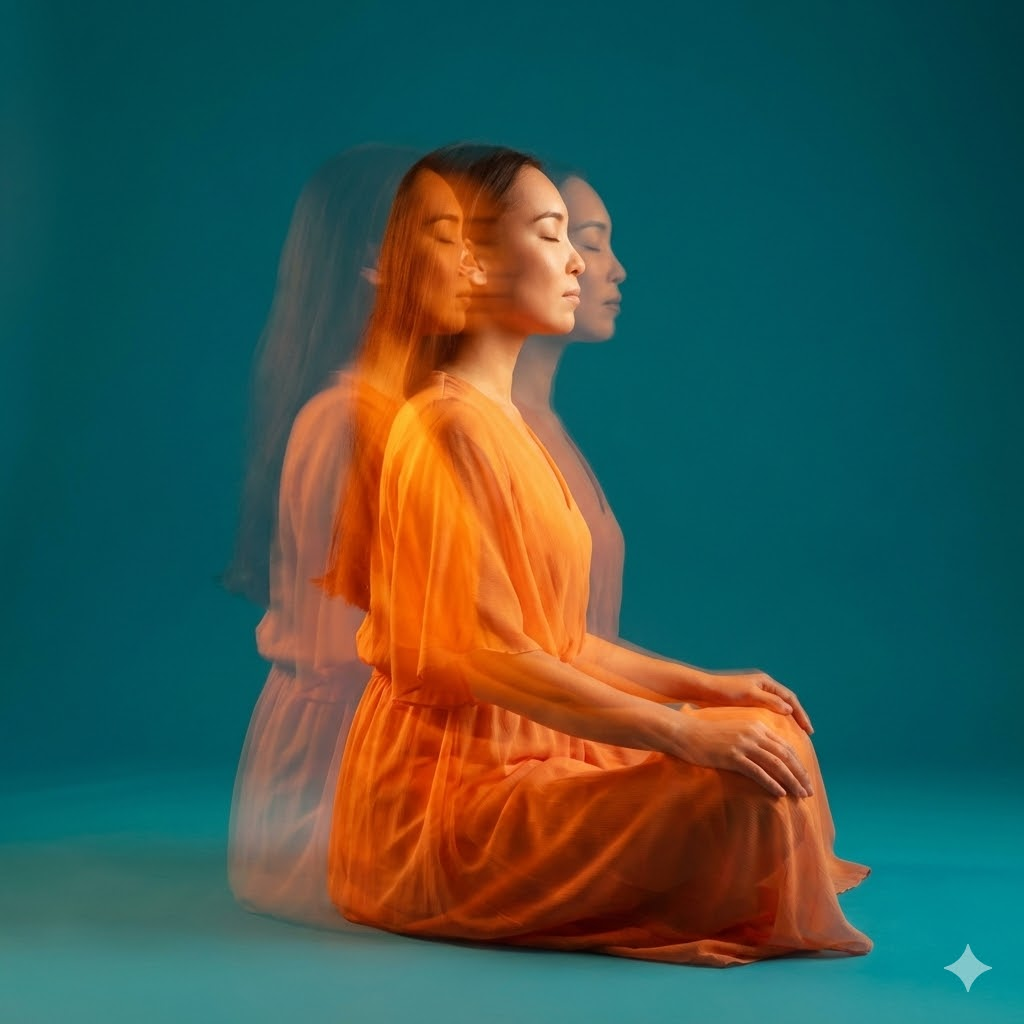
Stroboskopische Meditation
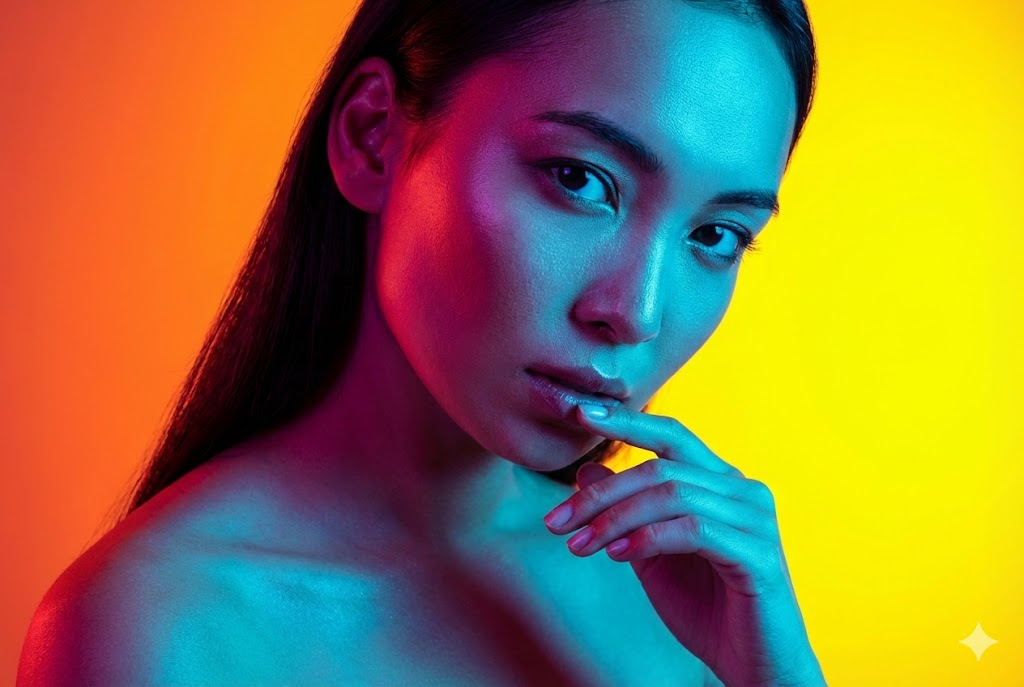
Dual-Licht-Schönheit
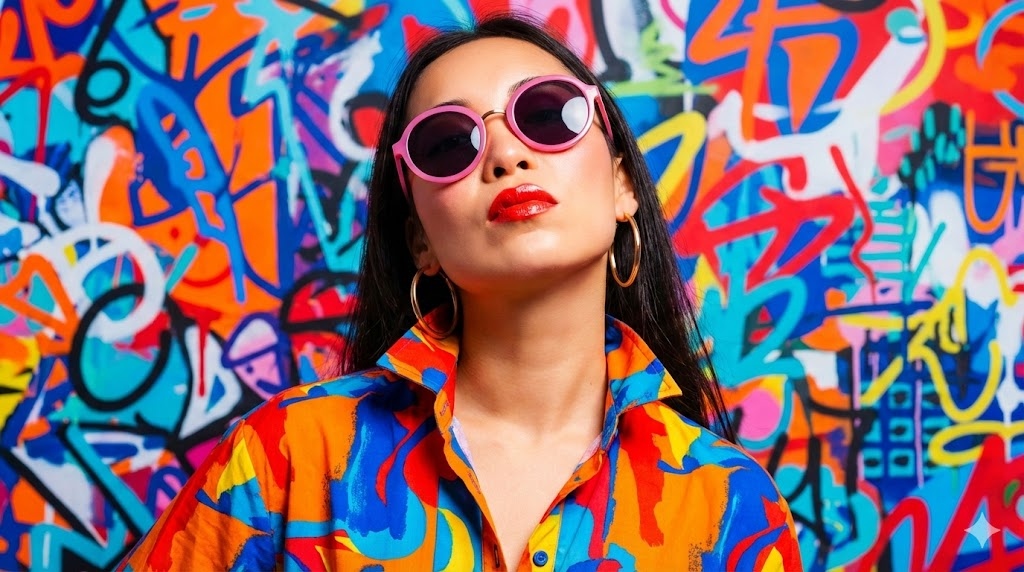
Pop-Art-Mode
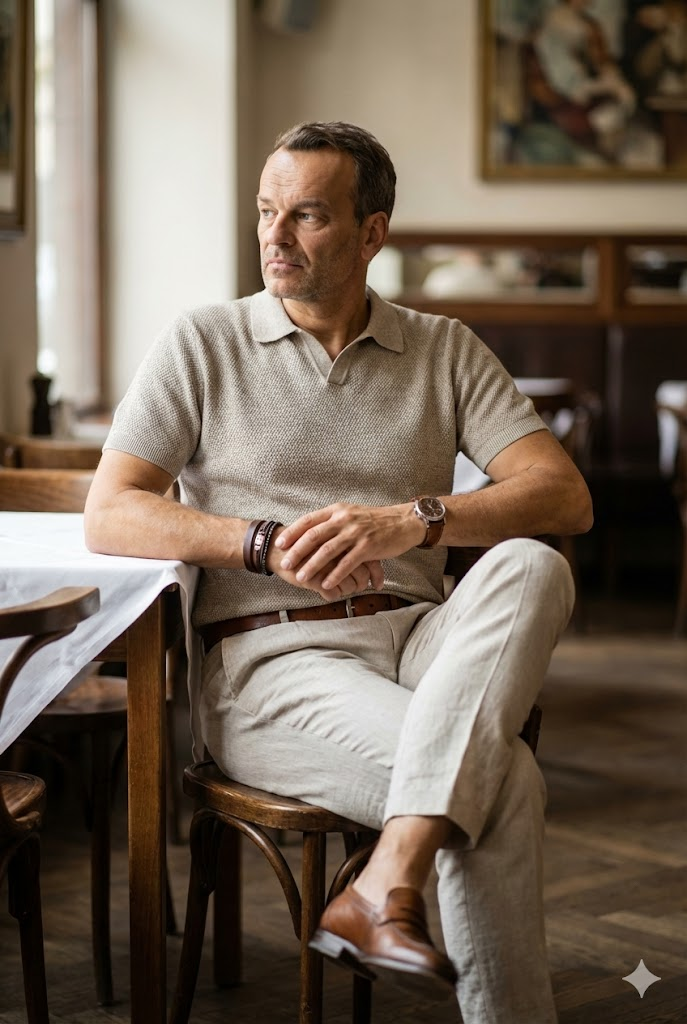
Café-Lifestyle-Porträt
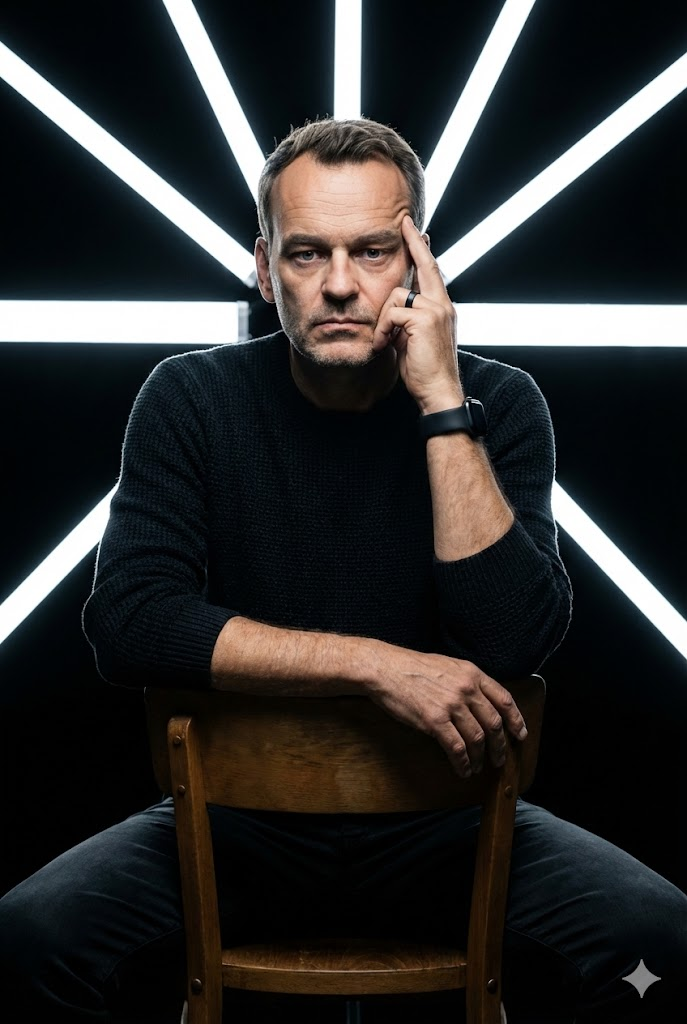
Geometrisches LED-Studio
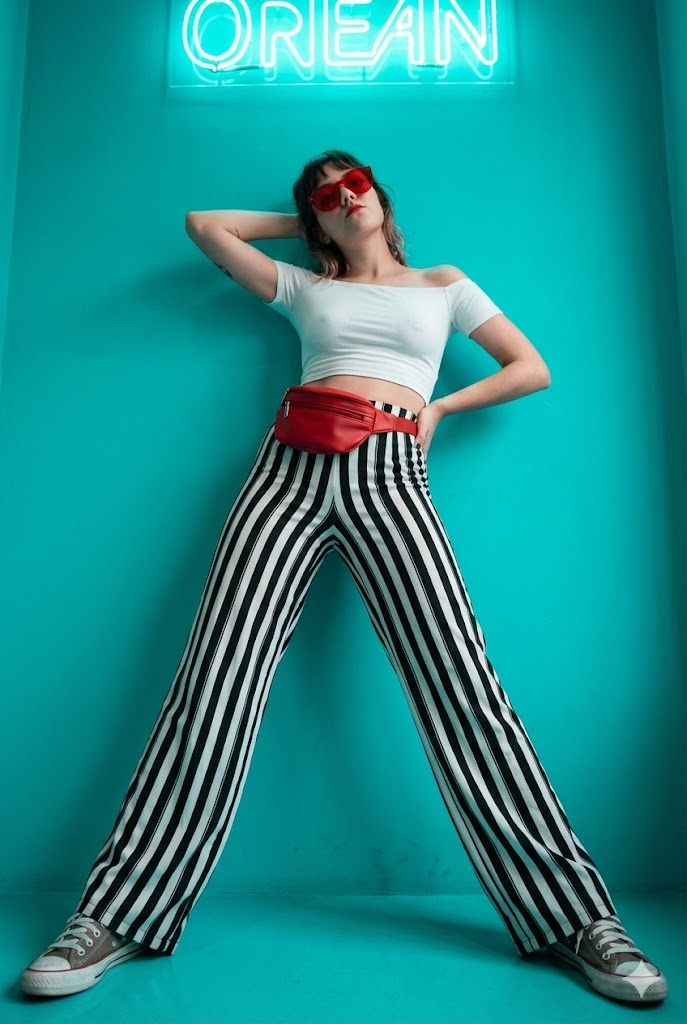
Neon-Cyan-Mode
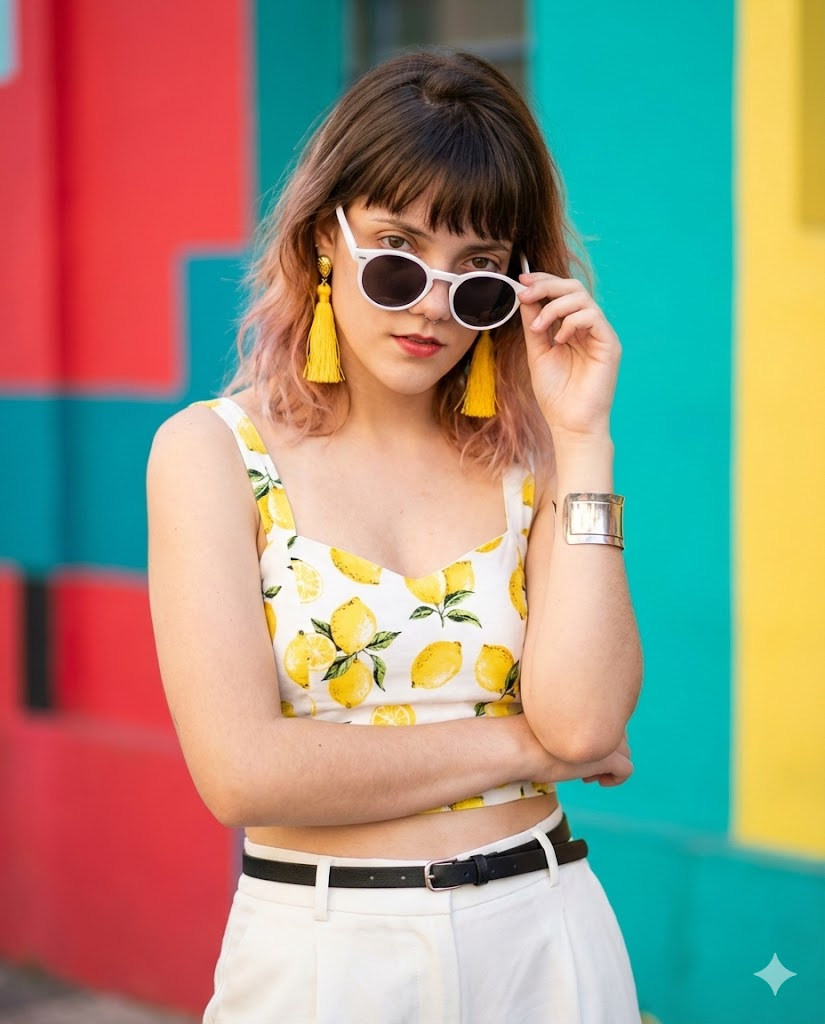
Lebendige Sommermode
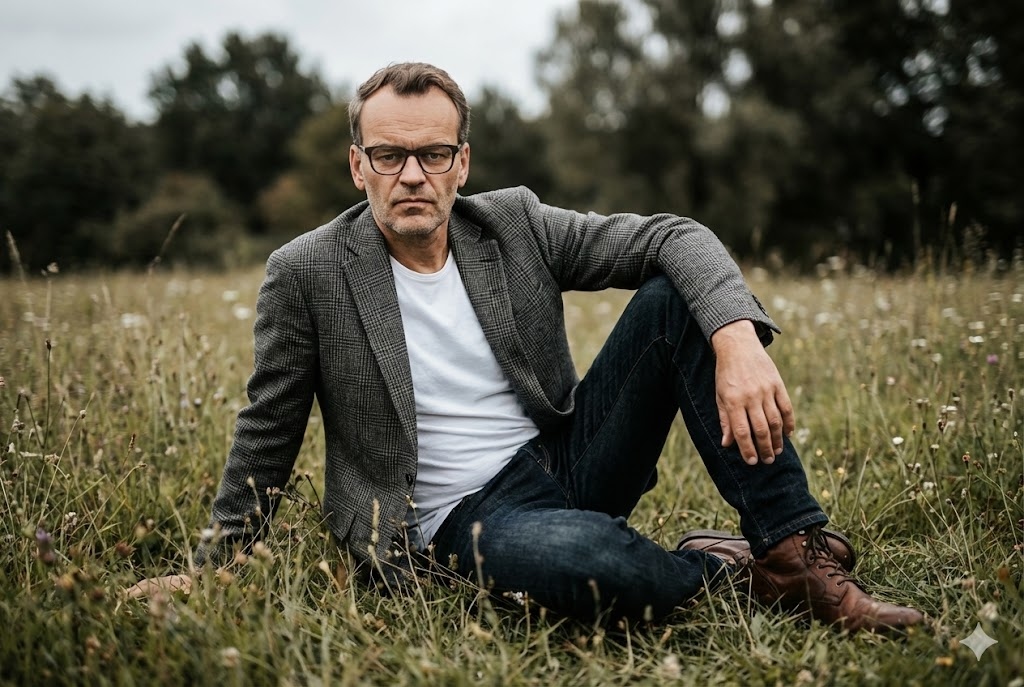
Kinematisches Feld im Freien
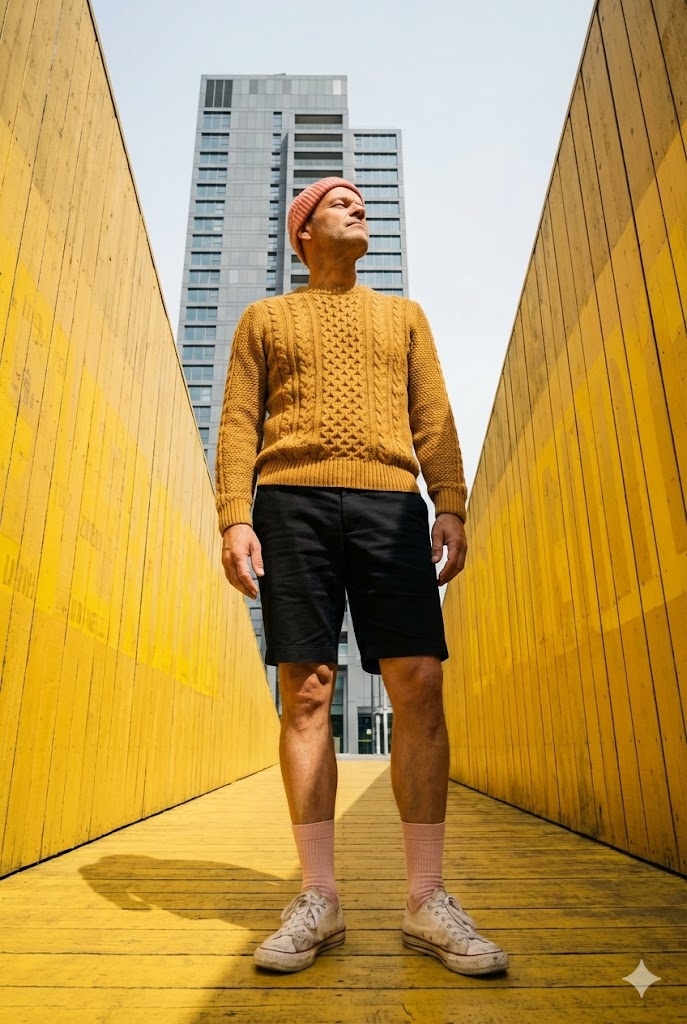
Gelber Stadtarchitekt
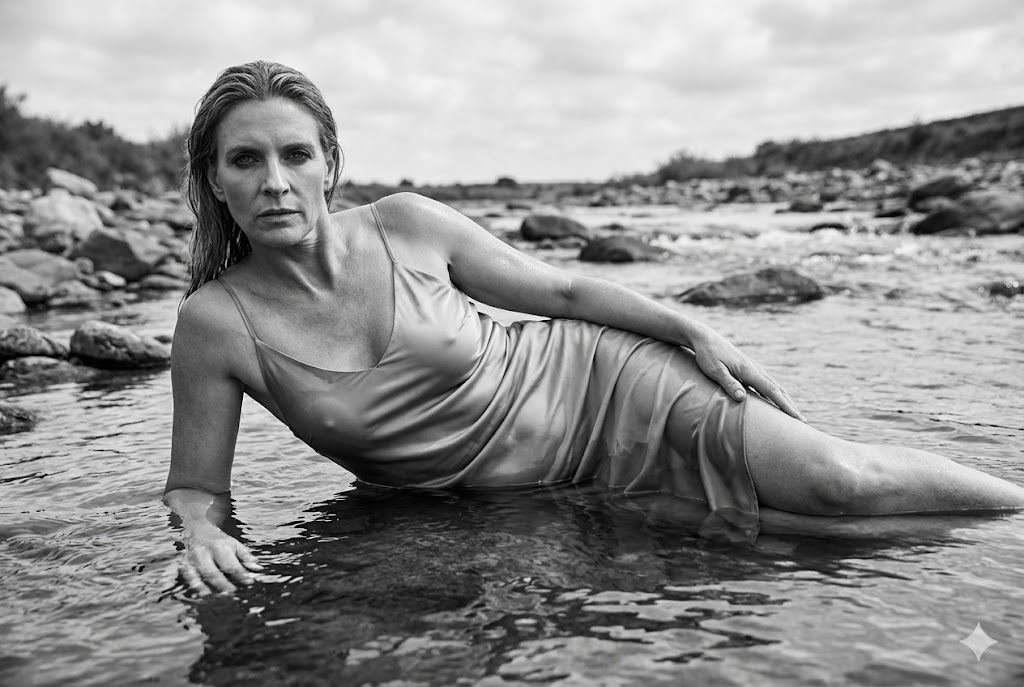
Kinematisches SW-Flussbett
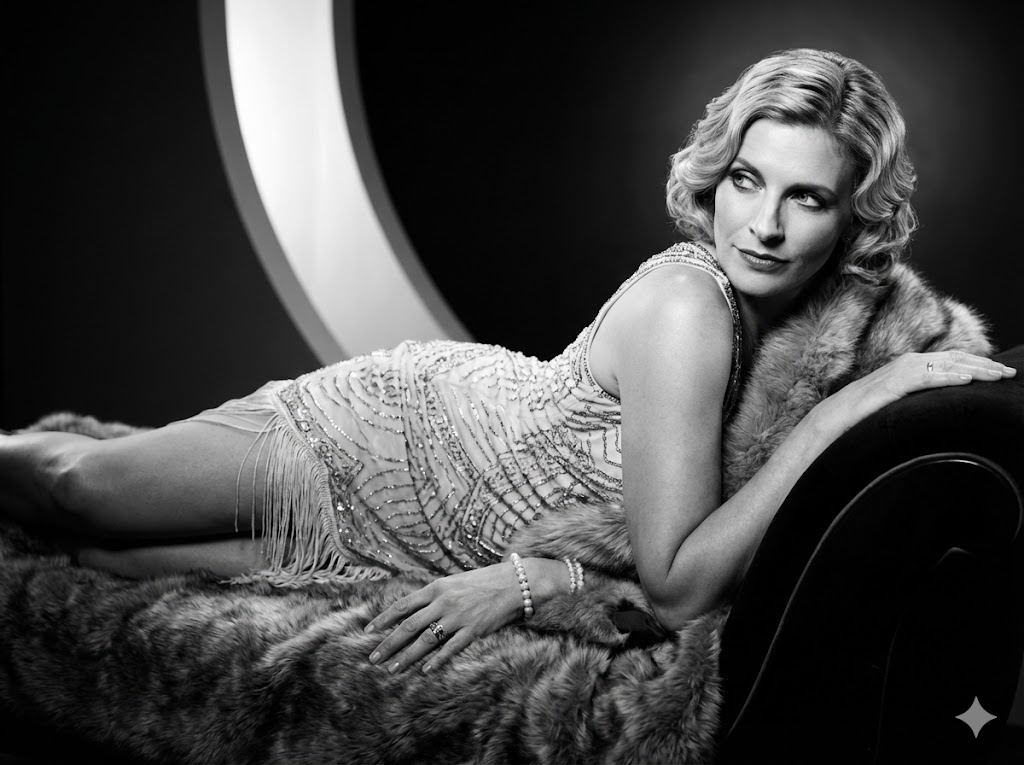
SW-Glamour 1920er
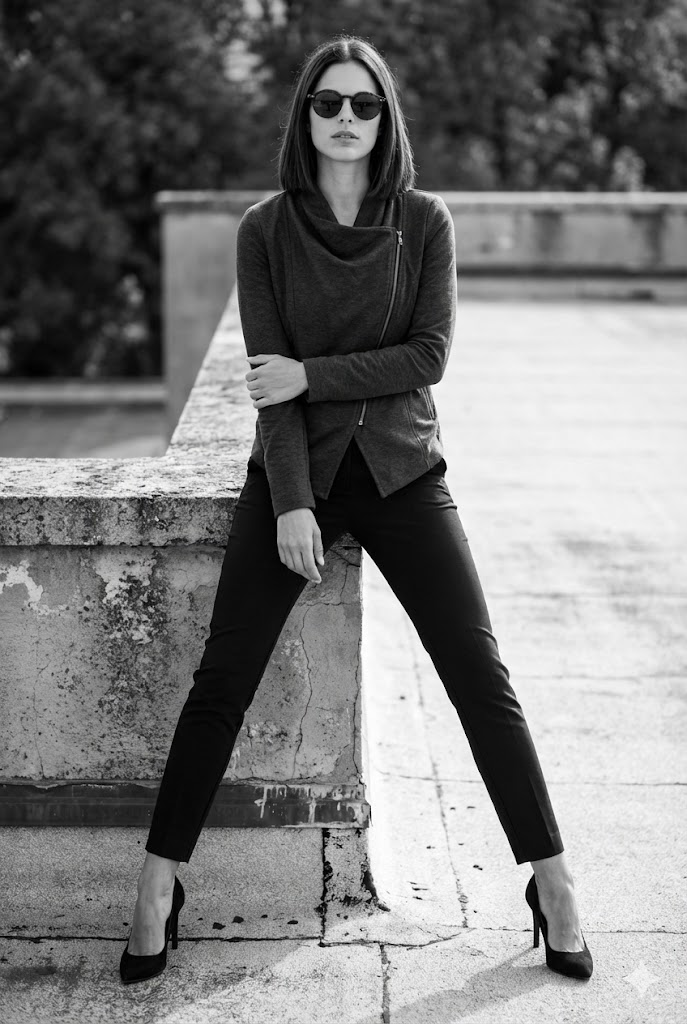
Städtisches Dach Schwarz-Weiß
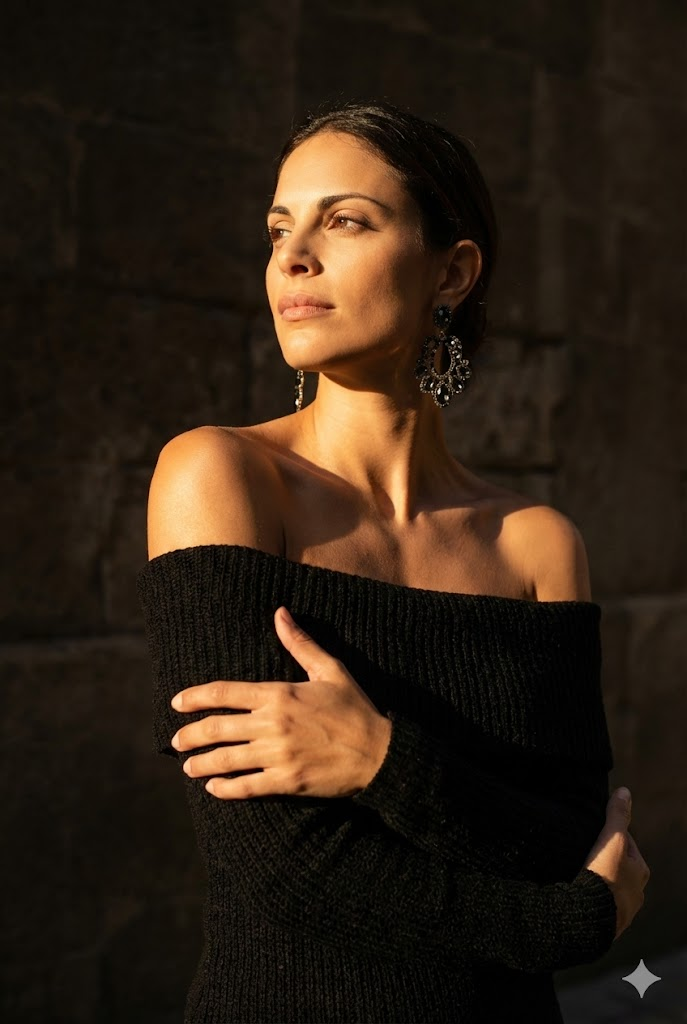
Sonnenbeschienenes Schattenporträt
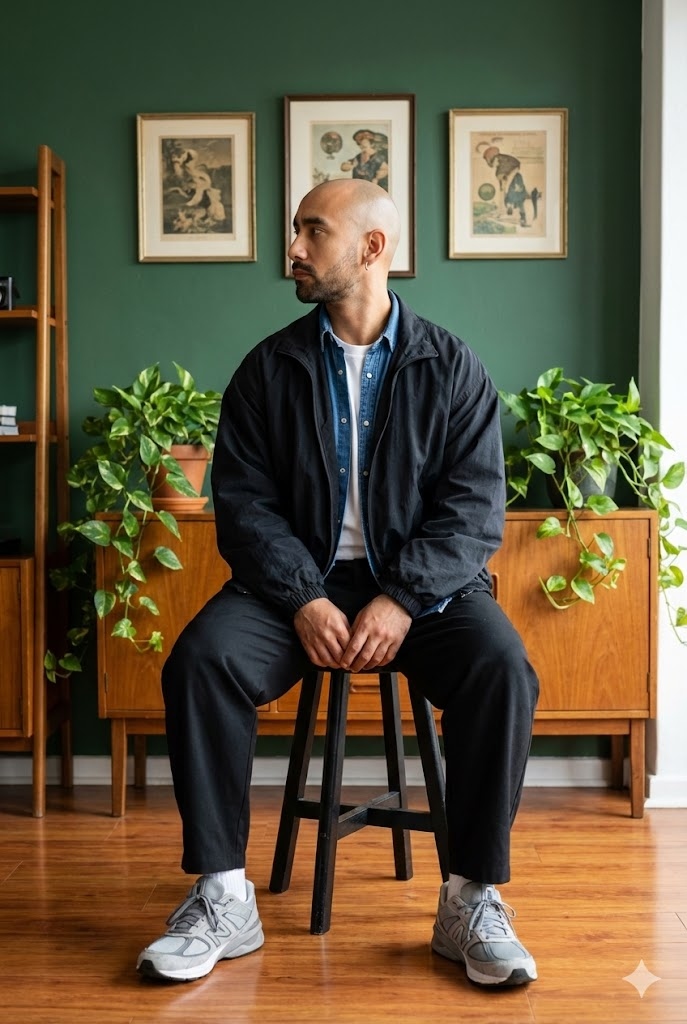
Lifestyle-Porträt Hocker
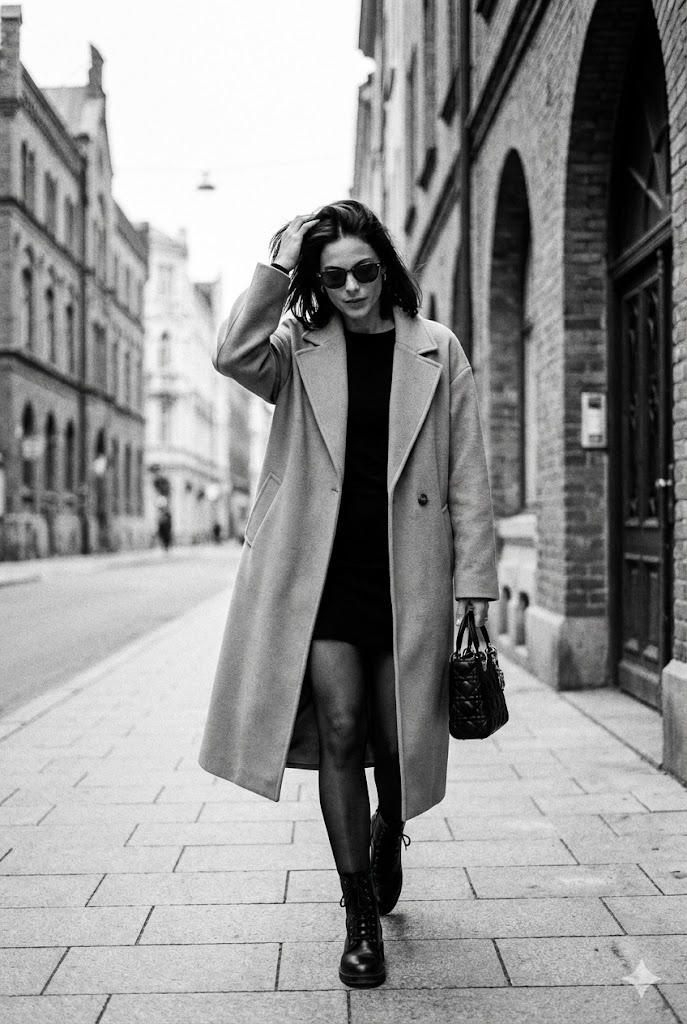
Candid-SW-Straßenfoto
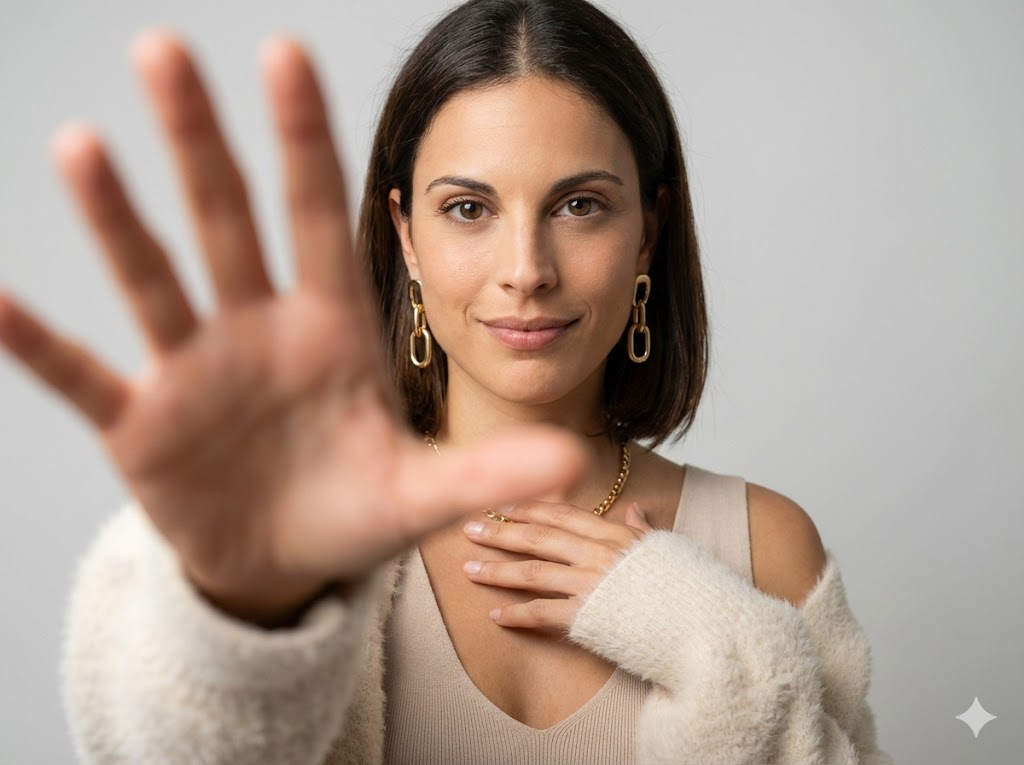
Minimalistischer Studio-Handfokus

Kinematische Außenmode (Schilf)
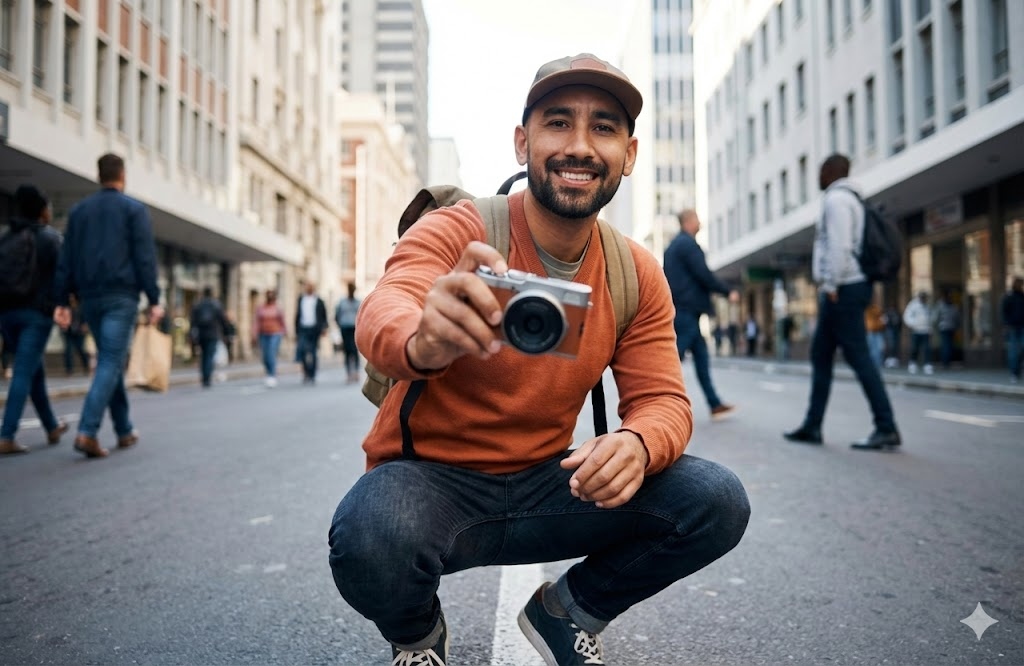
Urbane Straßenkamera
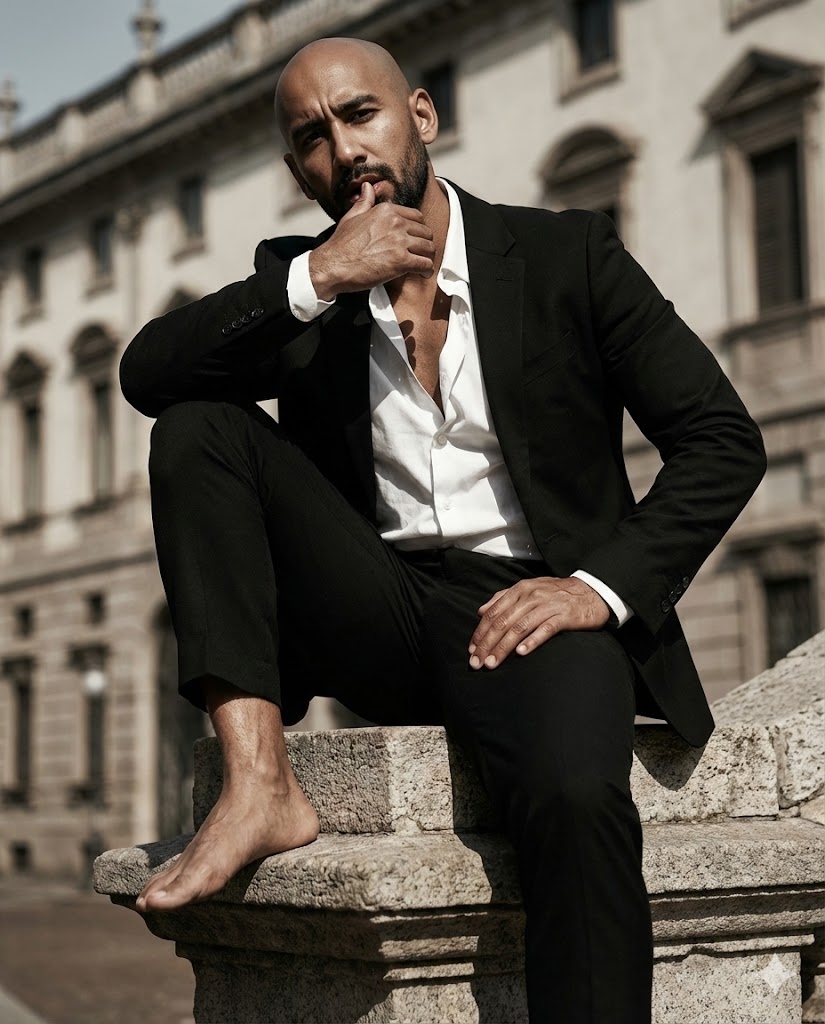
Redaktionell Sitzend auf Skulptur
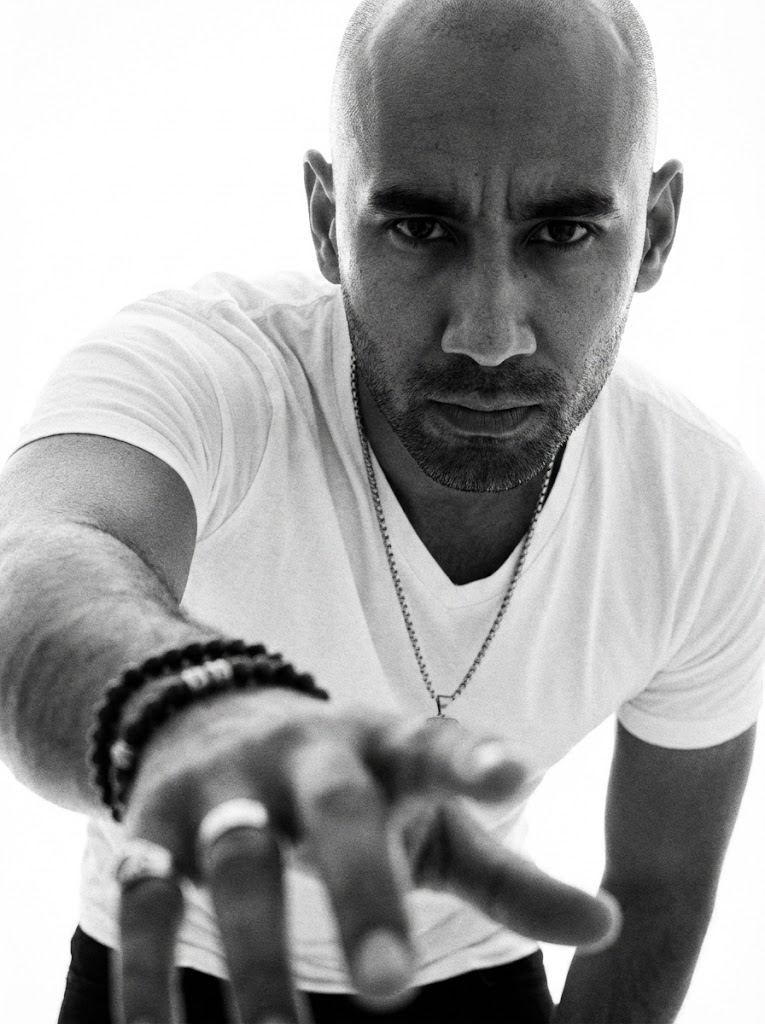
S/W Dramatischer Handfokus
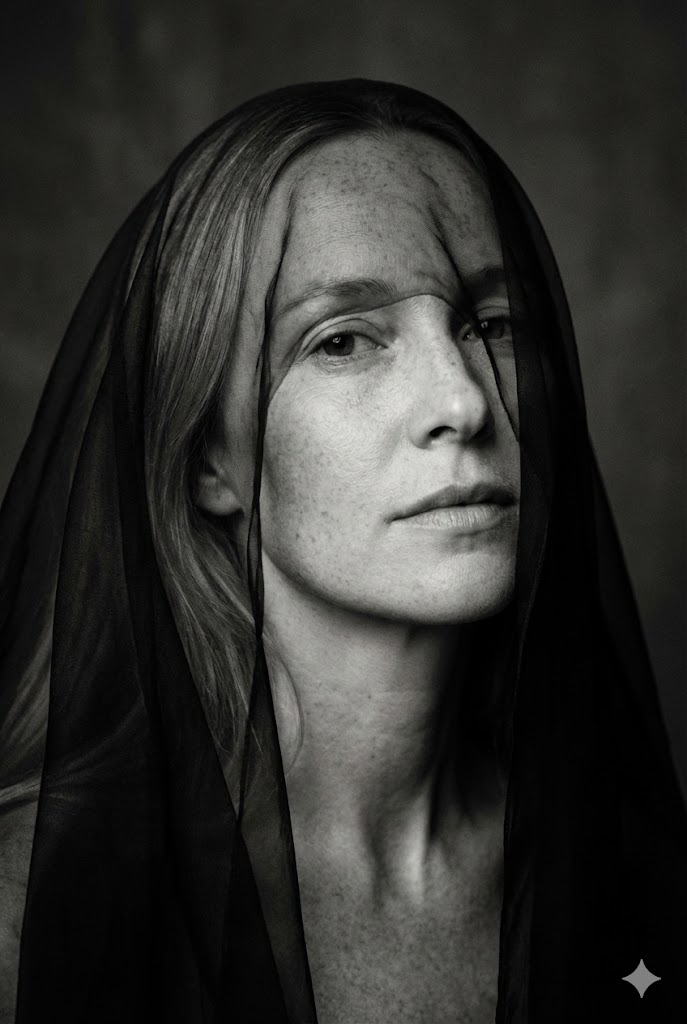
Minimalistische S/W Kunst (Schleier über Augen)
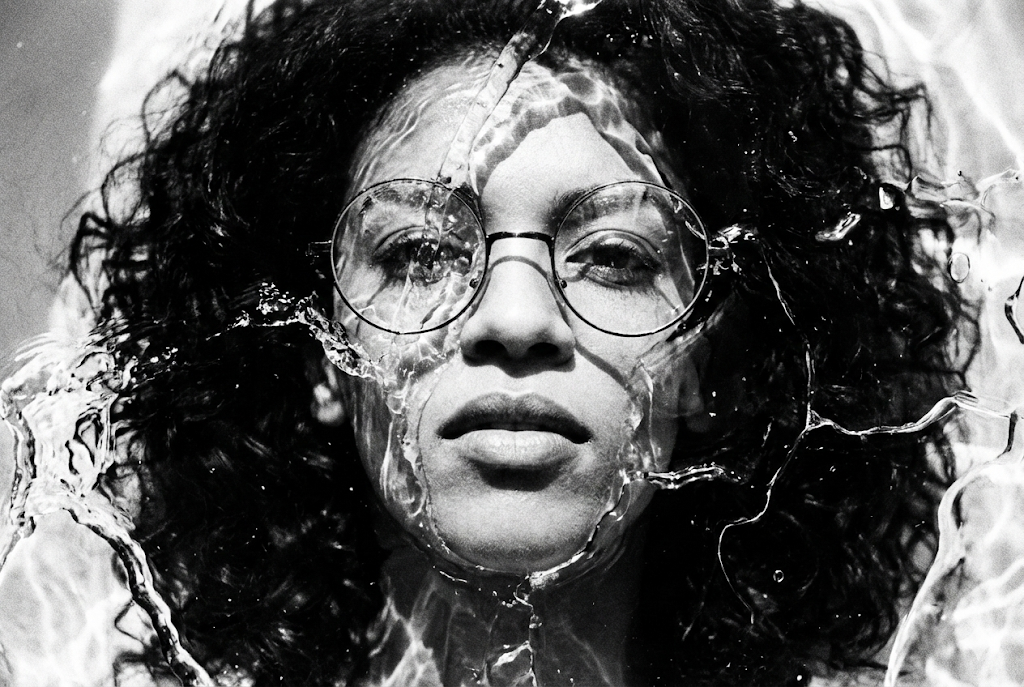
Hochkontrast S/W Kunst (Flüssig/Eis Textur)
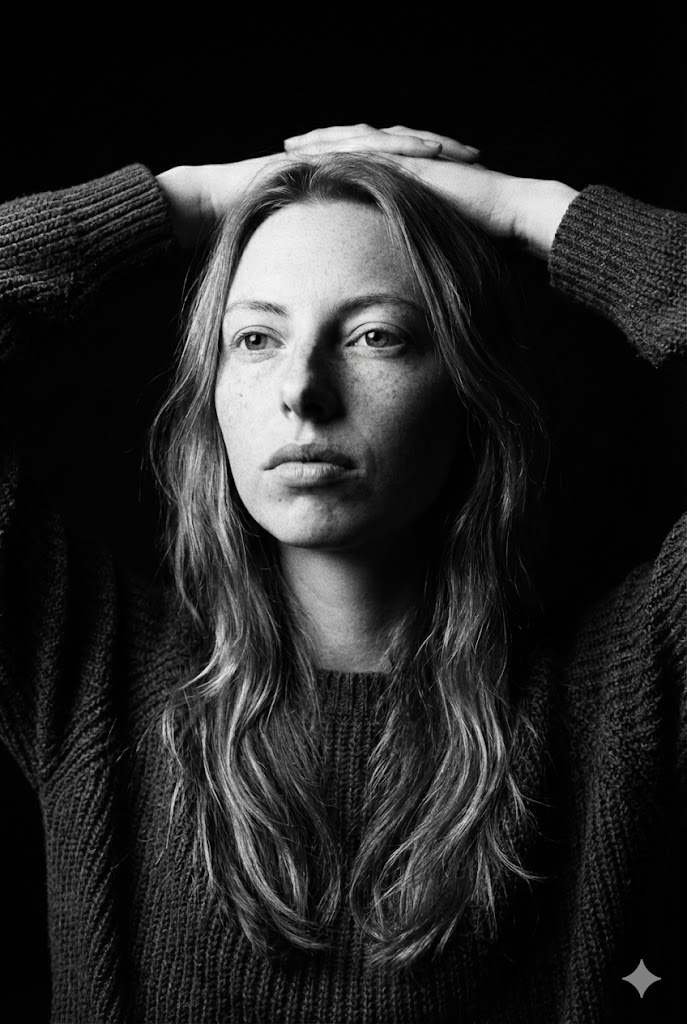
Dunkle Kunst S/W (Hände hinter Kopf)
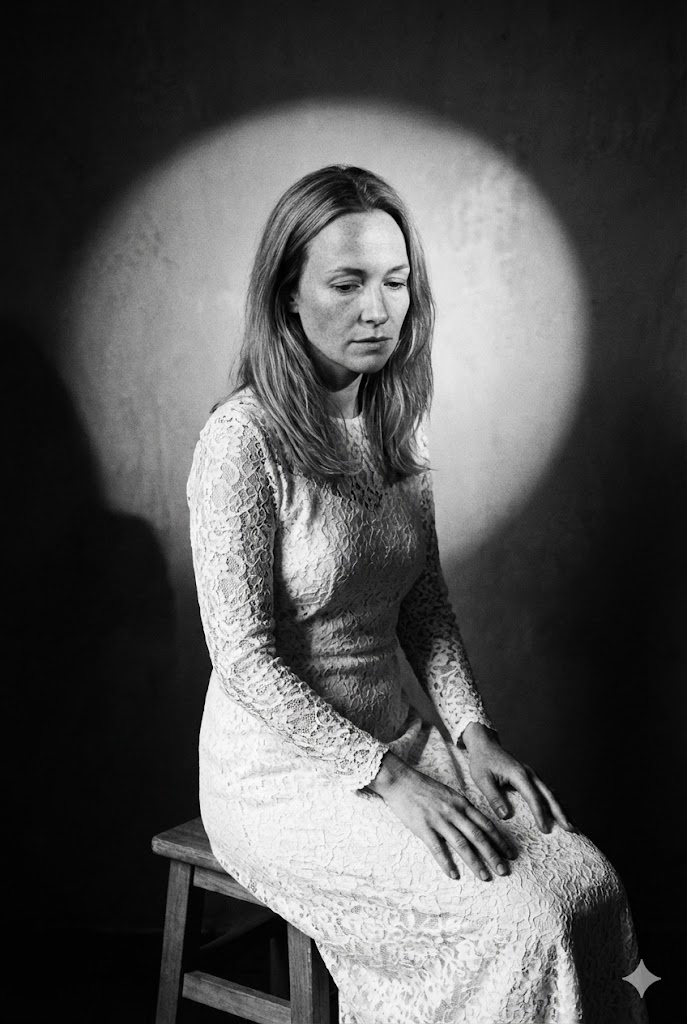
Kunstporträt (Sitzend auf Hocker)
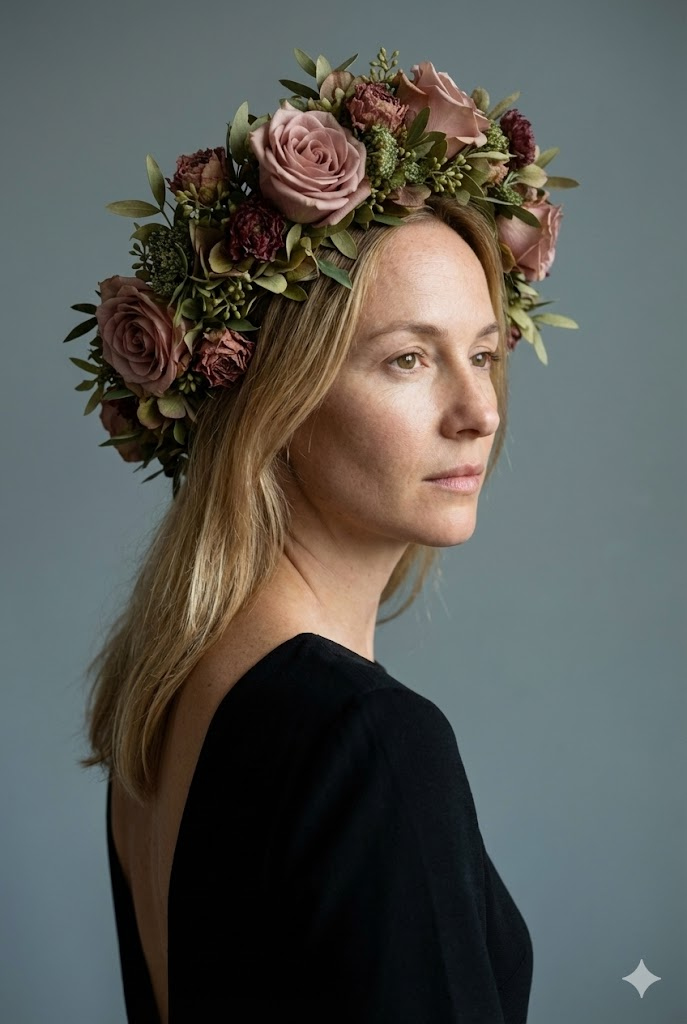
Kunst-Studioporträt (Blumenkopfschmuck)
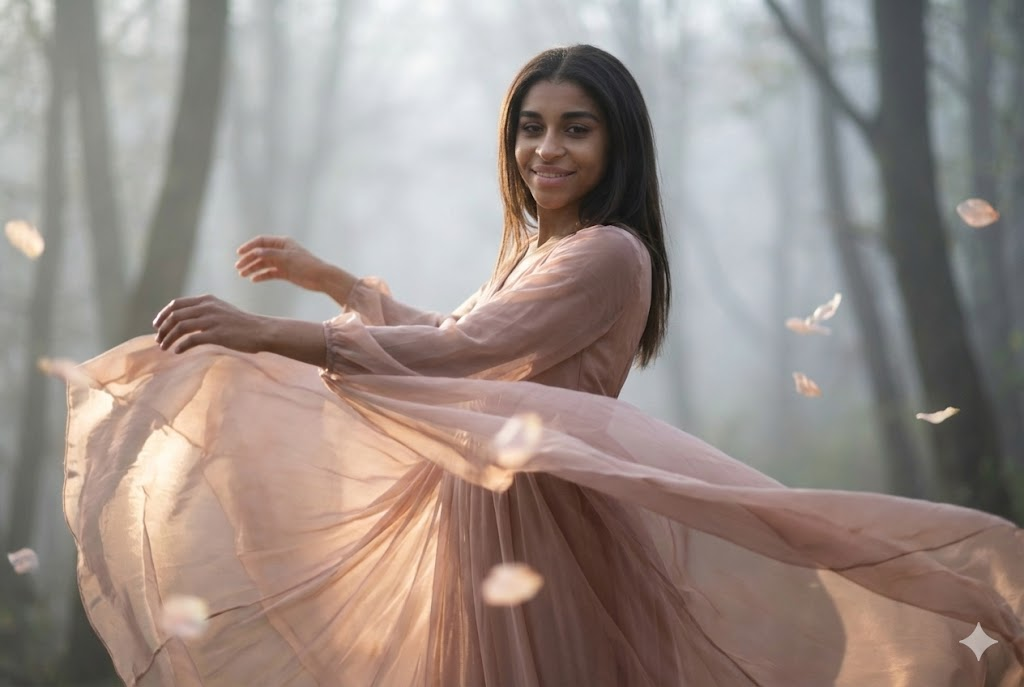
Kinematisches Kunstporträt (Tanzbewegung)
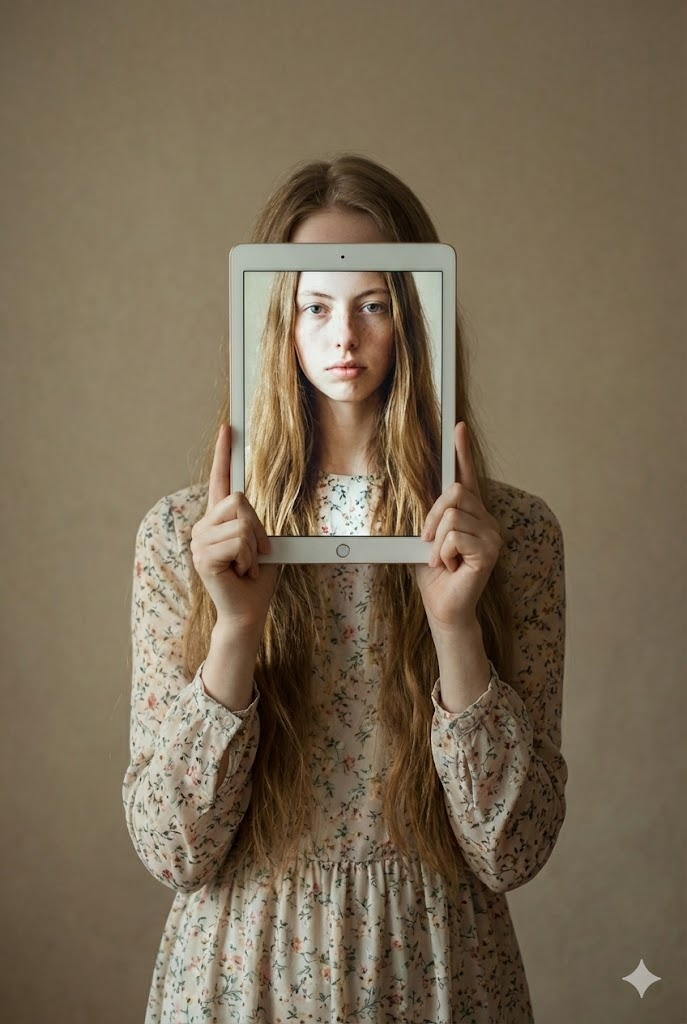
Konzeptionelles Kunstporträt (Kind hält Tablet)
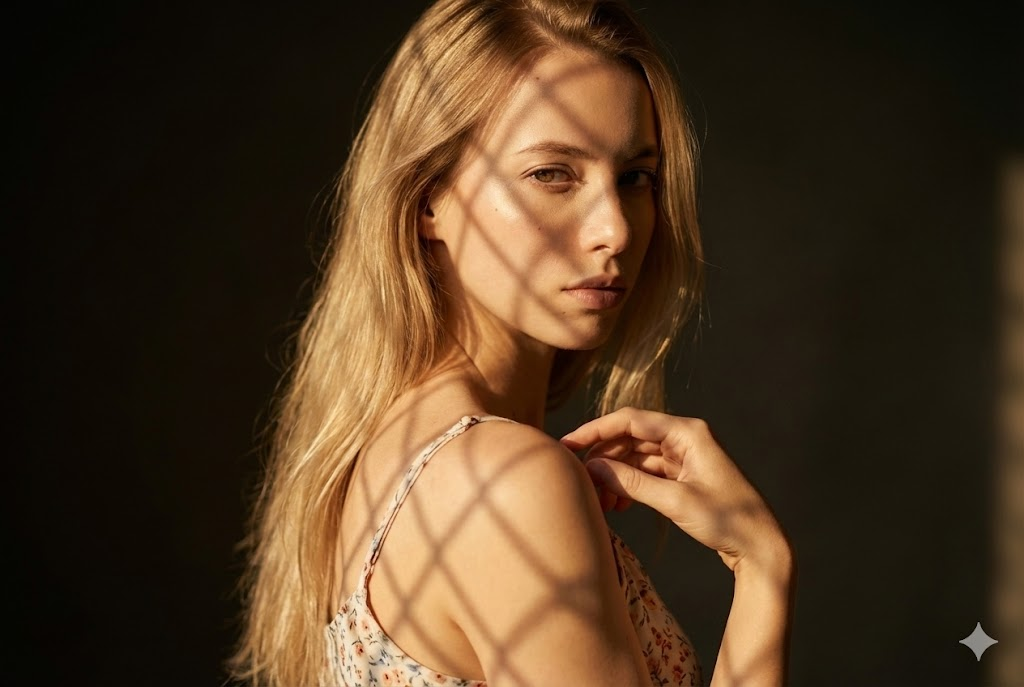
Kinematisches Kunstporträt (Gitterschatten-Muster)

Künstlerisches Kunstporträt (Grüner Samt & Laub)
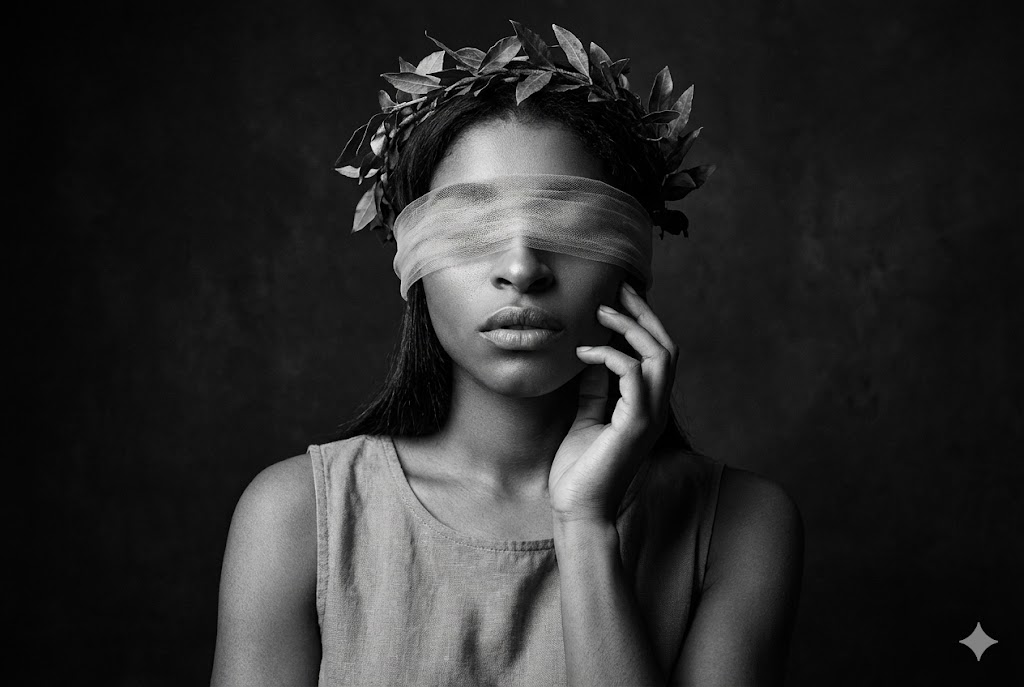
Dramatische S/W Kunst (Augenbinde & Kranz)
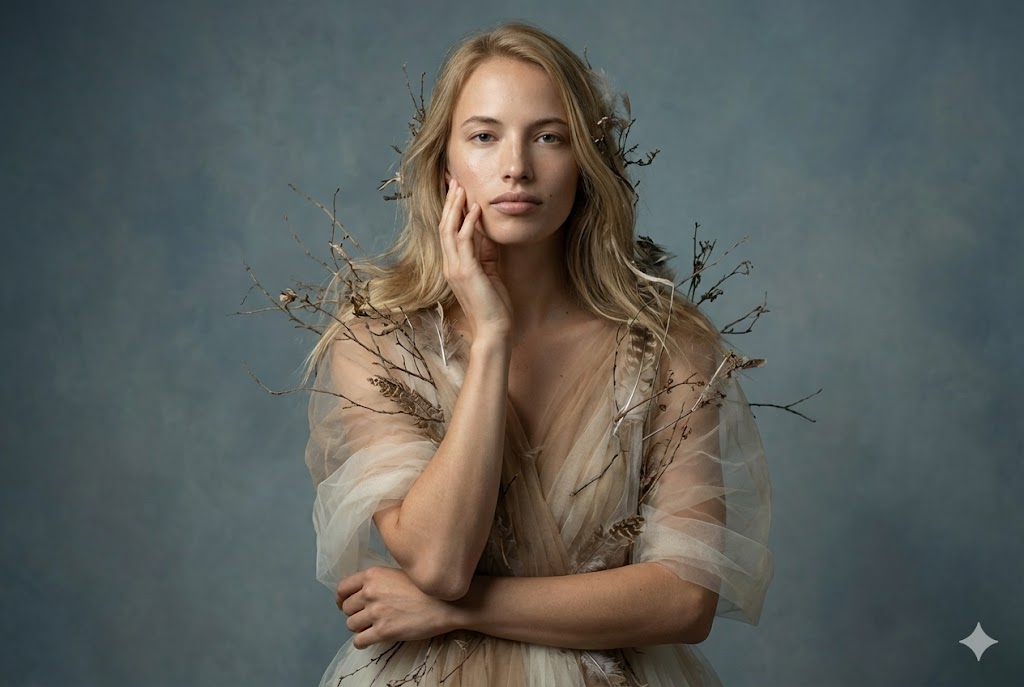
Kunst-Editorial-Porträt (Tüll & Organische Elemente)

Künstlerisches Kinematisches Porträt (Liegend mit Trockenblumen)
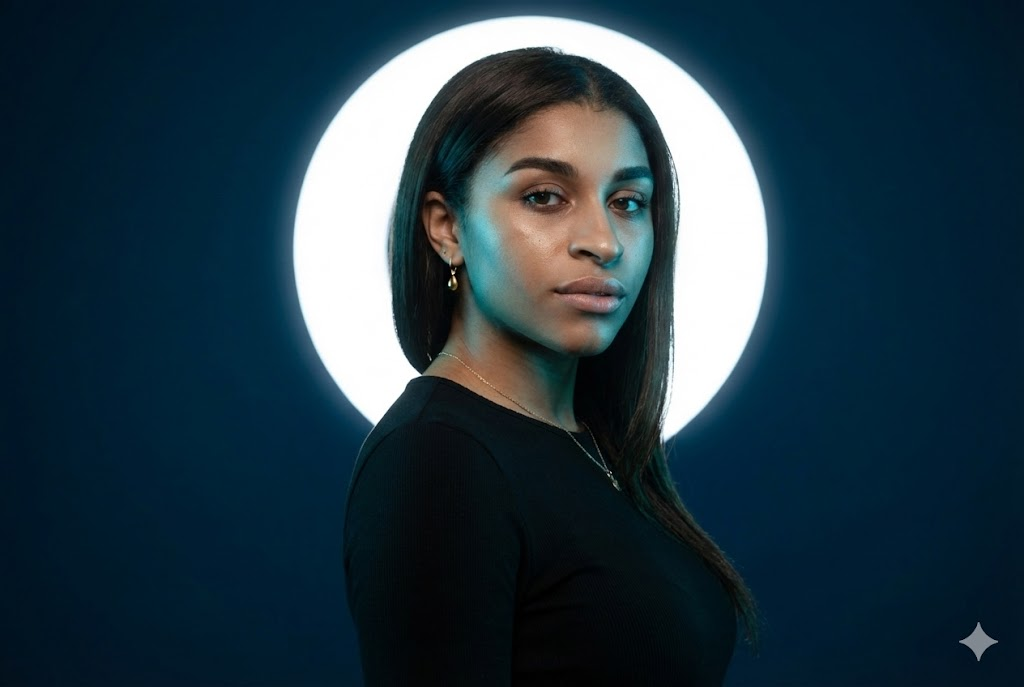
Kinematisches Studioporträt (Cyan Licht & Weißer Halo)
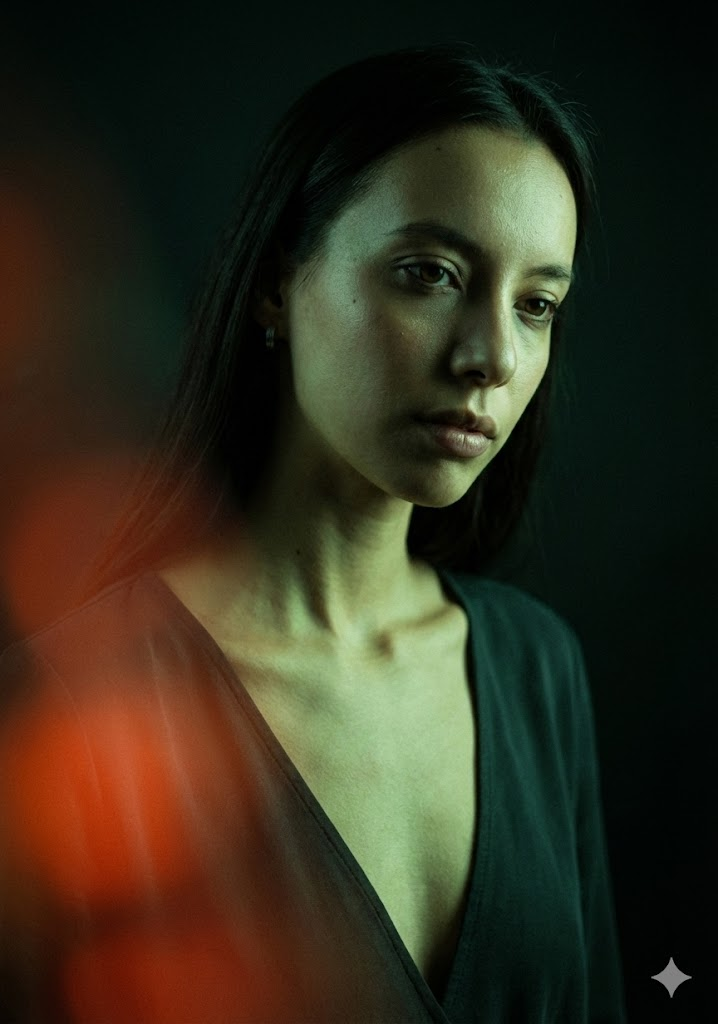
Kinematisches Low-Key Modeporträt (Grünes Licht & Roter Flare)
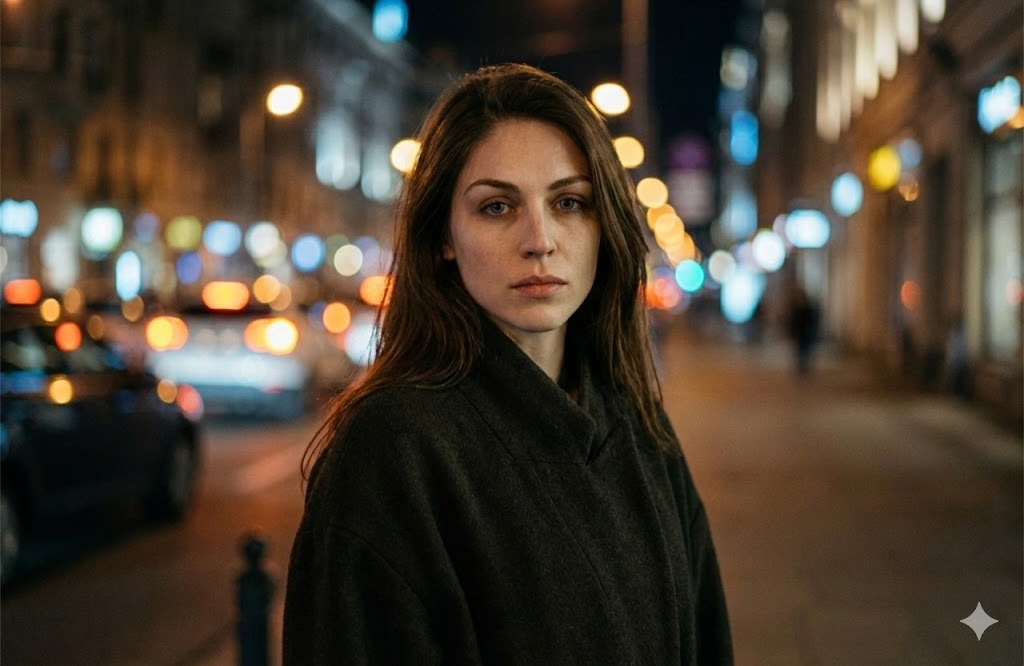
Kinematisches Nachtporträt (Urbanes Bokeh)
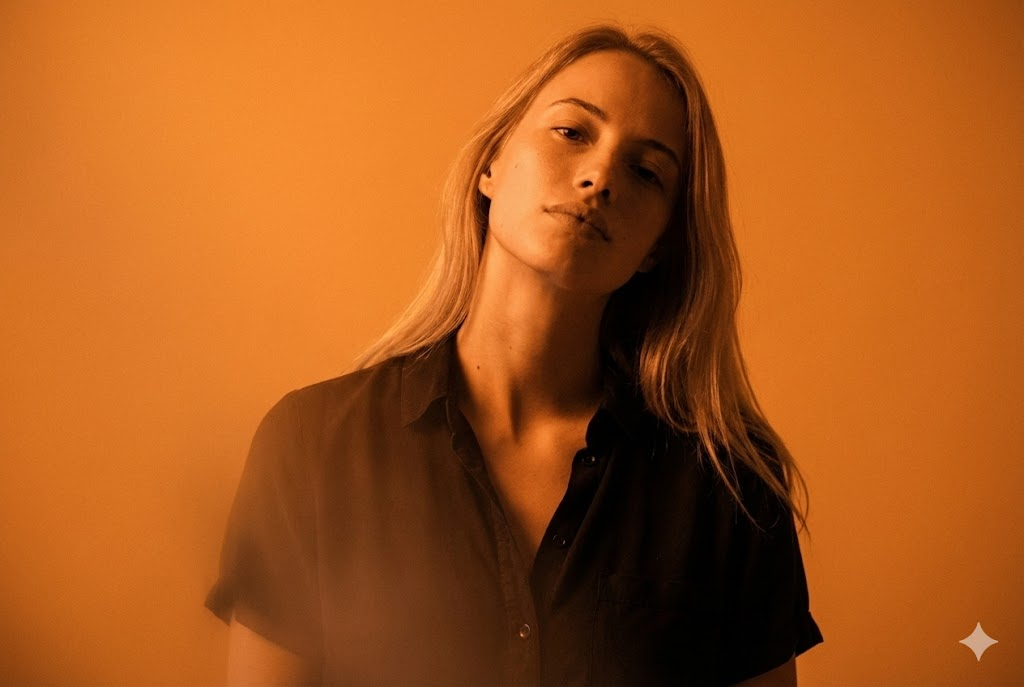
Kinematisches Monochromes Porträt (Orange)
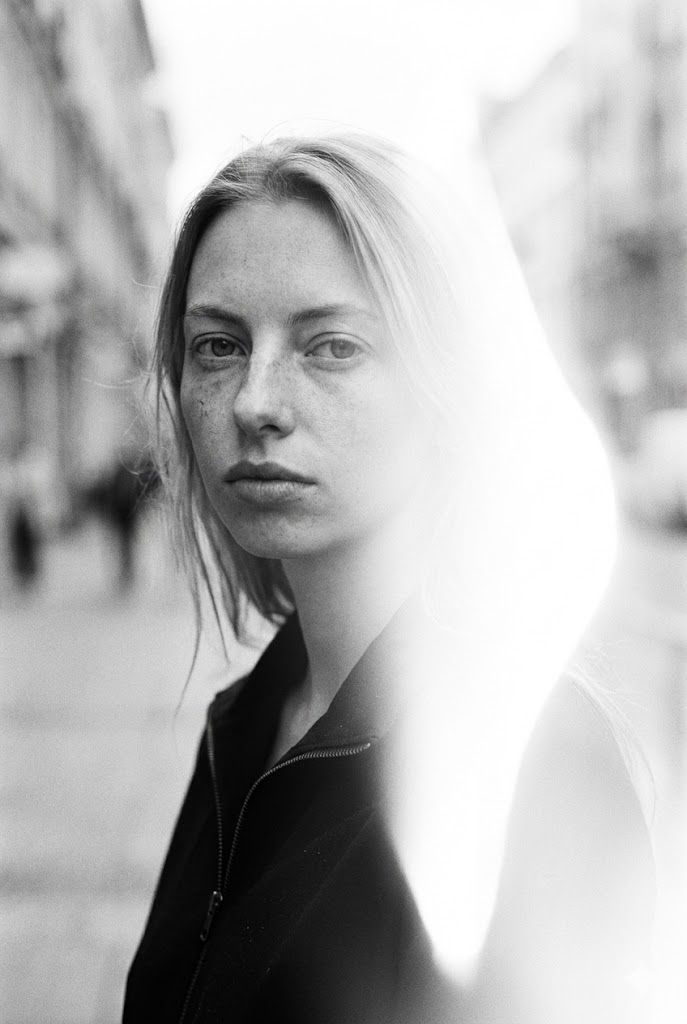
Kinematisches S/W Porträt (Street Style mit Lichtleck)
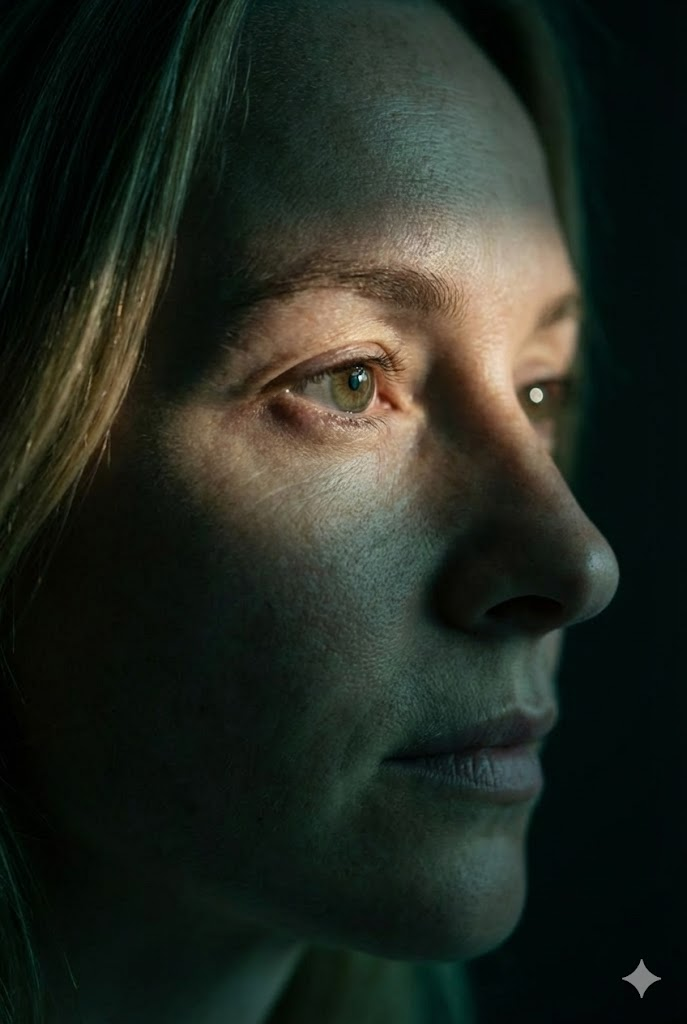
Kinematische Extrem-Nahaufnahme (Profil Augenfokus)
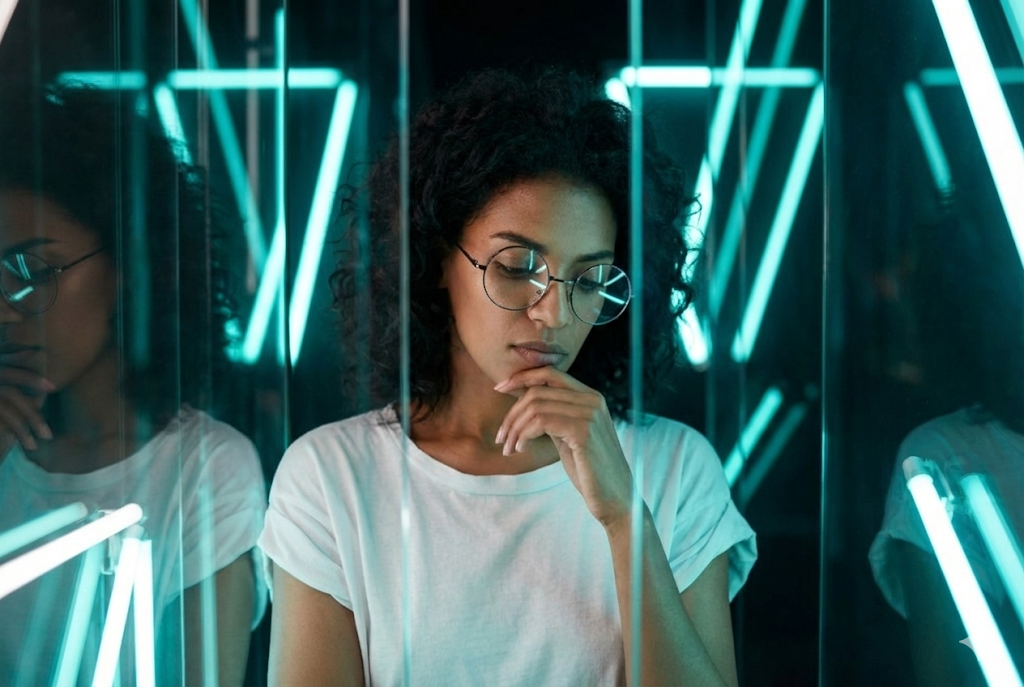
Kinematisches Modeporträt (Neon & Glas)
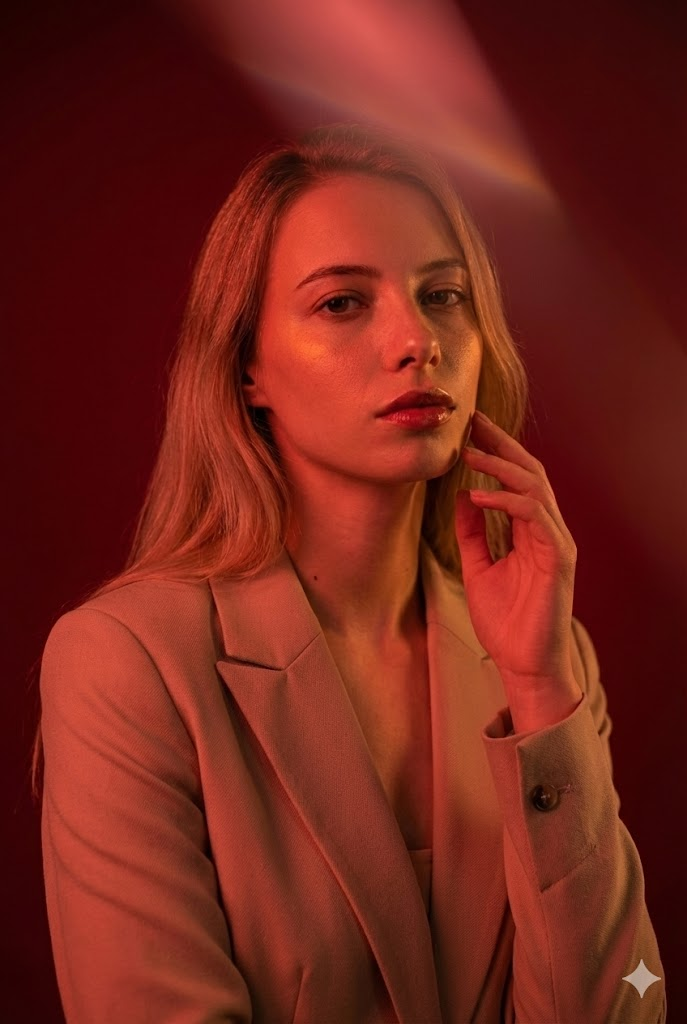
Kinematisches Modeporträt (Rote Beleuchtung)
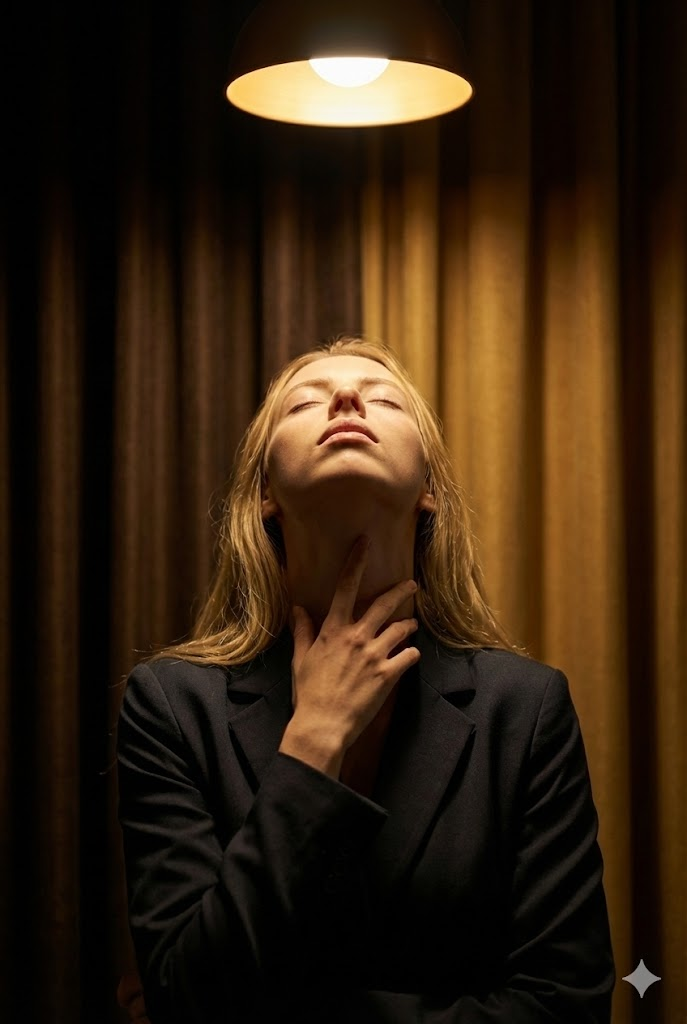
Kinematisches Kunstporträt (Halo-Licht & Ritualgeste)
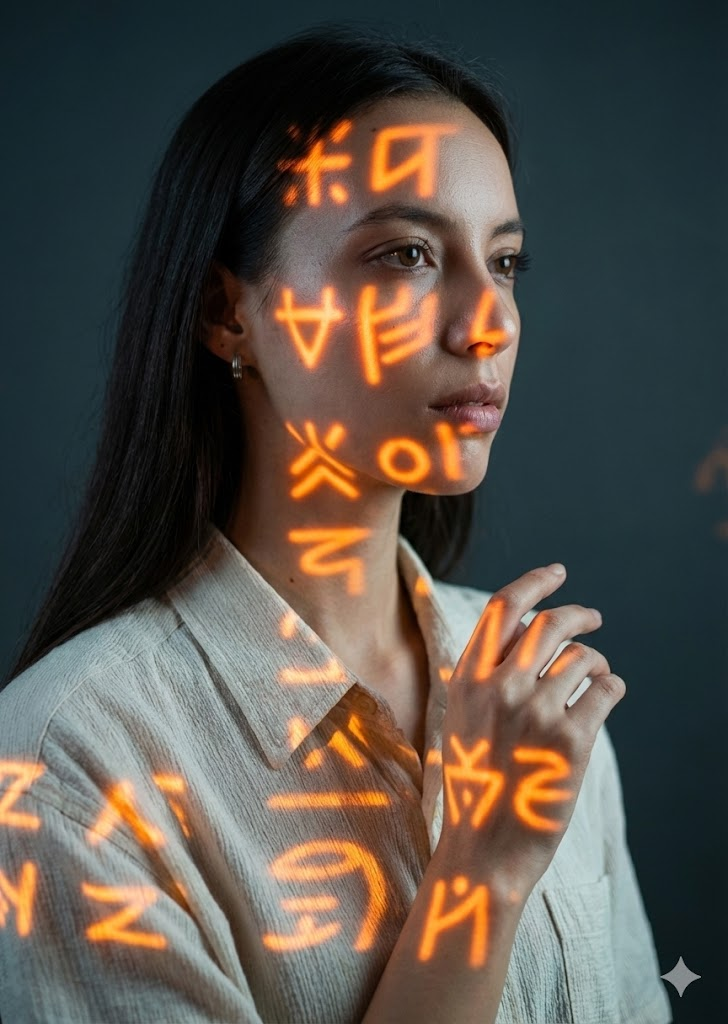
Kinematisches Konzeptporträt (Orangene Symbole Projektion)
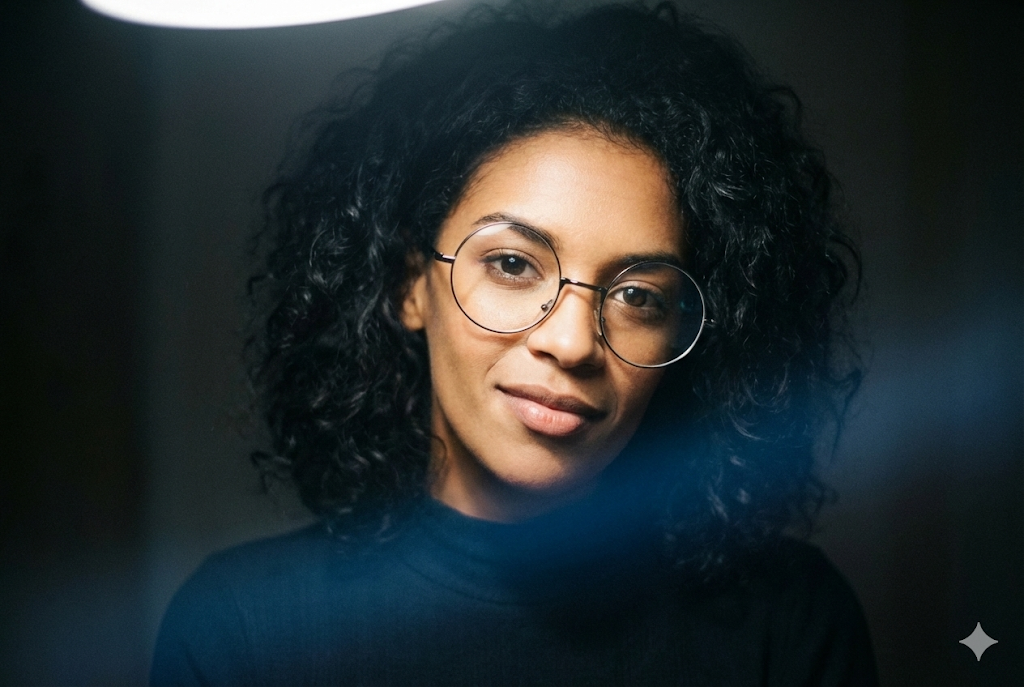
Kinematisches Low-Key Modeporträt (Verlängerter Hals)
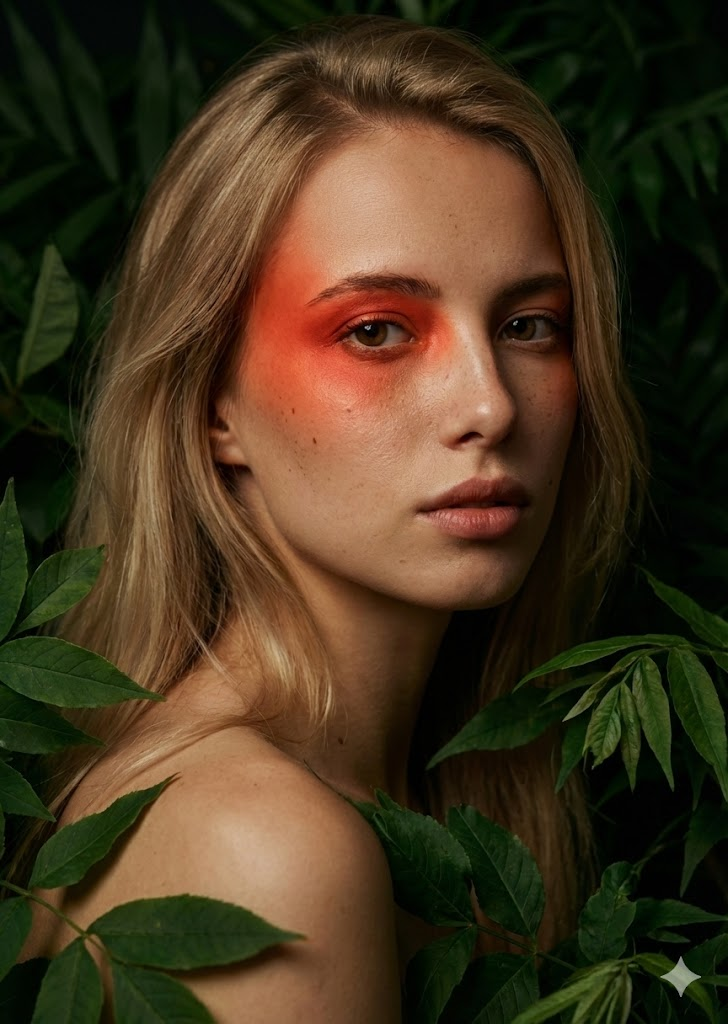
Kinematisches Kunstporträt (Laub & Roter Akzent)
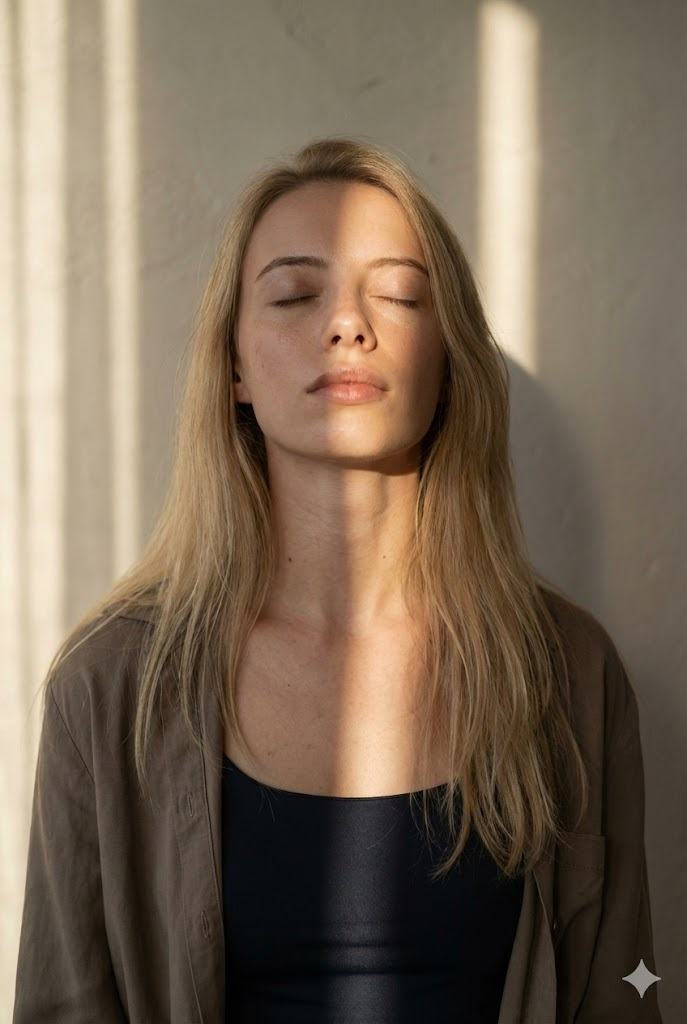
Kinematisches Tageslichtporträt (Sonnenstreifen)
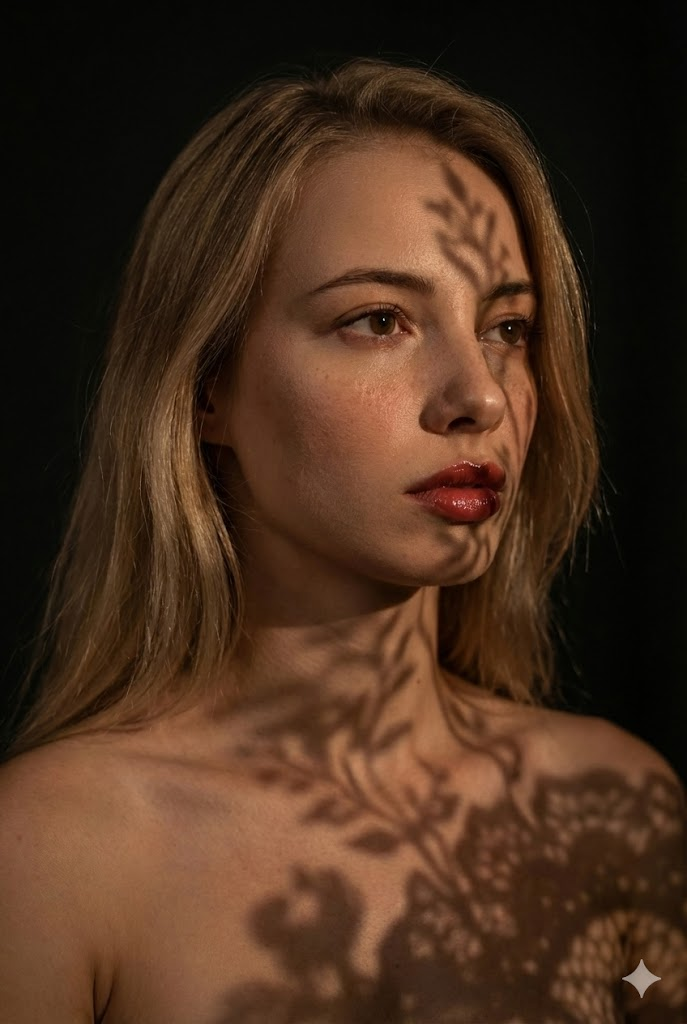
Kinematisches Kunstporträt (Spitzenschatten)
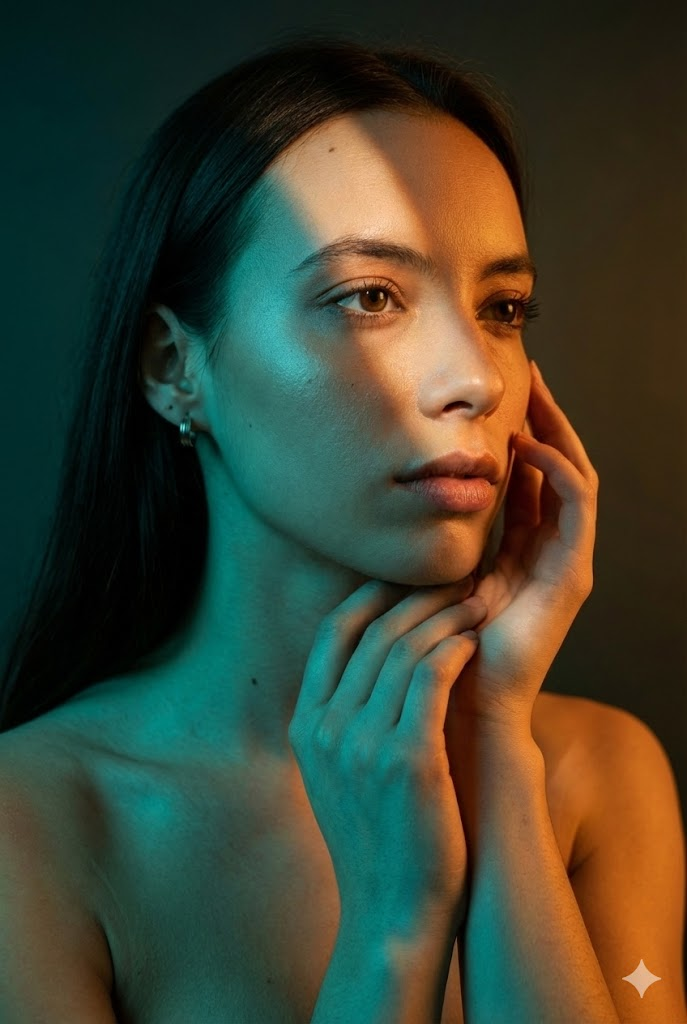
Kinematisches Mode-Schönheitsporträt (Geteiltes Licht)
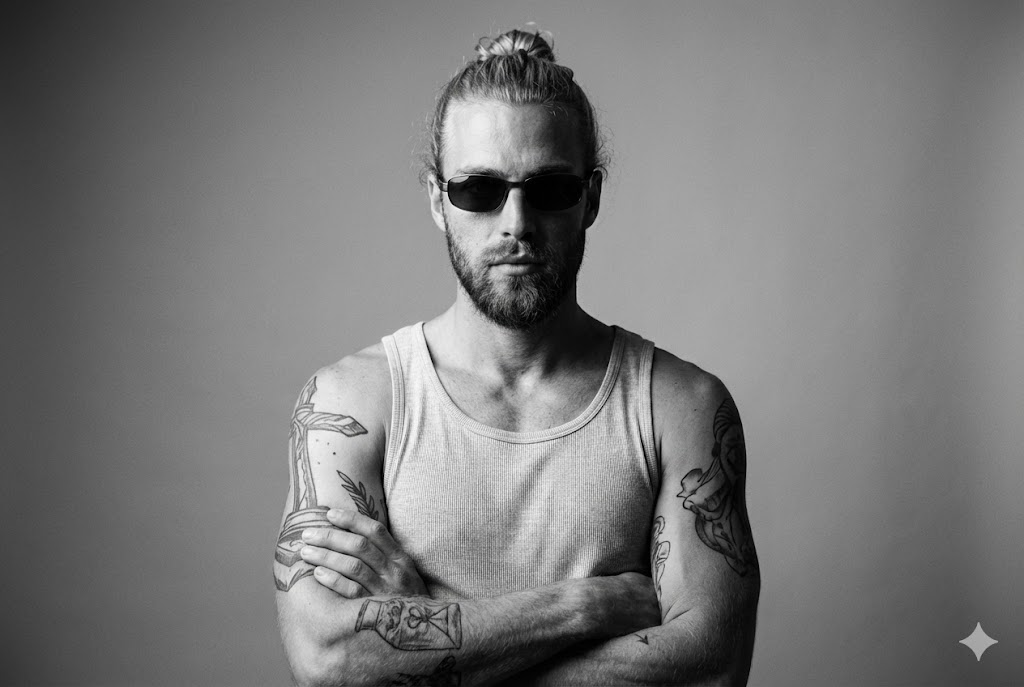
Kunst Tank Top (Strenge Identität)
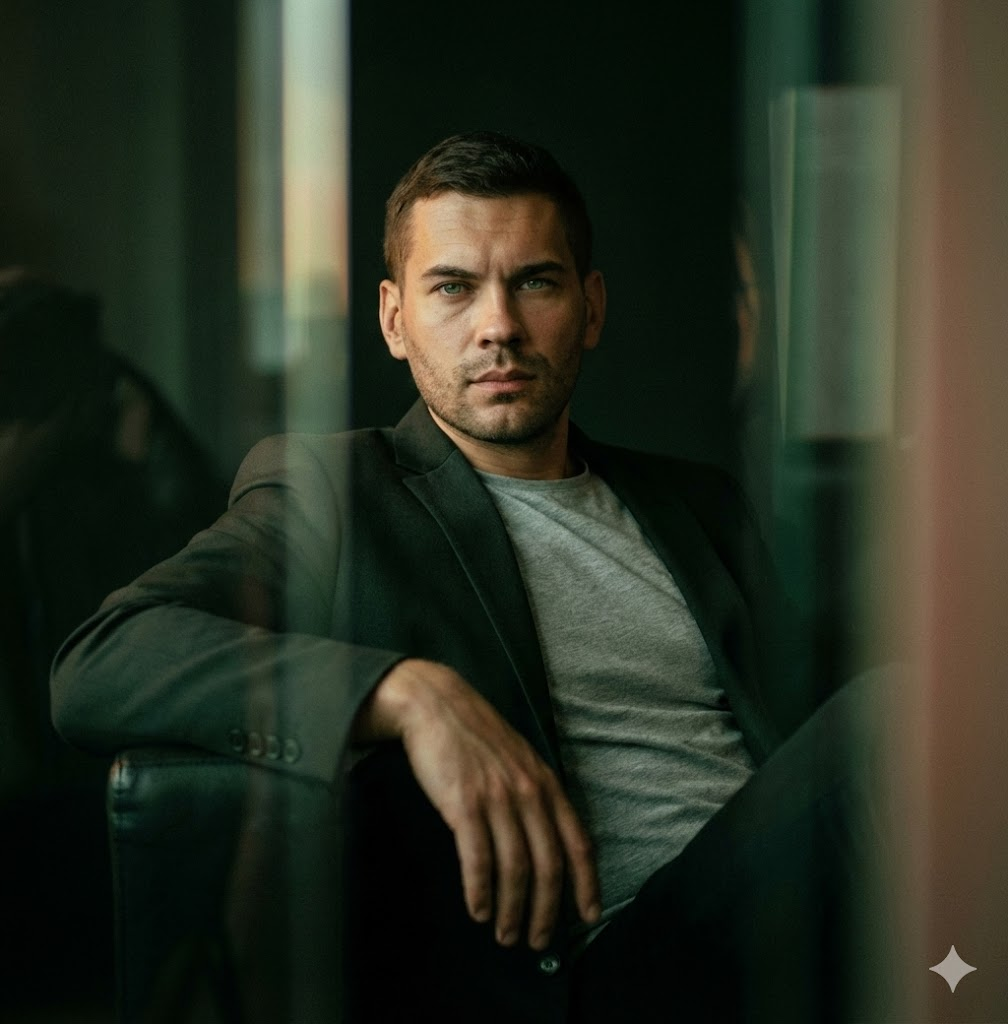
Kinematisch Schwachlicht / Zurückgelehnt
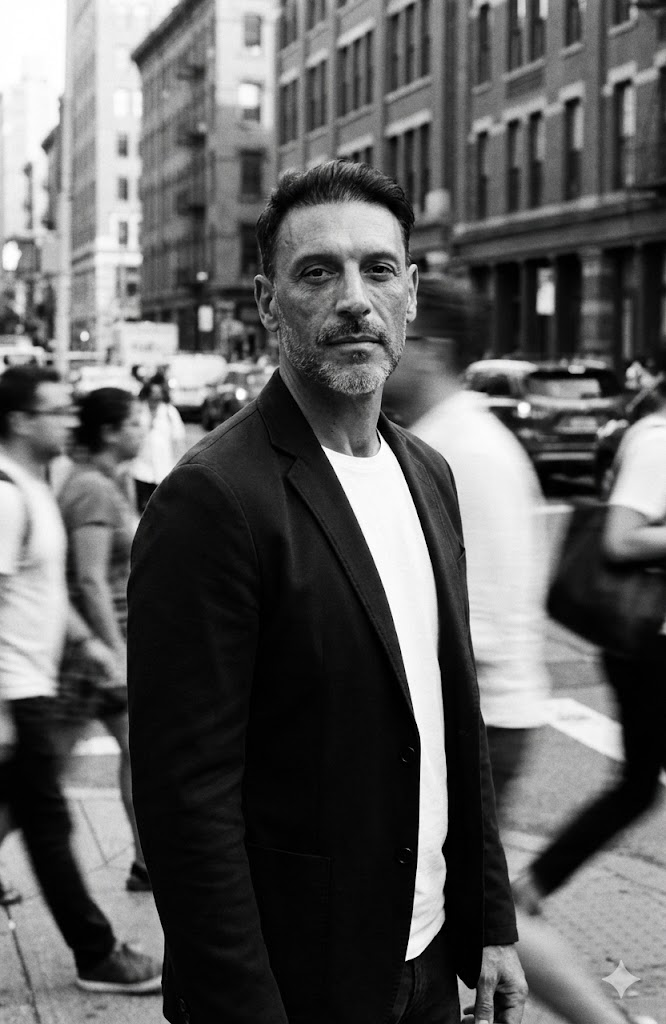
Bewegungsunschärfe Straßenmenge
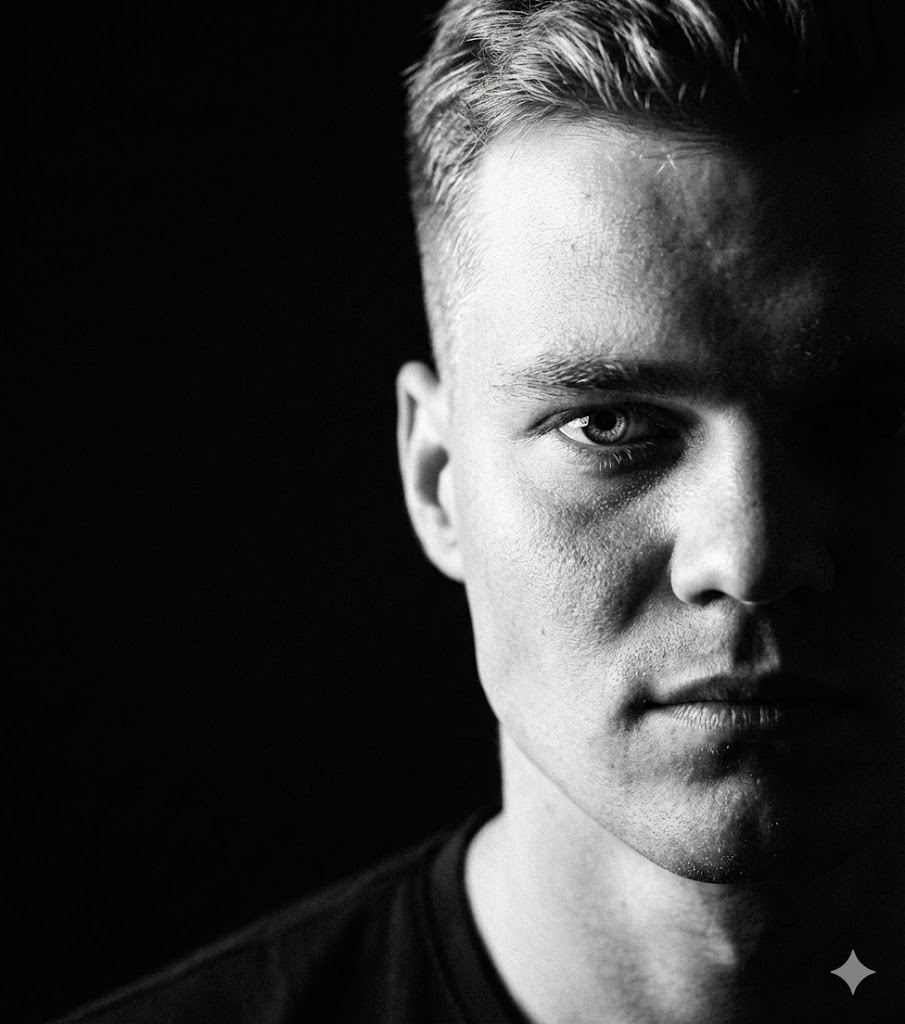
Extremer Schatten Halbgesicht
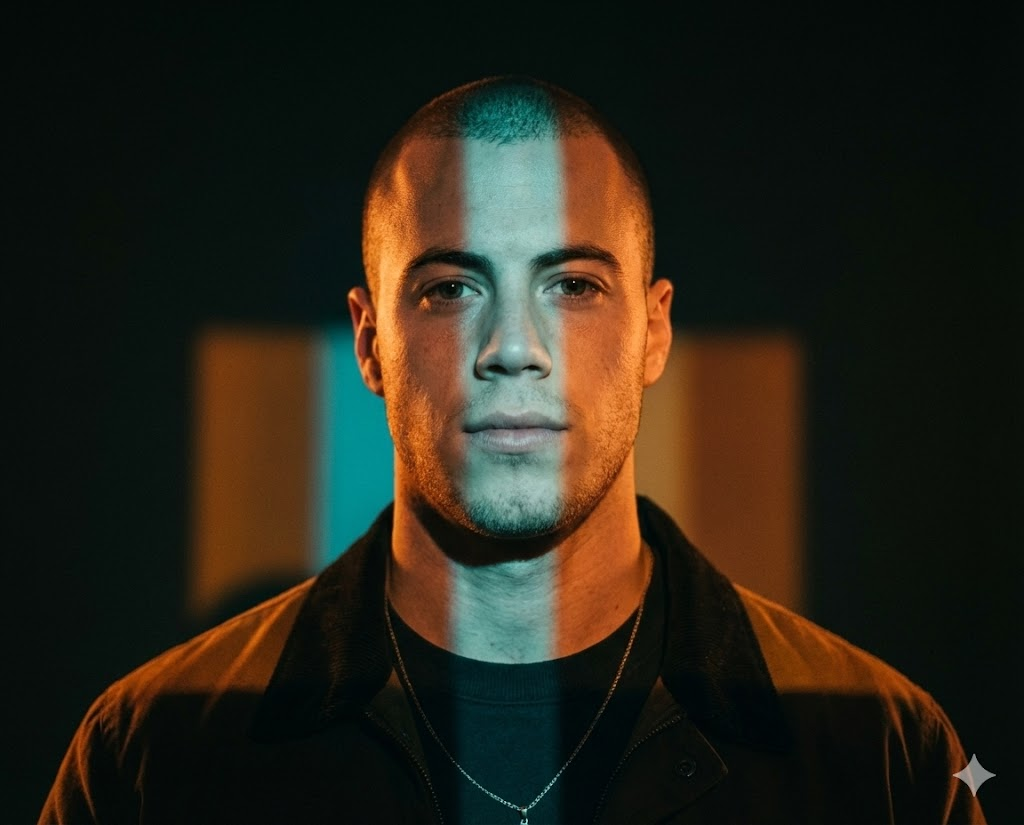
Farbbänder Projektion
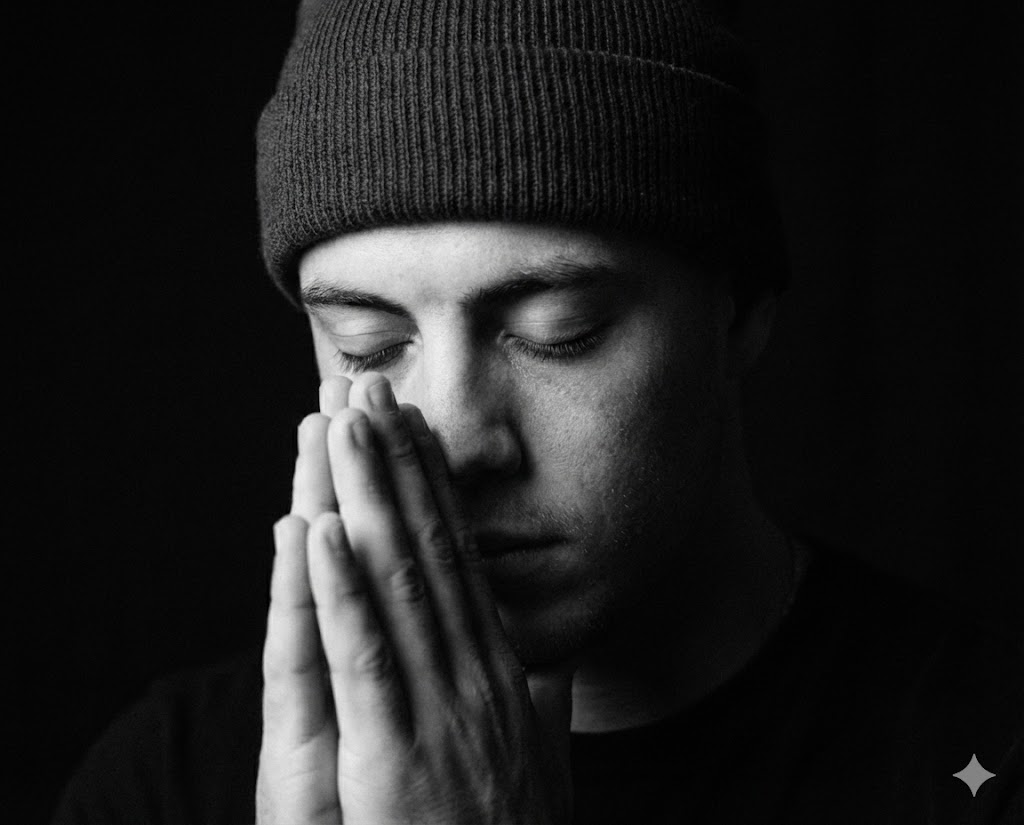
S/W Gebetsgeste
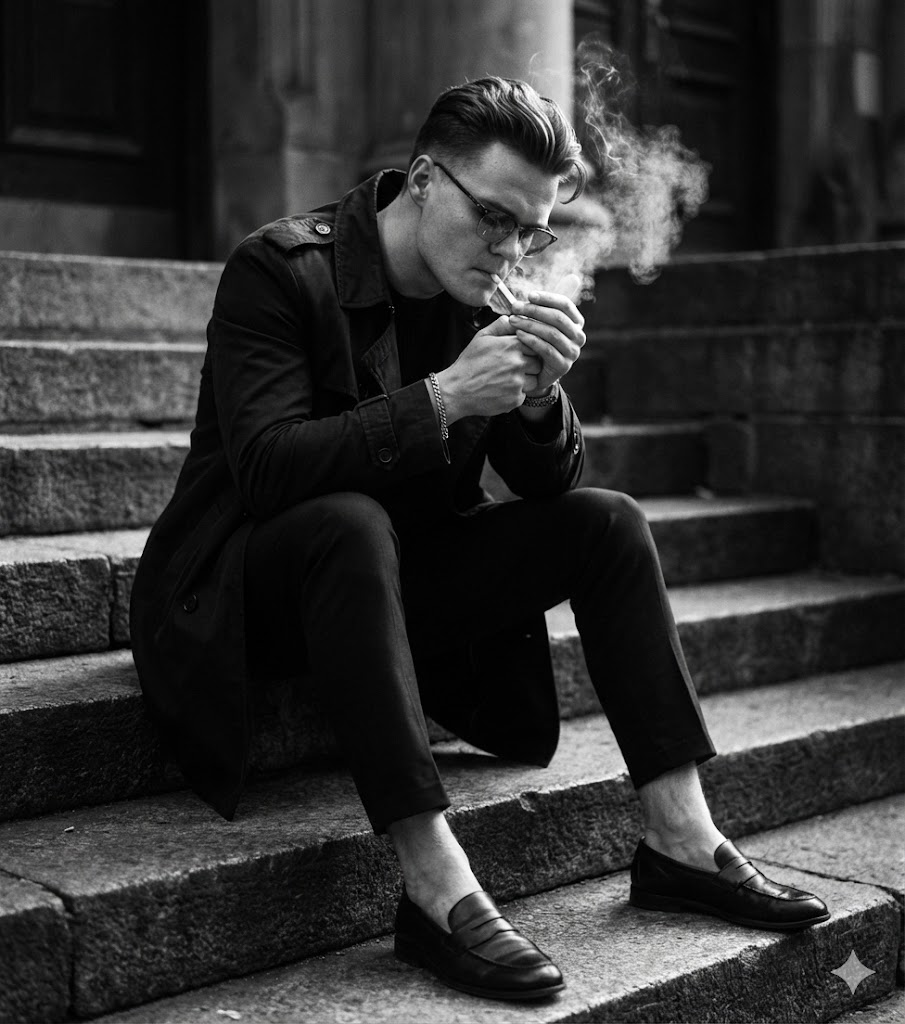
S/W Sitzend auf Stufen
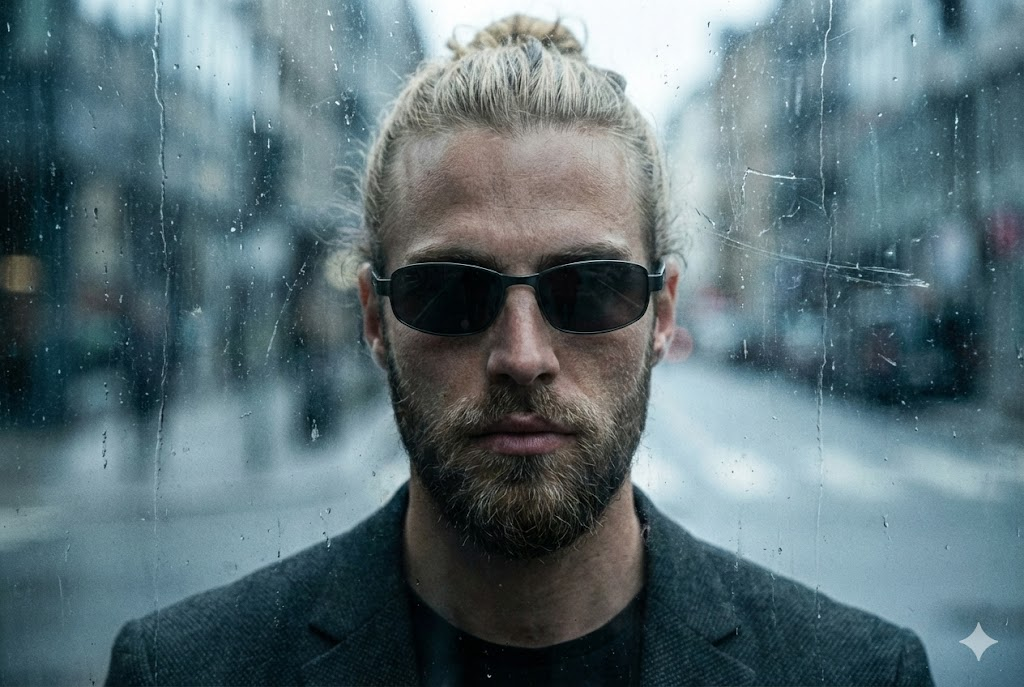
Rau Urban (Schmutziges Glas)
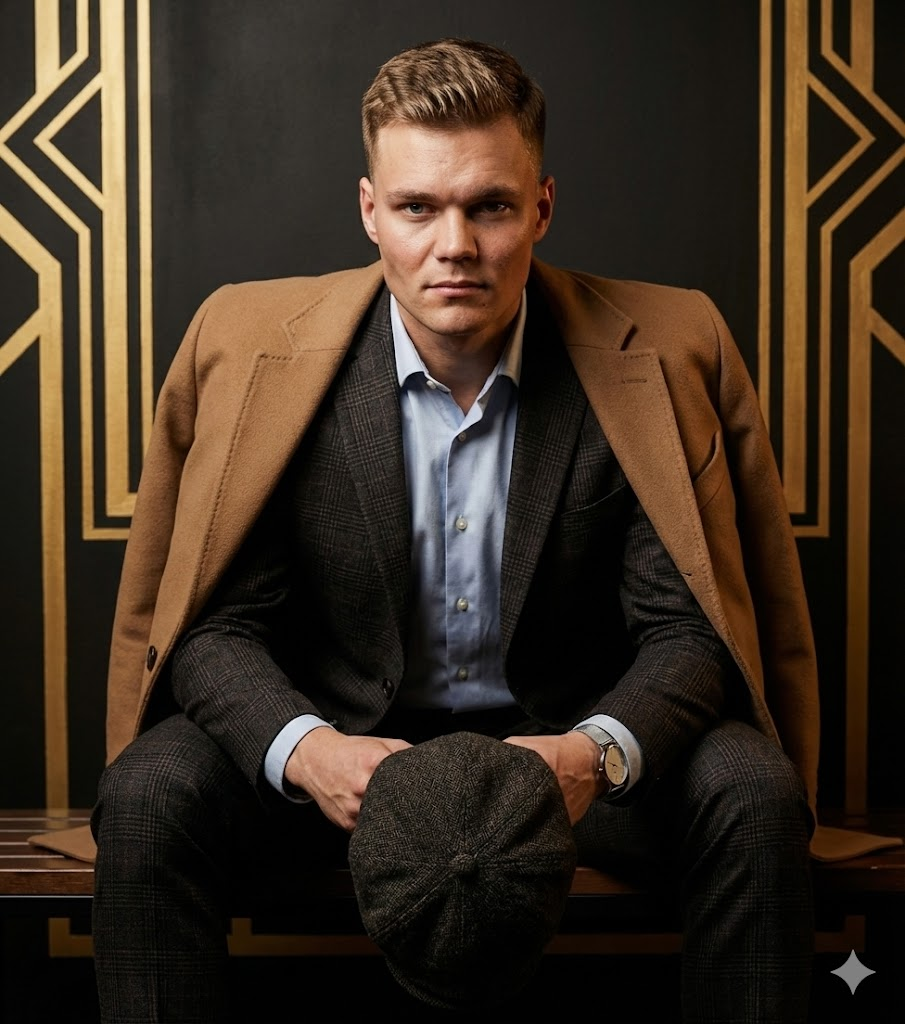
Sitzende Mode (Schiebermütze)
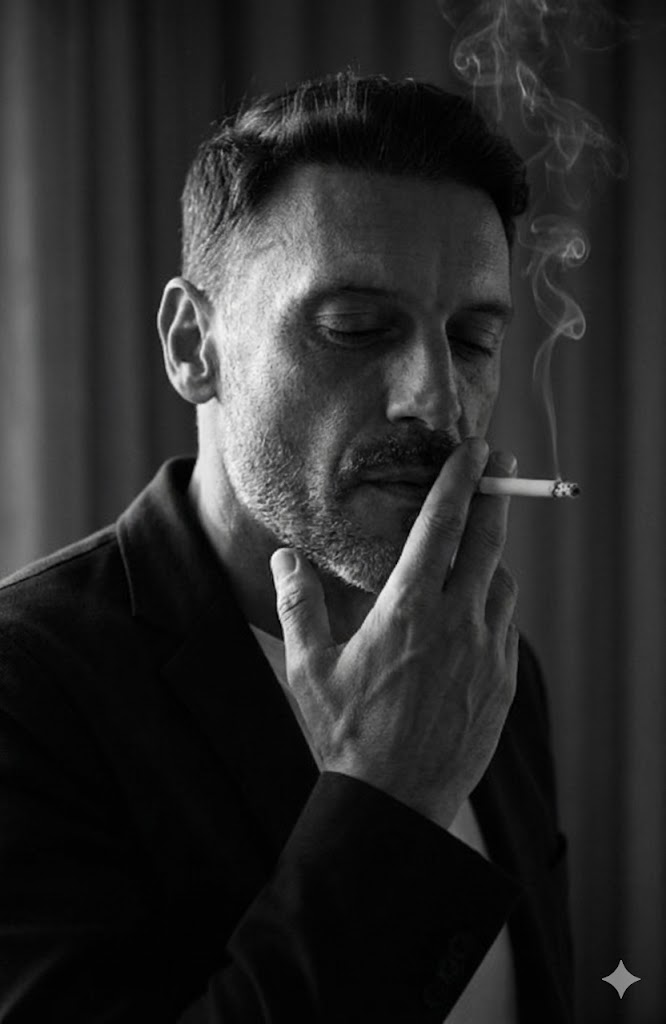
Low-Key Rauchen (Innen)
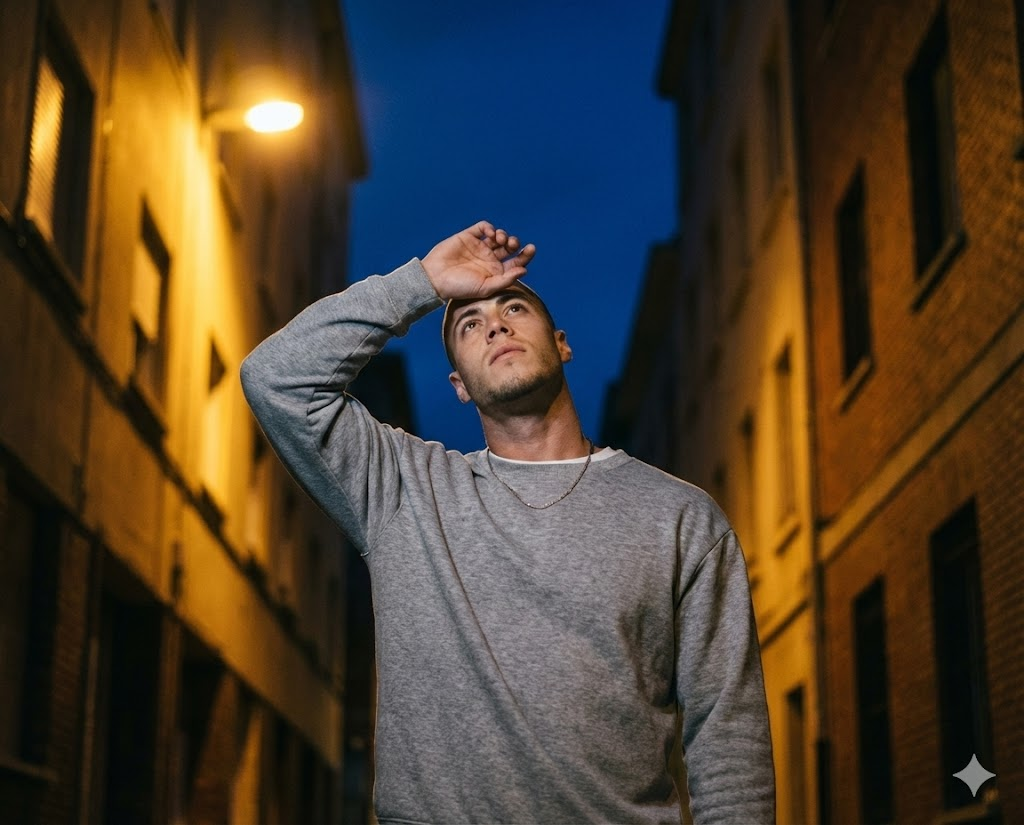
Nachtstraße Augen Schützend
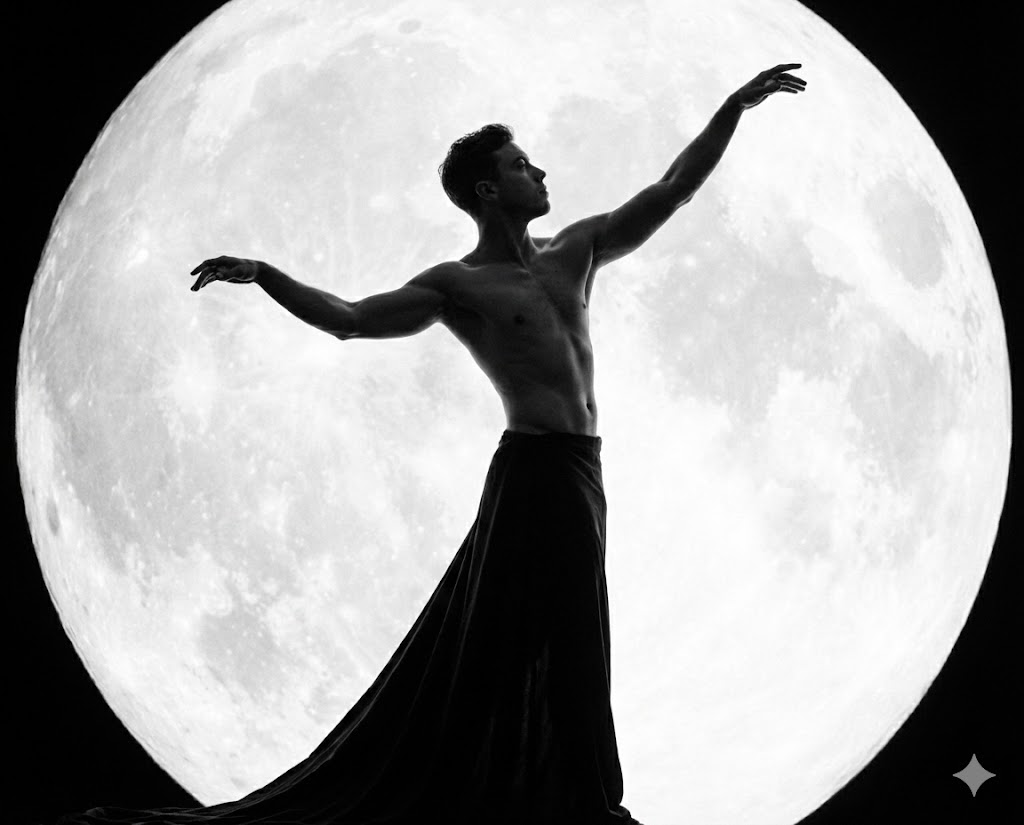
S/W Mythischer Mond
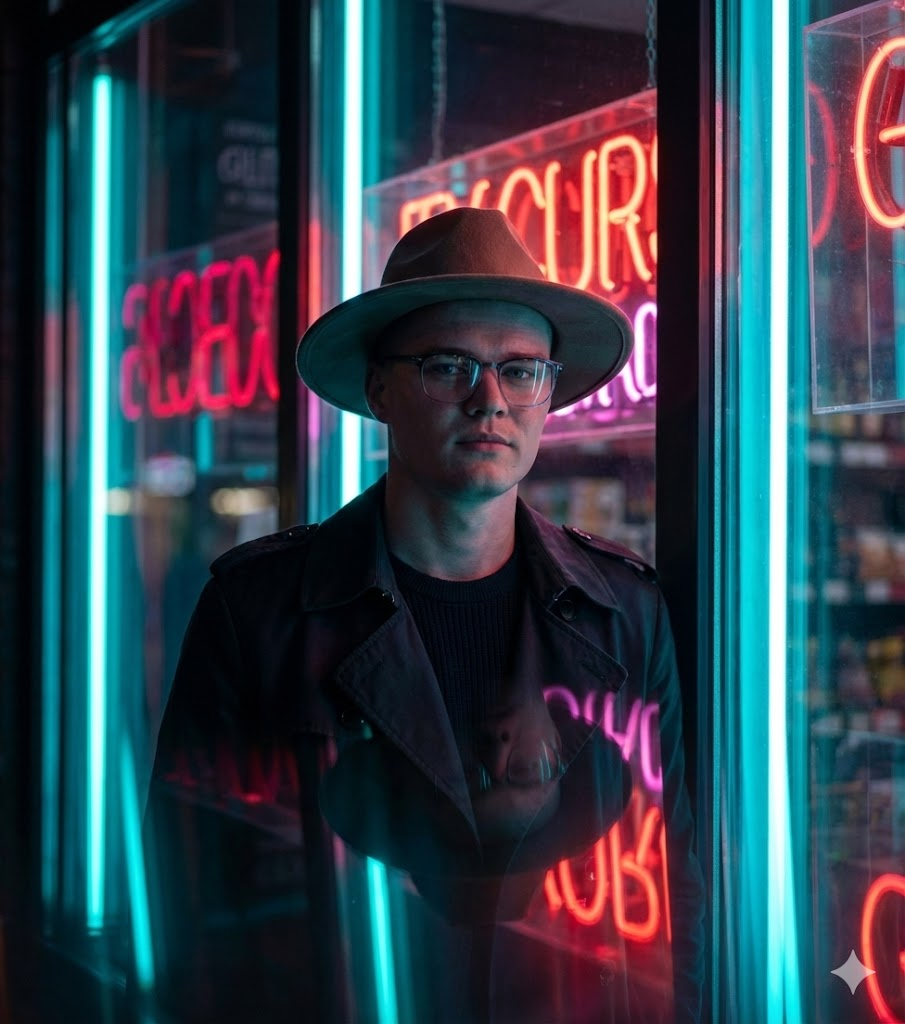
Noir Neon (Trenchcoat & Hut)
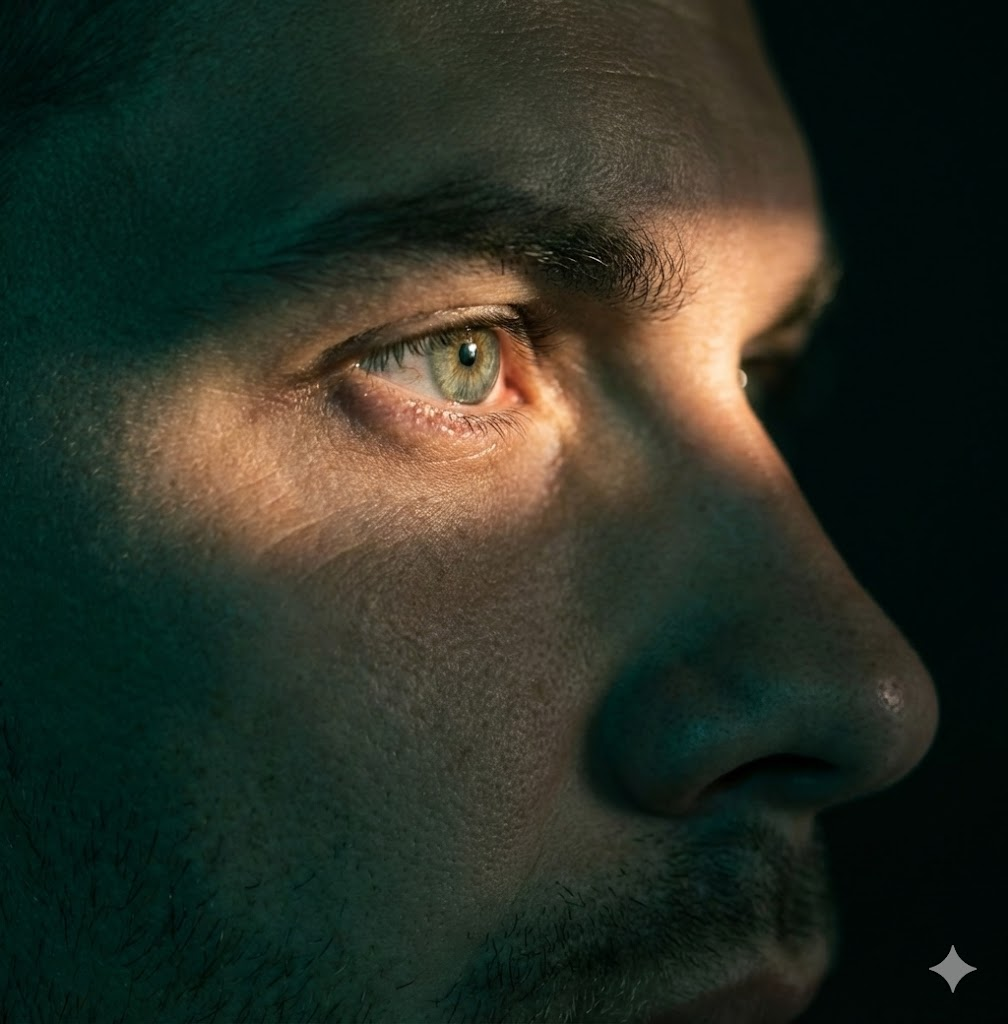
Extrem-Nahaufnahme / Augsburg

Futuristisches Glas & Neon
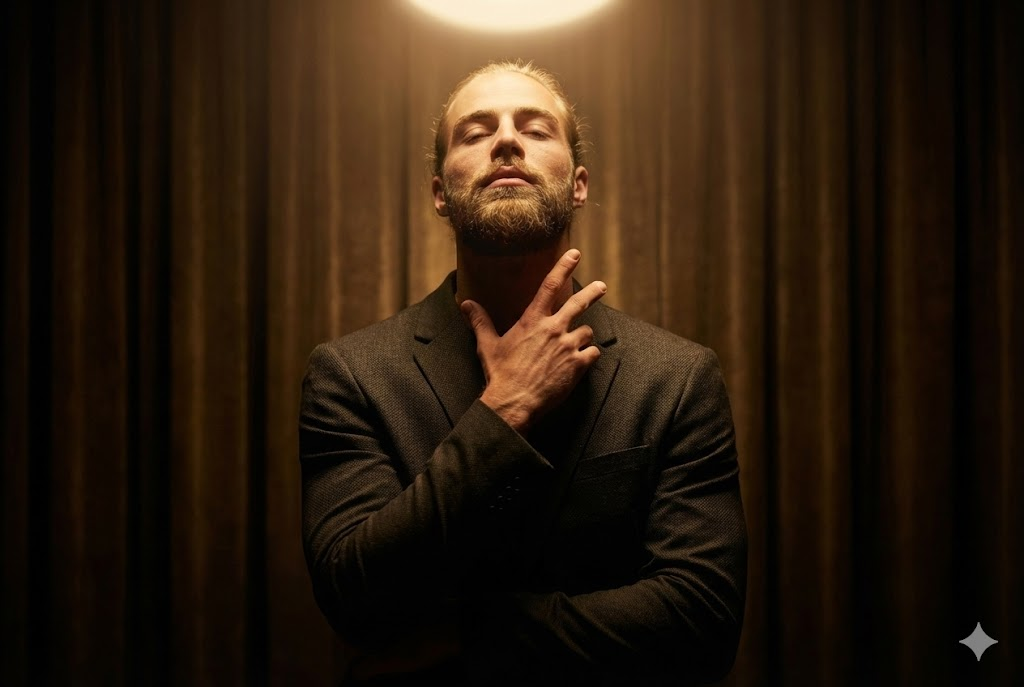
Halo-Licht von oben

Konzeptionelle Leuchtende Symbole
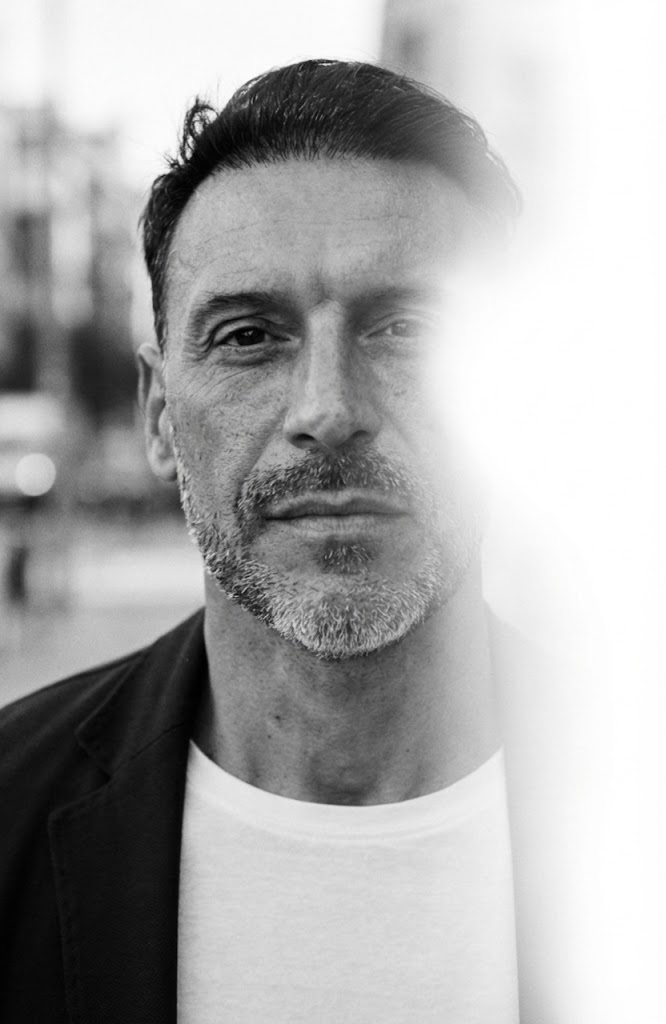
S/W Urbanes Lichtleck
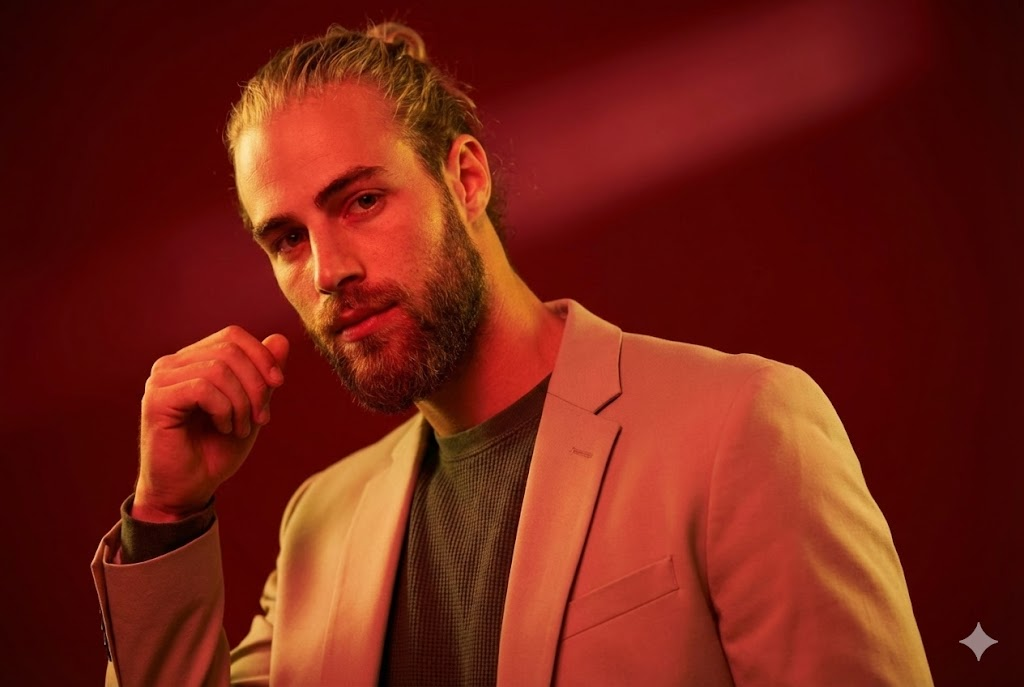
Rote Studiomode
Using the library
How should teams choose and adapt prompts?
What is the Maak.Digital prompt library?
+
What is the Maak.Digital prompt library?
The Maak.Digital prompt library is a searchable collection of reusable AI image prompts for creative professionals, agencies, marketers, and content teams. Each prompt includes a title, description, model, difficulty, tags, generated example, and detailed prompt text that can be adapted for production work. The practical value is consistency: a team can reuse a visual direction without rewriting camera, lighting, identity, and format rules from memory.
How should creative teams search the library?
+
How should creative teams search the library?
Search by the look you want, the production use case, a tag, a model, or a phrase from the prompt text. A useful search can start broad, such as urban or studio, then narrow by mood, lighting, pose, or output format. Filtered URLs such as /library?search=urban can be shared with teammates, saved in briefs, or revisited later.
What should stay fixed when reusing a prompt?
+
What should stay fixed when reusing a prompt?
Keep the identity rule, camera framing, lighting direction, mood, style, and output format stable. Those constraints preserve the creative system and stop a useful prompt from drifting into a different visual idea. If several people will use the same prompt, mark these fixed parts before anyone edits the campaign-specific variables.
What can be changed safely?
+
What can be changed safely?
Change campaign-specific details such as wardrobe nuance, background, prop, season, location, color intensity, or audience context. These variables let the same creative rule serve different briefs without rebuilding the whole prompt. Test one small batch after each change before turning the adapted version into a production baseline.
Which searches work best?
| Query type | Example | Result |
|---|---|---|
| Style query | urban, cinematic, black and white, fashion editorial | Finds prompts by visual language and creative direction. |
| Use-case query | selfie, portrait, product, studio, outdoor | Finds prompts by campaign or production need. |
| Constraint query | lighting, camera, background, identity, aspect ratio | Finds prompts by execution detail inside the prompt text. |
Which metadata is included?
| Field | Value | Why it helps |
|---|---|---|
| Model | Shows the intended generation model or model family. | Helps teams avoid testing a prompt against the wrong model family. |
| Difficulty | Marks whether the prompt is easy, medium, or hard to adapt. | Helps teams choose between fast experiments and advanced creative work. |
| Tags | Groups prompts by visual style, scene, and production category. | Helps teams browse by visual language instead of starting from a blank page. |
How should prompts be reused?
| Step | Rule | Reason |
|---|---|---|
| Preserve | Keep identity, pose, lighting direction, framing, and output format stable. | These constraints define the recognizable creative system. |
| Adapt | Change wardrobe, background, brand context, season, props, or campaign detail. | These variables make the prompt useful across different projects. |
| Validate | Compare outputs against the prompt purpose before saving a production baseline. | This prevents visual drift when prompts are reused by a larger team. |
What is the prompt workflow?
- -Search for the visual style or production use case.
- -Open a prompt detail page and review the example image, tags, and difficulty.
- -Copy the prompt text and keep the identity, framing, lighting, and format rules intact.
- -Adjust flexible campaign details such as location, wardrobe, color intensity, or background.
- -Test a small batch, choose the strongest baseline, and document the adapted prompt for reuse.
Which references are useful for prompt workflows?
Prompt work is easier to maintain when examples, model context, metadata, and reusable creative rules are documented together. These references are useful when comparing model behavior and structured content conventions.
Technical notes
What context is kept for discovery and retrieval?
Which prompt details are available in server-rendered HTML?
+
Which prompt details are available in server-rendered HTML?
Each prompt exposes a stable URL, title, description, model, difficulty, tags, update date, prompt text, example image, FAQ answers, Article JSON-LD, and a relationship to the Maak.Digital Organization schema.
Why keep metadata and FAQ copy on prompt pages?
+
Why keep metadata and FAQ copy on prompt pages?
Metadata helps people compare prompts quickly, and it gives search and retrieval systems enough context to understand the prompt without relying on screenshots, hidden client state, or image recognition alone.