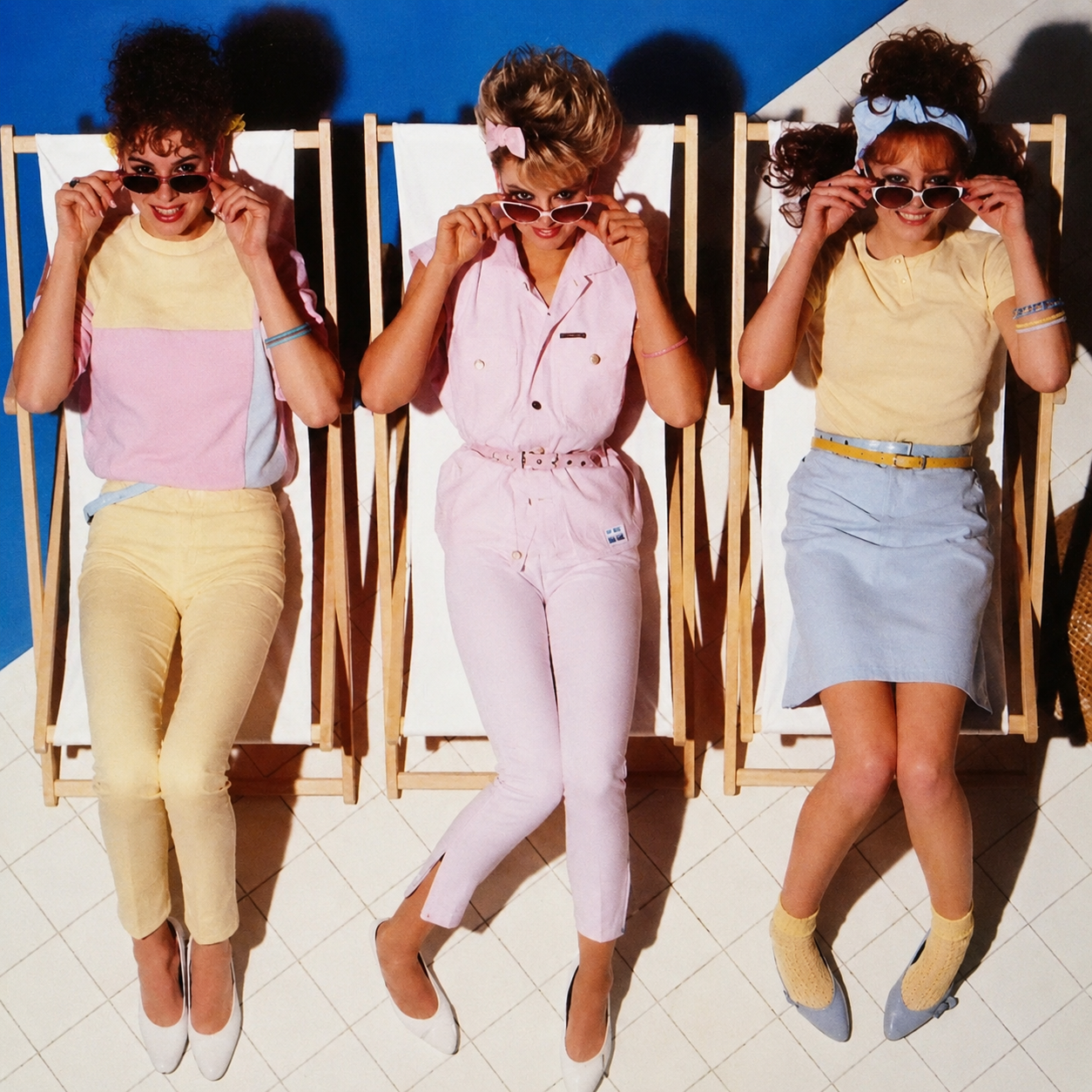
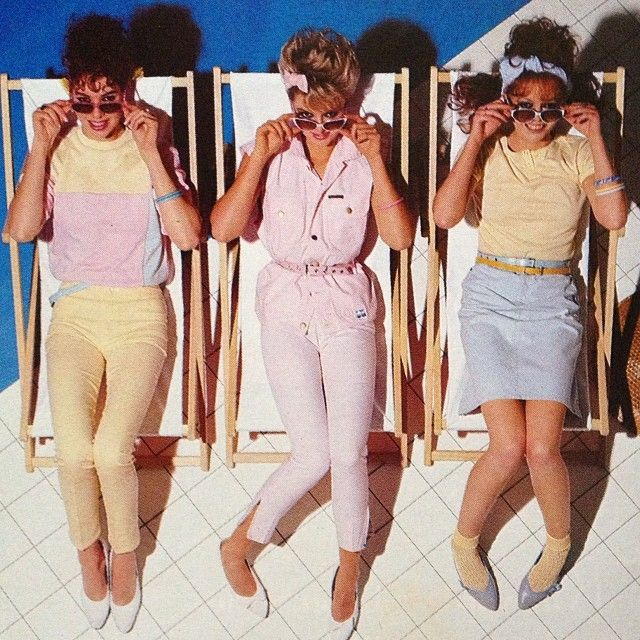
A simple prompt for cleaning up damaged, noisy, low-quality photos without inventing extra details or adding a fake glossy look.
Drag the slider to compare the original noisy upload with the restored version.
Sometimes the problem is not the photo itself. It is the default AI behavior: it cleans too much, invents faces, changes clothes, or makes the image look like plastic. This prompt is useful when you want the photo to feel restored, not replaced.
Copy the prompt
Photo restoration prompt
Restore and enhance an old damaged photo. Remove scratches, stains, and noise. Reconstruct faded or torn areas while preserving original details. Slightly sharpen the image for better clarity, but keep it realistic. Apply natural and era-appropriate colors to skin, hair, and clothing. Use a soft, balanced background color without being too striking. The final result should look like an old photo that has been realistically restored and colorized, while respecting its original appearance.
How to use it
Upload the old or low-quality image into ChatGPT with image tools enabled.
Paste the prompt exactly as written.
If the result changes identity or invents details, run it again and add: preserve the original faces, pose, clothing, and composition.
Who it helps
Use it for family archives, old social photos, marketplace listings, moodboards, retro references, or any image where the content is good but the file is rough. It is not for changing the story of the photo. It is for making the original easier to see.